Add Search icon to Header/Nav Menu
Completed
Hi,
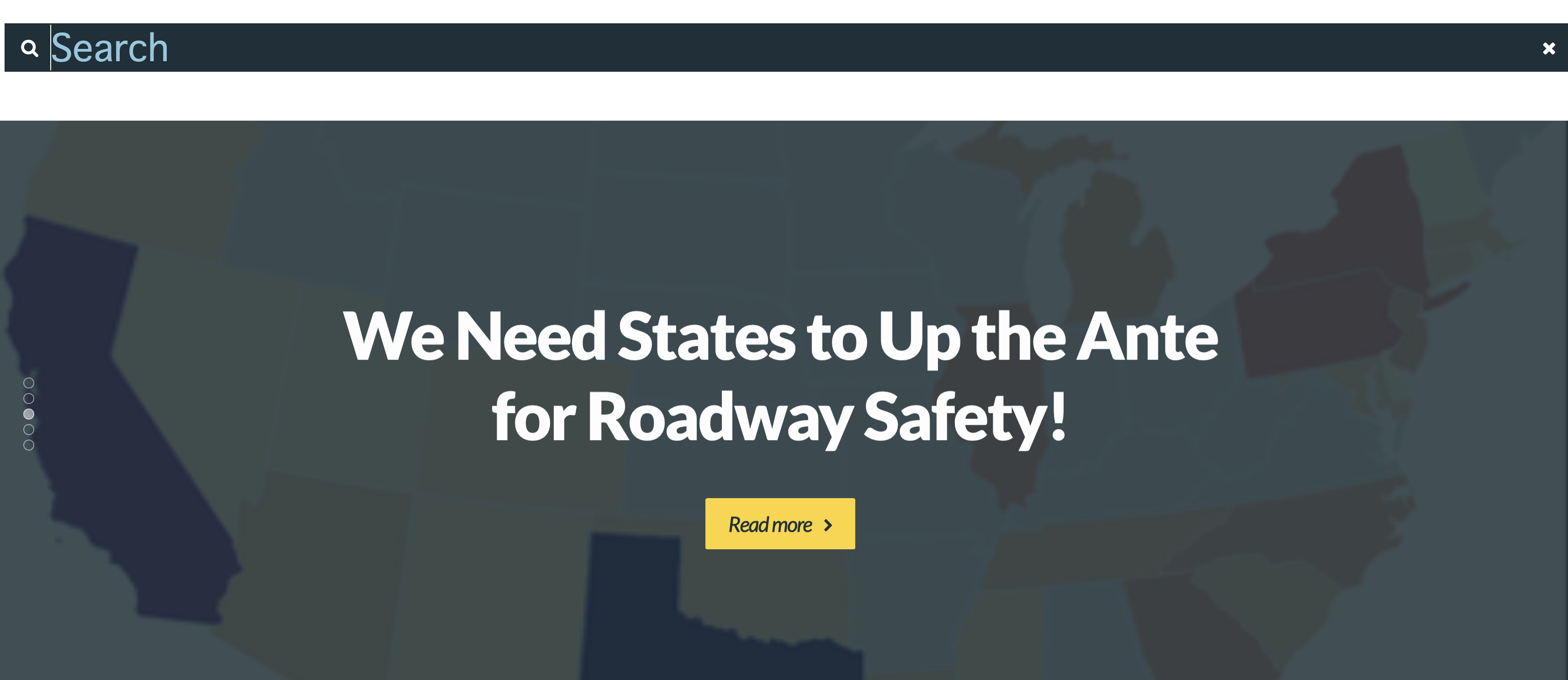
I found the tutorial for adding the Search Form element to the header, however, I don't want a full search form to appear. I would prefer just an Search Icon to appear, and then when you select the Magnifying Glass icon, it will open the search form and allow you to type. Do you have a method or suggestion for adding a Search Icon only to the header? I am migrating from your Unyson Philanthropy theme which has this ability, so I am using the Brizy Philanthropy template, but I don't see an option for adding search to the header as an Icon only.
See screenshots included from existing site using the Unyson builder.
Existing site with Icon only search using Unyson: https://visionzeronetwork.org/
New site being migrated to Brizy in development: https://vznstaging.wpengine.com

-

Hi Eric,
You can add a search icon to your header and show a search form in a popup. I have access to your staging site and have added a search icon. Please check it out https://vznstaging.wpengine.com/
0 -
Thank you! This works perfectly
Best,
Eric
0
Please sign in to leave a comment.
Comments
2 comments