Cannot follow guide to publish to 3rd party

This step in the attached image does not appear and I am unable to follow the how-to-guide which appears outdated.
Please advice.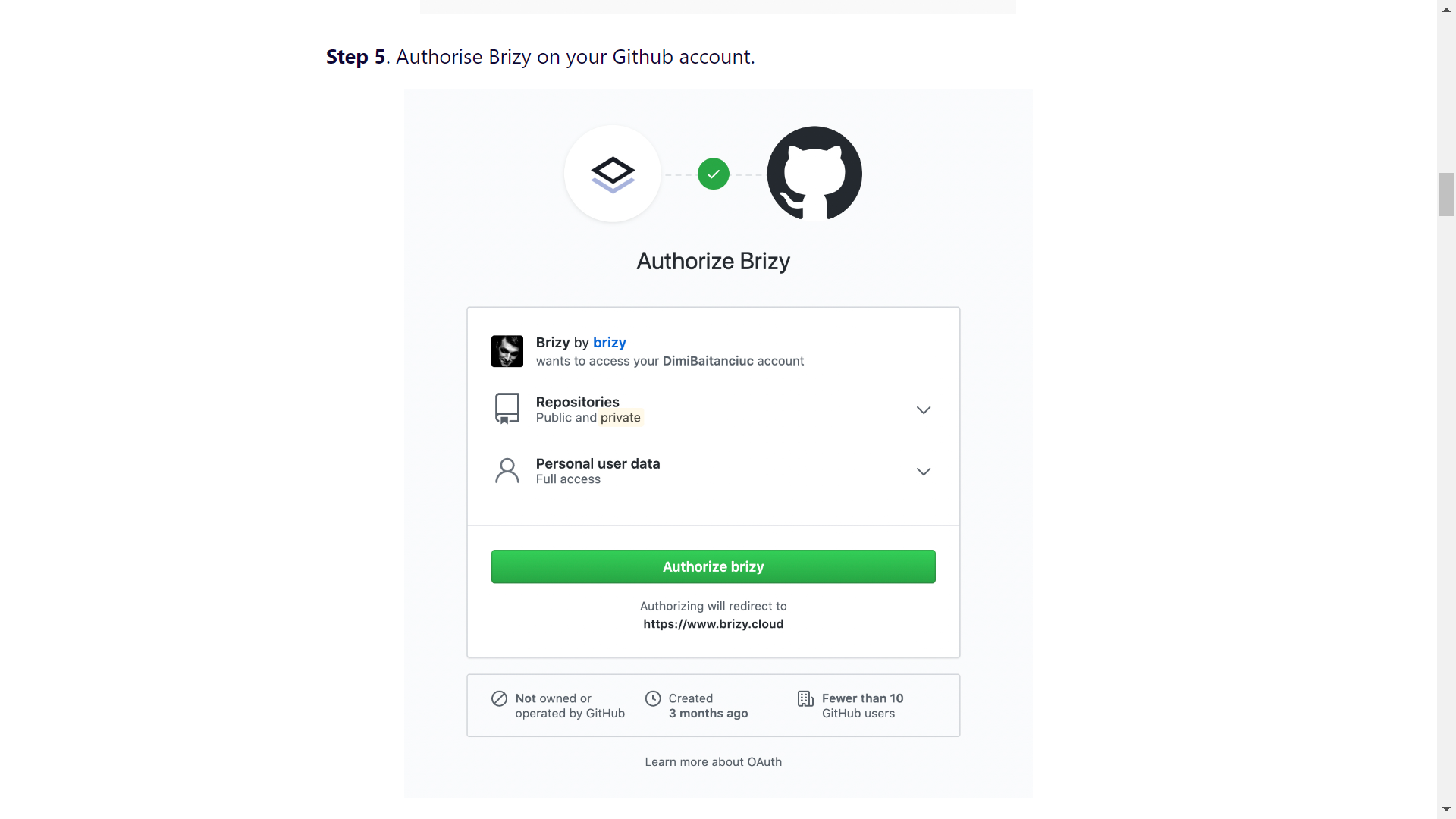
-

Hi Jacob,
What 3rd-party Free Hosting did you choose to publish the Brizy Cloud project? We have created 4 articles for each connection.
Here you can find how to connect your Netlify account - https://support.brizy.io/hc/en-us/articles/360044234652-How-to-connect-your-Netlify-account
Here - how to connect your Fast.io account - https://support.brizy.io/hc/en-us/articles/360044686511-How-to-connect-your-Fast-io-account
Here - how to connect your Vercel account - https://support.brizy.io/hc/en-us/articles/360044239232-How-to-connect-your-Vercel-account
Here - how to connect your Render account - https://support.brizy.io/hc/en-us/articles/360044667811-How-to-connect-your-Render-accountAlso, do you have a Github account?
Best regards, Nelea.
0 -
Tried them all. Netlify first. SPAM"
0 -
Hi,
I tried to publish the project with Netlife, I received this image, click on login, followed all the steps from the image, then I followed the step from the Brizy article, and everything works.
Best regards, Nelea.
0 -
It does not help me. I do not get - as posted in my first post - the step where I authorize Brizy - and so I can not find the repository in my github.
I made a new account on github and netlify - and step 4 and step 5 still does not appear.
Please advice.
0 -
Dear Jacob,
We would like to check this problem from your dashboard. Could you please send us the WP credentials to this site? We have created a private ticket for this request. You will receive an email regarding this. Could you send us in that private message the WP credentials to this site?
Best regards, Nelea.
0
Please sign in to leave a comment.
Comments
5 comments