#Category Title shows #Post Title instead

Hello team, everything worked fine at the beginning, and then #Category Title started showing #Post Title.
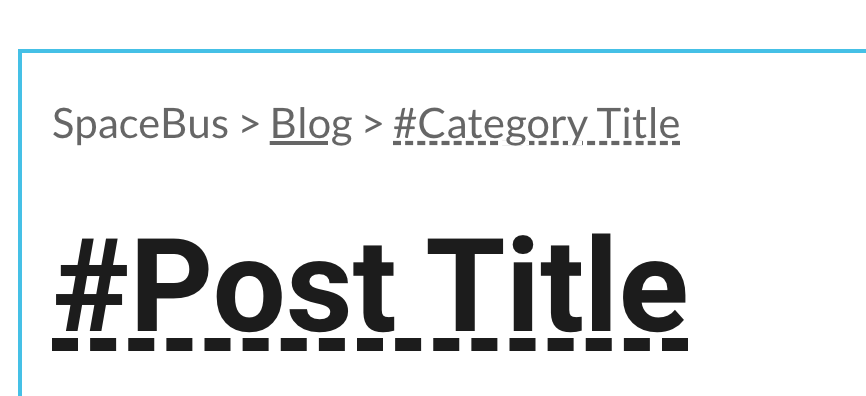

Url: https://www.spacebus.dev/current-trends-and-job-outlook-of-it-careers
The same on my blog page https://www.spacebus.dev/blog

-

Hi Vadim,
This looks like a bug. I am ale to reproduce the issue at my end. We will work on a fixing this. Thank you for reporting this.
1 -

Hi Vadim,
We would like to inform you that the issue is solved.
Have a nice day!
0 -
Hi Vadim,
We have fixed this issue in Brizy Cloud. Please check if 'Category Title' displays correctly.
0 -

I am having this same problem 3 years later.
The blog post title is displayed instead of blog category title in "auto" mode.
Can this bug be fixed again?
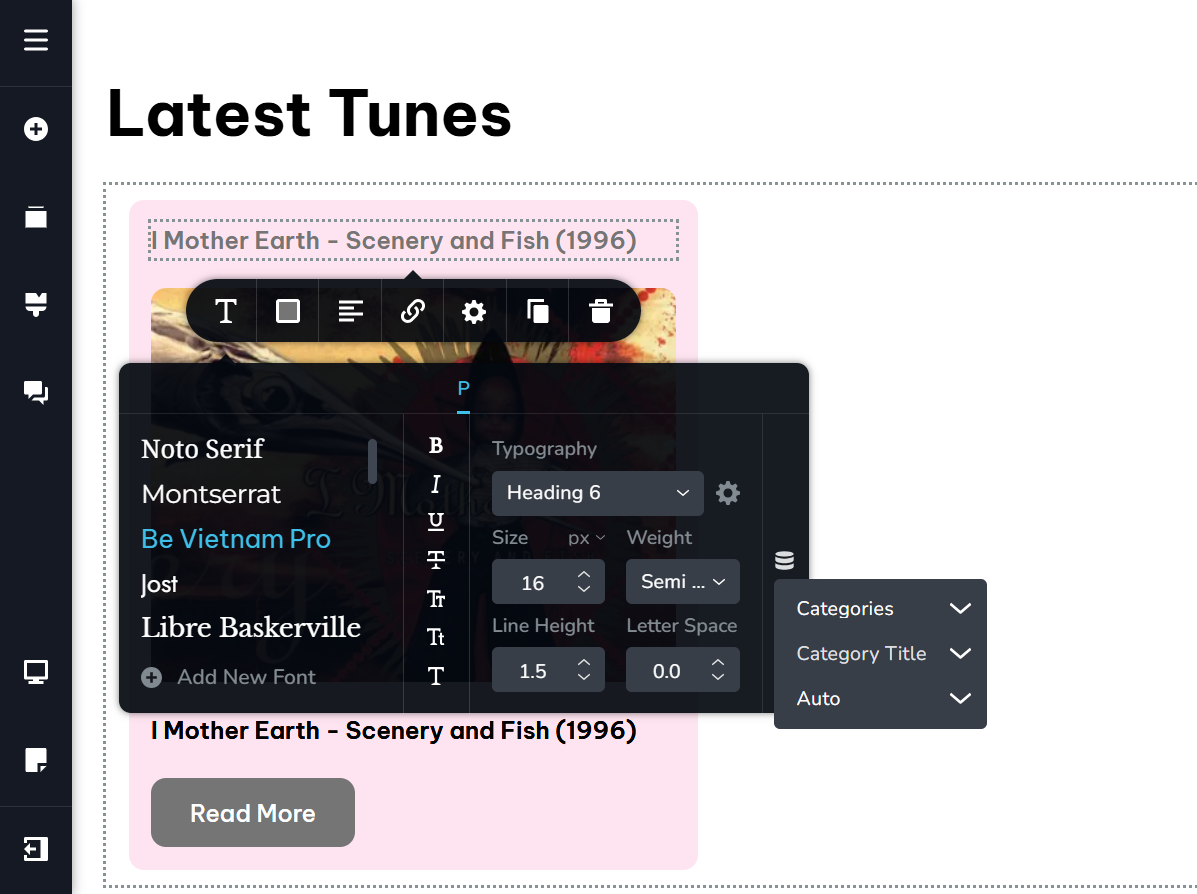
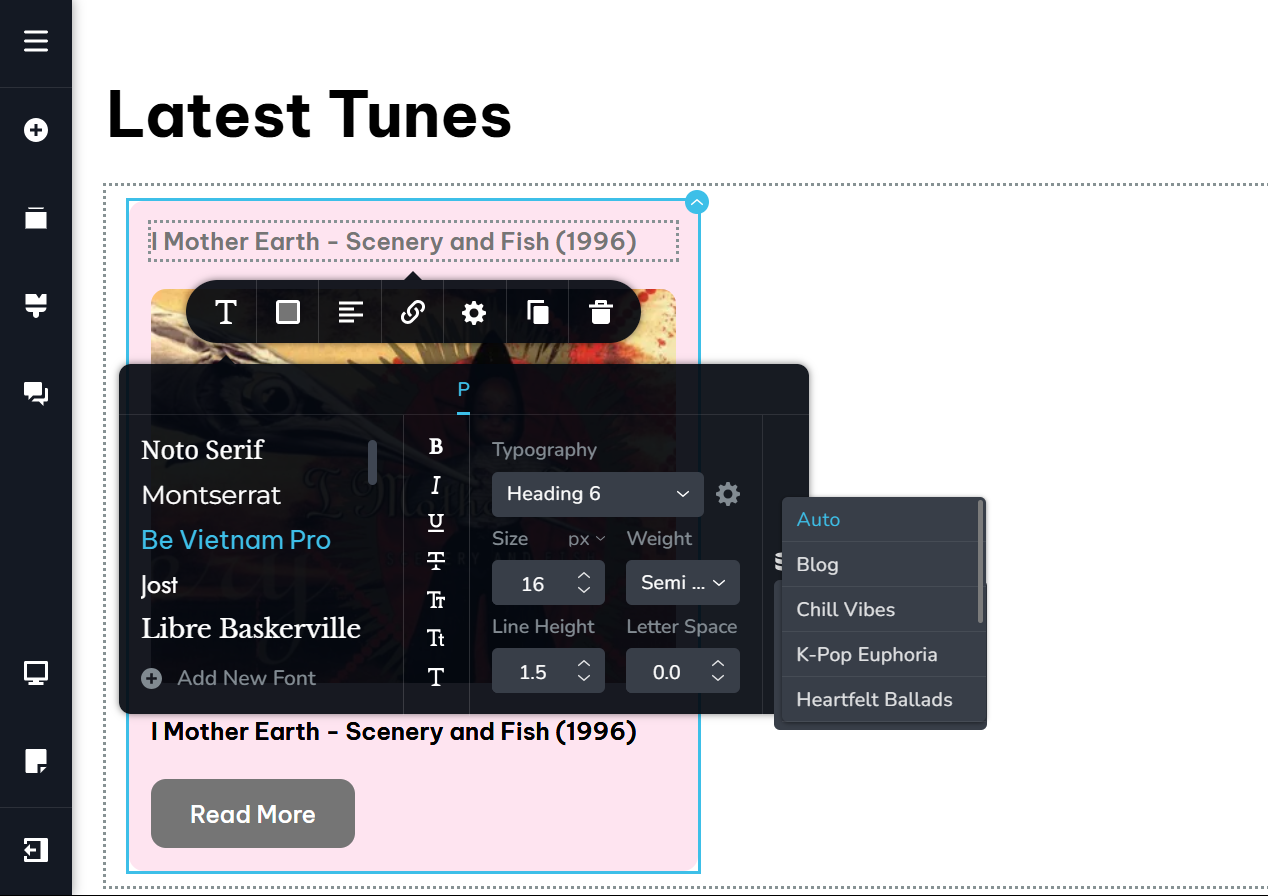 0
0 -
Hello Turnkey Webmaster,
I tested the Category Title dynamic text on a Brizy Cloud page using the Posts element. Kindly have a look at https://restaurant-1.brizy.site/en/category-title The categories are correctly being displayed on this page.
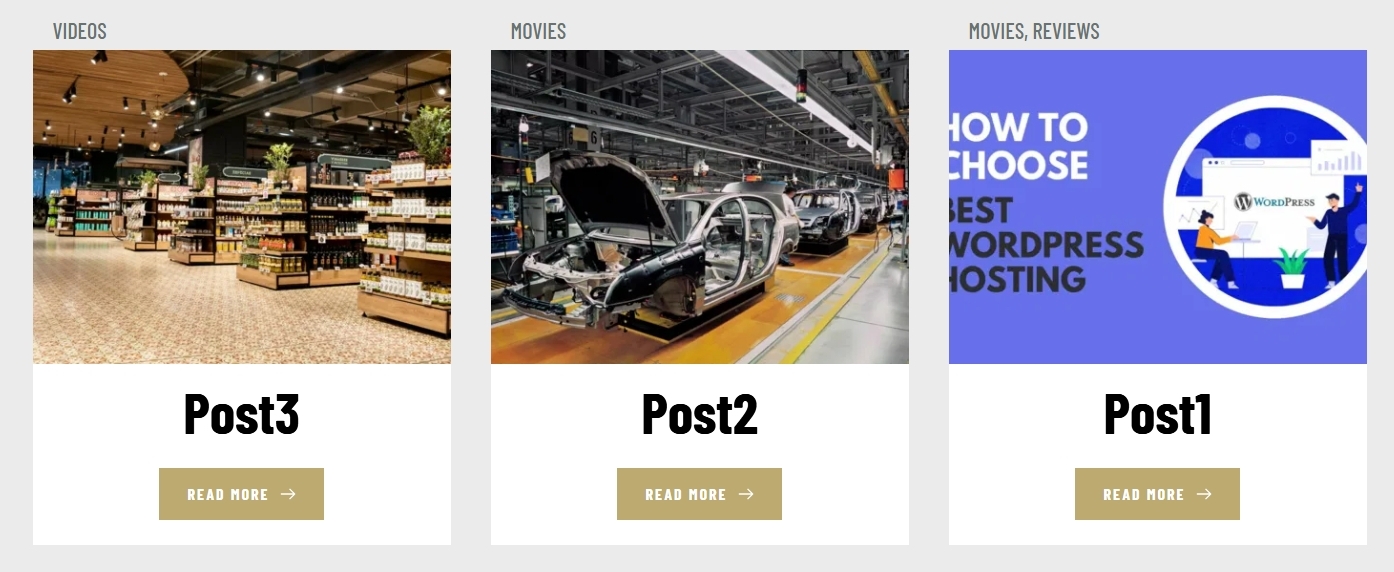
What are the steps to reproduce the issue? If the issue is specific to a project, kindly let us know the Workspace, Project Name and the Preview URL of the project
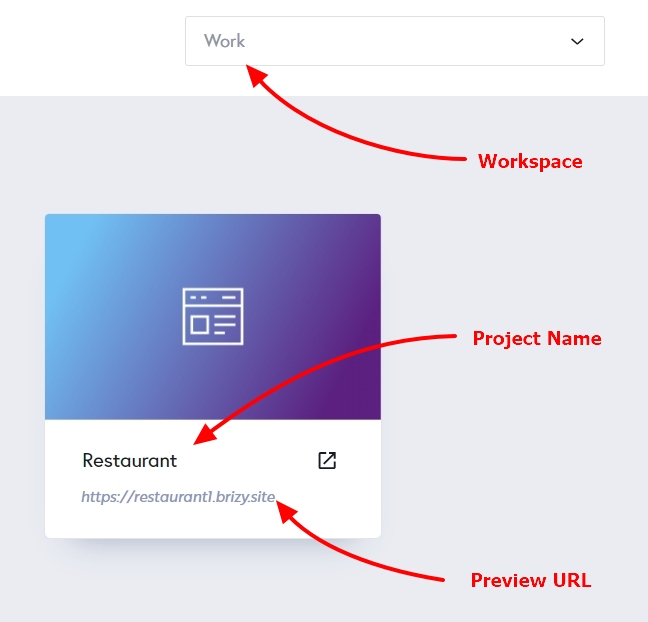 0
0 -
The problem is not project-specific. I tested on another project in the same account and had the same issue. Here is the results. Notice the "Category Title" is actually displaying the "Post Title" in error:
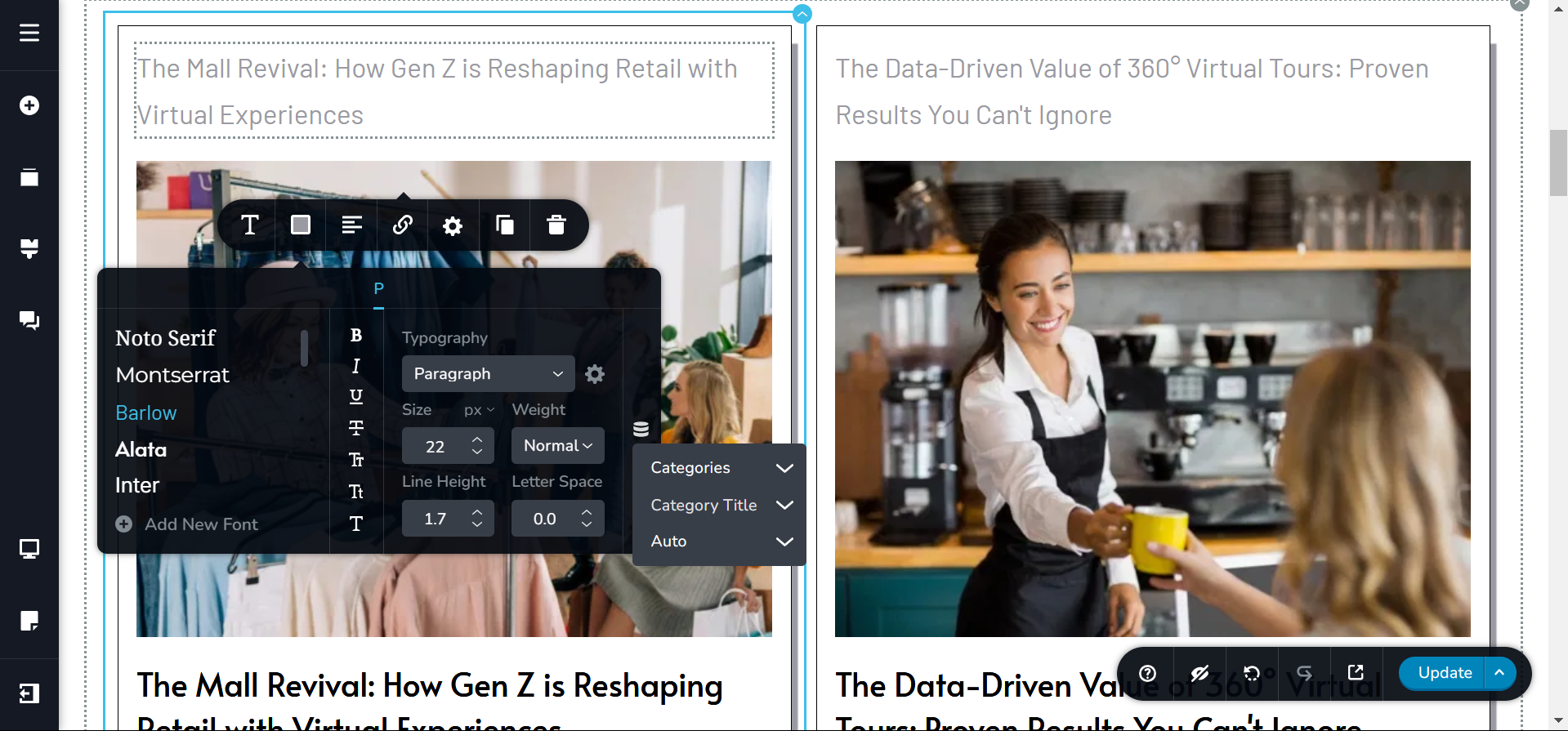
As for the project information to troubleshoot, here it is:
Workspace: [removed]
Project Name: [removed]
Preview URL: [removed]
Do you need any further information?0 -
Hello
I have added the category names to https://sparrowcdcf7923.brizy.site/tunes. Please check.
0 -
I see that, thank you!
Should I expect this to work for other projects in my account moving forward?
Did you fix something in my account?
0 -
I did not fix anything in your account. I just added the category title the way you would add it and it worked in the first attempt.
I would expect it to work on other projects as well. If it does not, kindly get back to us. We will take a look.
0 -
I understand your process now, and see that the bug persists.
There are two ways to reach this same goal, and only one way works.
Here's what I was doing (1st method):
1) Add a text element to the post grid block
2) Open the dynamic item option > choose Category > then Category Title > then Auto
That's the exact process I followed for Post Excerpt and it worked. However, it didn't work for Category Title (show the Post Title in error).
Your "fix" (2nd method) goes like this:
1) Add a text element to the post grid block
2) Open the dynamic item option > choose Auto > then Category Title
Do you understand?
Can the 1st method be removed in the editor, or fixed by the devs?
0 -
Hello Turnkey Webmaster,
I am sorry; I could not get the difference between Method 1 and Method 2 you have described above. Can you demonstrate it in a screen recording?
0 -
Here's a video, I hope it explains it:
[removed]
0 -
In your project, you have selected "Posts" as the source for your Posts element. Hence the The "Posts" element is displaying blog posts.
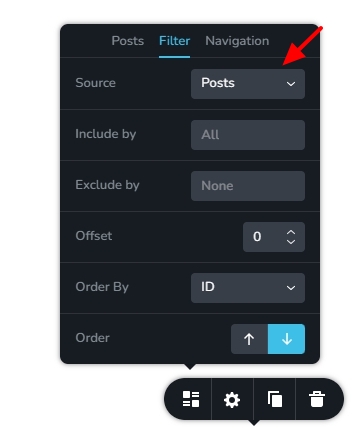
When you are adding dynamic text to a Post card within a "Posts" element which is displaying blog posts, you don't have to select "Posts" again within the Text element (while adding dynamic content). You just have to select the "Category Title"
Instead of displaying blog post category, let's say you want to display the publishing date of a page, you can use these selections
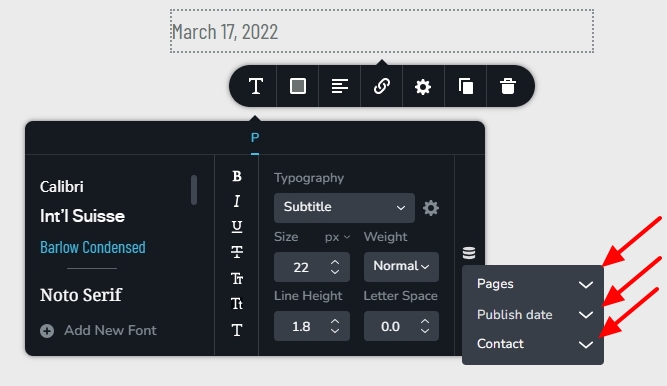 0
0 -
Thank you for the lesson, it is helpful.
Now you know how to approach this issue should it arise again (like it did me and the OP 3 years ago).
0
Please sign in to leave a comment.
Comments
14 comments