Cropped images

Hi there!
I am having an issue with square images which are shown as rectangles. To be more precise: I’m having a template with an image element set to 100% width and 617px height. In the frontend the dimensions are 617px width and 683px height. The height seems to be at 100% — so the images are cropped left and right. Setting the width also to 617px doesn’t change anything. Also the image quality is pretty low — although the uploaded image has 3330 x 3330px …
Any hints would be appreciated!
-

Hi,
Thank you for contacting us.
You can select the size of your image from here. Can you please try to upload again the original image, and choose a size for it? If the original image looks clear then in Brizy builder it will be the same.
Best regards, Nelea.
0 -
Hi Nelea —
Thank you for your reply! Unfortunately the menu under my image looks a bit different: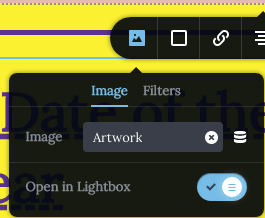
I am using it in a template and it’s getting its content from a custom field …0 -

Hi Tilman,
To resize the image like a square, click on the image and 8 dots will appear along the image edges. Drag the corner dots to reshape your image like a square. Please take a look at https://neuewelt.club/wp/neue_welt_dates/outsiders-3/. I have resized the image on this page.
0 -
Hi KC George!
Thank you for answering. The problem with your approach is that the image is not in the grid any longer — the margins are bigger than everywhere else. I need it to have 100% width and it has to be fully visible. How can this be achieved?
Kind regards0 -
Hi Tilman,
I have removed the margins around the image and made it 100% width. I could not understand what you mean by this "The problem with your approach is that the image is not in the grid any longer". If you want a square shaped image, its height will be lower than other designs because the other designs are rectangular.
0 -
Hi KC George!
Following this link can see how the margins have to be. Also you can see that the image is cropped as it’s rose-coloured frame isn’t overall visible …0 -
Hi Tilman,
In the design I was working on at https://neuewelt.club/wp/neue_welt_dates/outsiders-3, I do not see a rose colored frame in the background. If you add a rose colored frame in the background, then you can adjust the width and the height of the image following the procedure in this video. https://jmp.sh/4yhZfoP
0 -
Hi KC George!
The rose colored frame was just in the link I was sending … Here again: https://neuewelt.club/wp/neue_welt_dates/neue-weltuntergang/
But it’s the same for each and every of those title images — they fit perfectly in edit mode but seem to be zoomed in on the live pages …0 -
Hi Tilman,
I am sorry, I am not able to understand what other help you are expecting from us. Can you be more specific ?
0 -
Hi KC George!
I just want to know why the images show a different section than the ones in edit mode.
Example edit mode: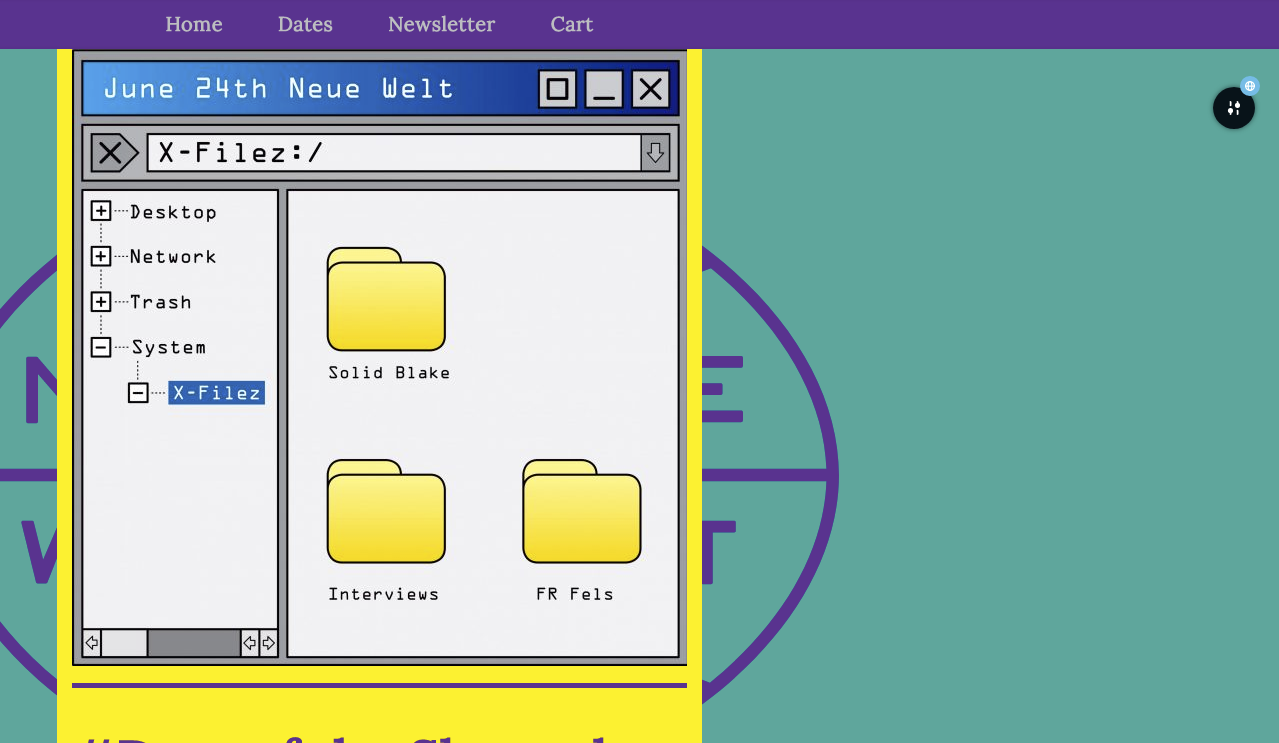
Example live page: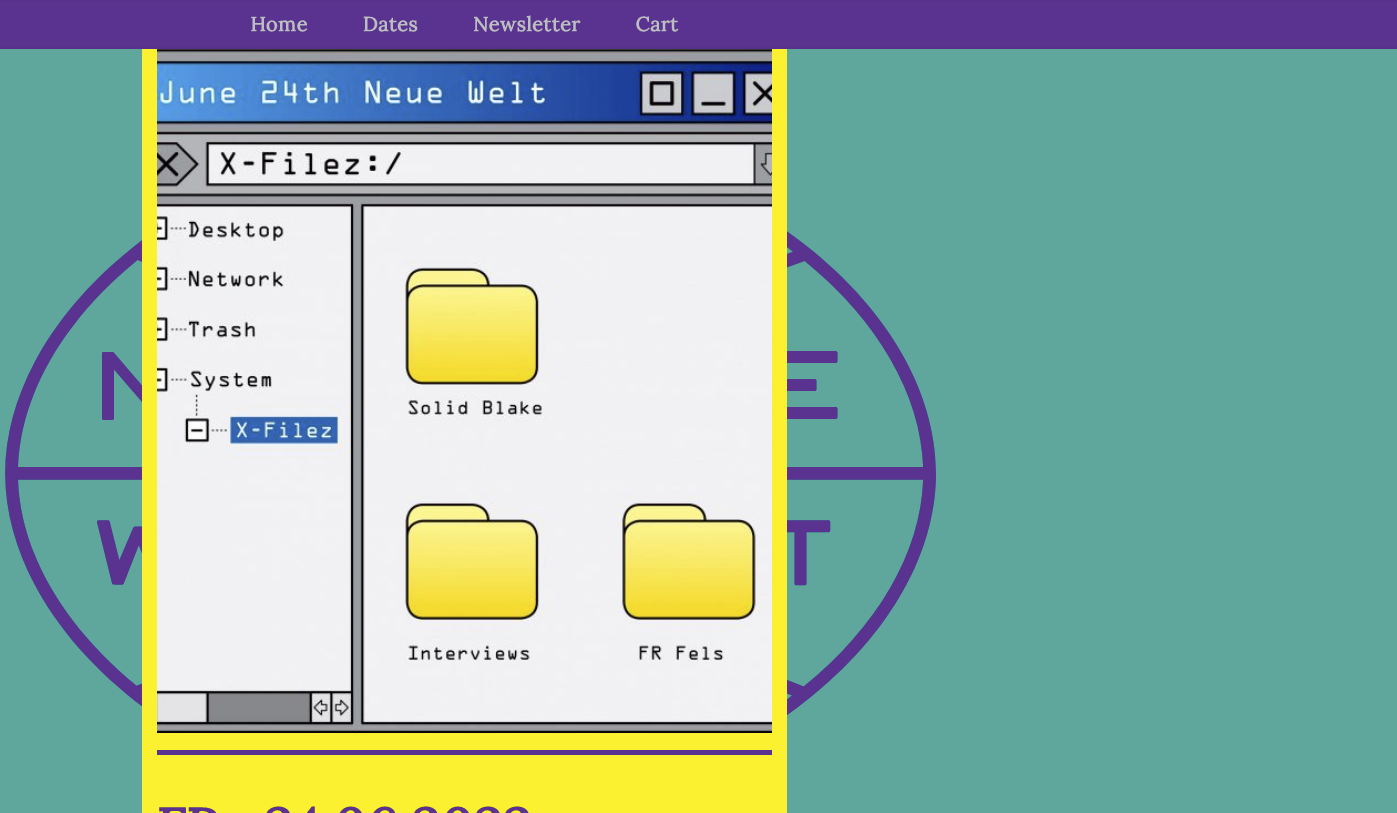
Best regards0 -
Hi Tilman,
You are right; When you resize images, in the editor you do not get exact replica of what you see in the front end. You will need to look at the front end and make changes at the editor.
0
Please sign in to leave a comment.
Comments
11 comments