Can't insert images into blog

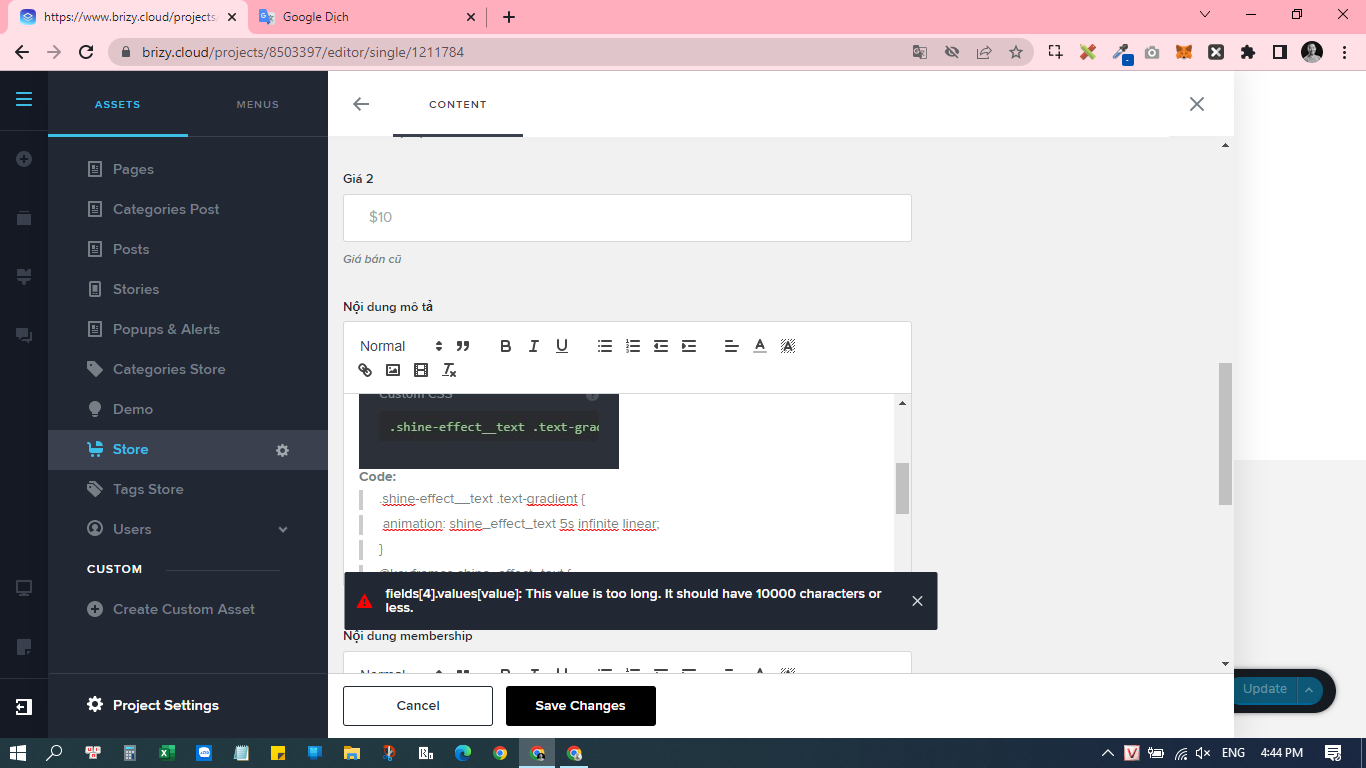
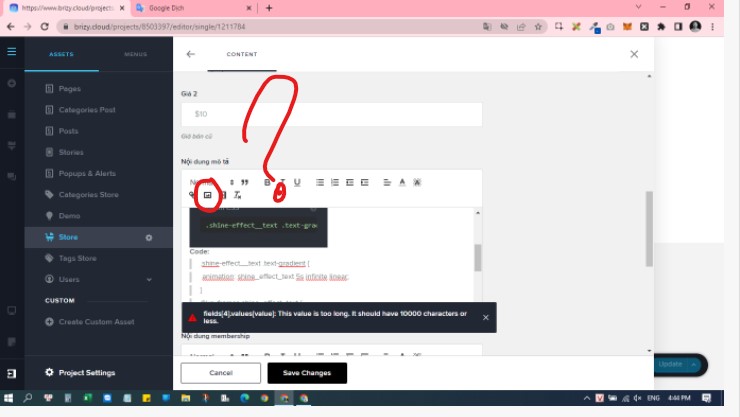
I cannot insert images directly into the blog.
It always shows an error.
It's silly. I discovered this a long time ago but you guys didn't fix it.
-
But it works when I copy and paste an image from another post.
I check the image is wrapped in a tag
<p><img>image.png</img></p>
0 -

Hi Vantrinh,
For adding images, please use the Image filed. The Rich Text filed is meant for adding formatted text.
0 -
So what do you provide this functionality for?
 0
0 -
I don't want to use the Image field. Because it's not flexible. The image field is only suitable for placing the profile picture at the top of the post. I want to add an image in the middle of the content. Images add meaning to a piece of content. This is very important for the function of Blog
1 -
Currently I can hack it by copying an image from a website and pasting it. But it's too complicated, I want it to be officially provided by brizy
0 -
Hi Vantrinh,
In blogging, you normally add two types of content.
- Blog post Meta Data: Eg: Author Name, Publishing Date, Categories, Featured Image, Tags, Price, Genre, Preparation Time, Duration, Length, etc. You can use custom fields for adding meta data.
- Blog post Content Blogpost content MUST be added in the page (and not in custom fields). You are attempting to add the blogpost content in the custom fields. This is not a recommended practice. If you follow this approach, you would be highly restricted and would not be able to add images, galleries, videos, audio, custom code etc. to your blog posts.
To add content,
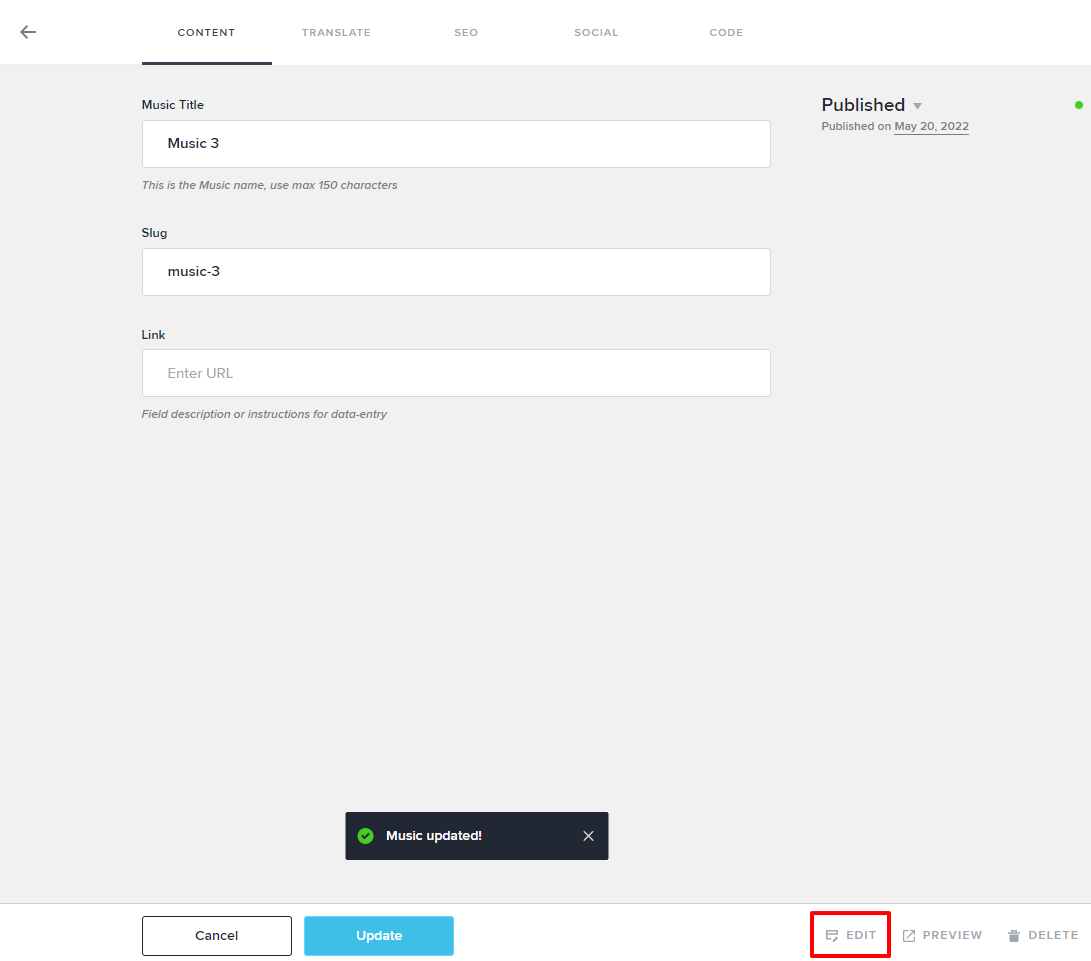
- Click on "Edit" button at the bottom
- Design your blogpost template. Add meta data to your page using dynamic elements
- Add blogpost content to the page directly using Brizy static elements (image, audio, video, gallery etc)
0 -
I just wanted to know if you guys will add this functionality in the future. If not, remove the insert image button. Because it will fool your customers.
Exactly I can upload the image and save it successfully If the image size is less than 5kb. wow, this is unbelievable in the 21st century and you guys limit upload size to only 5kb.
1
Please sign in to leave a comment.
Comments
7 comments