Brizy Site Won't Refresh New Updates

I've updated my websites with testimonials on my brizy wordpress site. The updates to my website are not uploading. It is still showing my previous website. I have cleared the cache. I've closed out of my browser. I've tried to update the page over & over. I've also tried to save the website as a draft then publish my page.
It's showing on wordpress that it was updated, but when you go to the actual site none of the updates are showing up. Help
-

Hi Adam,
Thank you for contacting us.
Could you please check if you are using the latest Brizy Pro version 2.4.0 ? Could you send us a video with how this problem is manifesting? If you temporary deactivate all external plugins (except Brizy Free and Pro) and activate a WP default theme, did you receive the same problem?
Regards, Nelea.
0 -
Hello Nelia,
I do have the 2.4.0 version of Brizy. I deactivated all plug-ins except for Brizy Free and Brizy Pro.
I am still getting nothing when it comes to the update.0 -

Hi Adam,
Can you please share your website URL?
0 -
mizdamedia.com
0 -
Hi Adam,
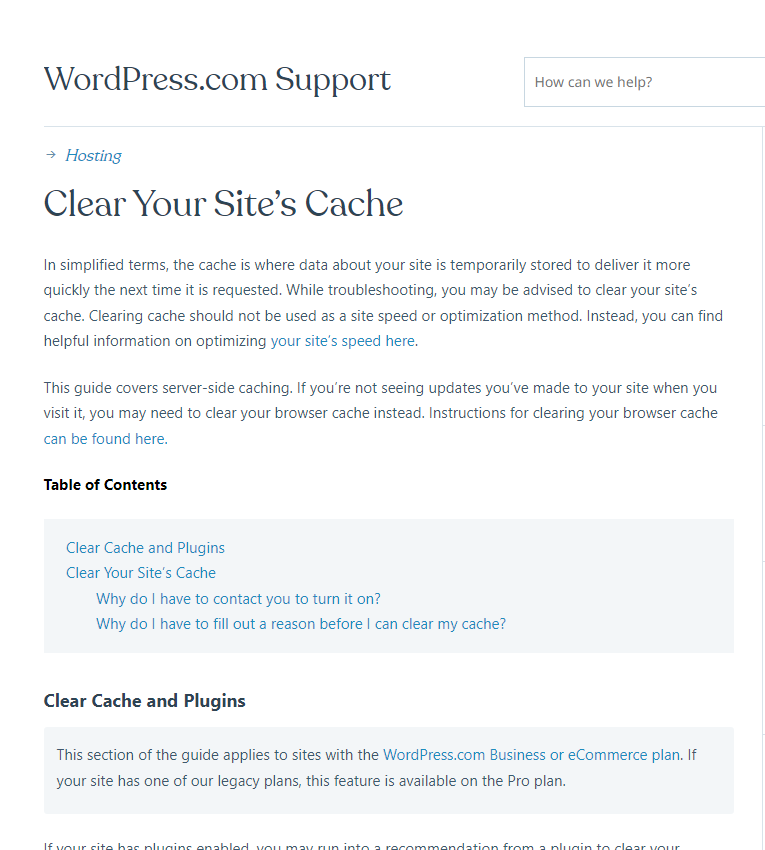
Have you cleared server side cache? Looks like you are hosting with wordpress.com. They need you to contact them for clearing server side cache. https://wordpress.com/support/clear-your-sites-cache/
0 -
I do have the 2.4.0 version of Brizy. I deactivated all plug-ins except for Brizy Free and Brizy Pro. I am still getting nothing when it comes to the update.
0 -
Hi Adam,
Can you please answer my question about clearing the server side caching with wordpress.com. Please click on https://support.brizy.io/hc/en-us/community/posts/6337678746001 and look at my previous comment.
0 -

I do have the 2.4.2 version of Brizy. I deactivated all plug-ins except for Brizy Free and Brizy Pro.
but not showing in my website.
0 -
Hi Prakash,
Have you read my earlier comment? If not, please read it here again.
"Have you cleared server side cache? Looks like you are hosting with wordpress.com. They need you to contact them to enable an option to clear server side cache. https://wordpress.com/support/clear-your-sites-cache/"
Please let me know your answers to these questions.
- Have you read the above article?
- Have you contacted wordpress.com?
- Have they enabled an option to clear Server side cache?
- Have you cleared server side cache?
 0
0
Please sign in to leave a comment.
Comments
9 comments