How to remove quantity from add to cart

Hello Brizy,
I wanted to reach out and ask about the add to cart button. Im using the WPC woocommerce composite selection plugin and the brizy add to cart button kind of over laps the plugin and makes it look tacky. How can I remove the quantity that is being shown on the add to cart for brizy. And if there is a plugin that allows me to structure my own add to cart button via an short code or something along those lines. Thank you.
-

Hi Andrew,
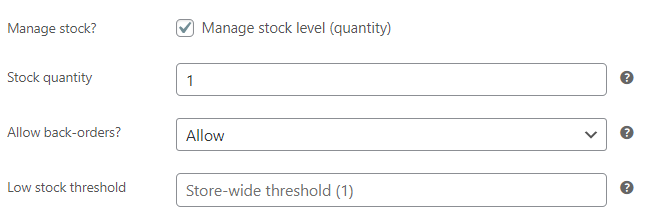
At the WordPress backend under Products - Inventory - if you enable stock management at the product level, the stock details are shown along with the 'Add To Card' button. https://jmp.sh/S9AcQwv
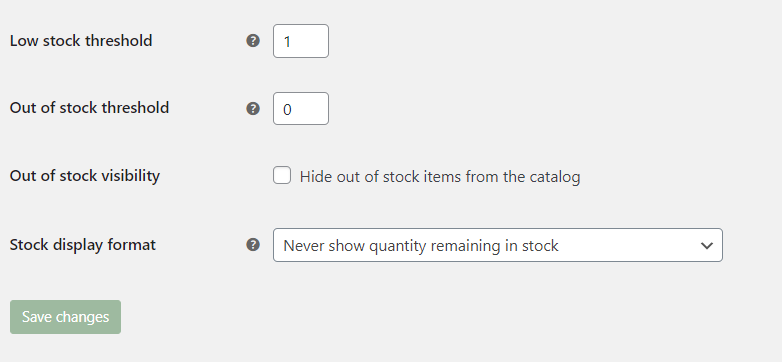
Under Woocommerce, Settings - Products - Inventory- you can specify stock display format as "Never show quantity remaining in stock". However it will still show "In stock", next to the 'Add To Card' button. https://jmp.sh/ltwmDAp
0 -

Hi George,
I have the same problem, I want to remove the quantity because I have just only one for each product.
I did both hints:
in product page/inventory
in Woocommerce/settings/product/inventory
but still, remains on the product page, even on mobile with a weird black line
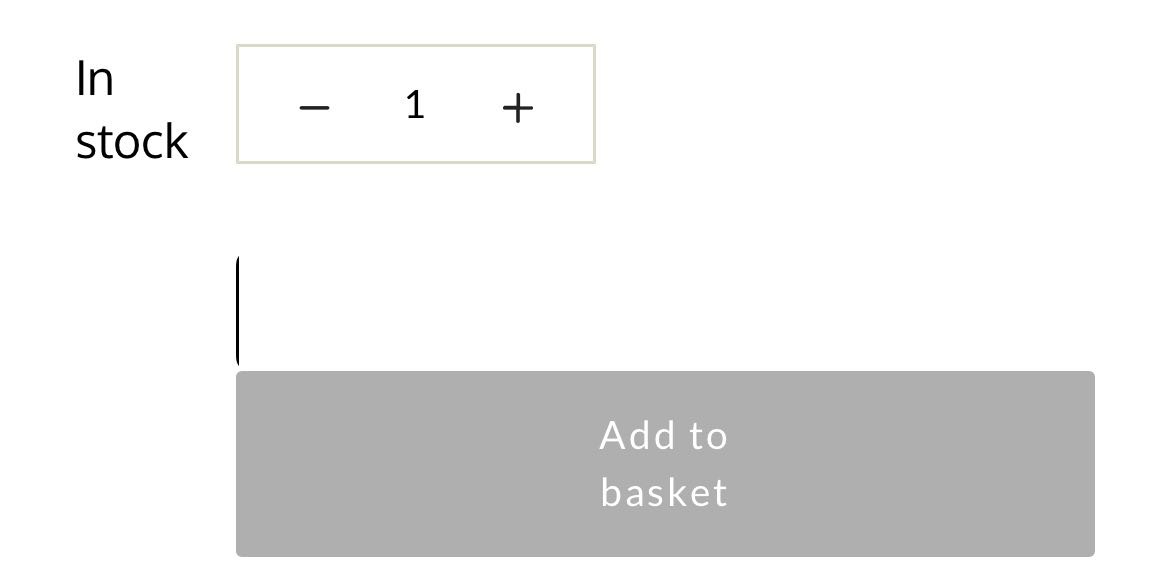
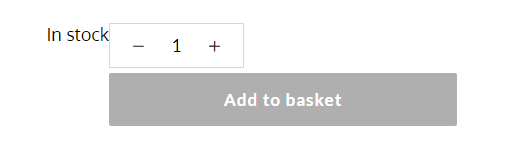
I would be grateful if help me to solve the issue.
Thanks,
Rey
0 -
Hi Reyhaneh,
The only option is to hide the stock value using custom CSS. Depending on the theme you are using, the custom CSS for this could be different. Can you share your product page URL?
0 -
Hi Reyhaneh,
You are using Blocksy theme. In your WordPress Dashboard under Appearance - Customize, please try adding this code to Additional CSS.
/* Remove Quantity from Add To Cart  */
.brz .brz-woo-add-to-cart .quantity {
display: none;
}
0 -
Thank you!
yes, you are right for home page. But the problem is fixed.
0 -
sorry, still there is a small problem with the mobile version. The line still remains there. it is visible only in mobile not mobile look on pc.
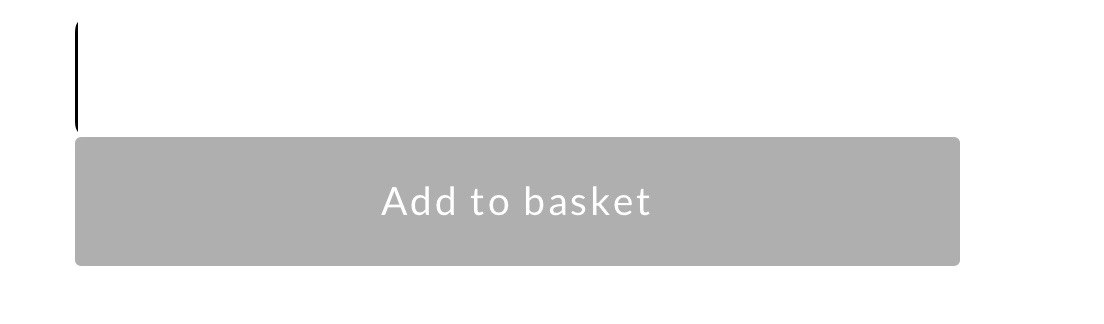
Thanks in advance.
0 -
Hi Reyhaneh,
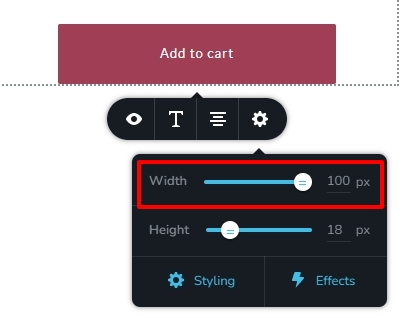
To remove the line, please try reducing the width of the Add To Cart button in the mobile design view. You could try 98%, 95% or 90%.
 0
0 -
Hi Reyhaneh,
I need to look at your project to offer further help. Please add me as a user to your WordPress Dashboard if you need assistance with this. My email: kc.george@brizy.io. As shown in this screenshot: https://jmp.sh/sOSGGR3, please turn on the option "Send the new user an email about their account"
Please let me know here when you send me an invitation.
0 -
Hi Reyhaneh,
I have removed the line on the left side of the Add To Basket button. Please check.
0 -
Hey George,
Yes, Thank you so much.
0
Please sign in to leave a comment.
Comments
10 comments