GDPR and Brizy Cloud System Pages - Standard fonts

Hi,
how can I set the standard fonts for all the system pages to a self hosted fonts without having any Google CSS or anything else loaded from Google in the Brizy.io websites. This setting should be standard for all pages.
GDPR is not limited to the website itself, the system pages are also effected.
Thanks
Frank
-
What I see is that there is only the option to change style/fonts in every project but not system wide as a default for all projects.
0 -

Hi Frank,
You said "GDPR is not limited to the website itself, the system pages are also effected" I am sorry; I not able to fully comprehend what you are saying here. Can you give an example of a system page and how it is different from the website itself?
As I have mentioned to you in the Brizy Facebook community, Brizy is designed to use Google Fonts by default and our starter templates and pre-made layouts are made with Google fonts. De-linking Google fonts needs to be done at the project level at the moment. We do not have a way to disable the use of Google fonts at the account level.
You are right; when a website is not using any Google hosted font, it should not request a CSS file from fonts.googleapis.com. I have escalated this issue and we will work on fixing this.
0 -

I think it would be ideal, if Brizy Cloud would host the Google fonts themselves, instead of requesting them from Google. That should fix the GDPR concern here, no?
0 -
Hi George,
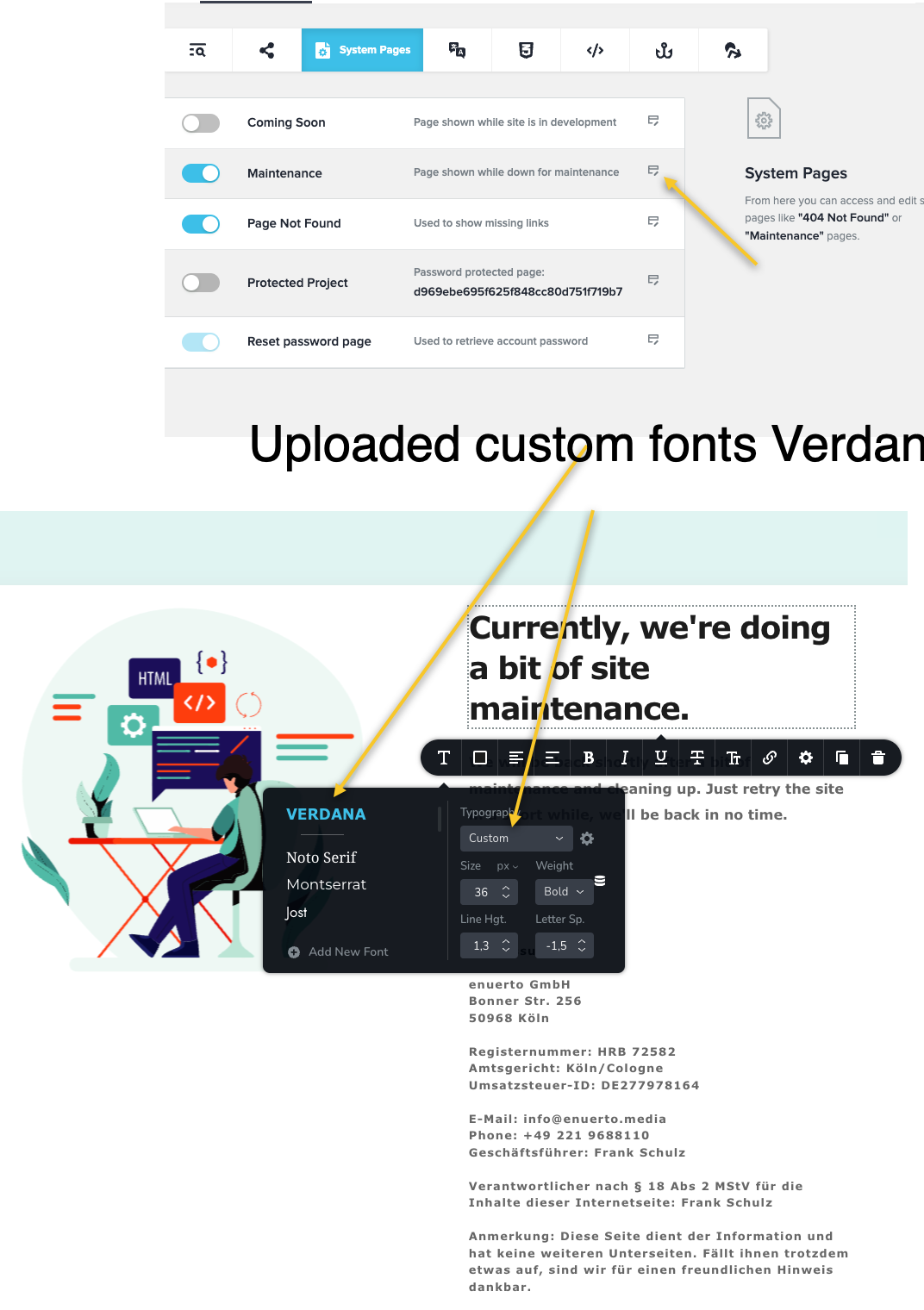
checked again and have seen that I only have to upload once the custom fonts in a project. After the upload the fonts is usable in system pages and in the themes/template section of the website. This is ok.
I want to have a clean website, without cookies, fully GDPR Compliant. So I have to wait until the CSS Problem is solved.
 0
0 -
Hi Frank,
Yes; you are right. Please give us few weeks to fix the CSS request issue. When we roll out our next Brizy Cloud update this could be part of it.
0
Please sign in to leave a comment.
Comments
5 comments