Blog Post Container Size

Hi community,
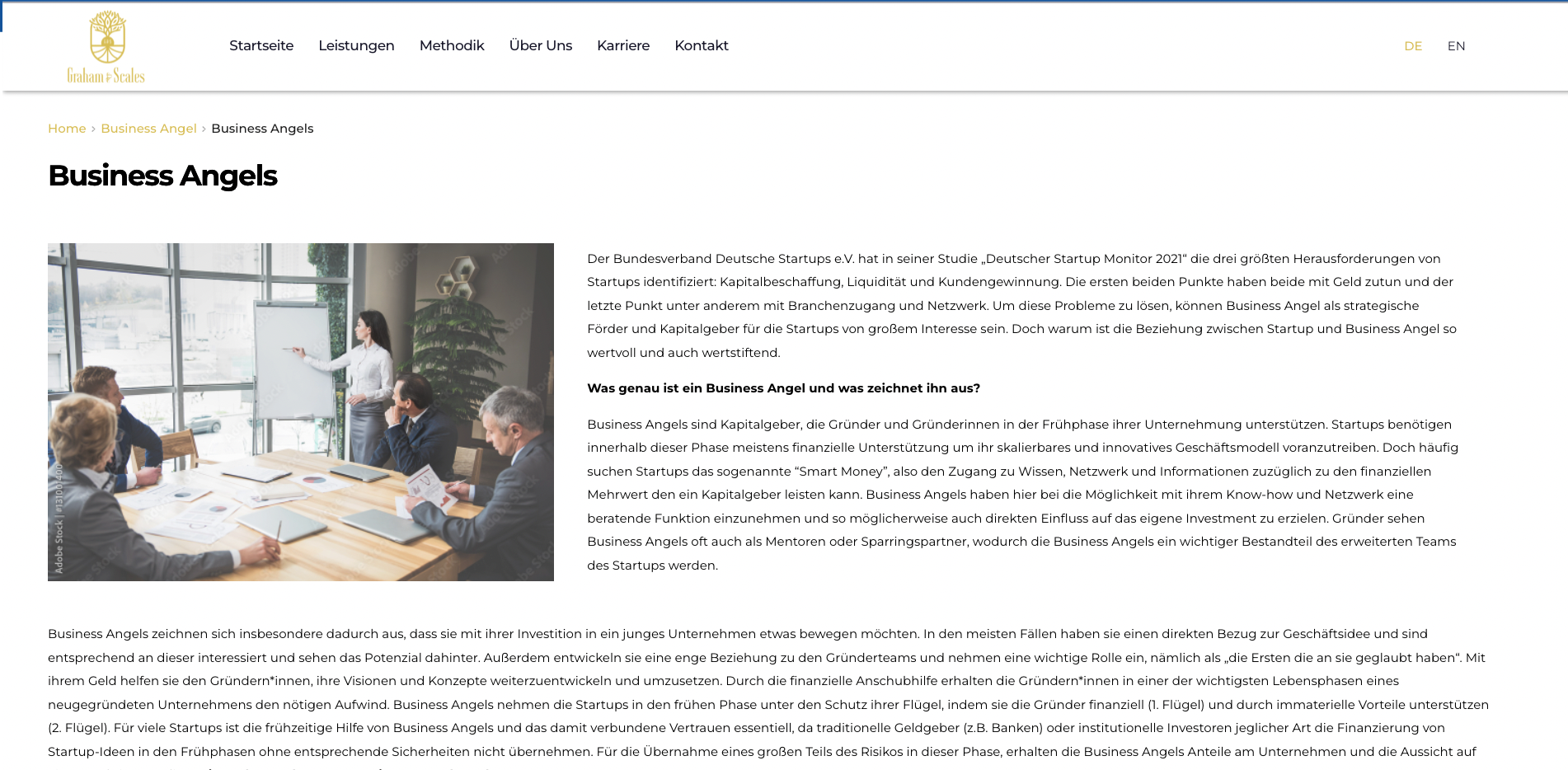
I need some help! I'm trying to set up the blog page. unfortunately I have some alignment problems with some of the blog container. Check out the following link:
https://graham-scales.de/2022/05/03/business-angels/
When I put the image on the left side, the image flushes with the edge of the text container below (seepicture). When I put the image on the right side (which looks much better) the text not flushes with the edge of the text container below (see link). Any suggestions how to fix it?
Many thanks in advance!
-

Hi Soeren,
Looks like you have placed the image and the text next to it within two side by side columns. Please check these things
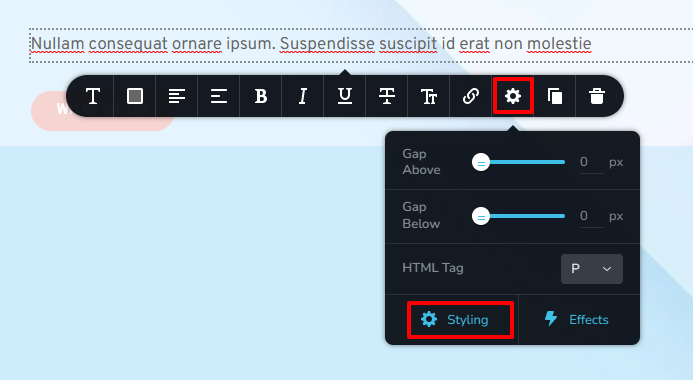
- Click on the text, then on the gear icon - Styling. In the sidebar that pops up, remove all margins and paddings
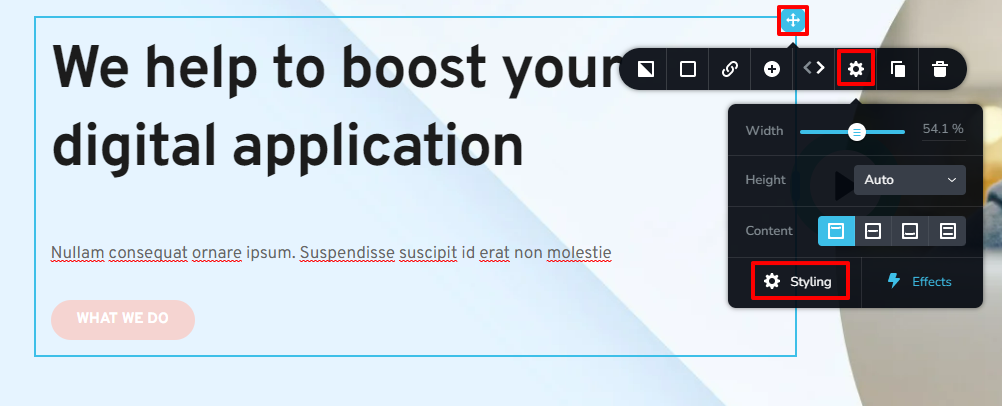
- Click at the right hand side top corner of the column in which you have placed the text. Then click on the gear icon - Styling - If you see any padding/margins, delete it.
 0
0 -
Hi KC George,
I'm using wordpress blog-related features to build this page
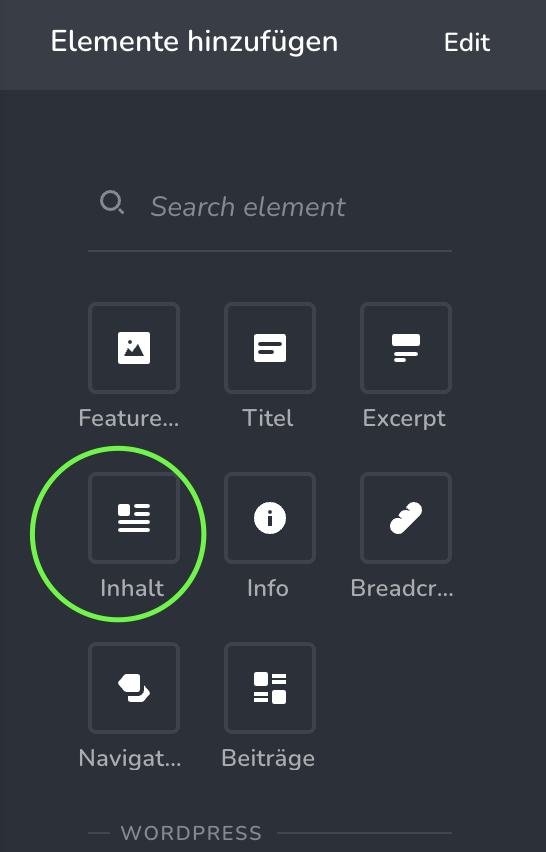
Therefore I can use the gear icon as described. It's just pulling all the infos from the blog post I wrote within the template.
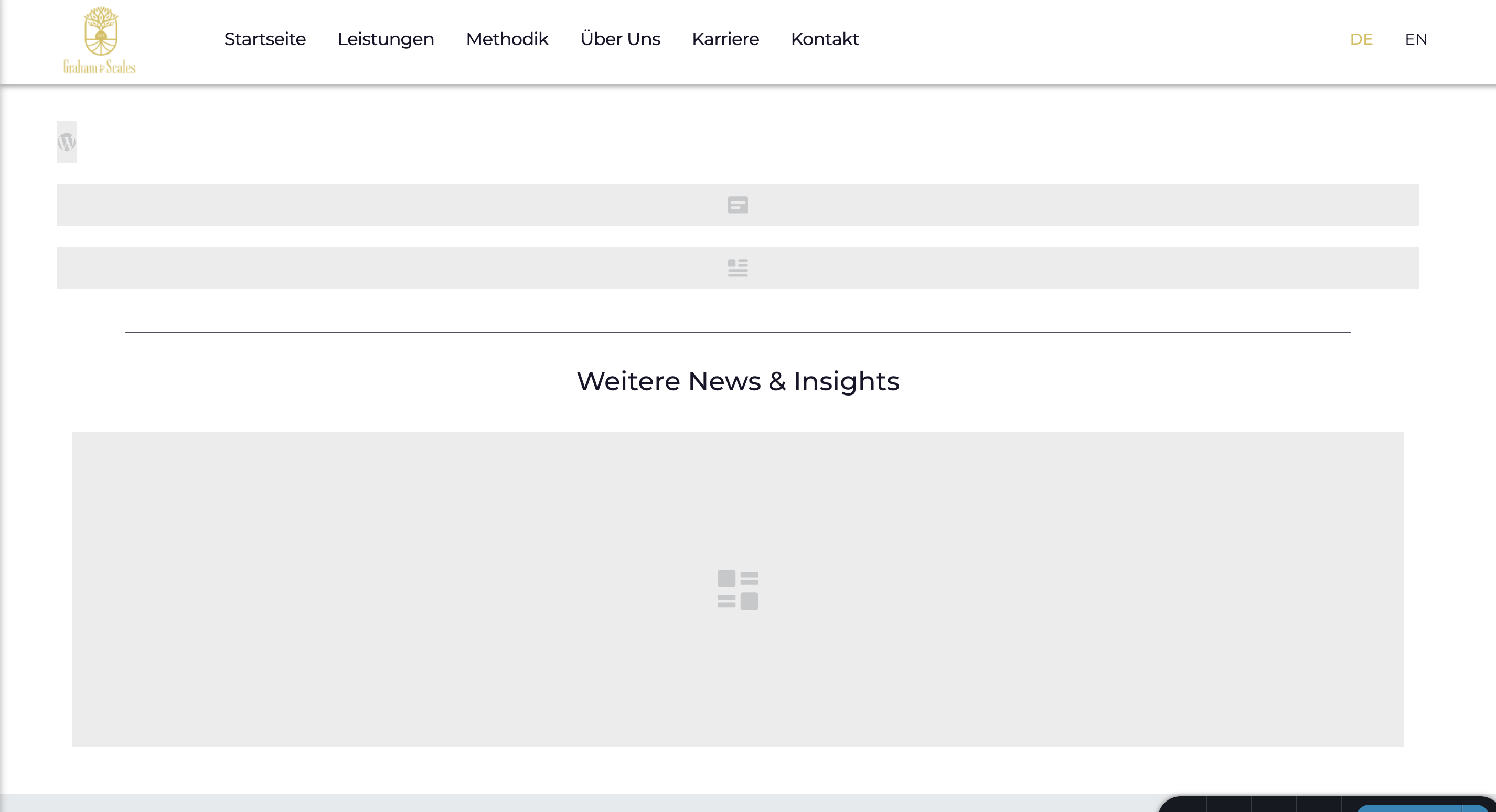
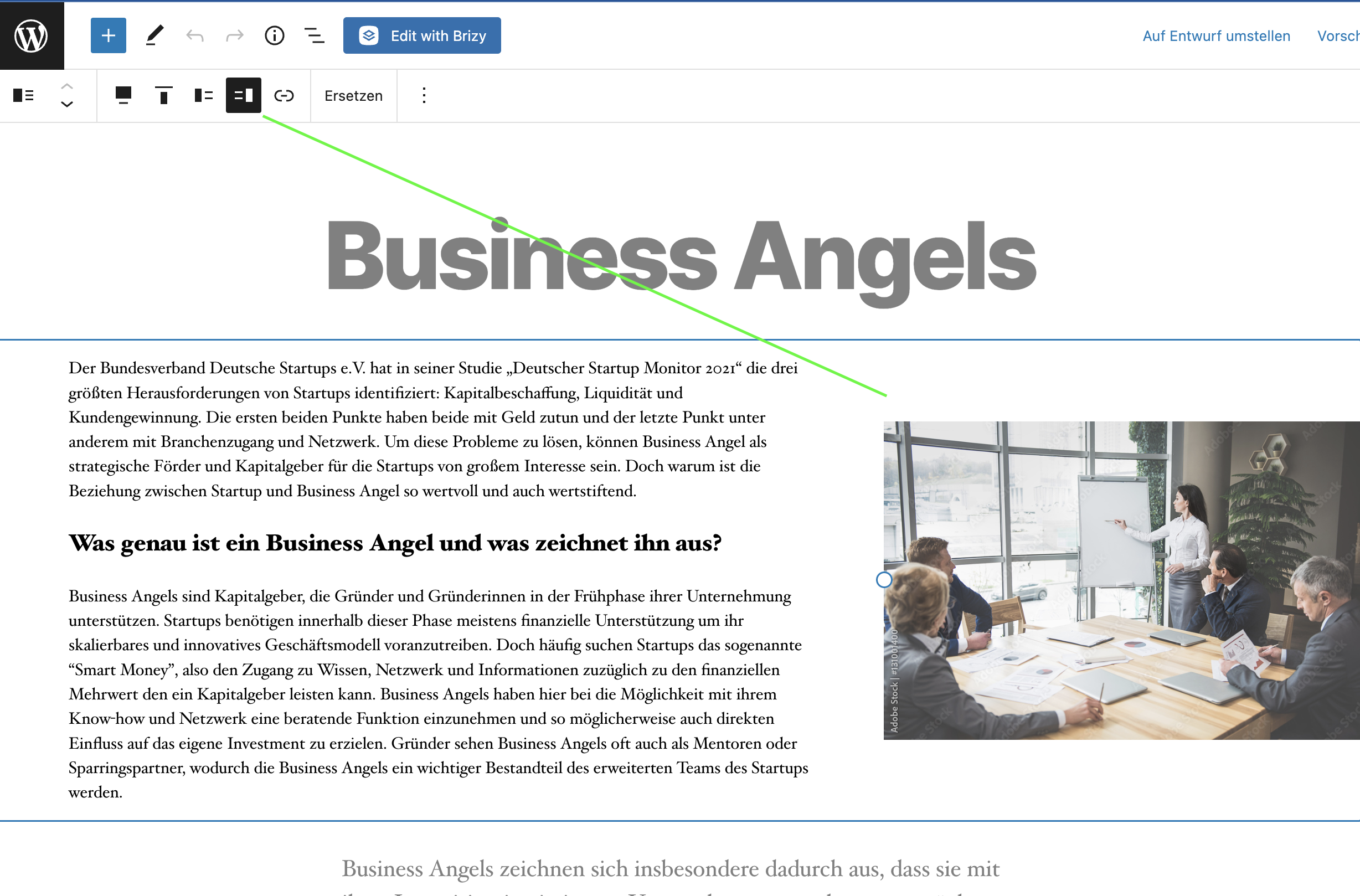
The alignment of the picture is also set in the blogpost:
 0
0 -
Hi Soeren,
If the text looks aligned in Gutenberg editor, it should also look aligned in Brizy. For example, take a look at this sample page. This is designed using Brizy post template. https://homi.kctest.online/how-to-style-a-console-table/
If you are not able to fix it, we can take a look at how you have set it up in Gutenberg and help you fix it.
0
Please sign in to leave a comment.
Comments
3 comments