Unequal height for dynamic images in blog

https://www.brizy.cloud/projects/10882914/editor/page/1131270
I have uploaded images with the same dimensions but the one in the middle is taller than the others. I have tried altering margins and padding and re-uploading images with a different name but the problem persists. I cannot work out why this is happening??
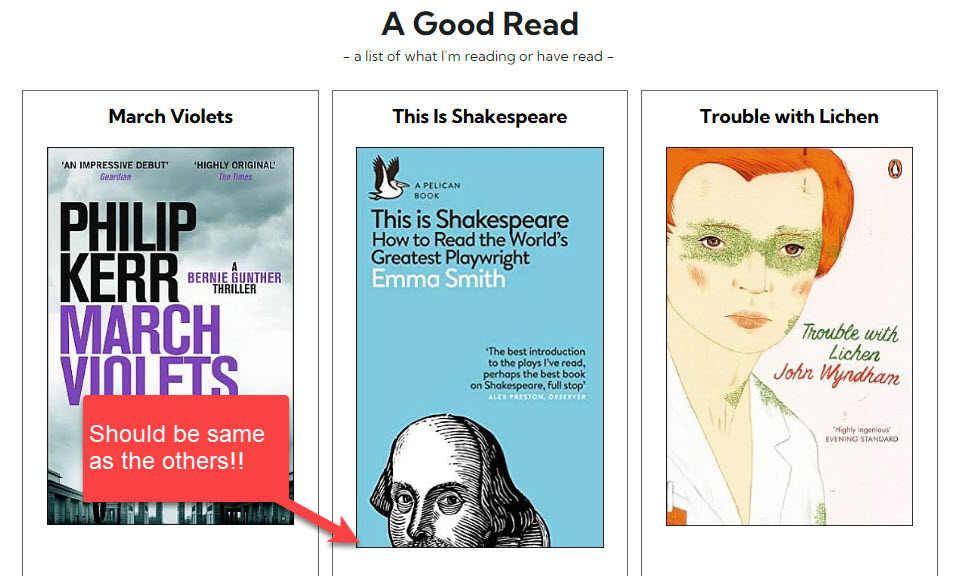
-

Hi Charles,
I would like to examine this in your Brizy Cloud project. Can you please add me as a Team Member into your Brizy Cloud workspace? My email: kc.george@brizy.io. Please assign me the "Manager" role.
 0
0 -
I'll do that...
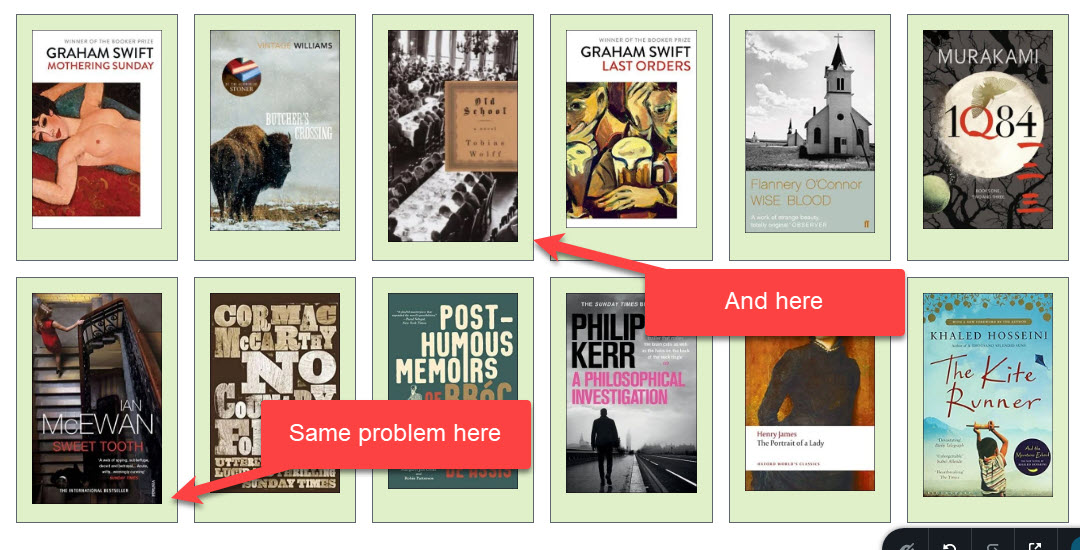
Problem has arisen again - see below:
 0
0 -
Hi Charles,
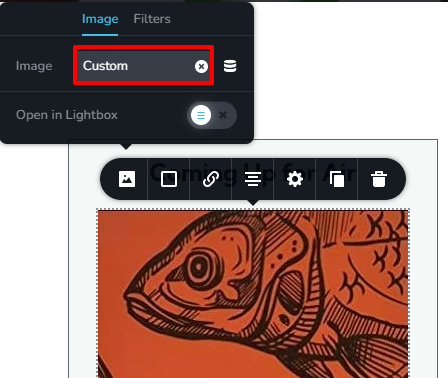
While your book covers have the same height of 500px, its width is varying in few pixels. (326x500, 312x500, 328x500) You were using the "Original' size for your book cover images. Hence you were seeing minor height variations. I have changed the image size to "Custom' and now the images are displaying in the same height.
 0
0 -
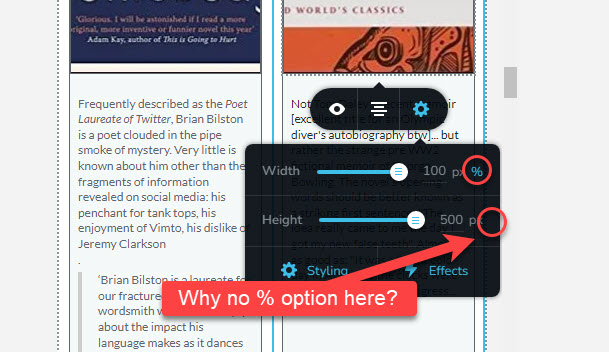
I have changed to the 'custom' option - but I still cannot get the heights the same. I have put the width to 100% and the height to 500px but that does not work. Why is there no % option for the height??
 0
0 -
I've got round the problem (a bit time consuming) of making all the images the same height and width!!
0 -
Hi Charles,
Once you specify the height, width is calculated automatically based on the image aspect ratio. To reduce the width, you can use the percentage value.
0 -
Yes but it did not work for me - I was putting in 500px height (which is height of original image) and then 100% width - but I was not getting the full book cover displayed in the 'image box'. Also there seemed to be a difference between what I was seeing in the brizy cloud editor, and what I was seeing in 'preview' in the browser...
0
Please sign in to leave a comment.
Comments
7 comments