Background images

Why backgroud imas are not working?
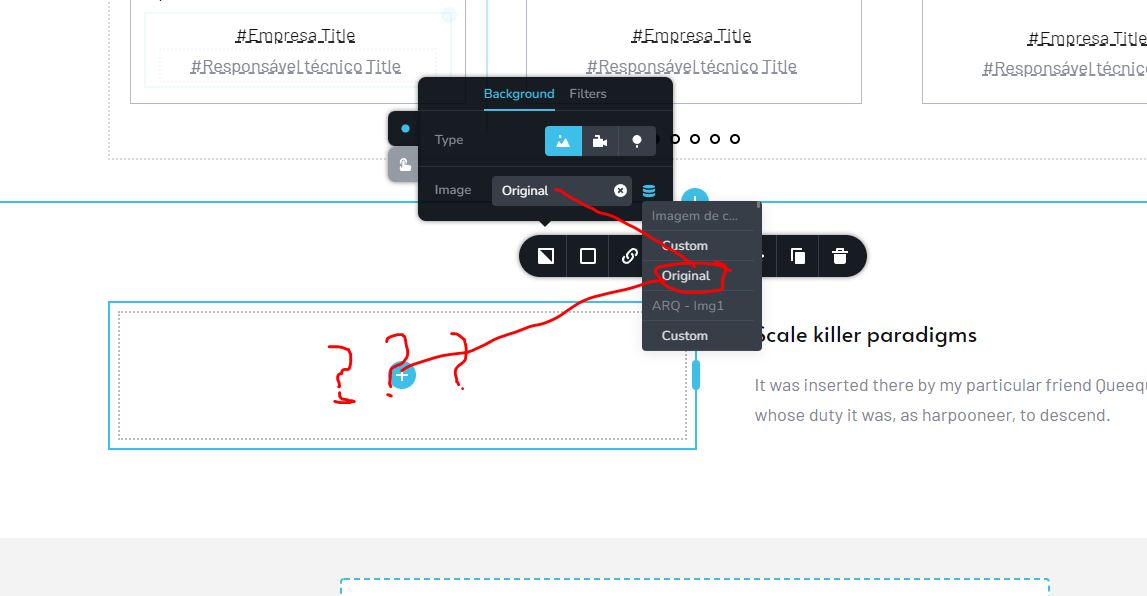
-

Hi Stéphane,
Featured Images do not work well as a background image in the editor. However if you add the featured image as a background, even though it wont be visible in the editor, it will be visible in the front end. If you can use a bit of imagination and add the title on top of the "imaginary" featured image, it will work in the front end.
Since you can't get live preview of your work, you may need to go back and forth between the editor and the front end to complete your design. This is a know issue and we have it in our list of fixes.
0 -
I Think we need more than imagination do do this!
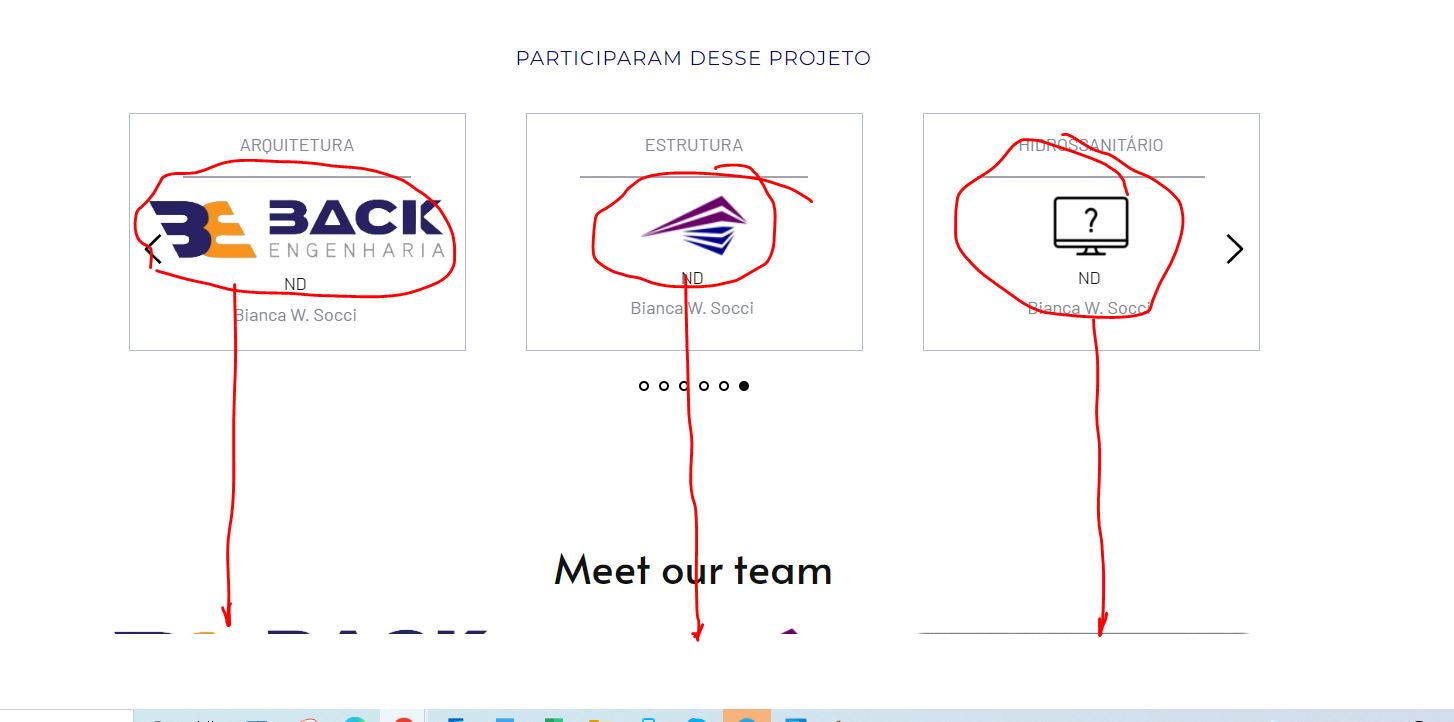
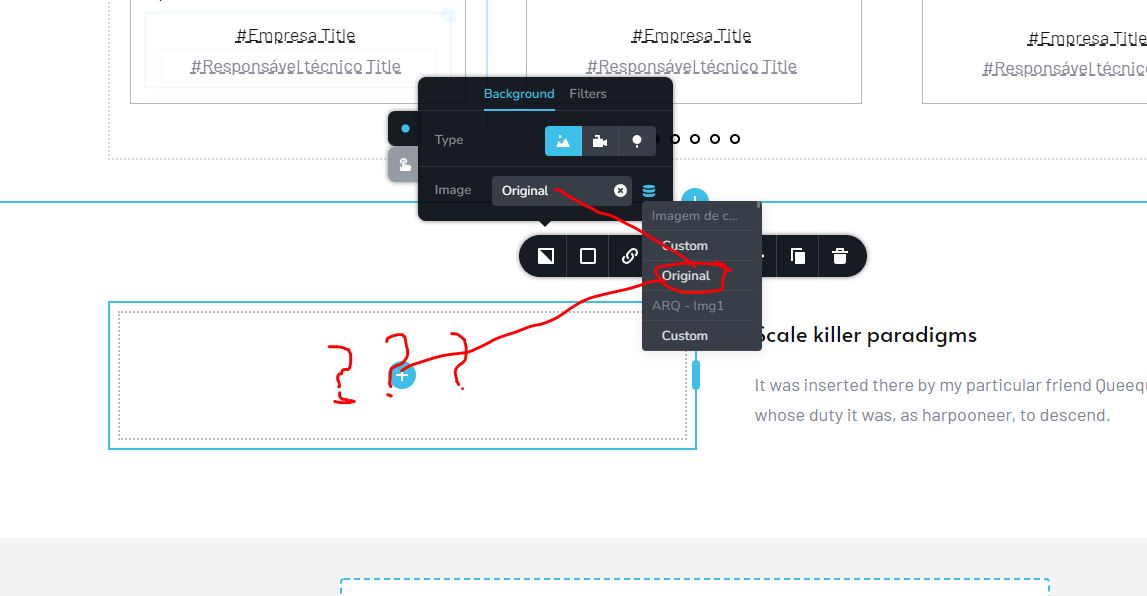 0
0 -
Hi Stéphane,
If you are developing blog post template, then you can follow the approach I have mentioned above. If you are listing blog posts, this approach will not work. You cannot use featured images in the background of the Posts/Archive elements.
If you are trying to place the blog post titles on top of the featured images, the only option will be add it at the bottom initially and use negative margin to display the title on top of the image as in this video https://jmp.sh/0boeXBC
0 -
It really requires a lot of imagination to work with Brizy. 🙁
0 -
And now this!
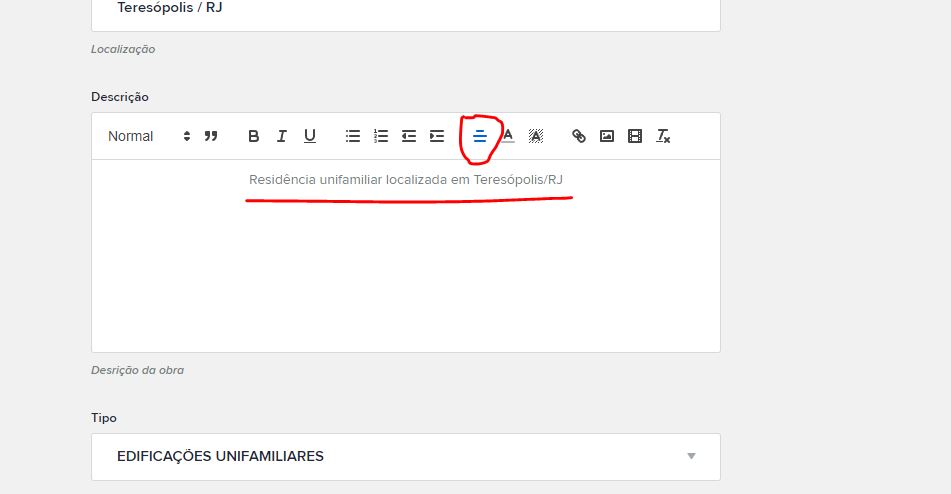
Why the text is not centralized?!
And why I cant choose the font type in the description field?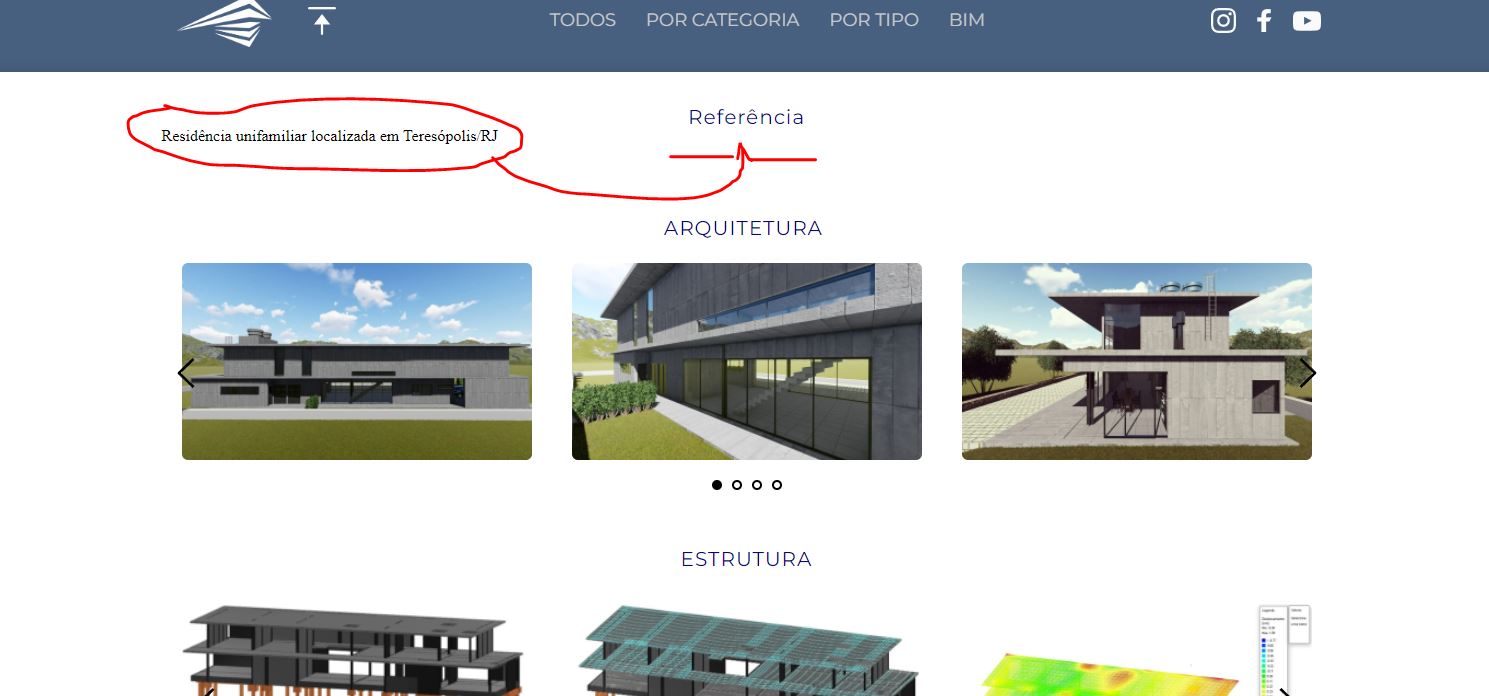
 0
0
Please sign in to leave a comment.
Comments
5 comments