The disabled elements disappear completely once I push on the eye

Hello,
I have disabled some elements from a celular view that I wanted to reable now, and unfortunately, every time I choose to disable an element, it totally disappears instead of appearing in grey. So I just cannot show it back. Can you help?
-

Hi Marc
To view the hidden elements in blurred view, please click on the "eye" icon at the right hand side bottom corner.
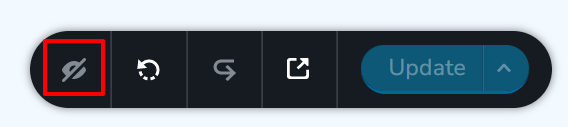 0
0 -
Hi George,
unfortunately, once I disable an element, it totally disappears, meaning there is no menu whatsover and I can't access the eye icon.
0 -
Hi Marc
You are right. When you disable an element, it totally disappears. Leave the element and look towards the right hand side bottom corner of your screen. Do you see Update button? Look for the eye icon on the left of the Update button.
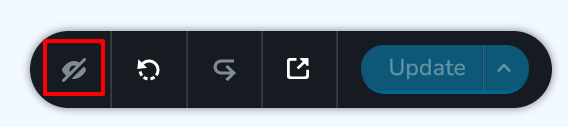
When you click on this eye icon, you will see the hidden elements in blur. For example, see the first image in this screenshot. Click on the blurry element and you can unhide it.
 0
0 -
Got it! Thank you!
0
Please sign in to leave a comment.
Comments
4 comments