Website Preview isn't working
Completed
Hey team! Still developing some websites but currently the option to preview our website is not working correctly. We have tried various browsers and computers and it is the same issue across the board. It doesn't display anything, we think it might be an issue on your end?
Thanks!
-

Hello,
Thank you for contacting us.
Unfortunately, we can not reproduce the issue you have reported.
Can you please specify if you have this problem with Brizy WordPress or Brizy Cloud? If it is in Cloud please sent the URL of your project.
If it is Wordpress could you, please, check if you are using the latest versions of Brizy Free 2.3.35 and Brizy Pro 2.3.28? Please disable all plugins one by one, except Brizy Free and Pro, and check again this issue. Can you please switch to a default WordPress theme such as Twenty Nineteen and check again this issue? Can you please check this issue in a different browser?
Best regards, Nelea.
0 -
Hey Nelea!
Thanks for your message, we are using Brizy Cloud,
https://www.brizy.cloud/projects/10810759/editor/page/1117052
https://papaya10810759.brizy.site/
Hope this helps, thanks
0 -

Hi Mitchell,
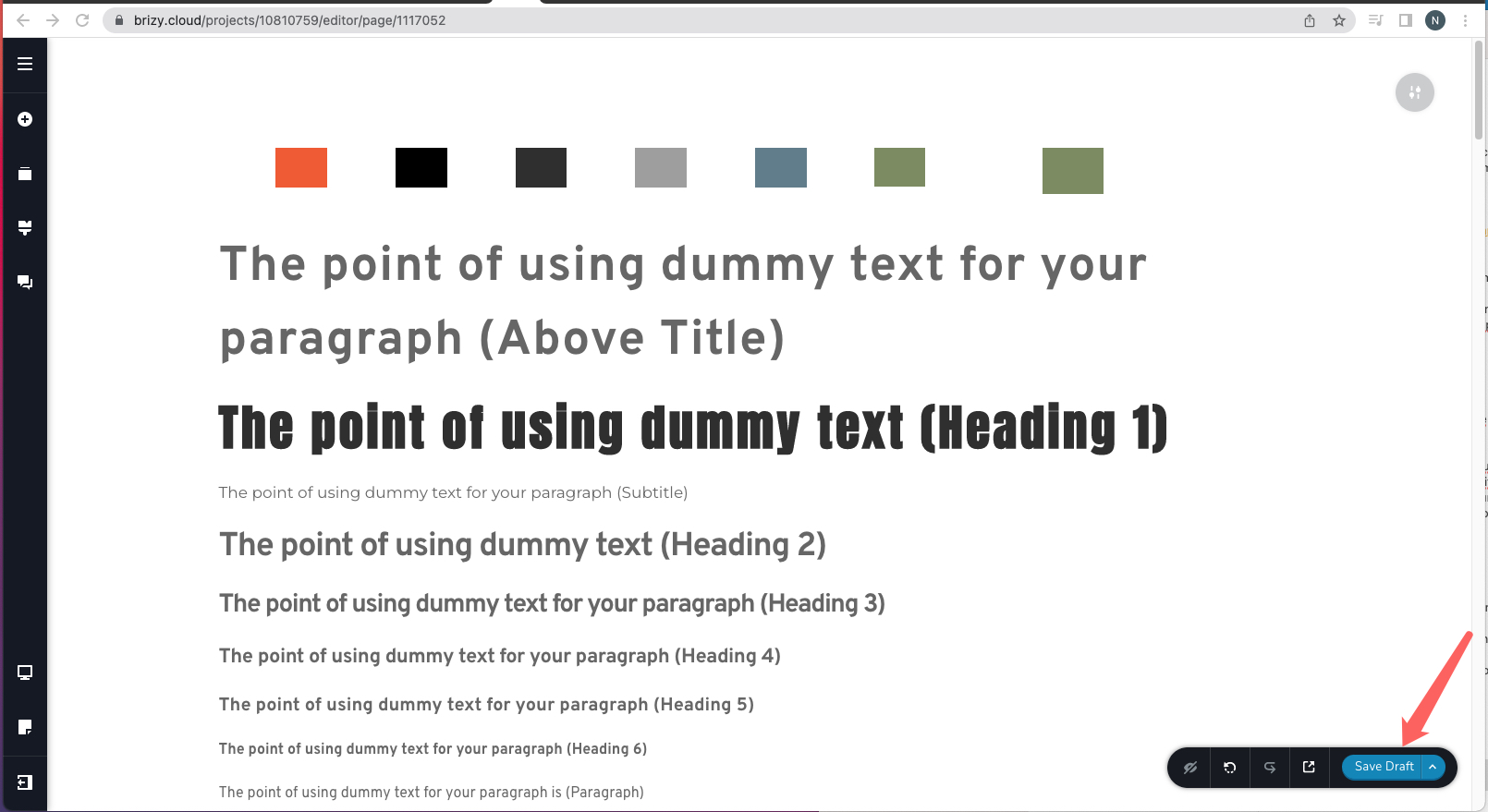
Your project was in Draft Mode. We have published it now.
 0
0 -
Hey George, thank you for your message, We don't believe that was the problem because when we preview it, this is what comes up.

Additionally here is the code if that helps.
<!DOCTYPE html> <html lang="en"> <head> <meta charset="utf-8"/> <meta content="width=device-width" name="viewport"/> <title></title> <link href="https://a-cloud.b-cdn.net/css/bootstrap.min.css" rel="stylesheet"/> <link href="https://a-cloud.b-cdn.net/preview-404/style.css?v=138" rel="stylesheet"/> <link href="https://a-cloud.b-cdn.net/cropped-favicon-32x32.png" rel="icon" sizes="32x32"/> <link href="https://a-cloud.b-cdn.net/cropped-favicon-192x192.png" rel="icon" sizes="192x192"/> <link href="https://a-cloud.b-cdn.net/cropped-favicon-180x180.png" rel="apple-touch-icon-precomposed"/> <meta content="https://a-cloud.b-cdn.net/cropped-favicon-270x270.png" name="msapplication-TileImage"/> <link rel="shortcut icon" href="https://a-cloud.b-cdn.net/images/favicon.ico" type="image/png"> </head> <body class="brz brz-ed"> </body> </html> Thank you for your assistance!
Mitch
0 -
Hi Mitch
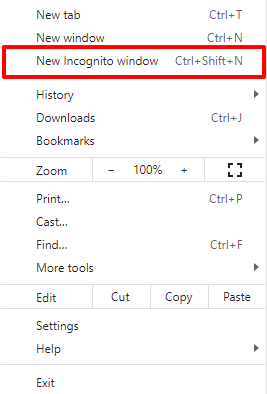
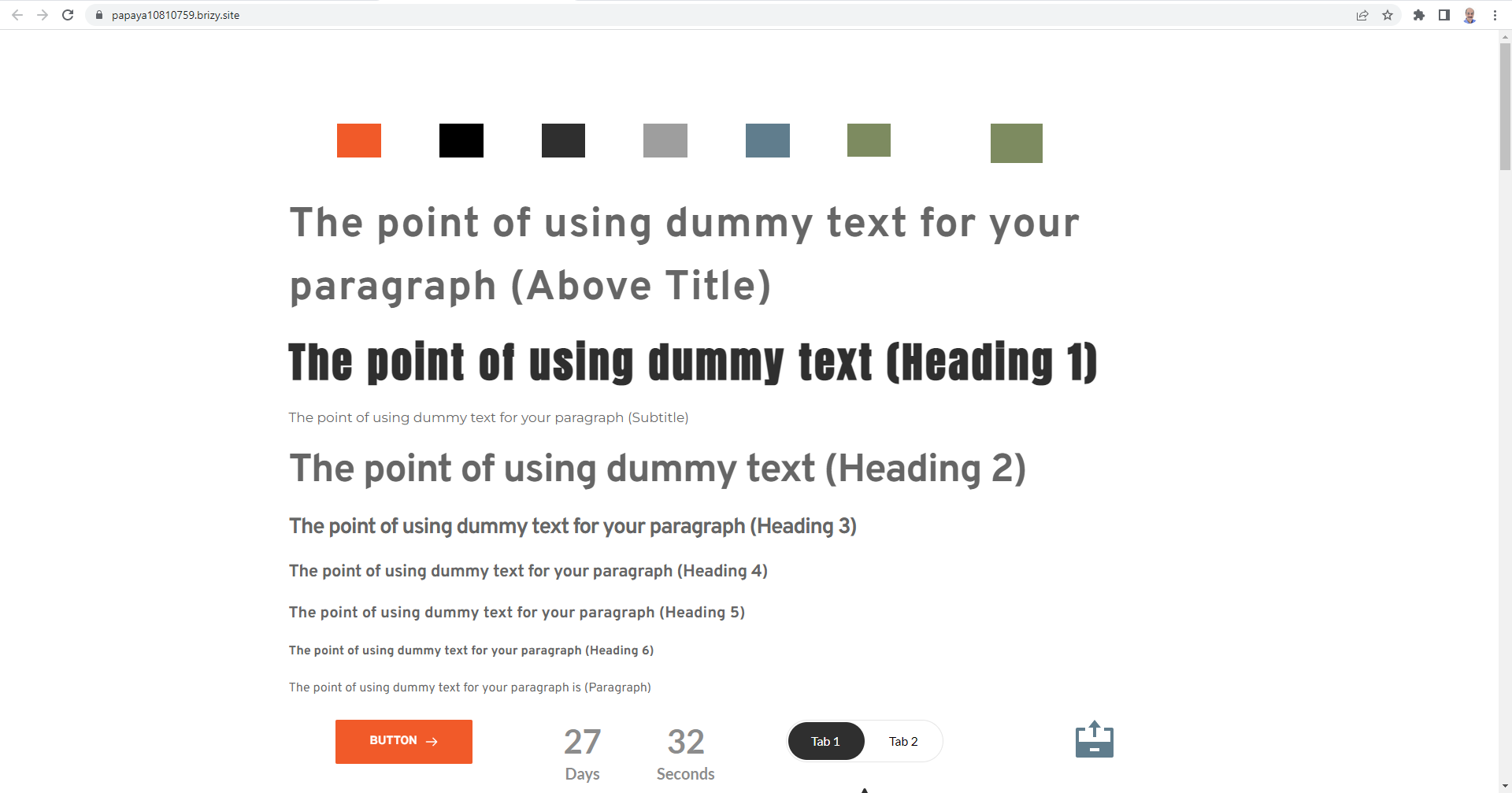
Please try accessing your page https://papaya10810759.brizy.site/ from a browser's Incognito (private) window and check if are able to see your page.
I am able to see
 0
0 -
Yep that has done it! Thanks
0

Please sign in to leave a comment.
Comments
6 comments