Shape Dividers Are No Longer Correctly Working in Firefox

Saturday, April 23 2022 9:54 AM CST
I was working live with a client last night and we discovered the shape dividers are no longer working correctly. Unfortunately this has happened on a weekend and on top of that it's a weekend when I'm supposed to be working on and finishing these things...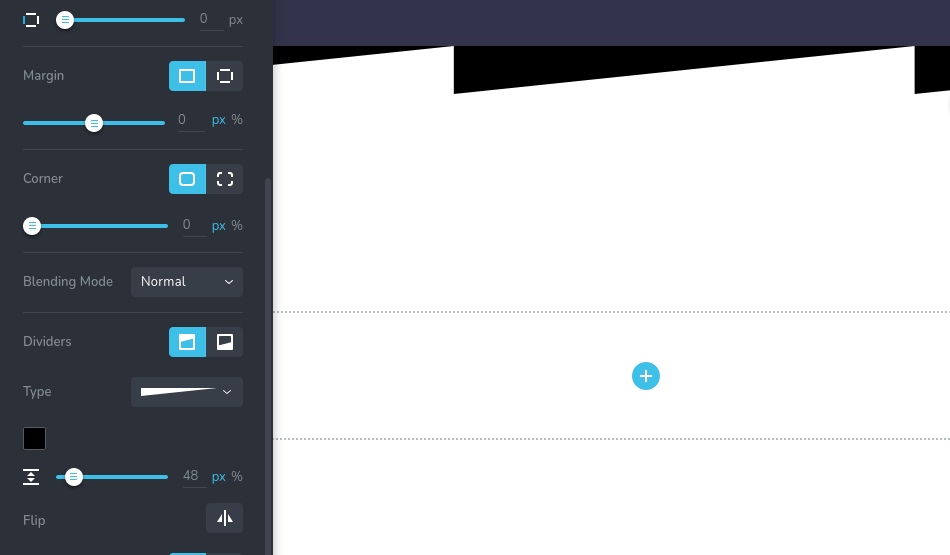
-

Hi Jonathan
We have had this issue with Brizy WP and Brizy Cloud. We have released fixes for both. Shape dividers should be working fine now. Few of our customers have confirmed that it started working again for them. Please check this test page in Brizy Cloud. https://mega-menu.brizy.site/divider
0 -
George,
I was ecstatic to see your reply about the fix.
So I immediately jumped into the cloud to test.
This is my result.
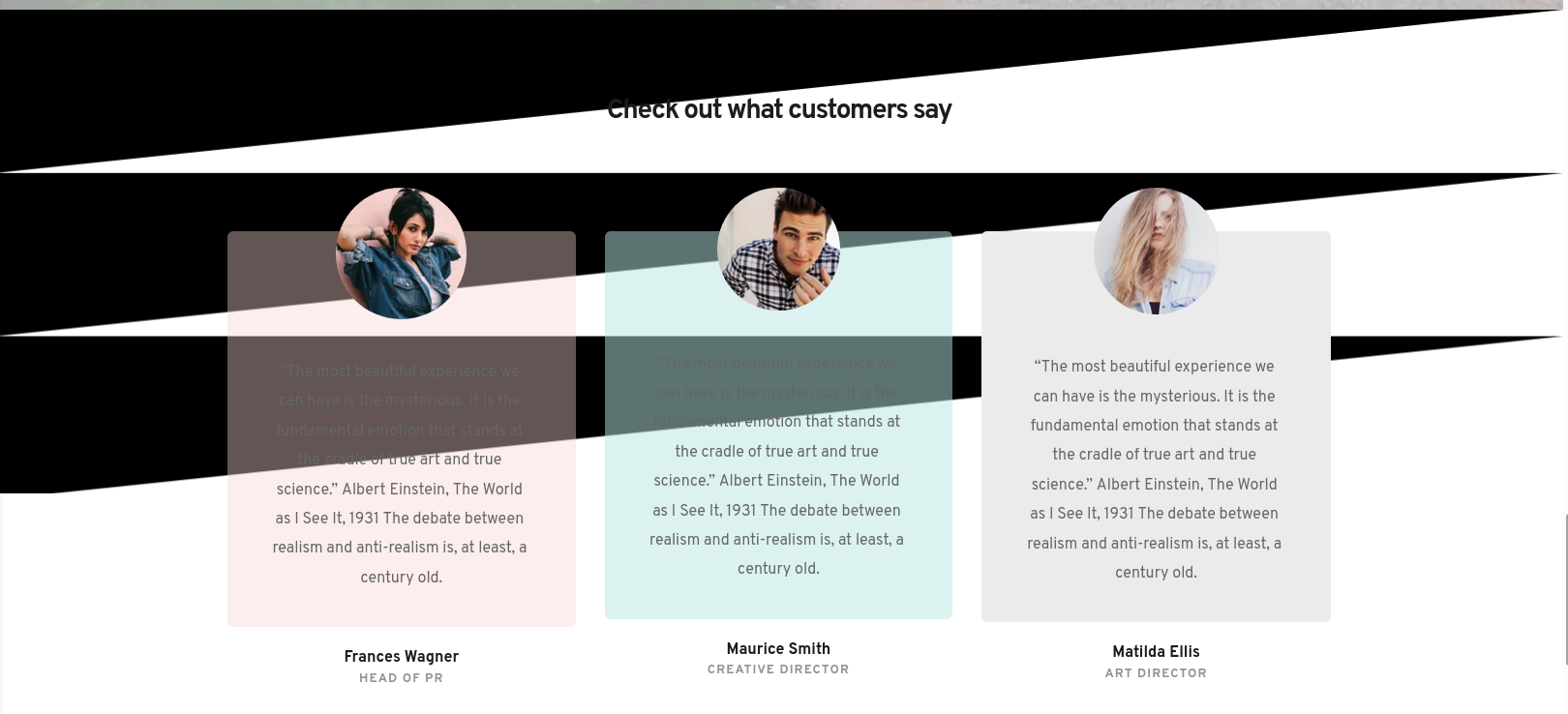
Something doesn't seem right about this.
UPDATE:
Okay 4 hours later I'm testing it again and can confirm while it seems to work in chrome it doesn't work in Firefox.
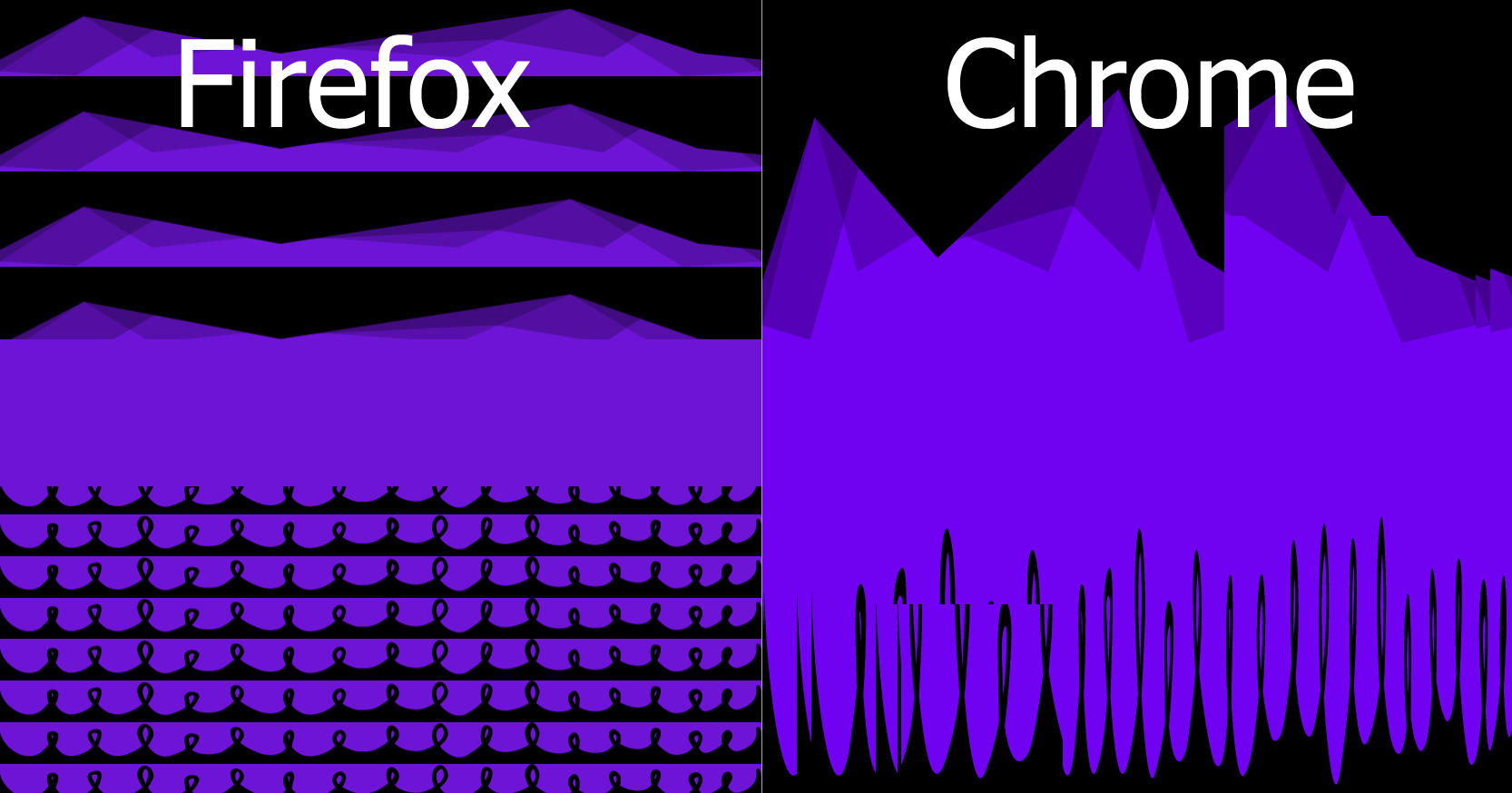
Test Site: https://scorpio.brizy.site/
0 -
Hi Johnathon
One another user has issues with making Brizy divider work with Firefox. However in my test page, Brizy divider seems to load well in Google Chrome and Firefox. https://mega-menu.brizy.site/divider
Since it is not a universal issue, it is a bit complex to troubleshoot. We are planning to look into it this week and see if we can crack the issue.
It is possible that other users who said their issue got resolved did not check in Firefox. (Most users do not bother about Firefox since their market share is so poor https://jmp.sh/3B3ct8q)
-2 -
"Most users do not bother about Firefox since their market share is so poor"
153 Million people are a lot of people to neglect. The market share is also higher when it come to desktops and even higher when it come to the United States. (my exclusive target market) https://jmp.sh/XwgaQfH
Here is a video testing Brizy Cloud broken shape dividers so you may see what I am experiencing.
0 -
Here is a work around for custom shape dividers I figured out in the meantime.

You can use any svg shape divider generator to create the shapes. To make them work with Brizy Cloud you will need to copy the part of the code between the <svg> tags.
Copy this svg code into an embed element. (make sure all margins and padding are 0)<svg xmlns="http://www.w3.org/2000/svg" viewBox="0 0 35.28 2.17" preserveAspectRatio="none">
<path d="M0 .5c3.07.55 9.27-.42 16.14 0 6.88.4 13.75.57 19.14-.11V0H0z" fill="%23fbd8c2"/>
<path d="M0 1c3.17.8 7.29-.38 10.04-.55 2.75-.17 9.25 1.47 12.67 1.3 3.43-.17 4.65-.84 7.05-.87 2.4-.02 5.52.88 5.52.88V0H0z" opacity=".5" fill="%23fbd8c2"/>
<path d="M0 1.85c2.56-.83 7.68-.3 11.79-.42 4.1-.12 6.86-.61 9.58-.28 2.73.33 5.61 1.17 8.61 1 3-.19 4.73-.82 5.3-.84V.1H0z" opacity=".5" fill="%23fbd8c2"/></path></svg>
Then add this css to the embed element css..shapetop {
left: 0;
width: 100%;
overflow: hidden;
line-height: 0;
}
.shapetop svg { display: block; fill: #1f26c0;
width: calc(186% + 1.3px);
height: 168px;
}Then set the css class name to "shapetop". (you can change the height, width and color of the shape in the css above)
You can also do the same thing on the bottom just reverse it and add "transform: rotate(180deg); " to the svg css to flip it upside down.
This method should work with almost all svg shape dividers.
This is just an example of what can be done.
https://shapedividers.brizy.site/0 -
Hi Jonathan,
We have released a new version of Brizy PRO today with the fix for the divider issue with Firefox. Can you please check?
 0
0
Please sign in to leave a comment.
Comments
6 comments