problem with ssl after export brizy html to website who had formerly wordpress install

Hi,
When I wanted to update a WordPress website, I opened it in a browser beforehand. Then it appeared that there was an error message concerning an unsafe website. It seemed that the SSL certificate was not correct, so I thought it was an expired certificate. However, when checking in the management of my hosting provider it was indicated that this was automatically renewed and the certificate was correct.
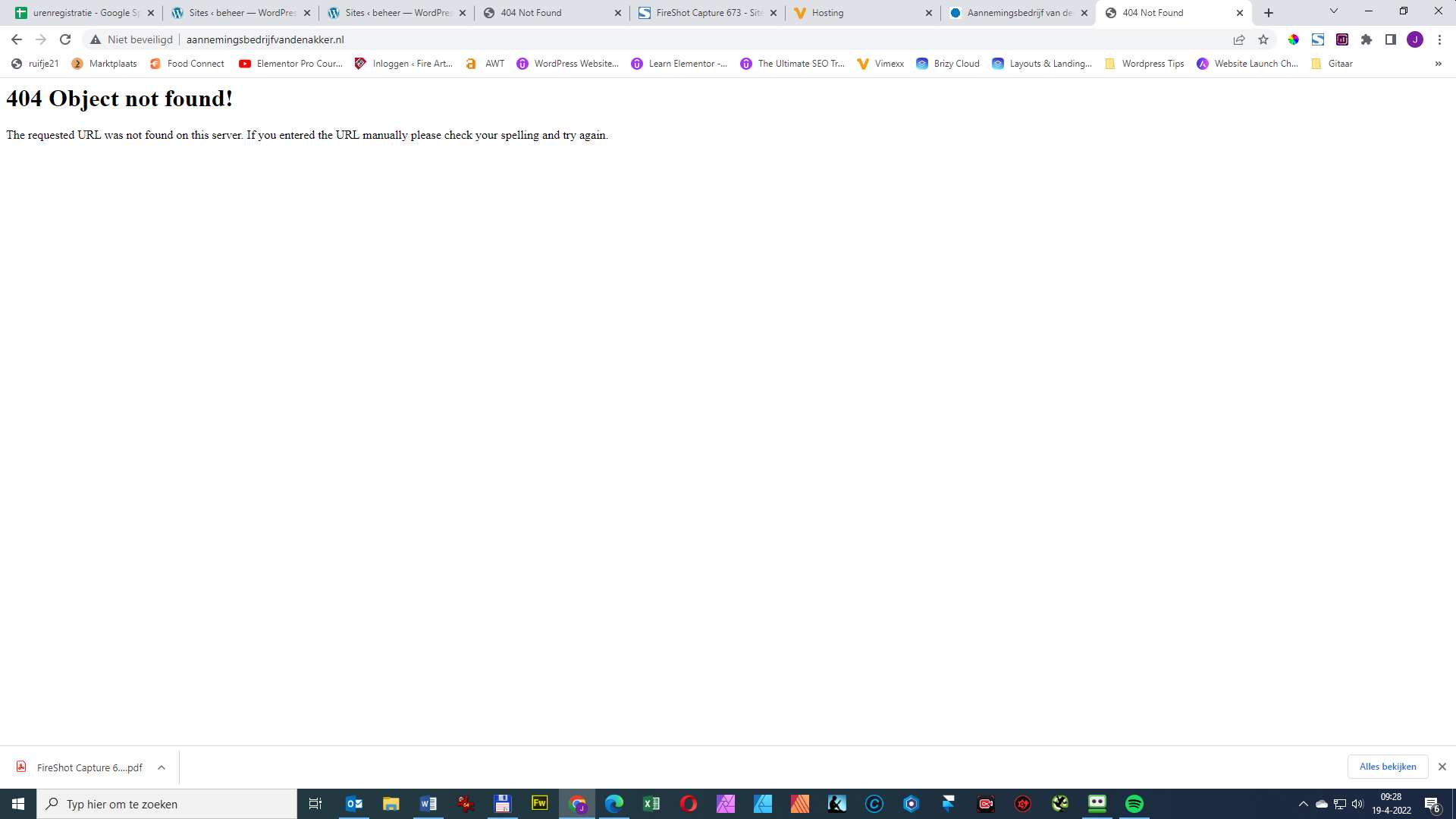
If I ignored the message and continued to the "insecure" website I got a 404
404 Object not found!
The requested URL was not found on this server. If you entered the URL manually please check your spelling and try again.
Afterwards, after consultation with the owner, I removed the old website. This because I already had a new website ready in HTML export from Brizy. Then I removed all the files from the public html folder and uploaded the html files via FTP.
Now I still get a 404 error message. Would you please check what is going on?
Now after days and clearing the cache and restarting my modem and router I keep getting the error message on my PC and ipad. On my phone the Brizy html works fine.
So new visitors can access the site properly and get a lock in the browser. But visitors who came to the site before get that 404 error message. How can I solve this?
Another website with which I did this 1 year ago, worked well immediately and continues to work well.
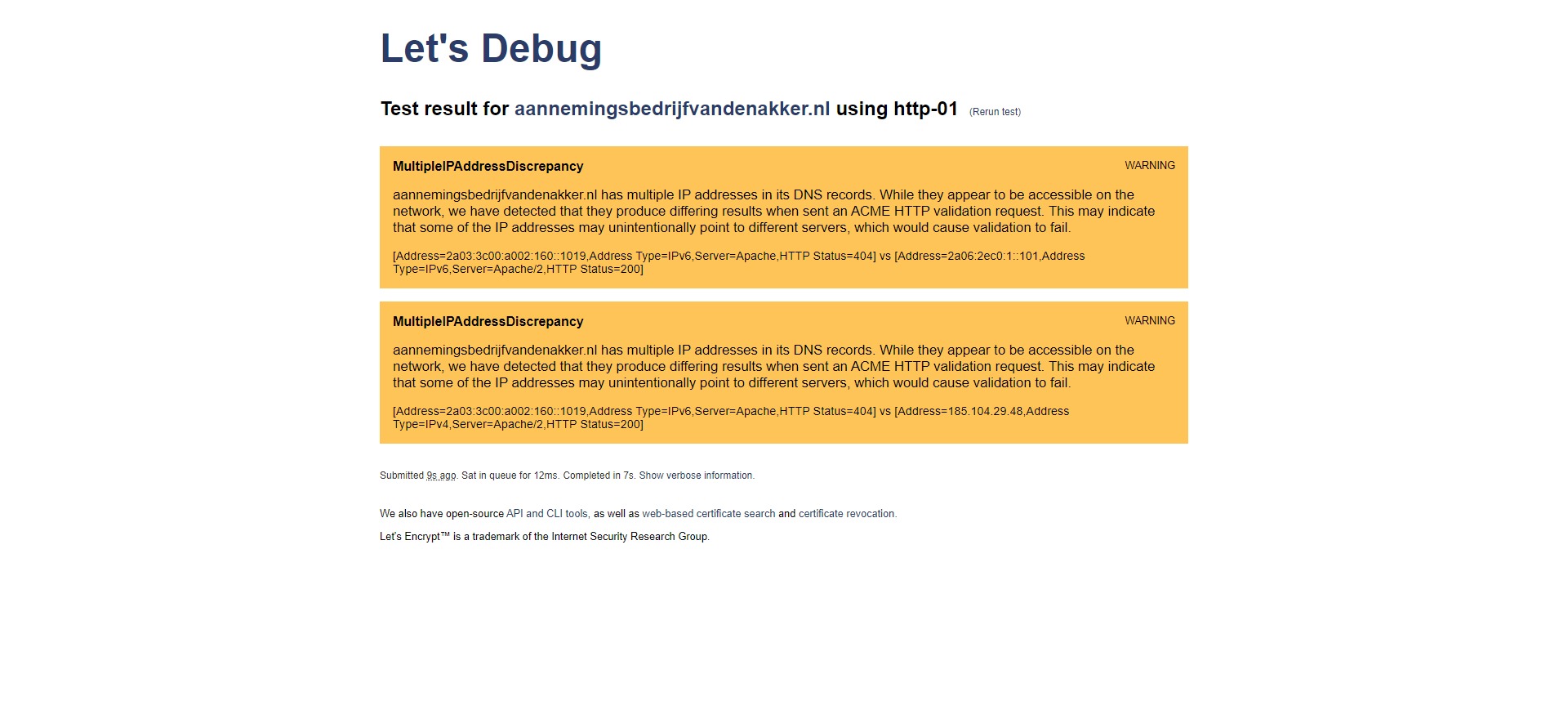
You see screenshots of the 404 and an SSL Lets Debug wich shows a message.
Can you please help with this?
Thanks in advance!
Jos
-

Hi Jos,
A possible reason why sometimes SSL shows and sometimes it does not could be because you have two AAAA records associated with your domain. https://jmp.sh/V3ohL1A
Since you are hosting with Stichting DIGI NL by Vimexx Shared, probably the second AAAA record could be the right one. You could delete the first AAAA record from your domain and check if the problem resolves.
Here is the DNS look up of your domain.
0 -
Hi KC,
Thanks for your advice! I removed the first AAAA record.
This didn't work right away. Then I set up a redirect from the Brizy Cloud website. After that, the website opened on all devices. Then removed the redirect. Continued to work, in code there is now a reference to that cloud website at the top.
Thanks again! I am very pleased with your help as always.
Greets,
Jos
0
Please sign in to leave a comment.
Comments
2 comments