moving screen to the top after chanching text color

Hello! can you watch this video.
There is a problem with moving screen to the top after chanching text color...
https://drive.google.com/file/d/1i9BS5StxLzLM0QY5Ug_iS-rRTg1mOYtR/view?usp=sharing
Thank you.
-

Hi Ivan
By looking at your screen recording, I get the impression that you have pasted multiple paragraphs, headings, bullet points into one Text element. This is not a recommended practice. Each paragraph should have its own Text element. If you have just one paragraph in each Text element, you should not face the issue you have mentioned above. Please try this approach and see if the problem gets resolved. https://jmp.sh/74dFRrg
0 -
Hello!
The option you suggested is acceptable only when there are not very many pages on the site. But if you need to create 1000-20000 information pages? 1k-20k pages and 5-10 paragraphs + graphics+ points.. Adding so many text elements is a very very very long time... It's infinitely long..
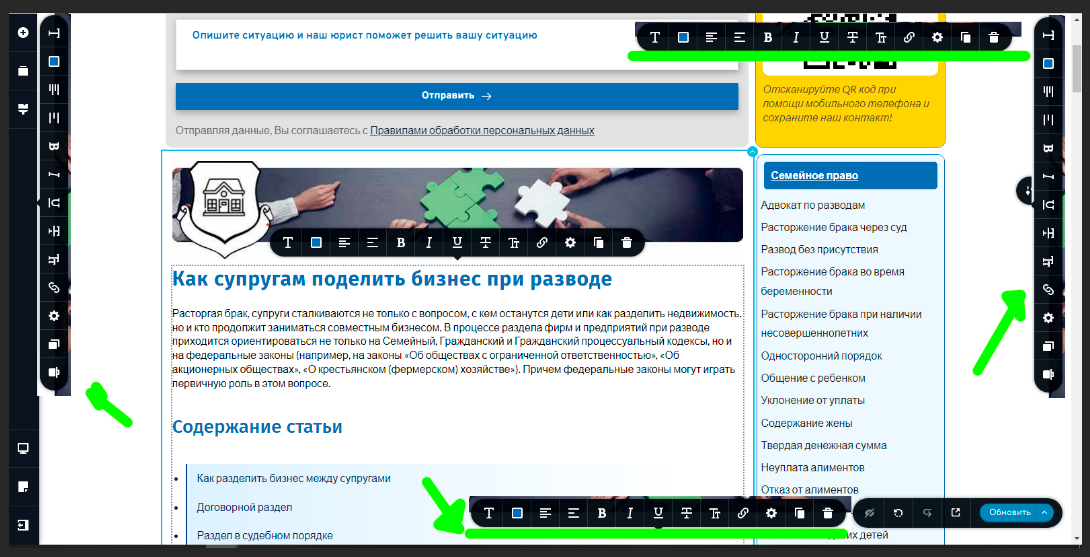
Very good option to fix the text control panel to some part of the screen, like in the picture..
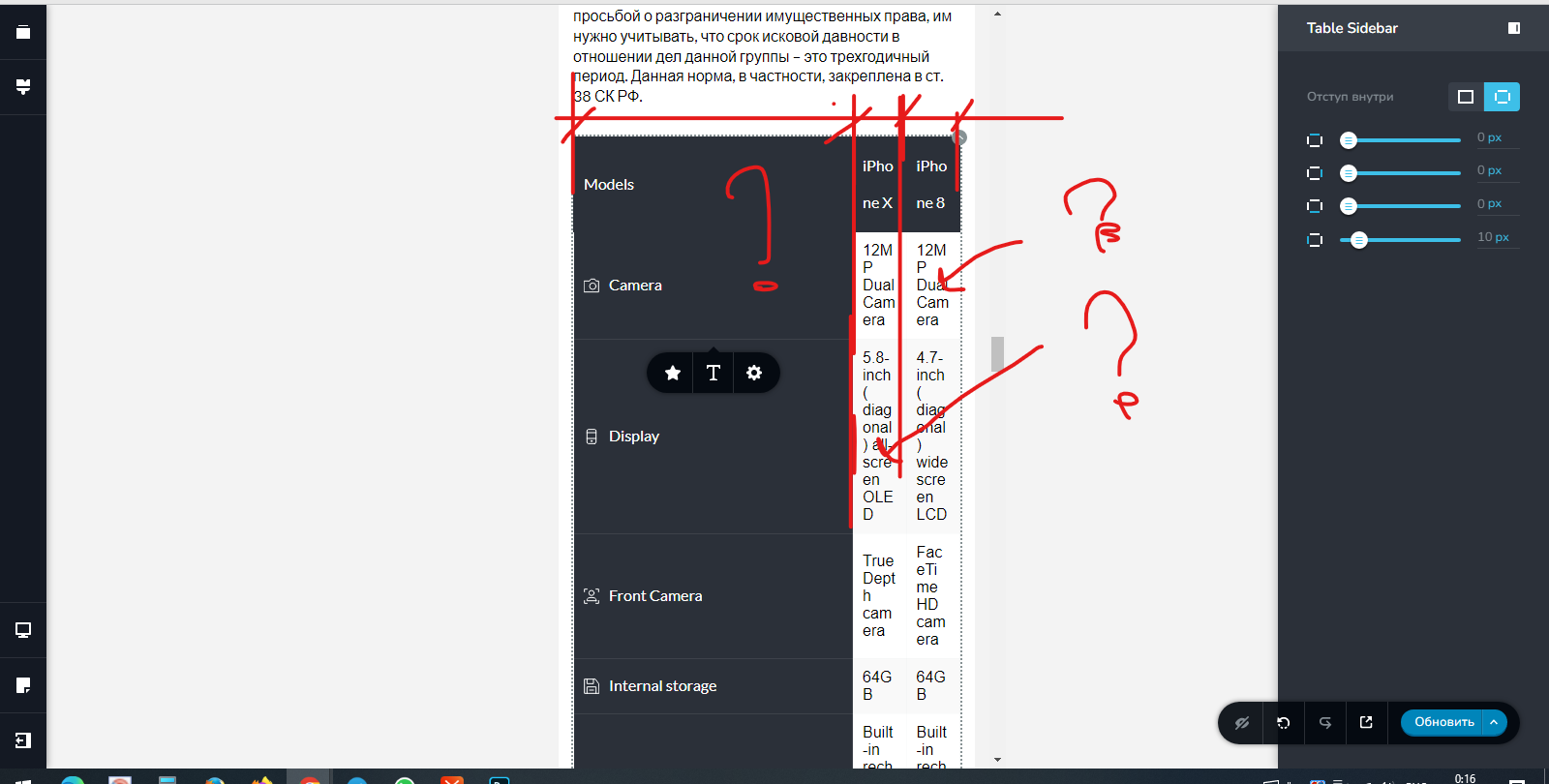
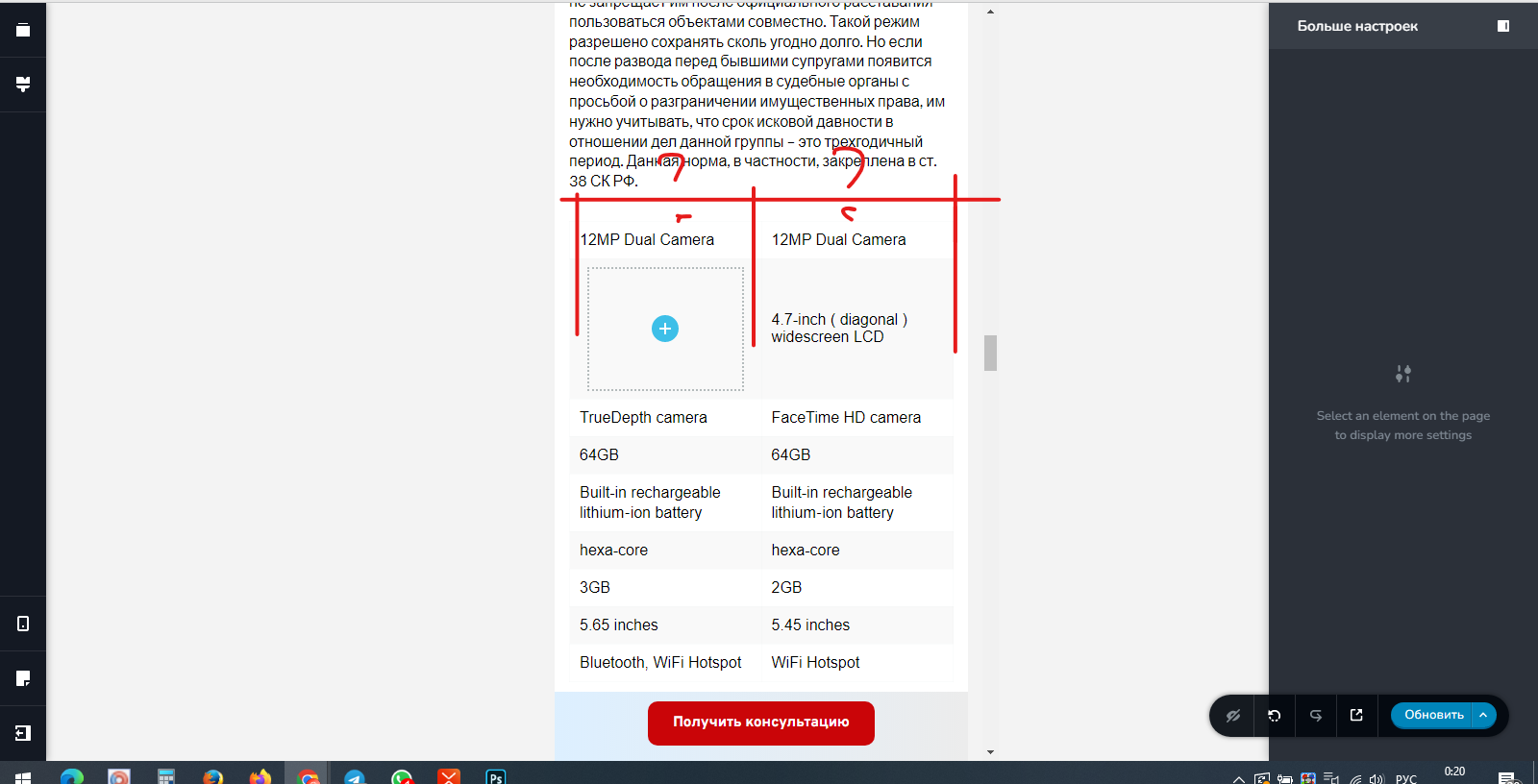
For example, you selected an element and a panel appeared in the corner! very convenient, always in sight.And there is a big problem with tables! it is impossible to make alignment on the left or right side in mobile mode! And it is impossible to control the size of the cells. In desktop and mobile mode.. there is very little room for customization compared to standard HTML tools for the table..
the first column, as I understand it, can be adjusted, but if it is not needed? how to adjust standard cells
 0
0 -
-
Hi Ivan
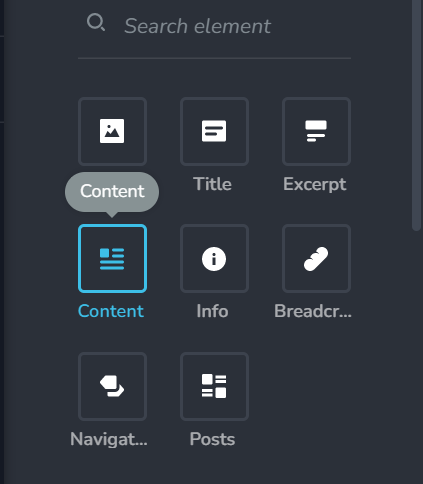
If you have hundreds or thousands of pages, I would recommend a different approach. Consider publishing those pages as blog posts. You can add the page content in Gutenberg Editor and display it in Brizy using Brizy blogging templates. To display the blog post content in your Brizy template, you can use the Content element. https://youtu.be/cWJEetL4f-s
To have better control of your table design and have scrollable columns on a mobile screen, please check out this plugin https://wordpress.org/plugins/wpdatatables/
0 -
Thats cool, but what about simple Table code?
0 -
Hi Ivan
I'm sorry; could not understand your question. Can you rephrase?
0 -
OK. Forget it.
Do something with a bouncing screen.. With the screen constantly moving up.
What is indicated in the topic. Like on the attached video.
I change the color, the screen jumps up..
I insert the text, it jumps again..
I change the properties of the text, it flies away again..
It's very cruel to the eyes..
Thank you!0 -
Hi Ivan,
Like I had mentioned earlier to you, for adding multiple paragraphs, multiple headings, we expect you to use multiple text elements. The text element is designed to handle a single paragraph/ a single heading/ one set of bullet points. The Text element is not designed like the WordPress classic editor where you can add multiple paragraphs, headings, images etc.
The reason why you are facing these issues is because you are using the Text element in a way it is not designed for.
0 -
Maybe I'm not using it the way you intended :) I do not argue!
But agree this is a real bug.. In any case, it shouldn't work like that.0
Please sign in to leave a comment.
Comments
8 comments