1/Link colours & 2/ Google Fonts

Hi,
I have 2 issues.
Some links show up with the default link colour and some don't. It seems the <span class="has-inline-color has-vivid-cyan-blue-color"> xyz </span> isn't always being applied when a link is created. Some links may have it applied and some not even on the same post, for example https://www.webbd.co.uk/good-fonts-for-websites/. On the backend when the post is being edited all links do show up a different colour, but not on the front end. I have tried deleting some links and creating them afresh but hasn't helped - it's driving me crazy! What can I do so all links are created properly all the time, so I don't have to manually add the html line in each time, which is very tedious.
Second issue - due to the recent Google Fonts court case I want to host fonts locally. I have uploaded font files onto the website and allocated text accordingly, but when I inspect a web page, fonts.gstatic.com is still loading Lato. How can I stop this happening?
Website has Brizy Pro and Brizy Starter theme, everything updated to the latest.
Many thanks!
-

Hi Claudia
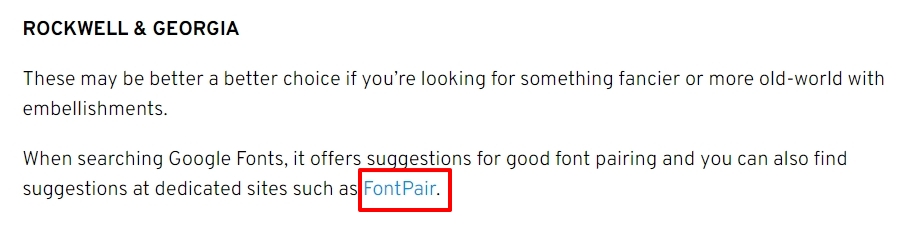
About the first issue, I could not see the problem you are describing. In the page https://www.webbd.co.uk/good-fonts-for-websites/ I saw just one hyperlink which is in blue. I could not find any other hyperlink. Can you help me identify other hyperlinks?
At the moment, you cannot host the default Lato font locally. A facility to change the default Lato font has come to Brizy Cloud. It is scheduled to come to Brizy WordPress in a month when we release Brizy 2.4.0. Please bear with us until then
0 -
Hi,
Thanks for letting me know about the Google Font issue. Great that it's coming to WP soon.
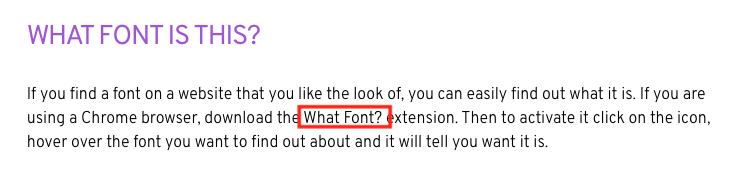
A hyperlink which is not blue is 'What Font' under the heading What Font Is This (image attached). Another one is under Final Thoughts, last line of first paragraph 'Ling Cars'
Thanks!
 0
0 -
Hi Claudia
Brizy does not give you an option to set a link normal color and link hover color. However if your theme has global colors for links, Brizy will pick it up from your theme. Brizy Starter theme may not support global link colors.
To solve this problem, please consider changing to a theme which supports global link colors. I recommend Blocksy theme. You can also consider any other theme from here. https://www.brizy.io/theme-partners
In Blocksy, you can find its global link colors under Appearance - Customize - Colors
 0
0 -
Ok thanks for that. Odd that it does it on some but not others though.
I'll think about changing theme when I have time.
Thanks for your help anyway!
0
Please sign in to leave a comment.
Comments
4 comments