Blog Post Excerpt

Hiya,
When adding new blog posts in Brizy Cloud, with the excerpt text formatted as the default 'normal', it displays in a different format as you can see with the first post here -
https://www.academyofpublicspeakers.com/public-speaking-success-and-confidence
I've tried using each of the available formatting options to have the text display like the other posts and also tested with Chrome & Safari.
This affects all now posts that I create.
Can you please suggest a solution?
Thank you,
Andy
-

Hi Andy,
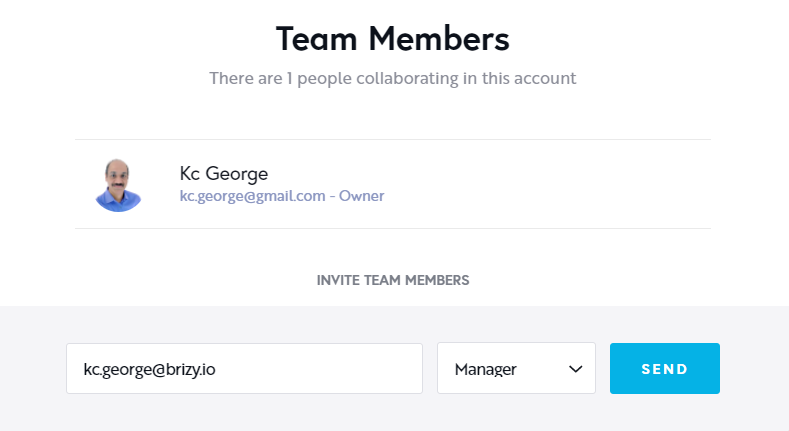
To help you fix this issue, we will need to take a look at your project. If you need this help, please invite me as a Team Member into your Brizy Cloud project. My email: kc.george@brizy.io. Please assign me "Manager" role.
 0
0 -
Hi KC,
Thank you for offering to look at the issue.
An invitation to join the project has now been sent over to you.
Best wishes,
Andy
0 -
Hi Andy
I have looked at your project. I will need to escalate this issue to the next level. Please give us some time to do this. Our team will return to work only by Monday.
0 -
Thank you for taking a look and for the update Kc
0 -

Hi Andy!
Natalia here! I just want to inform you that the team is working on this bug.
More details will come shortly.
Regards, Natalia
0 -
Hello Andy,
A short update from my side. We decided to remove the post excerpt element with dynamic tag #, because it is not working correctly at this moment.
Instead, we will use RichText element, and we will select excerpt from dynamic list - https://jumpshare.com/v/Q83mzGXa0eJQvAAwwpRY .
Right now, all post excerpt elements are displayed correctly in your page.
Let me know if you have any other questions.
Regards, Natalia
0 -
Thank you for the updates and your help in providing a solution Natalia.
Best wishes,
Andy
0
Please sign in to leave a comment.
Comments
7 comments