Brizy Cloud Translate Page

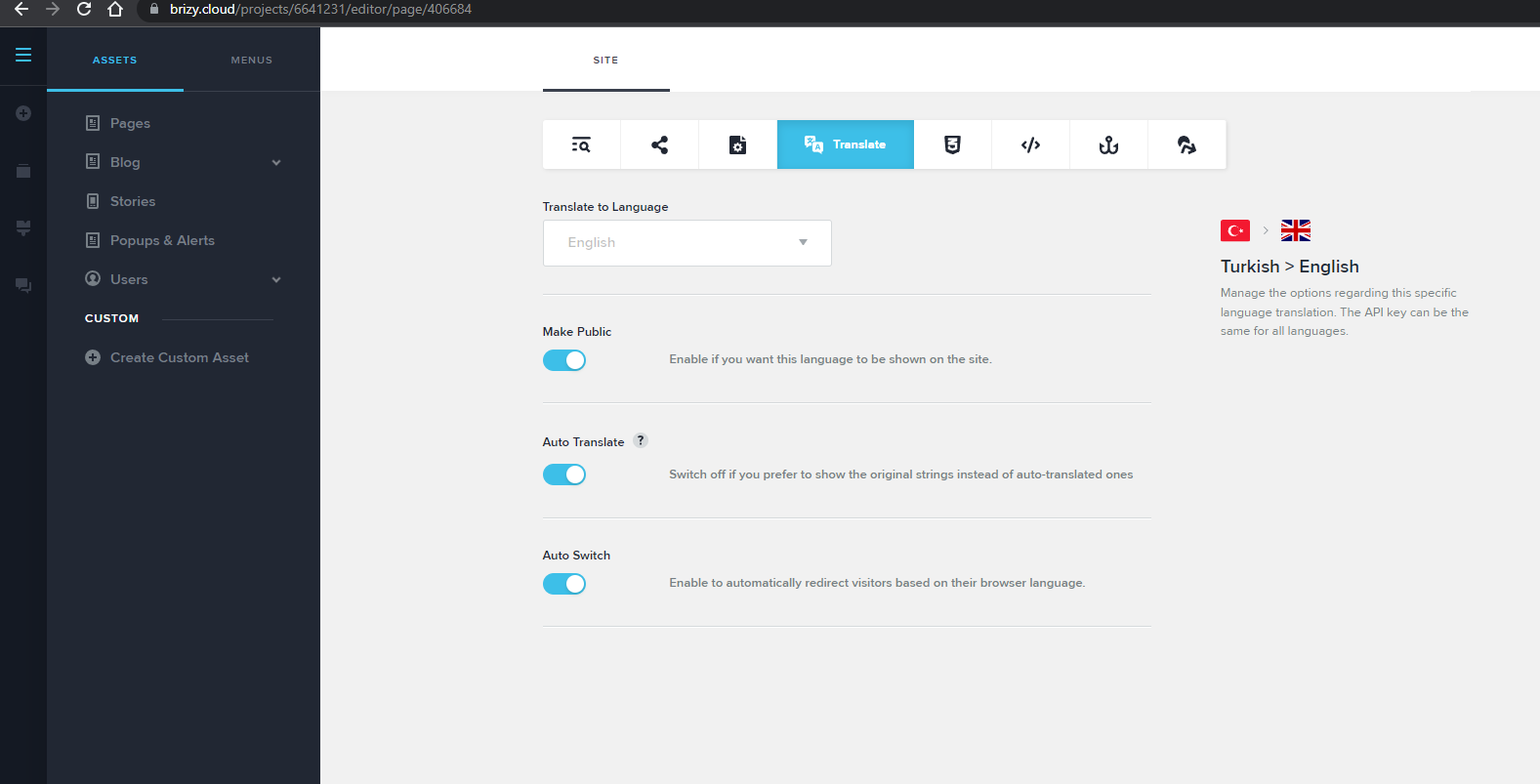
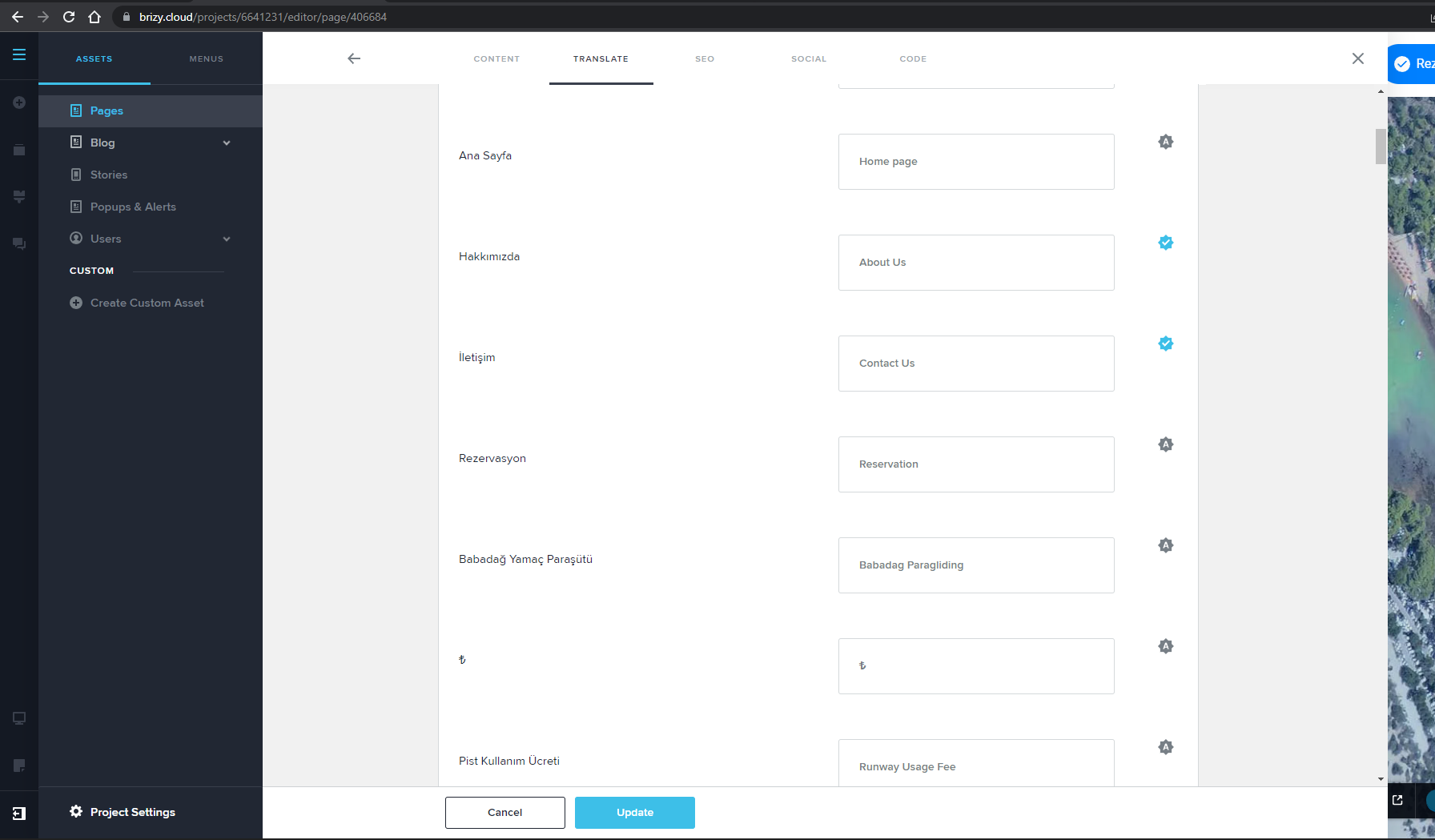
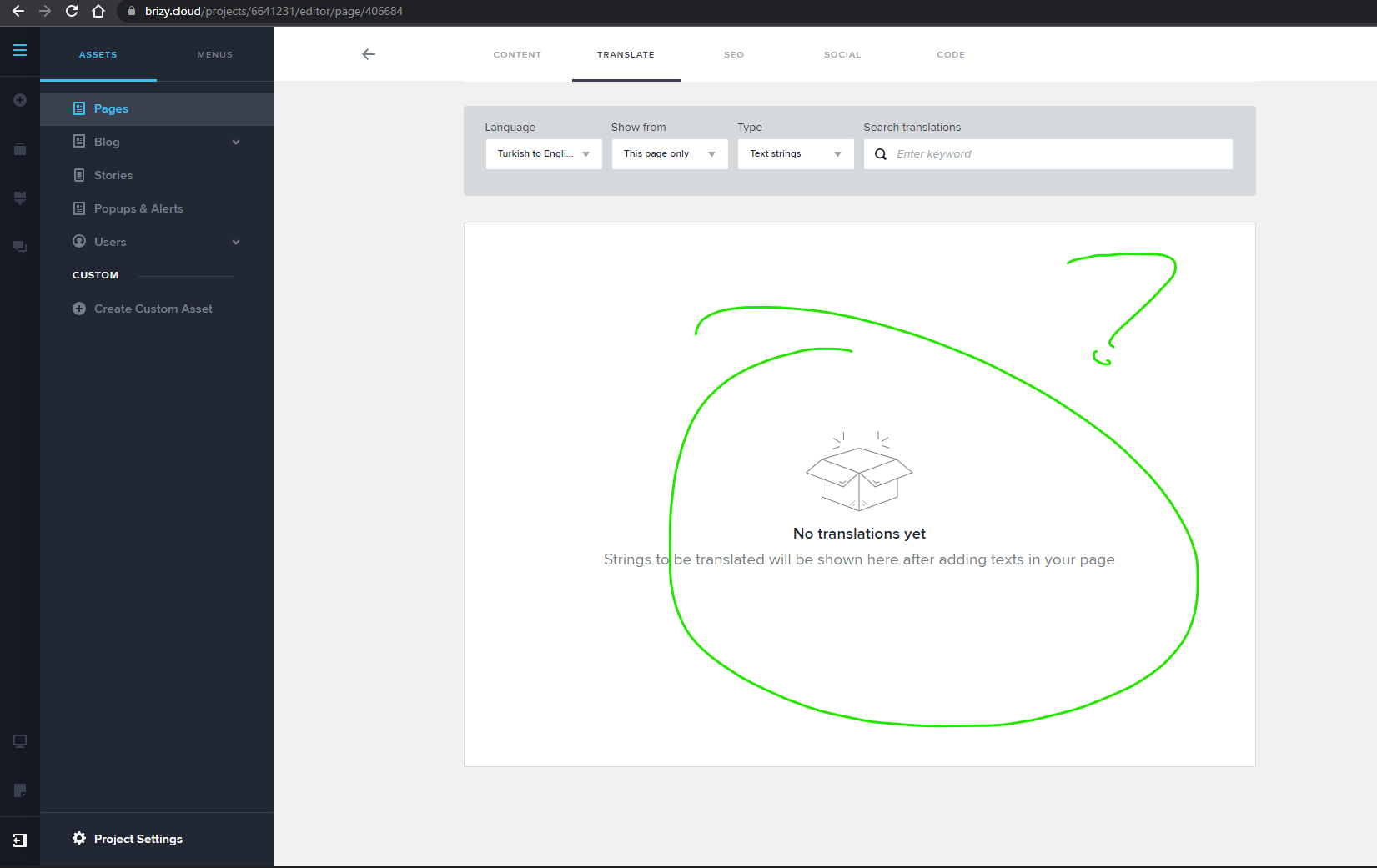
Hello, I am using brizy cloud. The panel has been updated and the "Translate" section is active in the "Project Settings" section. I added a new language, automatic translation translated the first two pages, but the other pages were not translated. It does not allow manual translation on these pages. Could you please take a look, is there anything I need to do?
https://www.brizy.cloud/projects/6641231/editor/page/406684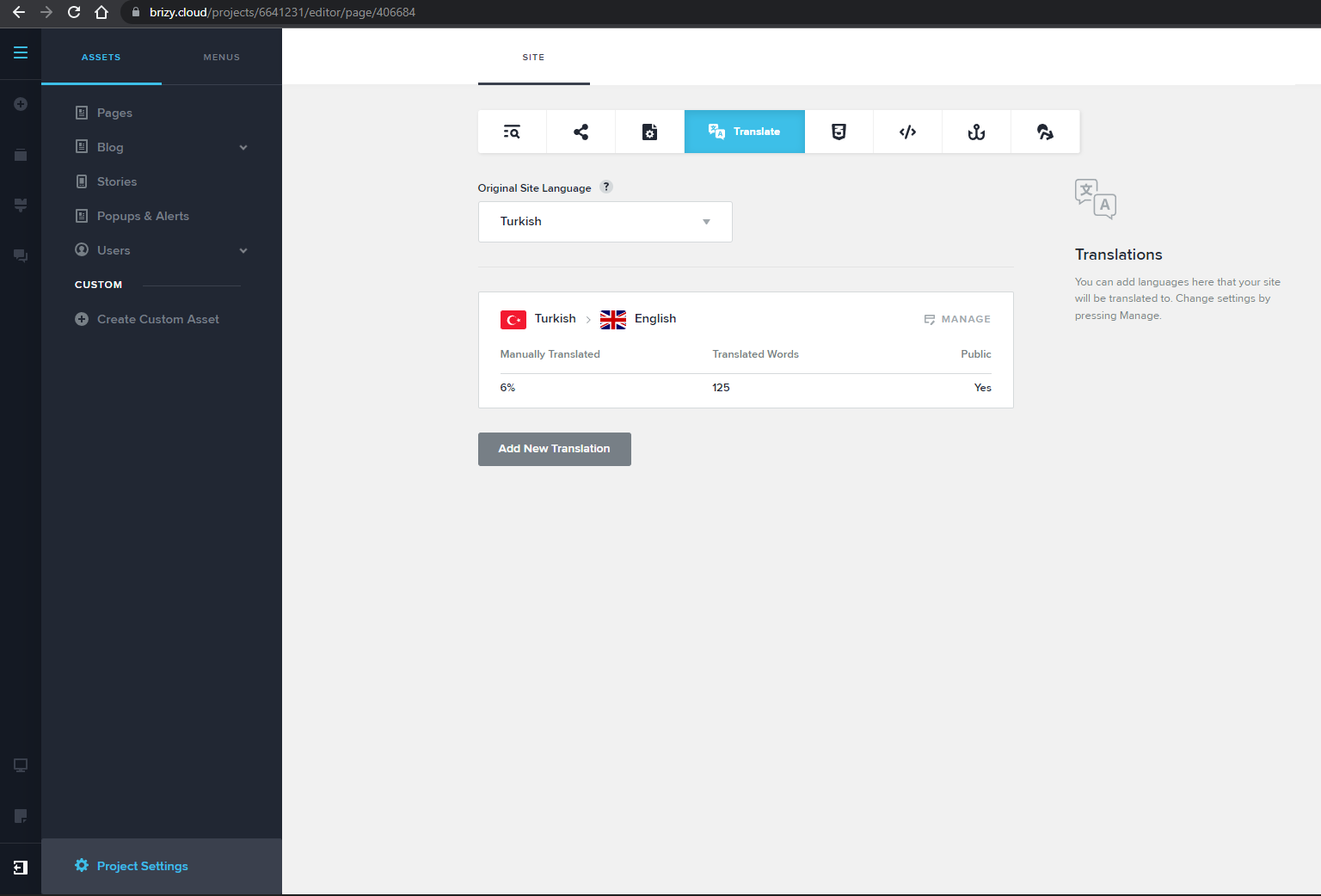
-

Hello,
Thank you for contacting us.
I'm sorry for this inconvenience. We have an open issue on our internal desk about this and we will try to fix it as soon as possible. Sorry for the created inconvenience.
Best regards, Nelea.
0 -
Another 1 of the pages has been translated, but most of the pages do not see the translation content, what is the problem, how can I solve it?
0 -

Hi Umut
We have not yet launched the translation feature. We have done a soft launch and this feature is not ready to be used yet. We will make an announcement when it is ready. Please wait for an announcement through email, at https://www.brizy.io/blog and in the Brizy Facebook Community.
0 -
Hi Kc George
If you accept feedback, translation errors occur in bold or similar html tags. I think the system needs to remove and forward abundant and similar tags when sending translations.
Hope it helps in development. thanks0 -
Hi Kc George
I wanted to give feedback:
The rendering works fine. However, I noticed two shortcomings.
1. Sitemap.xml does not add translation languages and new urls into sitemap.
2. Title and description are translated, but page url translation or editing is missingI hope the feedback helps you, and if there is anything I can help with, I'll be happy to do it. good day
1
Please sign in to leave a comment.
Comments
5 comments