YOUR EMAIL WAS NOT SENT

Hi,
I built a simple contact form for my website.
See here. https://www.yogeshksoni.com/contact/
I am trying to use sendinblue to send transactional emails.
No matter how I configure this button, I always get the same message (YOUR EMAIL WAS NOT SENT). It is frustrating because there is absolutely no log to look and figure out what is wrong.
Can anybody help please? This is such a basic functionality, I wonder what will happen when I start to add more complex features on my website.
See the attached picture for error.

Please note that my email configuration on wordpress is just fine. See attached screenshot from WP SMTP using sendinblue to send email successfully.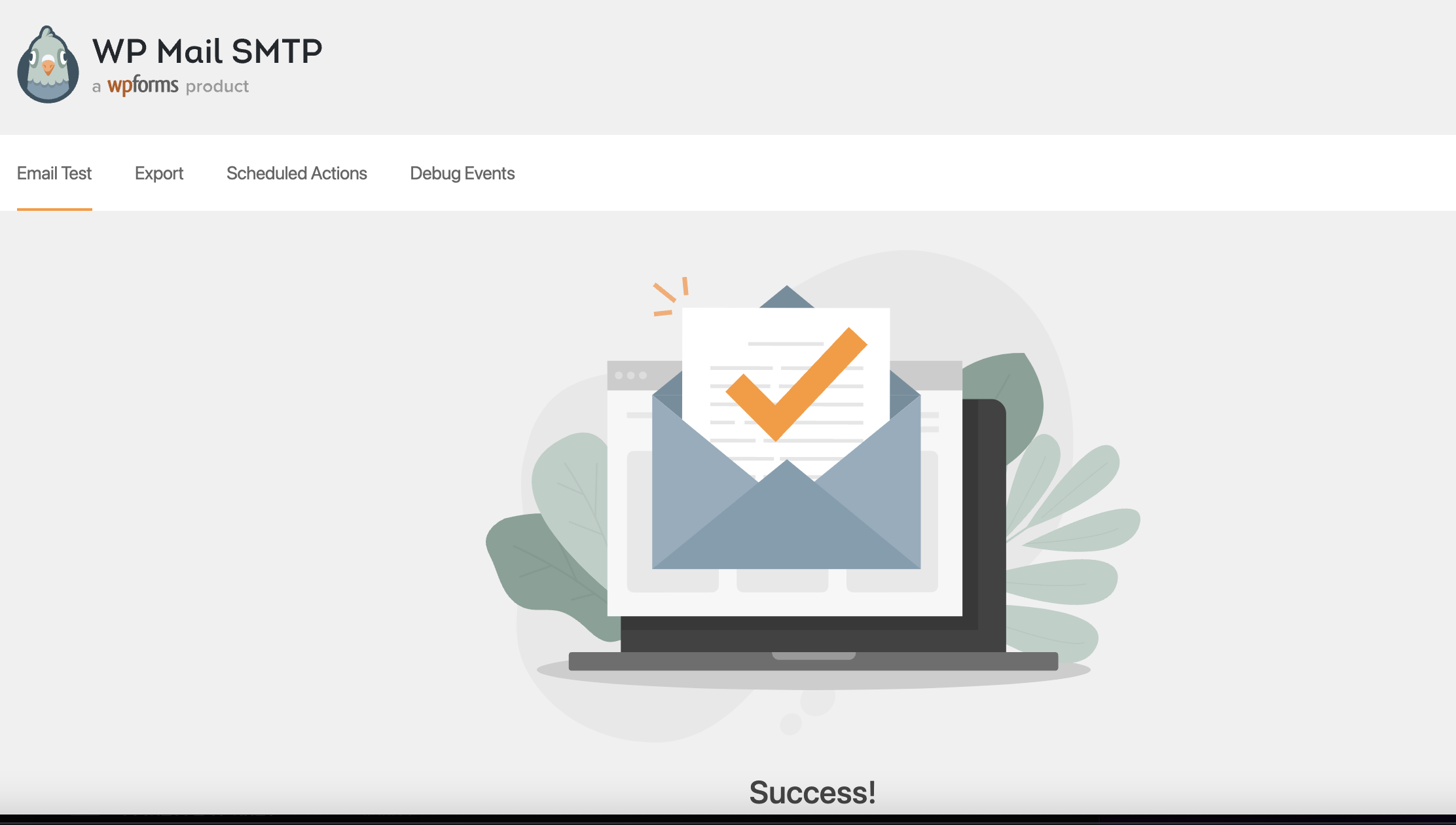
-

Hello,
Thank you for contacting us.
Could you please check if you follow all these steps and recommendations from this article to connect the Form with SendinBlue?
Could you please check if you have the latest Brizy Free 2.3.33 and Brizy Pro 2.3.26 version? Also, could you please temporarily deactivate all external plugins (except Brizy Free and Brizy Pro) and activate a WordPress default theme? Do you still have the same problem?
Could you please send us a URL link where we could check this problem?
Best regards, Nelea.
0 -
Hi,
Thanks for your reply.
I had followed the steps you shared in the article already. The problem persists.I double checked. I am using the latest version of Brizy and Brizy Pro.
Here is the URL to check the problem. https://www.yogeshksoni.com/contact/
I will try to disable plugins. I am using a theme (Blocksy) that was recommended as #1 theme to use on Brizy website. See here.. https://www.brizy.io/theme-partners
Regards
Yogesh0 -

Hi Yogesh
In a Brizy form, these are mutually exclusive options and you cannot combine these two.
- SMTP: You use this option if you would like your form data to be sent to you as an email
- SendInBlue: If you have setup a Mailing List or a Contact List with SendInBlue, every time someone fills up the form on your website, the details can be added to your SendInBlue list
To make your Contact form work, let me suggest these steps.
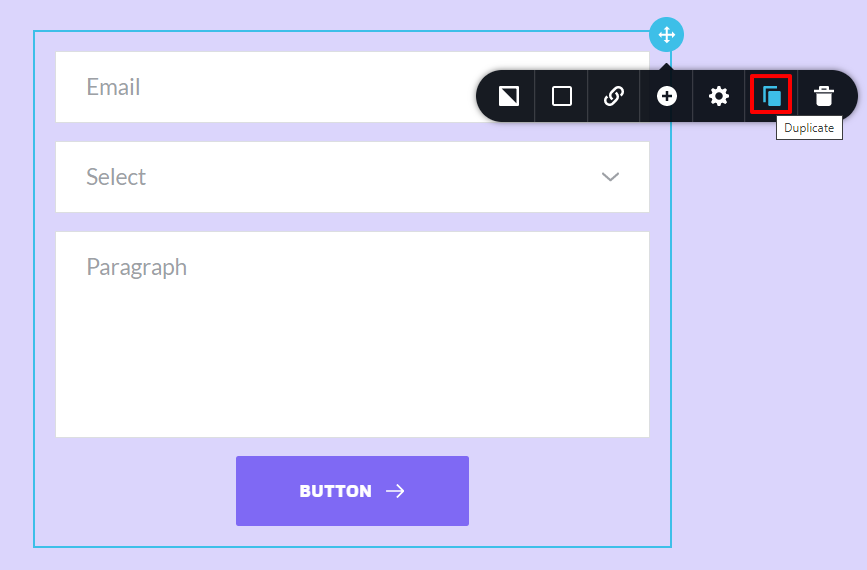
- Make a copy of the form by clicking on the "Duplicate" icon in your form. This will remove both of the SMTP and SendInBlue selections you had made.
- Add either the SMTP or the SendInBlue option.
If you still continue to get the error, we may need access to your WordPress Dashboard to help you fix it.
 0
0 -
Hi Kc,
Thanks for your help. I was able to half-fix it.
There were 2 issues.
1. Too many connections to the buttons. As per your advice, I replicated the form and connected only email (send by Wordpress -> WP SMTP -> SendinBlue)
2. The second problem was that for some reason email sent by my website is not arriving at my zohomail. I sent the email to my gmail and finally was able to get the email. Something fishy going on in there.
Regards
Yogesh
0 -
HI Yogesh
I'm sorry; I could not understand what is still unresolved. You said "I sent the email to my Gmail and finally was able to get the email". Does this solve your problem or do you have another issue which is still unresolved?
0 -
Hi KC, I was able to resolve all the issues. My email provider was blocking emails from my website.
Thank You
Yogesh
0
Please sign in to leave a comment.
Comments
6 comments