Broken Menu when updating BRIZY wordpress

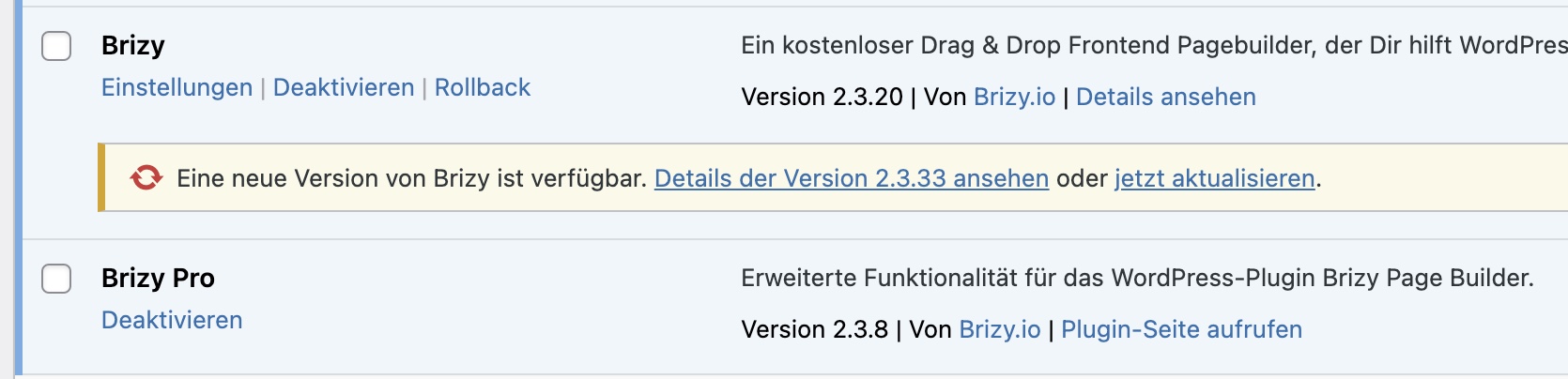
Hi Team Brizy, we work with Brizy Pro for Wordpress since months and have a problem with menus that break as soon as we update Brizy (not Brizy Pro). We have this problem on several different websites we made for clients, so we can't update them and run older versions of Brizy. Can you help and let und know how to handle this. Seem like this is a know problem with Brizy. But we need a solution for sure.
The Page/Menu looks perfect when running an older Brizy Version (2.3.20)
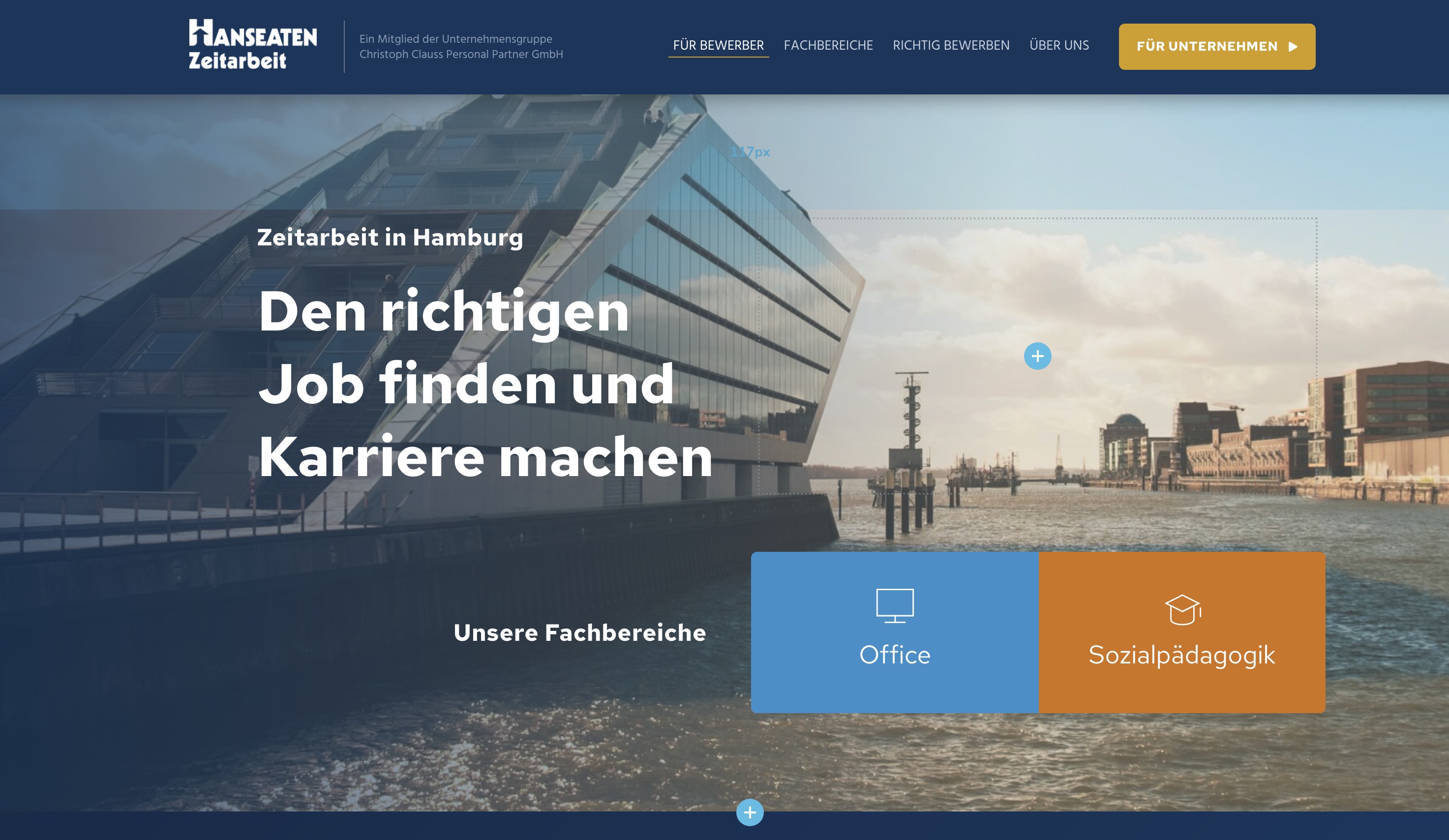
When we update Brizy this happens:
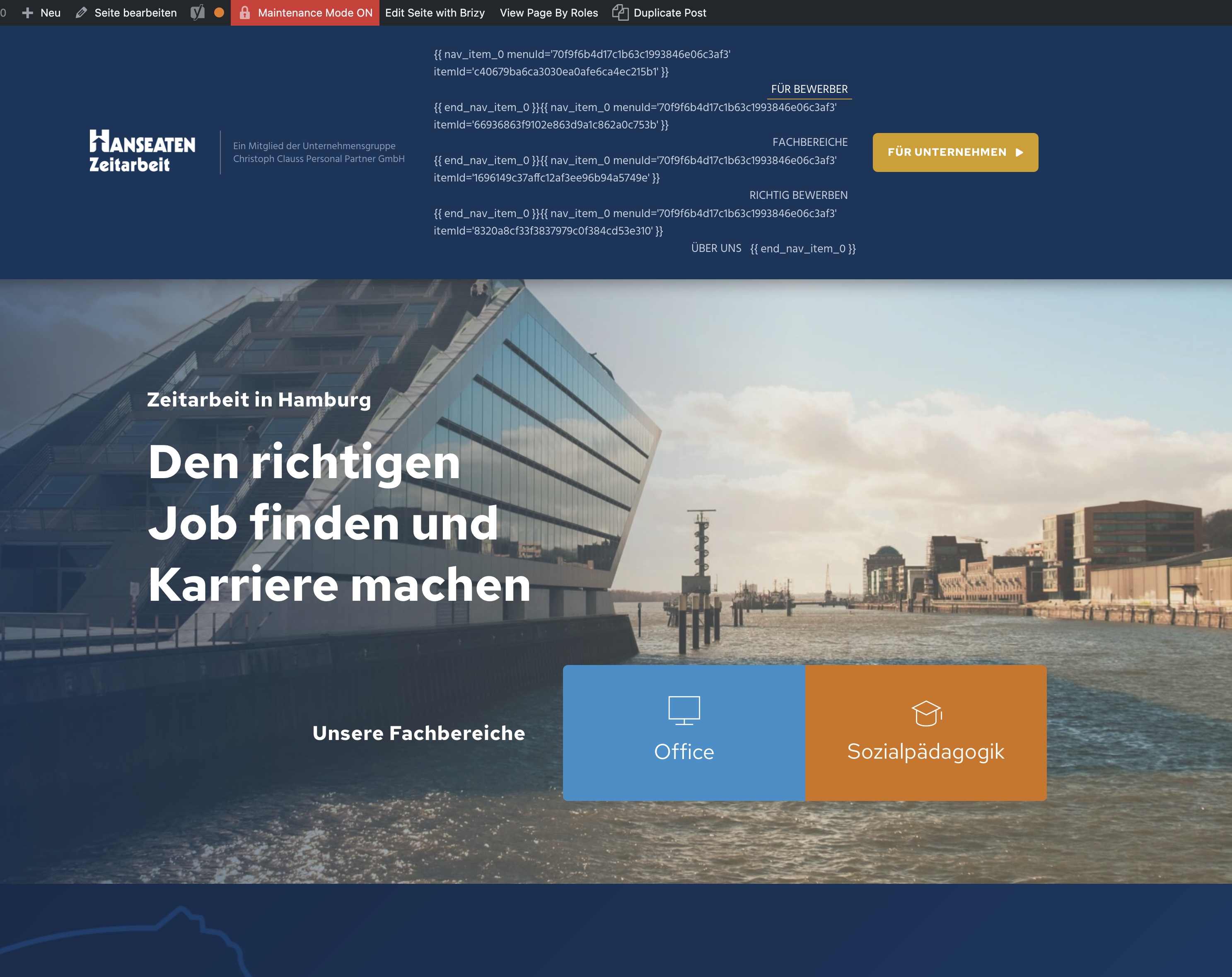

We were hoping this would be fixed with the newer Brizy Updates, since we noticed this problem sind several months on different website we do.
Best regards, Leslie
-

Hi,
You have this issue because your Brizy PRO version IS 2.3.8. Please update the Brizy PRO plugin to the latest version 2.3.26. If you can not update the Brizy Pro plugin to the 2.3.26 version, try to fully reinstall plugins (deactivate, remove, install again). After this, the problem with the menu will be fixed.
Best regards, Nelea.
0 -
Thank you for your quick answer. We will test that an I will get back to you.
0 -

Wäre doch schön, wenn das die Lösung wäre! Klasse, dass Du nachgehakt hast! Bye ☀️ SPAM"
0 -
Hi Gitta,
Thank you for your message.
Yes, this is the solution, for this issue you should have both plugins updated to the latest version.
Best regards, Nelea
0 -

Thank you Nelea. This worked out perfectly for all websites! Thank you for the fast answer. Leslie
0 -

This happened to me when I tried to update Brizy Pro...
0 -

Hi Jeff,
Thanks for reaching out, and I’m sorry for the inconvenience.
Please try adding 1px padding to the affected block, then save your changes and preview the live site. This simple tweak can sometimes help resolve similar issues.
If this didn't help, also try disabling all plugins except Brizy and Brizy Pro to see if that resolves the issue. You can also temporarily switch to a different theme to check if the problem is theme-related. If you've added any custom code to your pages, try temporarily removing it as well.
If disabling other plugins fixes the issue, re-enable them one by one while testing the page to identify the conflicting plugin. If switching themes resolves it, consider using a more compatible theme such as Blocksy or Astra.
If the issue continues, please send temporary access to your WordPress Admin Dashboard to communitysupport@brizy.io with the subject line: 5288871330577. If you’ve changed your WordPress default admin login URL, please make sure to include the correct login link as well.
Looking forward to your response.
Best regards,
Ariel H.0
Please sign in to leave a comment.
Comments
7 comments