Sticky menu link not working

Here is a short video detailing the issue I am experiencing:
-

Hi
Normally if you add a hyperlink to a button in a sticky menu, it should work. For example, in this test page, I have linked the button in the sticky menu to google.com. https://homi.kctest.online/test/. The link works.
Can you please temporarily remove the Covertbox embed code from your page and see if the link would work?
0 -
https://share.getcloudapp.com/12ugPLJd
Hello, yes I did disable the plugin adding the Convertbox code, and am still seeing the same issue. I have attached another video detailing what I am seeing on my side.0 -
Hi
We need to take a look at your project to see why this is happening. If you need help with troubleshooting, please add me as a user to your WordPress Dashboard. My email: kc.george@brizy.io. Please enable the option "Send the new user an email about their account" as in this screenshot https://jmp.sh/tSRznJX
Once you have sent me an invitation, please let me know here.
0 -
I have sent the invitation :)
0 -
Hi
You have setup a global header and on pages other than homepage, the sticky header works fine. Hence your header may be fine. Even though you have deactivated Convertbox plugin, your CDN is still serving cached convertbox Javascript code.
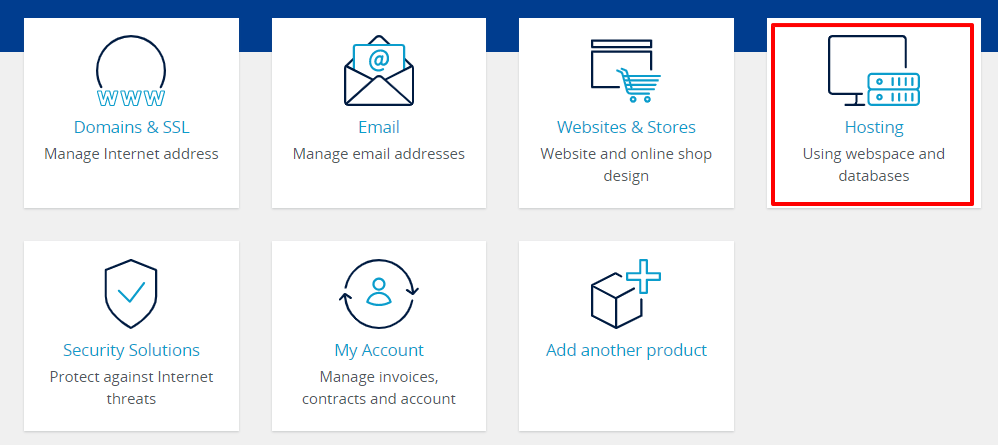
Please try this and see if it helps. Login to your IONOS account. Click on "Hosting" and then select Content Delivery Network. Look for an option "Purge Cache" and purge all CDN cache and then check if your homepage works fine.
 0
0
Please sign in to leave a comment.
Comments
5 comments