Unhide page Element not visible in mobile view

Hi Brizy Support,
I have an image element that I did hide for the mobile view of my website by mistake. Now I would like to make it visible again but do not have the possibility to do so.
I can see the image element in desktop and tablet view, but not in mobile view. Since I do not see the image, nor can access the menu it seems impossible to unhide it again. I do not even see a blurred out version as placekeeper in the brizy page builder editing mode. Also I tried accessing the image settings menu on desktop and then with the menu open switching to mobile version, unfortunately this does not work neither.
Please let me know if you have an idea on how to fix this.
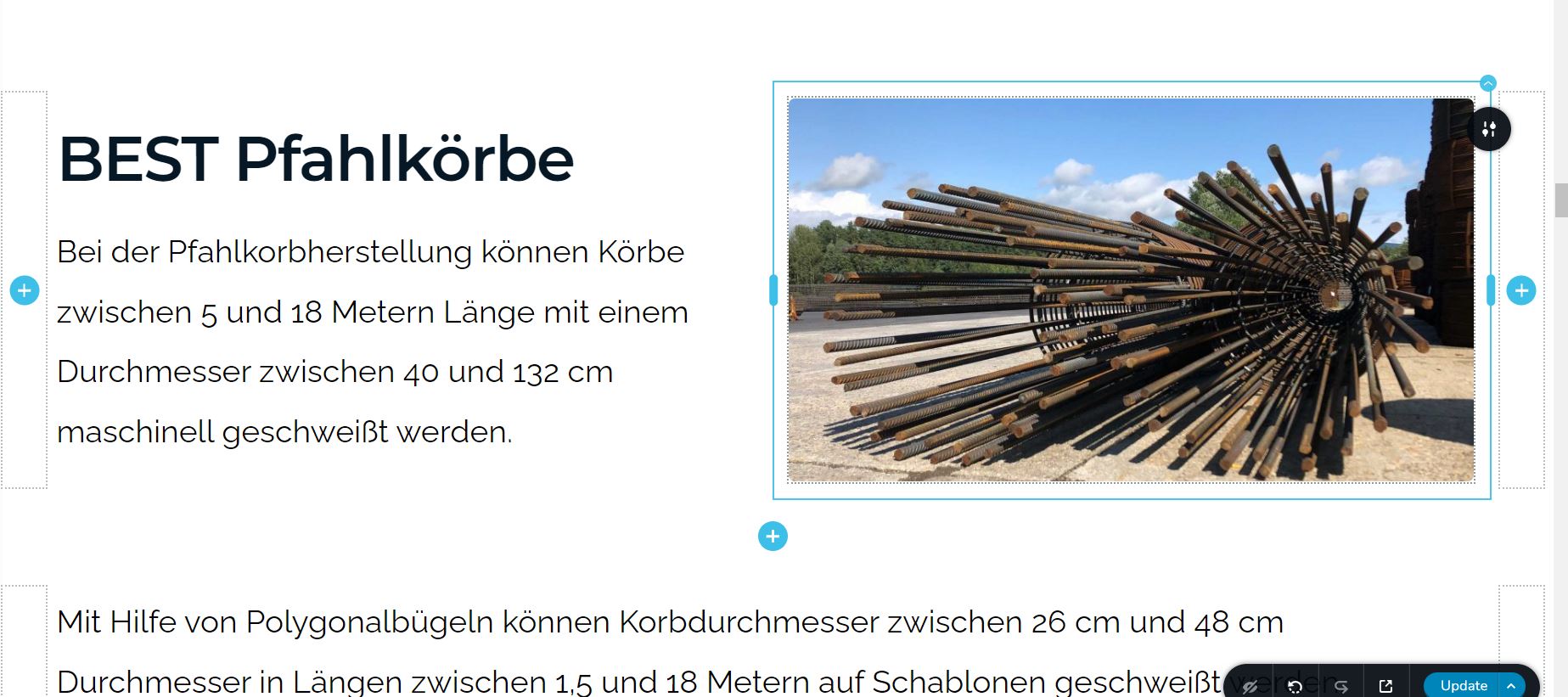
Page is:
https://www.best-baueisen.com/leistungen/
Thank you for your support, best regards,
Max
-

Hi Max
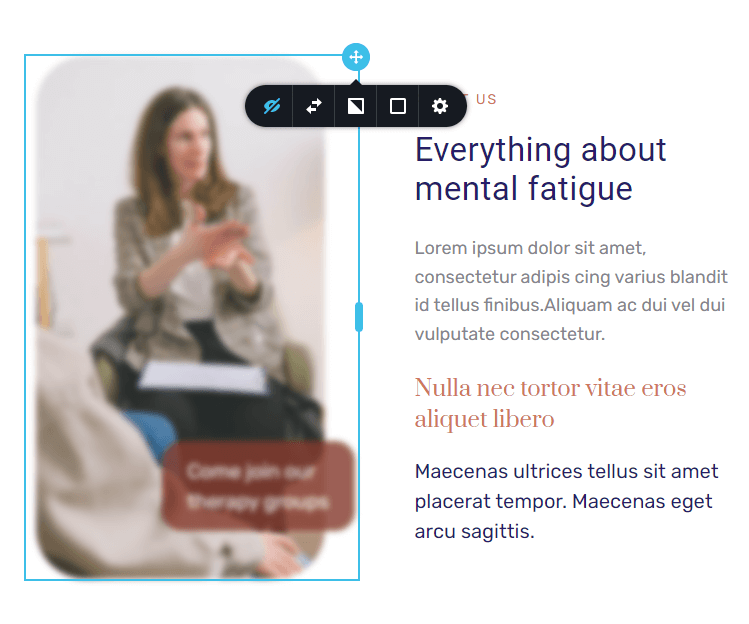
To see the hidden elements in a page, click on the "eye" icon at the right hand side bottom corner of the editor

When you click on this icon, while you can see the visible elements clearly, the hidden elements are blurred. For example, in this screenshot, the image on the left is blurred; and hence hidden. Click on the blurred element or its container and click on the "eye" icon to unhide it.
 0
0 -
Hi Brizy Support,
thank you for your input, this helped, now I can see the element in Mobile View in the brizy editor again at least. But it seems what ever setting I set in the menu and save in the editor (eye, or crossed eye), it still does not show on the live mobile page for some reason.
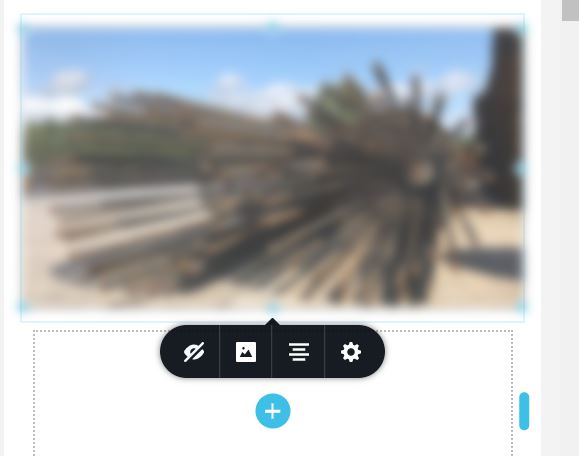
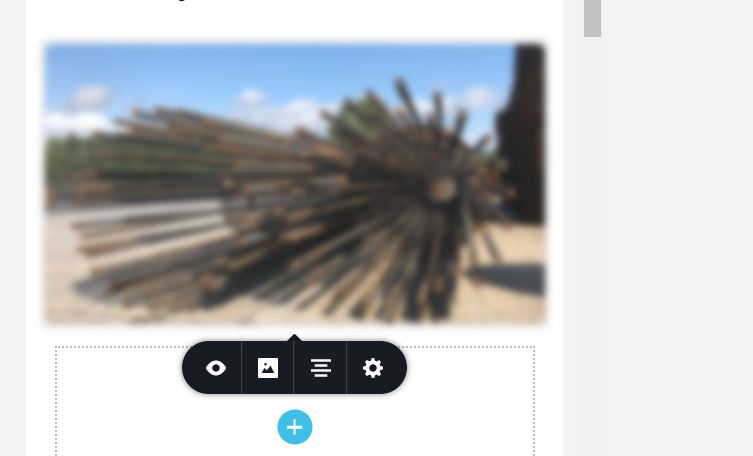
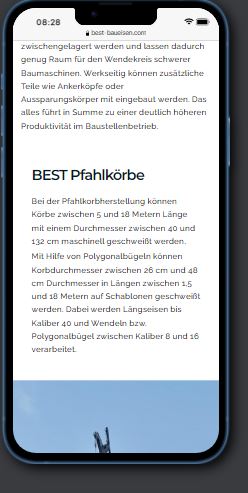
Do you know what I am doing wrong?
Thank you and best regards,
Max
0 -
Hi Max
If it difficult to offer any further help without seeing your project. Because of the coming soon page, your website front end is not visible to us either. If you give access to your project, I can unhide the element for you.
If you need this help, please add me as a user to your WordPress Dashboard. My email: kc.george@brizy.io. Please enable the option "Send the new user an email about their account" as in this screenshot https://jmp.sh/tSRznJX
Once you have sent me an invitation, please let me know here.
0 -
Hi KC,
you have an admin user and are whitelisted in the coming soon plugin.
I sent you the login data to support@brizy.io quite some times, but am happy to send it again if needed.
Alternatively you can sen me your IP via mail and I whitelist you.
Would this help?
Thank you for your support,
best regards,
Max
0 -
Hi Max
I have made the hidden photo visible in the mobile design view. Can you please check if everything works fine now?
0 -
Hi KC,
its working, thank you so much. What was it that did the trick?
Best regards,
Max
0 -
Hi Max
I just clicked on the eye icon of the hidden element to make it visible. I did not do anything extra ordinary. Not sure why it wasn't working for you.
One of your blocks in the mobile design had "full height". I made its height "Auto" to get rid of some extra white space.
0
Please sign in to leave a comment.
Comments
7 comments