Mobile view Image in post element not work

I create a post inside the element in the post grid but in mobile images height does not work for the post listing.
And also column background dynamic image not working in post listing.
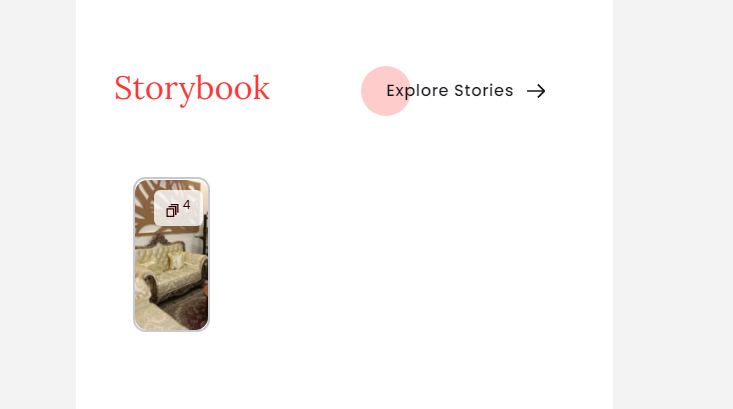
Create this in brizy

this show in frontend
Website: Home | Dreamland Furniture
-

Hi,
Thank you for contacting us.
I have checked your website in mobile version from 2 devices and everything works well. Please see here the video from the browser and here from mobile.
Best regards, Nelea.
0 -
Hello Nelea,
Kindly check the link below in the mobile version to better understand the problem on the Home page I added some CSS for height but the image inside will stretch.
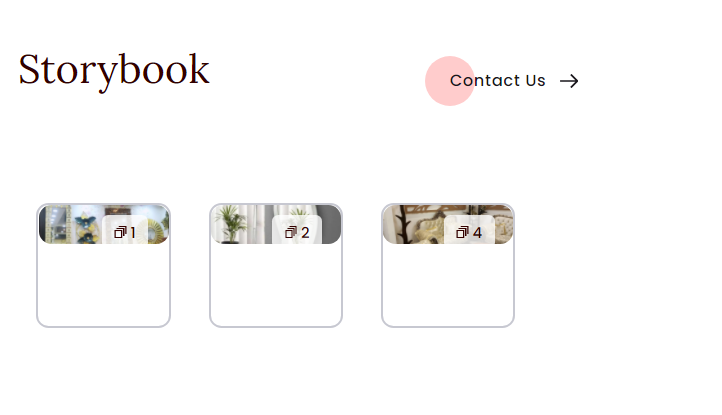 0
0 -
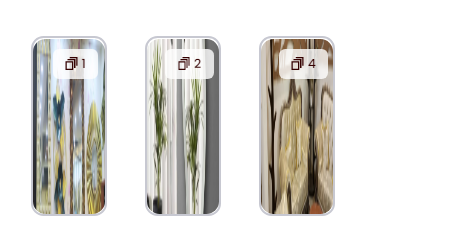
Kindly check this too this stretch the images in the mobile version because I added some CSS to correct this but this is not working at all only create the height not the proper image.

For the desktop version, this will look like this.
0 -

Hi Prakhar
I would like to take a look at your project to help you fix this error. Can you please add me as a Team Member to your Brizy Cloud project with "Manager" role? My email: kc.george@brizy.io
Once you have sent me an invitation, please let me know here
 0
0 -
Hi KC George,
I added you as a team member kindly check I send you an invitation.
0 -
 0
0 -
If you check this kindly also check menu Uppercase not working.

backend in dashboard this looks like this

In frontebd, this looks like this?
0 -
Hi Prakhar
I have made some changes to your Posts element which displays stories. See if it looks better. It may be a good idea to display your stories using columns instead of using Posts element. You will have better control with columns/rows.
Can you please tell me how did you make your menu uppercase?
0 -
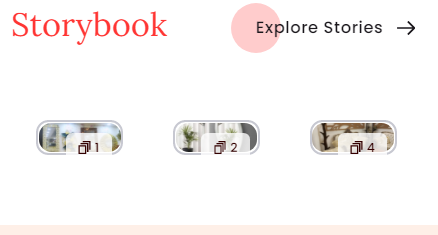
Kindly check this I only remove my CSS that shows the image stretch and change the column no for desktop.
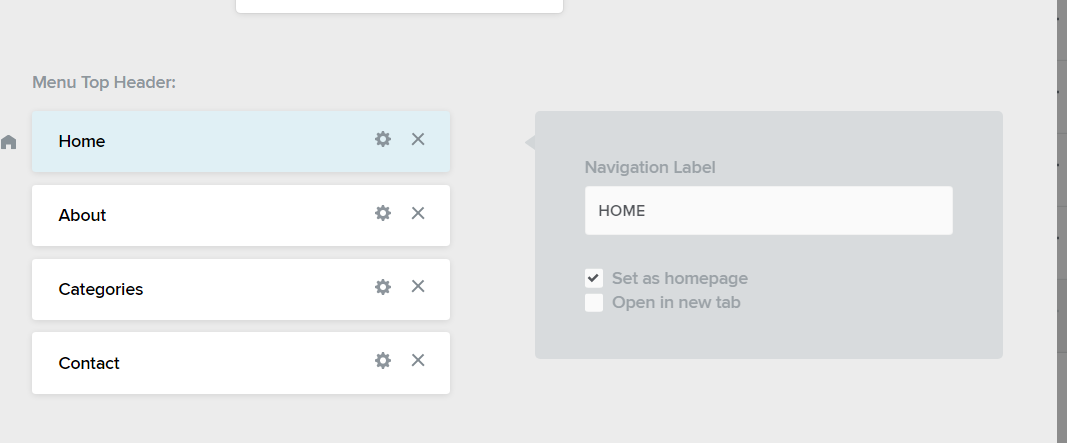
For uppercase, we write Navigation label in uppercase to show that properly but in mew update both errors occurs.
0 -
Hi Prakhar
Posts element does not seem to work properly when you use it to display stories dynamically. For better control of your design, I recommend using columns/ rows to display stories (without using Posts elements)
The menu not displaying the uppercase letters in the front end appears like a bug. We will request our development team to look into this.
0 -
Hi George,
The posts element also have some bug because in the previous update it works properly. So, kindly share this too with the developer and shot it out.
Because without an Image element in the post element no post archive create.
0 -
Hi George,
This blow CSS worked for me to create images in post elements.
@media (max-width:767px){
element .brz-picture{
  height:100px !important;
}
element img.brz-img {
  object-fit: cover !important;
}
}
0 -
 0
0 -
Hi Prakhar
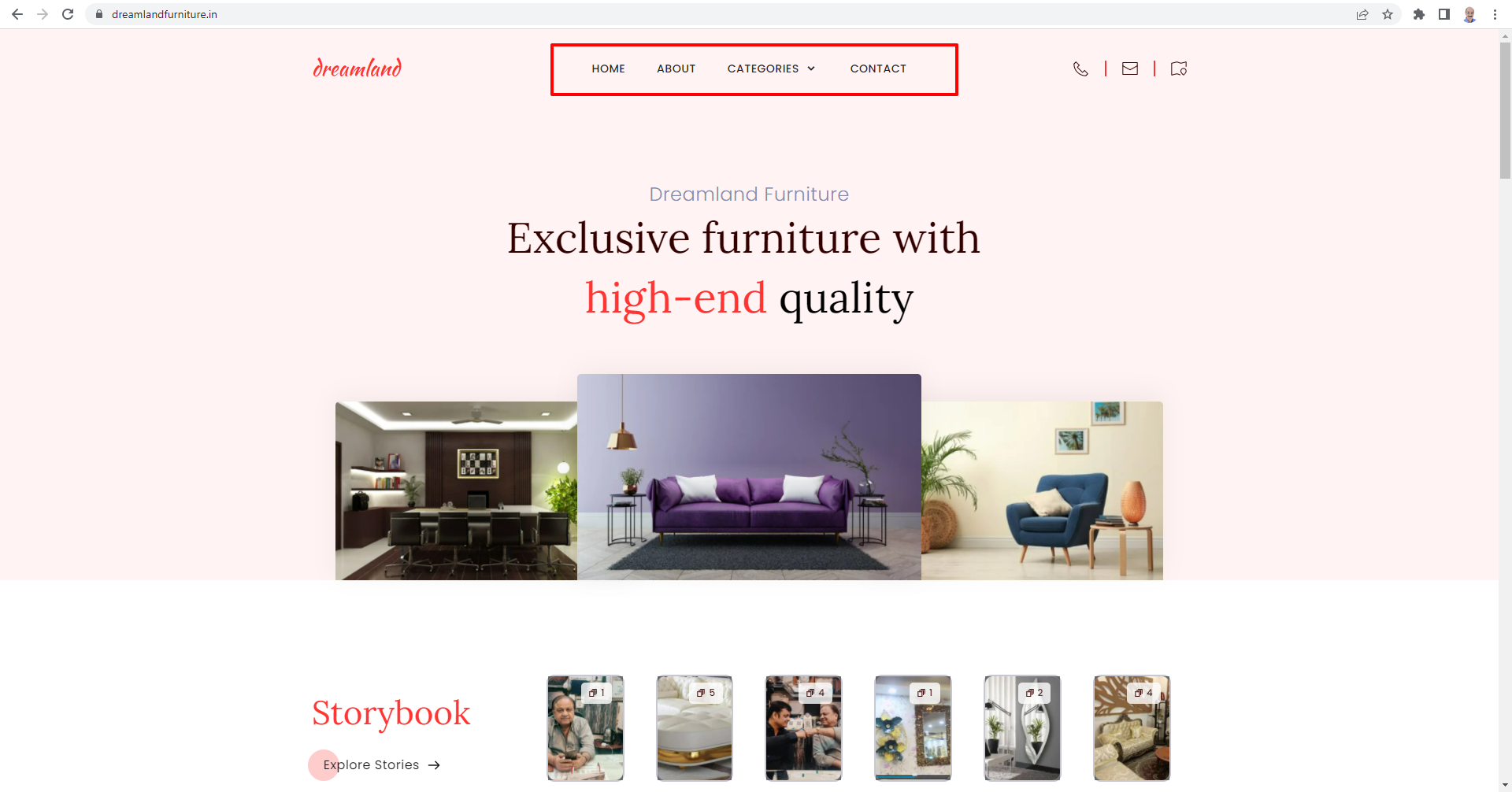
The UPPERCASE menu issue has been fixed
 0
0
Please sign in to leave a comment.
Comments
14 comments