Unable to access Cloud projects

Hi,
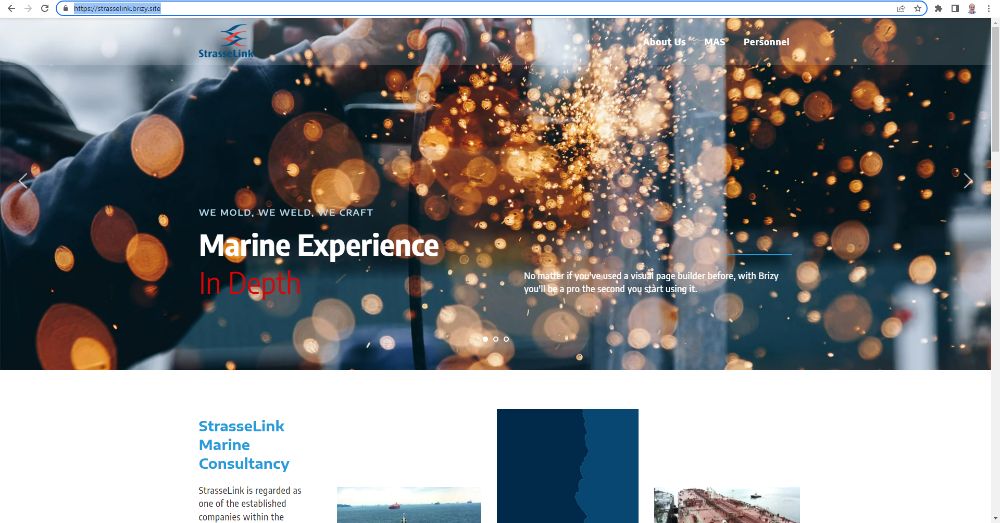
I have no preview access to my Cloud projects with the error message below. I can see it in the editor though. This is when I try accessing via the dashboard.
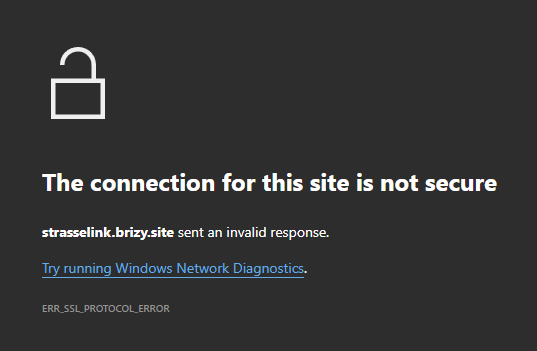
However, when I remove https:// in the browser url column, I get the message below.
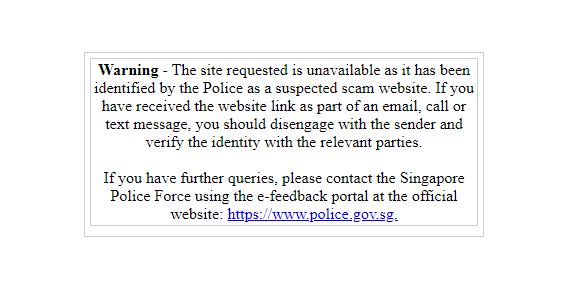
I have a similar issue with another Cloud account. So it seems like it's an issue for my country rather than just specific to my individual account.
We do notice that sites that uses custom domain is not affect although its hosted on Brizy Cloud. So it seems the domain brizy.site is an issue.
Do assist asap as we are actually in the process of reviewing to use Cloud fully instead of having to still rely on WordPress.
Thank you.
-

Hi Ahmad
Your website is accessible at my end. The reason why it is inaccessible in your country could be due to local ISPs blocking the brizy.site sub domain or the IP address associated with it. We will look into what we can do to fix this issue.
In the meantime, let us look at what alternate options you have to publish on a non brizy.site domain.
- Use a custom domain: If the issue is with brizy.site, publishing on your custom domain could be on possible solution.
- Third party publishing: Brizy Cloud has the option to publish with free third party hosting providers like Netlify, Render, Vercel and Fast.io. Since their sub domains are different, you are unlikely to face problems. You can read more about it here https://www.brizy.io/introducing-3rd-party-free-hosting-netlify-render-fast-io-vercel
- Download HTML: With this option, you can host your website HTML with any server
 0
0
Please sign in to leave a comment.
Comments
1 comment