centered elements

Please, can you help me achieving this? (see attached)
Depending on screen size, I don't get to centered all this elements as I want.
Thanks in advance,
Igna
-

Hi Ignacio
You said "Depending on screen size, I don't get to centered all this elements as I want." Can you give us few screenshots which demonstrates this issue or give us a link where we can see the problem?
0 -
Hi George,
Here you have some screenshots, depending on the browser size, some elements are not centered. See how the logo and icon are not centered. Thanks,
Ignacio


 0
0 -
Hi Ignacio
If you place a logo, the menu and the icon/ button in the center of three columns, as the screen size reduce, those elements are expected to maintain its central position. If it is not retaining its central positioning, there is something wrong.
Please watch this video for the expected behavior. https://www.loom.com/share/3a6c87ff30a84532b53b82aa59d01b09
To check why it does not behave in the expected manner in your project, we will need to examine your project. If you want us to check your project, please let us know
0 -
Sorry, here is the link:
0 -
Hi Ignacio
While your logo and the icon look center aligned, from the front end, it appears that you menu is left aligned. Can you please check and confirm the alignment of your menu?
0 -
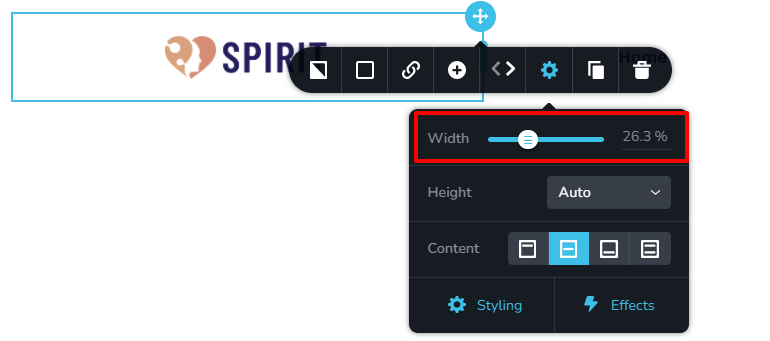
Yes, it was left aligned. When do you think the feature to fix a column width will be available. I mean, in this case, I have set the width of the logo and icon manually because there is no option to set a fix % value. Thanks!
Ignacio
0 -
Hi Ignacio
You can set column with using a percentage value in Brizy Cloud. This feature is scheduled to come to Brizy WordPress in April 2022
 0
0 -
Great, I will wait, thanks!
0
Please sign in to leave a comment.
Comments
8 comments