New featured image not being show in frontend template

I created a new post and the featured image is not being showed in the "archive template"
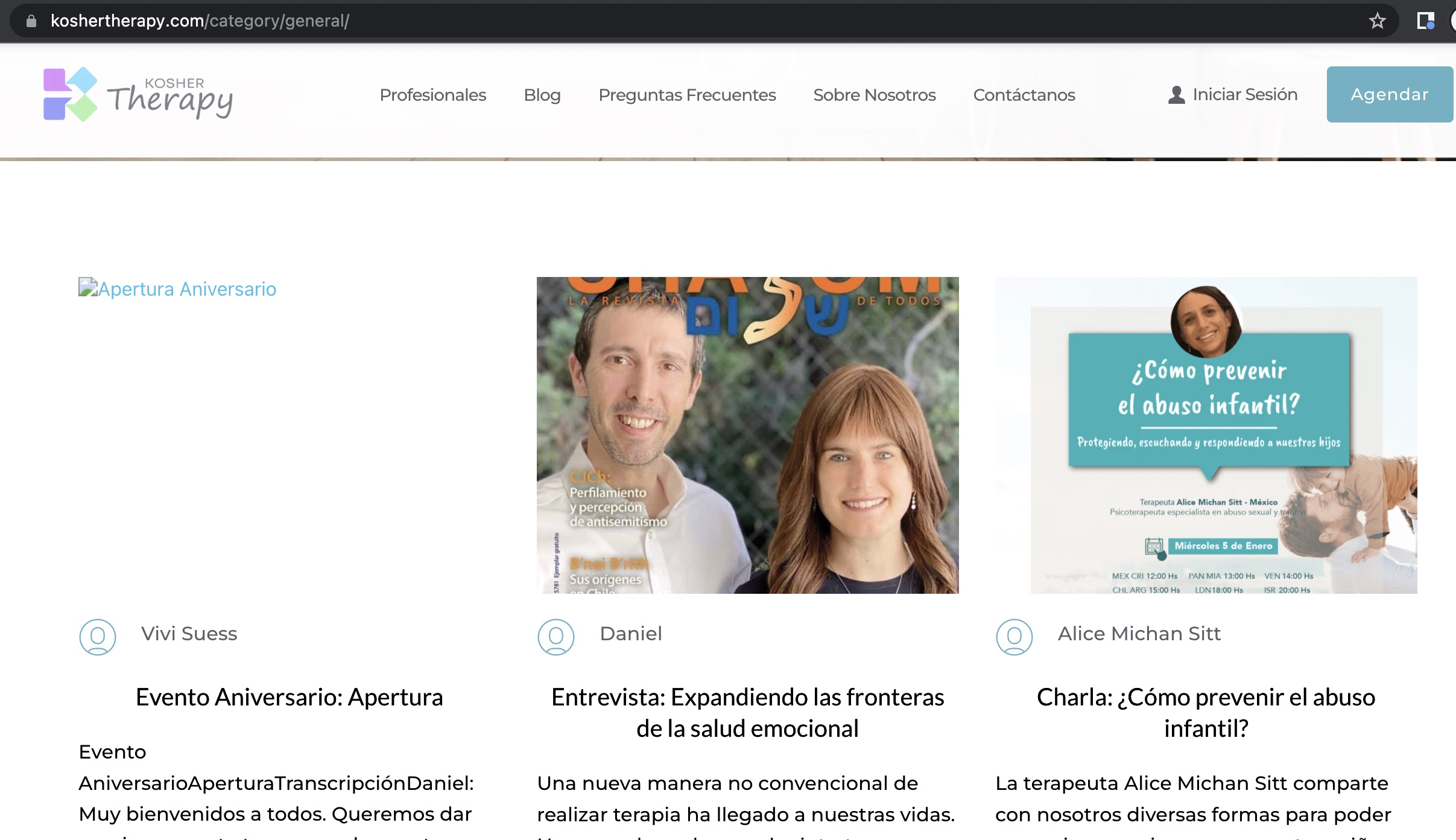
Previous images are showed without problem
-

Hi Daniel,
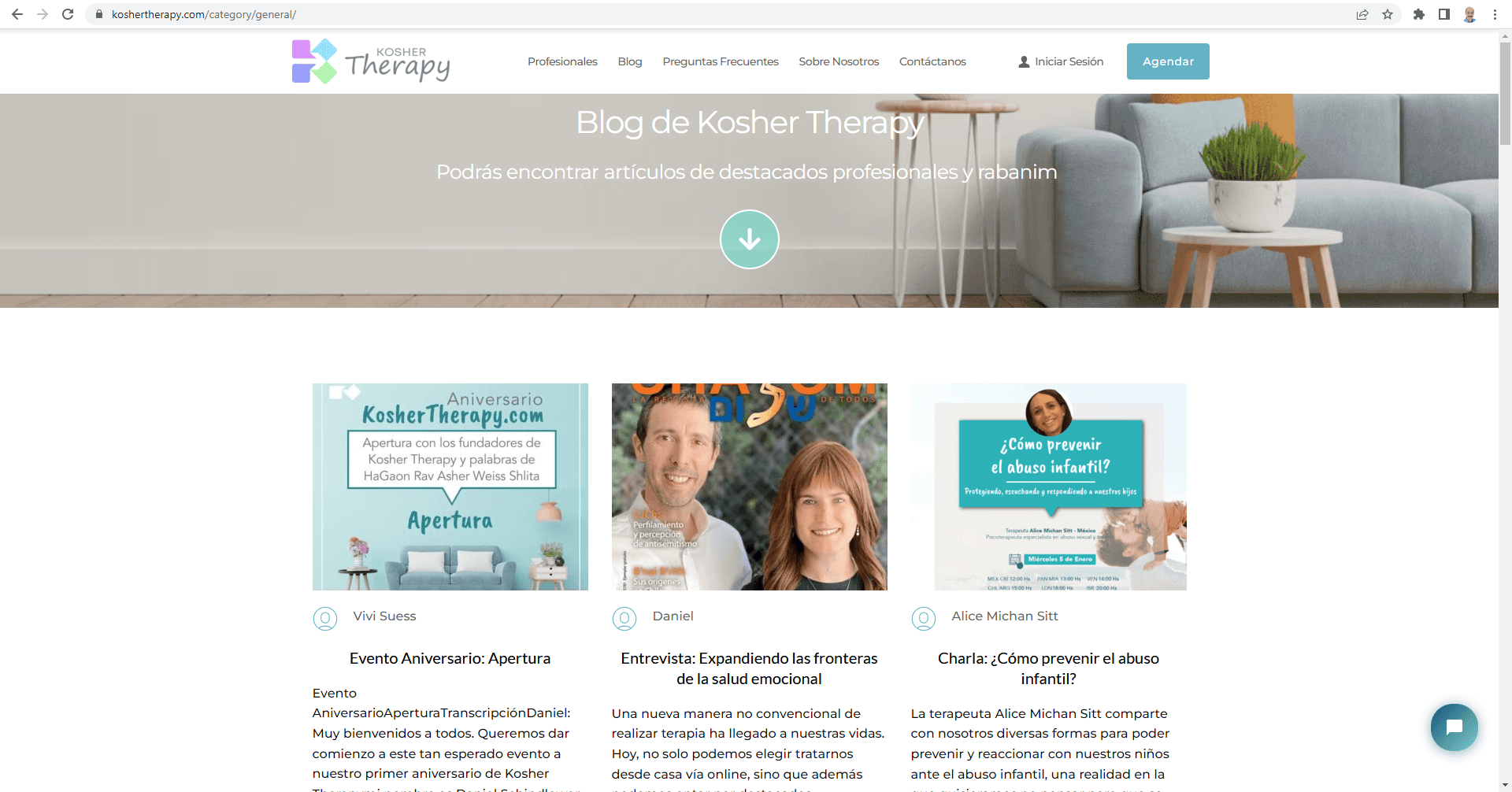
I checked your website. This is what I see. Try refreshing the page or viewing the page from the browser Incognito mode.
 0
0 -
Thanks! that's weird,
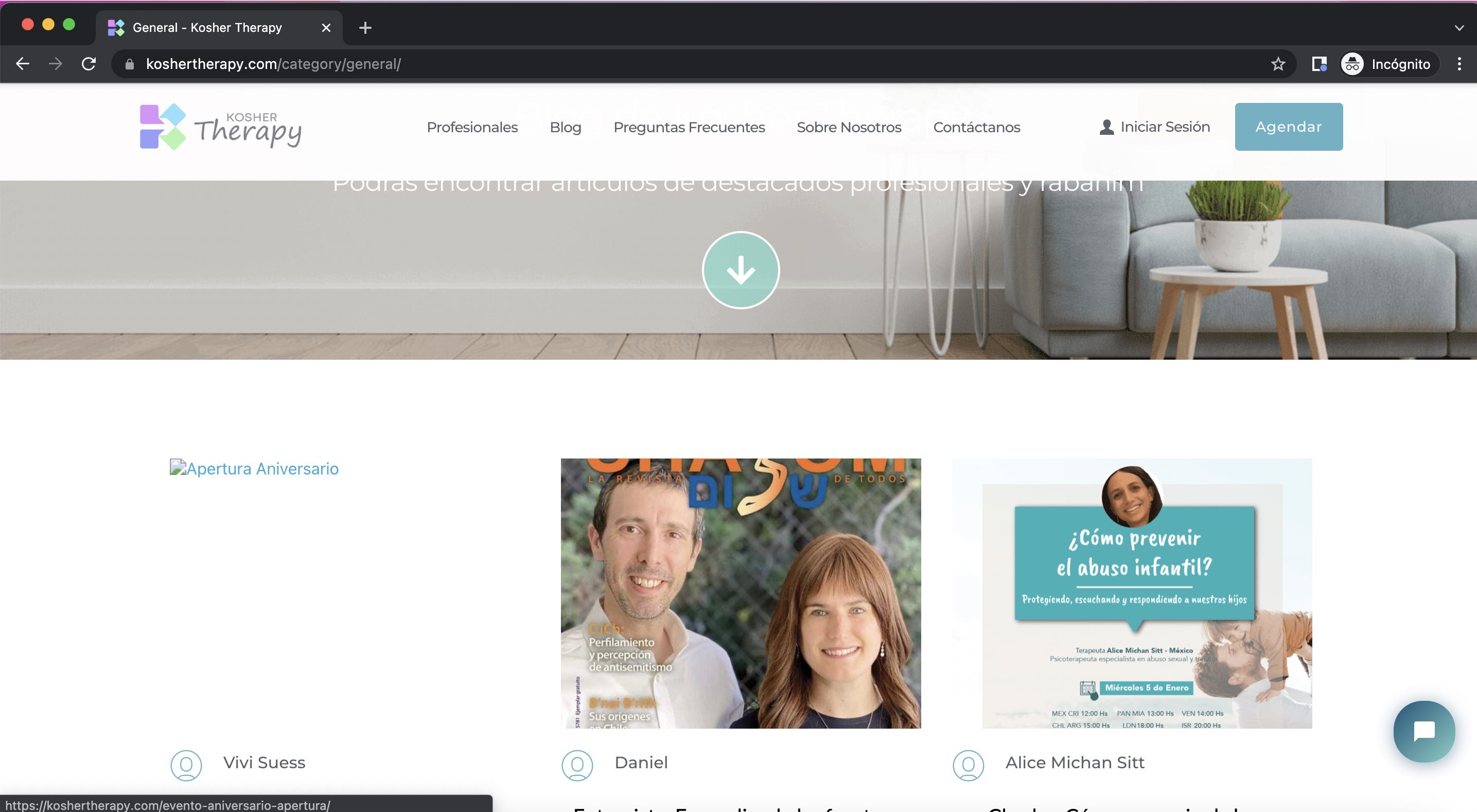
I used incognito and even deleted the cache and still it's looking like this:
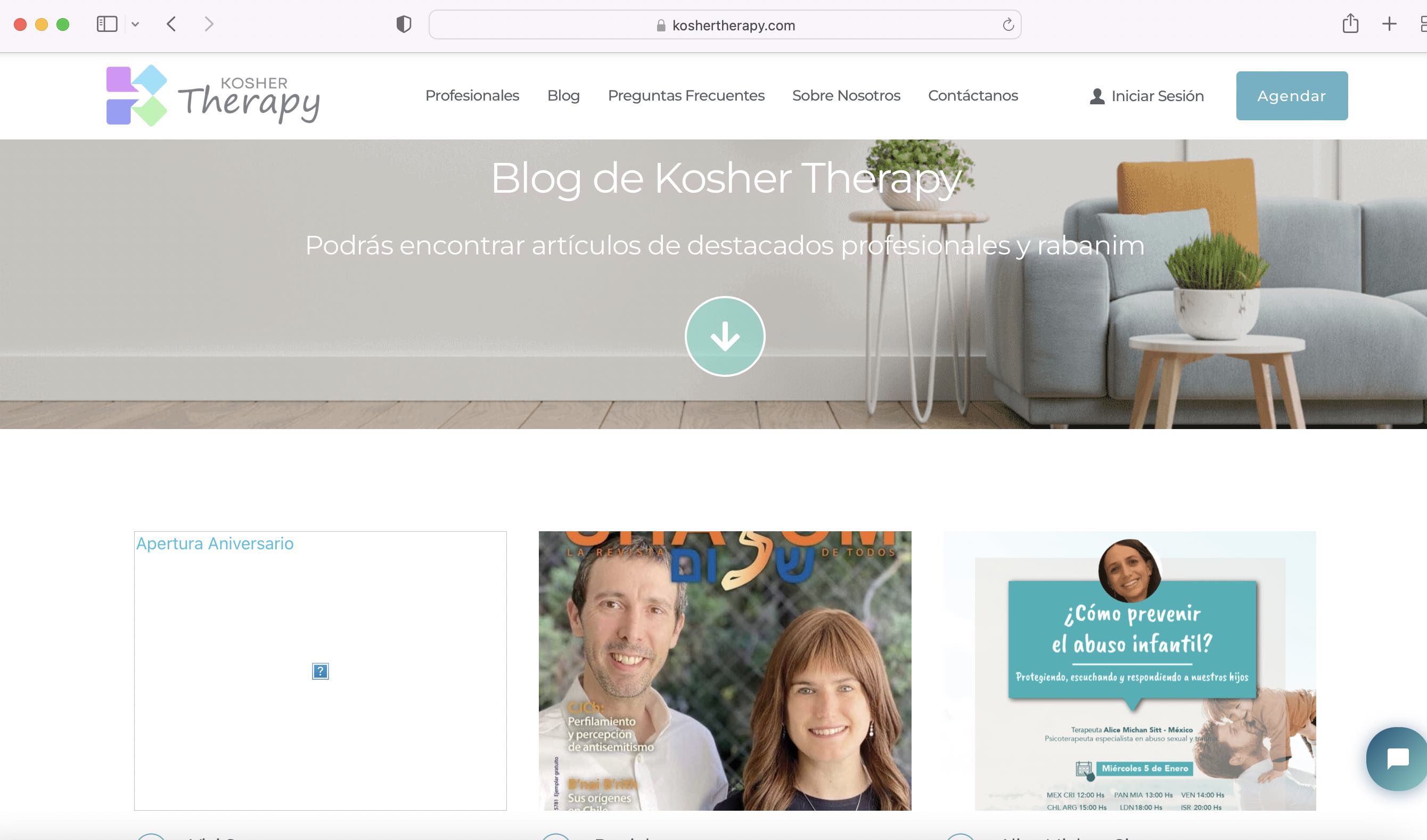
I also tried Safari (which I never use) and it looks like this:
I inspected the code of that section and looks like this:
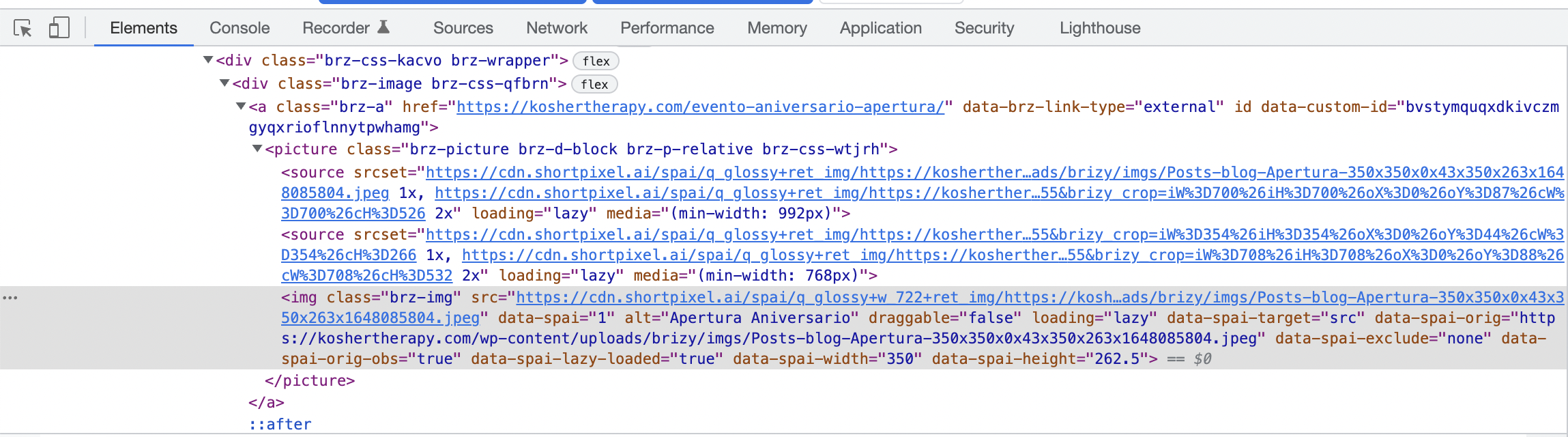
And I can get to the image in that location:
Hope this infor helps you help me :)
0 -
Hi Daniel
Can you purge the Shortpixel CDN cache and check again?
0 -
I did it according to this article :
https://help.shortpixel.com/article/237-how-to-flush-an-image-fromshortpixel-cdn
but the problem continue.
I did a testing and realized that I have the same problem in pages. look at this:
I created a test page with the same image twice.
the left image is configured "personalized" which is the "by default" option.
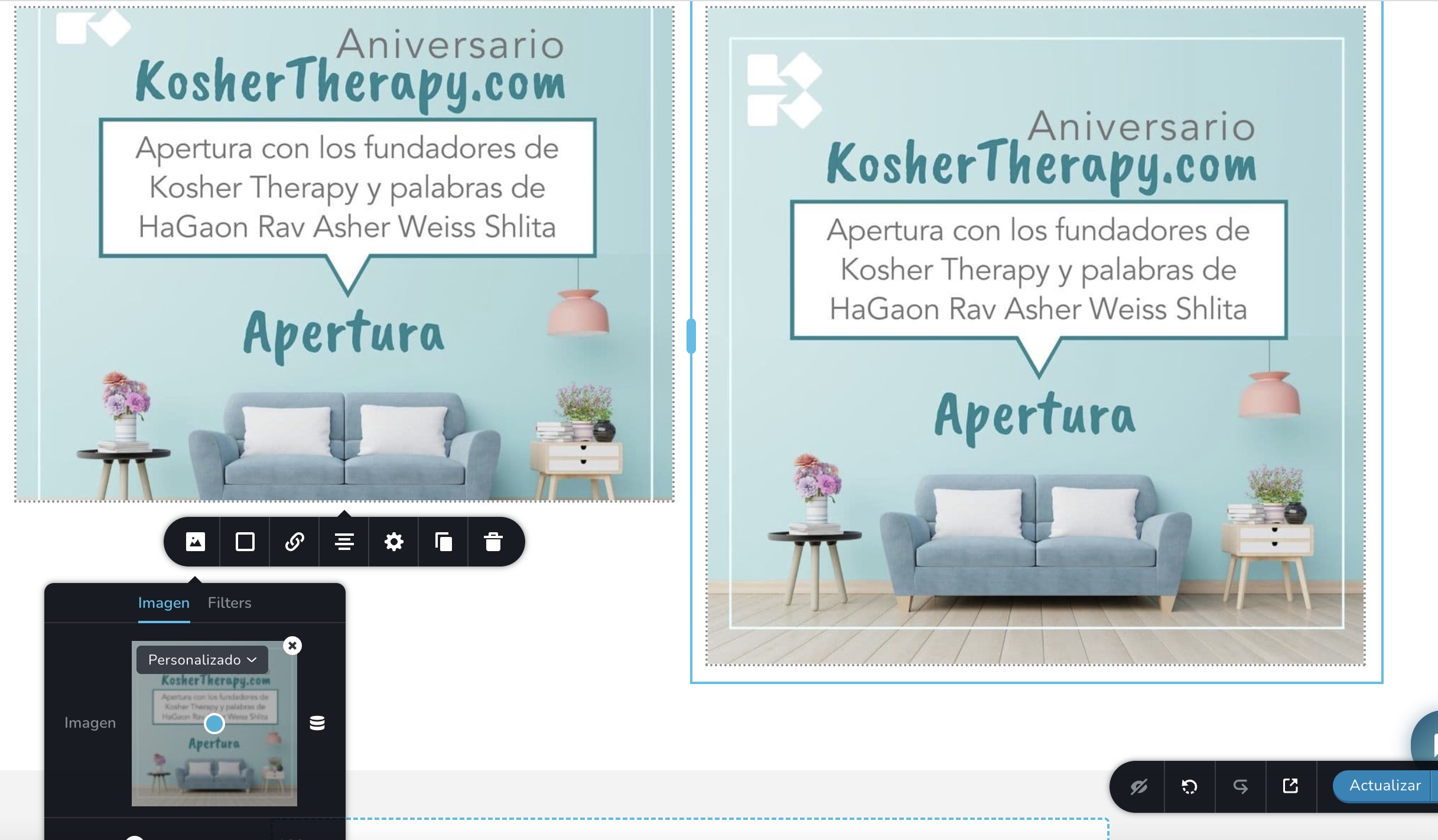
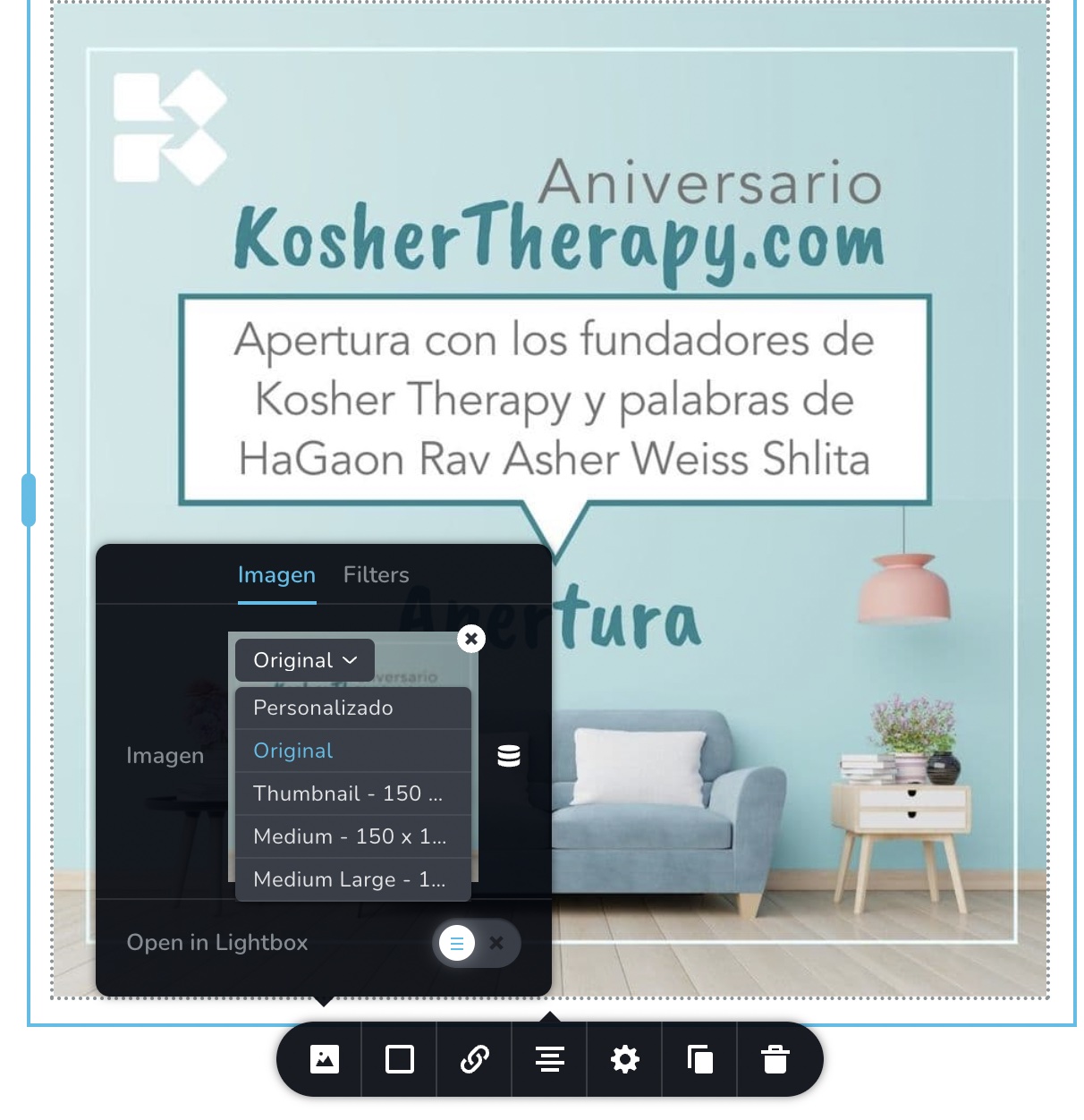
The right image I changed it to "original".
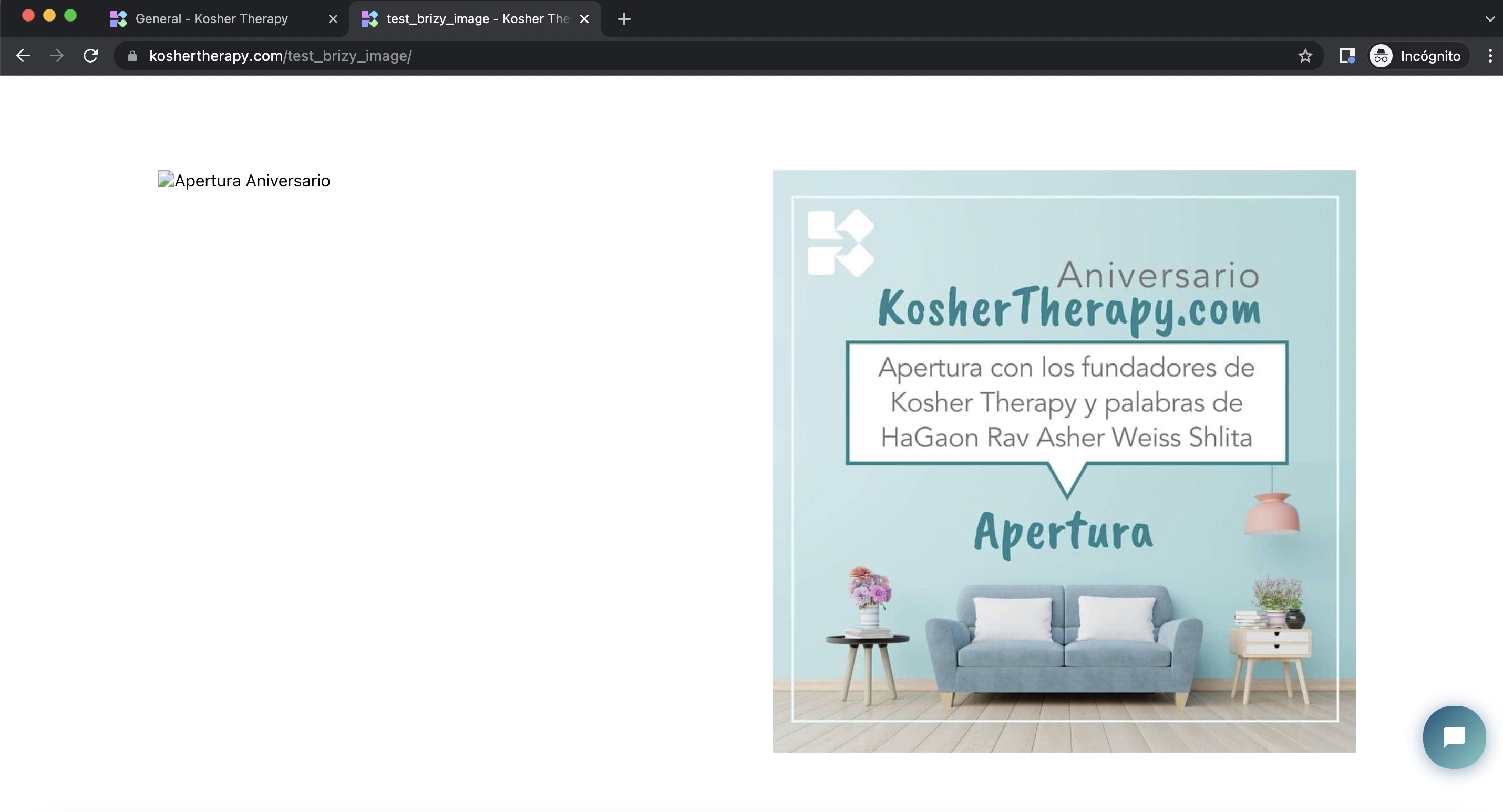
Now, in the live version of the test page I see it like this:
Hope this helps
0 -
Hi Daniel
Please take a look at this video; I am walking you through how your website appears from few different countries around the world using locabrowser.com. https://www.loom.com/share/be5be55a30f441ba94750c9b0a16b8cf
Based on this test, I would say your users should be able to view your website without any issue. The reason why you are unable to see few images could be because of an issue with your Internet Service Provider, proxy settings in your office WiFi router or CDN etc. It is a bit challenging for us to help you troubleshoot a local issue. You may need to work on it yourself taking local help.
If you can test your blog page using different Internet Service Providers, different devices, different locations within your country and if you feel it is not just a local issue, please do get back to us. We will look into it again.
0

Please sign in to leave a comment.
Comments
5 comments