Editor vs Actual

hello,
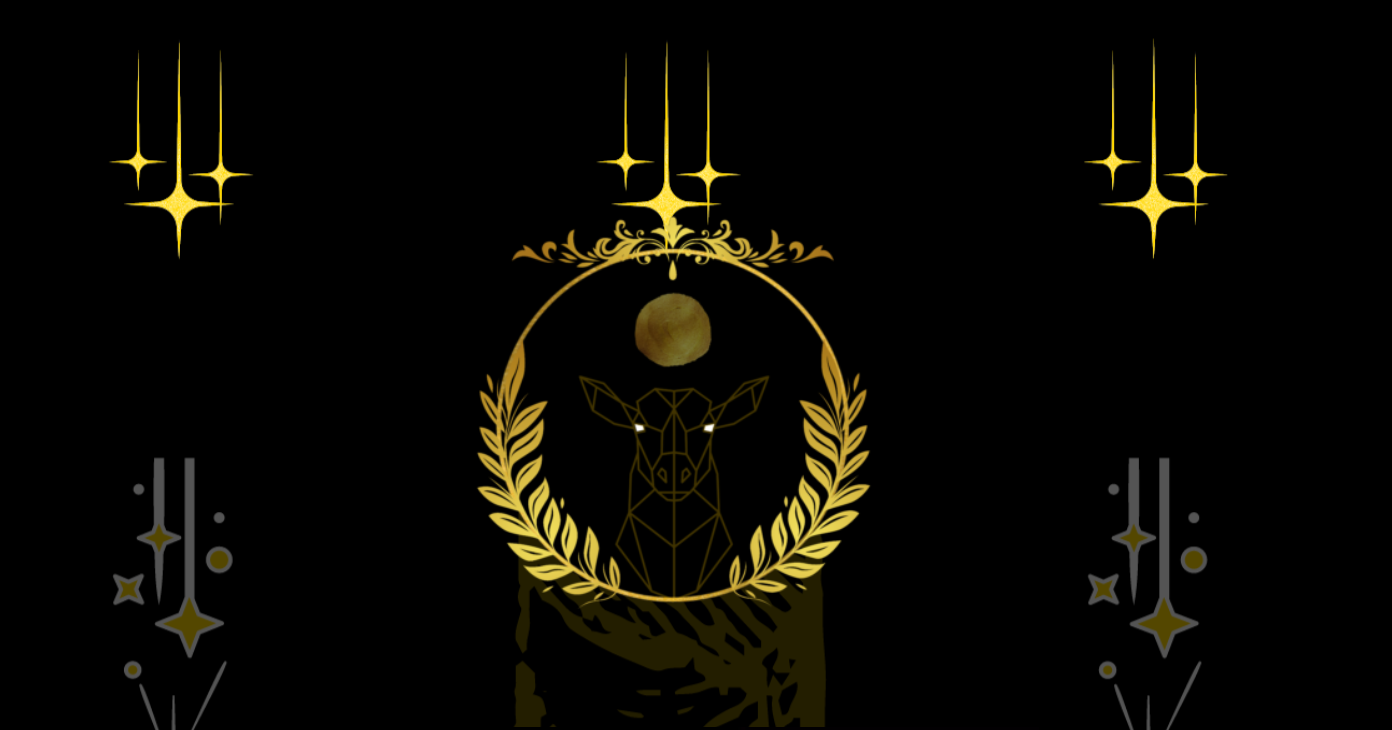
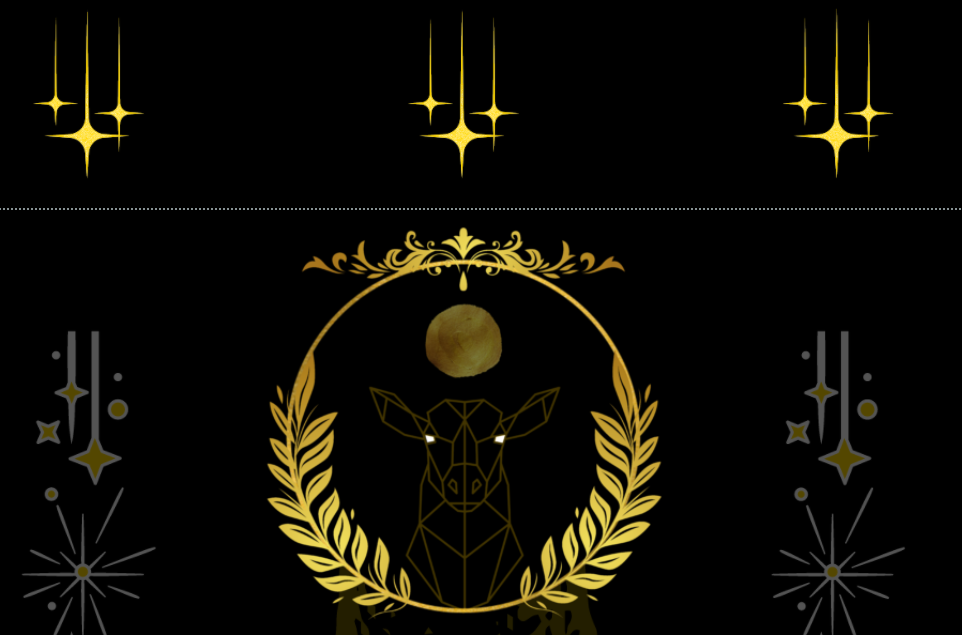
The background of my landing page is different than the editor version.
Website version:
Brizy Editor:
Thank You
-

Hi Marcus,
Thank you for contacting us.
Can you please specify if you have this problem with Brizy WordPress or Brizy Cloud?
Can you use the Original size option? See here. If you choose the Original option, the image size will be retained in the front end and will not be optimized for performance.
Best regards, Nelea.
0 -
hello
Im using wordpress.
The problem still exists with that fix.
I tried deleting the backgrounds, refreshing and reuploading with the same issue as well.
Thank you
0 -

Hi Marcus
To help you further, we need to take a look at your project. Do you think you can do a screen recording of the problem? If possible do a screen recording and show us the problem.
The other option is to give us access to your WordPress backend and we will take a look. Please add me as a user to your WordPress Dashboard. My email: kc.george@brizy.io. Please enable the option "Send the new user an email about their account" as in this screenshot https://jmp.sh/tSRznJX
Please let me know here once you have sent me an invitation
0 -
Invitation sent.
Thank you
0 -
Hi Marcus
I have looked at your homepage. The background image looks same in the editor and in the front end of your homepage in my view. Please watch this video. https://www.loom.com/share/48cc3b5ada24450e9d6f40c6a70918fb
Am I looking at the wrong page? How do I see the problem you are seeing?
0 -
Kc
See the stars in the editor vs web
The spacing is right in the editor and not correct on the web(see how it overlaps)
On your computer the editor shows it wrong as well.
Thank you
0 -
Hi Marcus
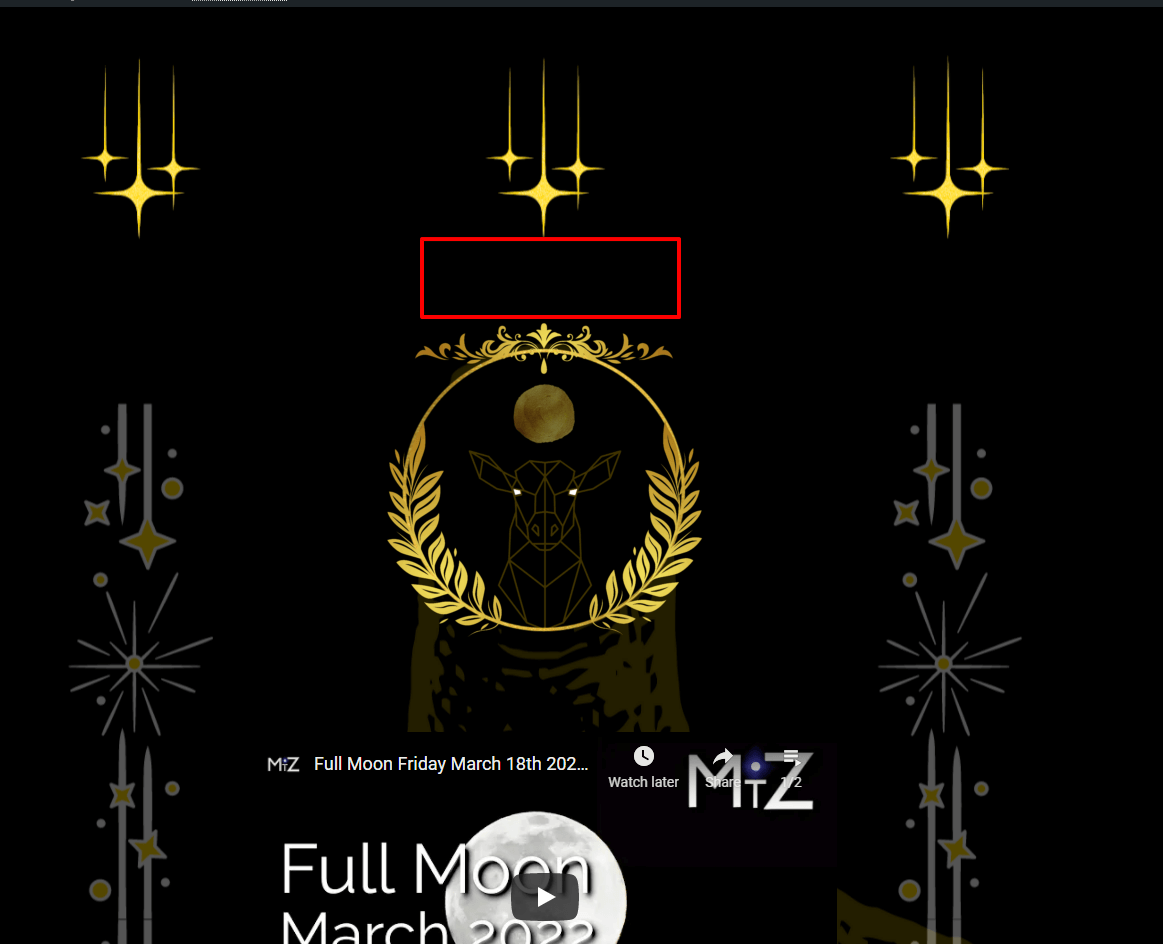
Are you referring to the gap marked in red? I have added the gap now. Can you please check if it looks right now.
 0
0 -
The scale from the edit to the website is still off.
It gives me the feeling of safety mode vs professional if that makes any sense.
Thank you
0 -
I'm not looking for a band aid since this will be a reoccurring problem if its not fixed properly.
Any idea what would cause the mockup to not show up correct on the actual build?
This is a serious problem.
0 -
Hi Marcus
When you login to your WordPress backend, the Brizy editor view is different from the front end view. However, when I login to your WordPress account, the editor view and the website front end view are exactly same. You would have noticed this from my loom video recording.
This indicates that the problem you are facing could be local to your computer. Please try these and see if it makes a difference.
- Clear all cached files and images from your browser
- Sign in to your WordPress Dashboard from the browser Incognito mode.
- Sign into you WordPress Dashboard from a browser different from your Development browser. (If you use Chrome for development, try Firefox)
0 -
this is the edit, see the scale compared to it live
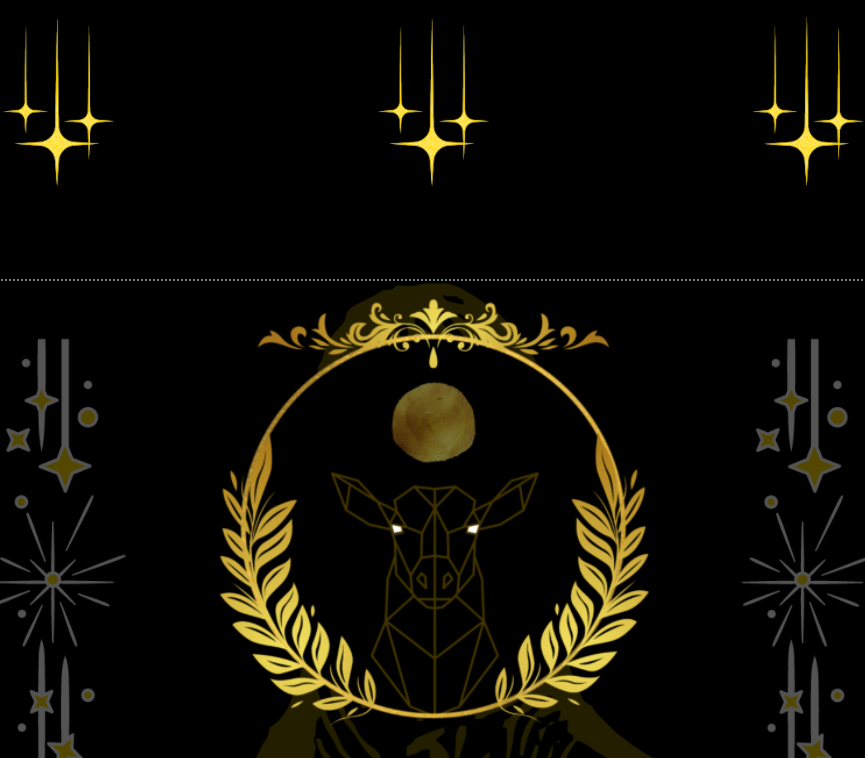
The website shows it larger and doesn't scale compared to the edit
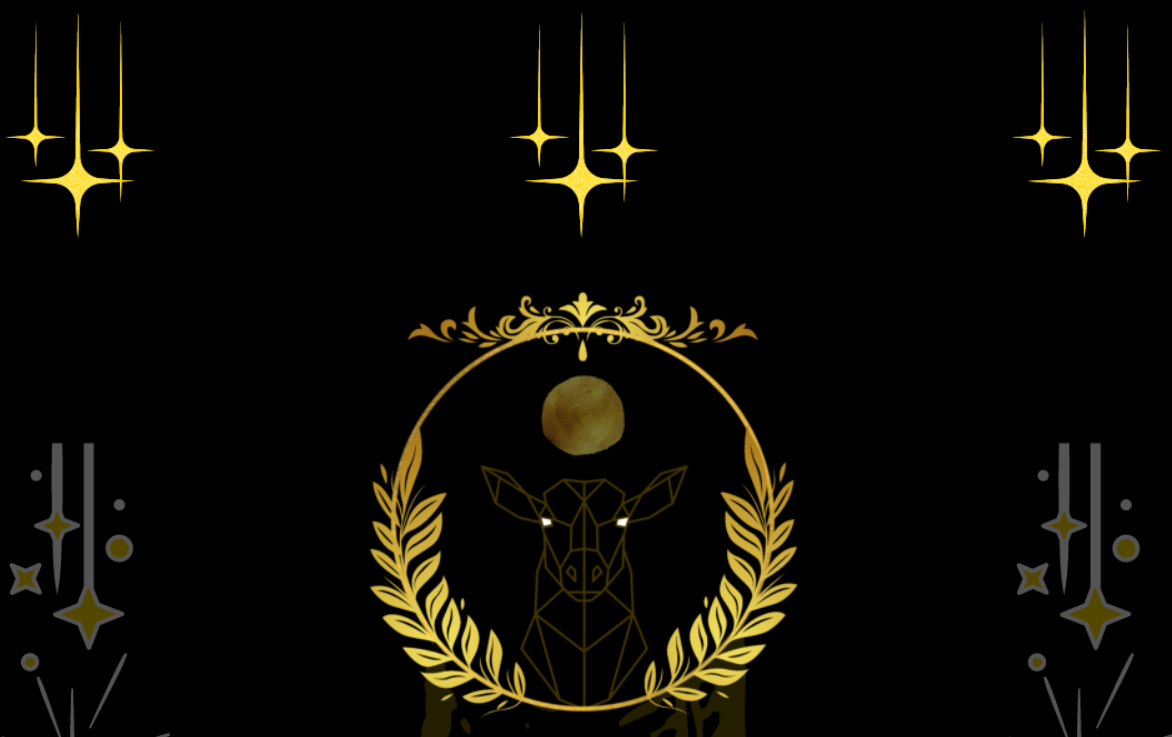
Ive tried different browsers with the same issue.
Thank You
0 -
On screen the difference in diameter is about 1 1/2 inch broadening.
0 -
Hi Marcus
As I have mentioned to you earlier, the issue you are facing appears local as the same issue does not happen when I access your WordPress Dashboard. I see the same design in the editor and in the front end.
To fix this problem on your computer I would need remote control access to your local computer. If you need this help,
- Fix a time for me to access your local computer through email. I live in India and my time zone is GMT +5:30
- Download and install Teamviewer on your computer
- Pass on the Teamviewer ID and Password at the scheduled time.
If you would like me to help you troubleshoot this issue on your computer, please send me an email at kc.george@brizy.io
0 -
Hello
Changing the theme fixed the issue.
Thank you
0
Please sign in to leave a comment.
Comments
14 comments