Featured Image option greyed out in WordPress Pro Plugin Template

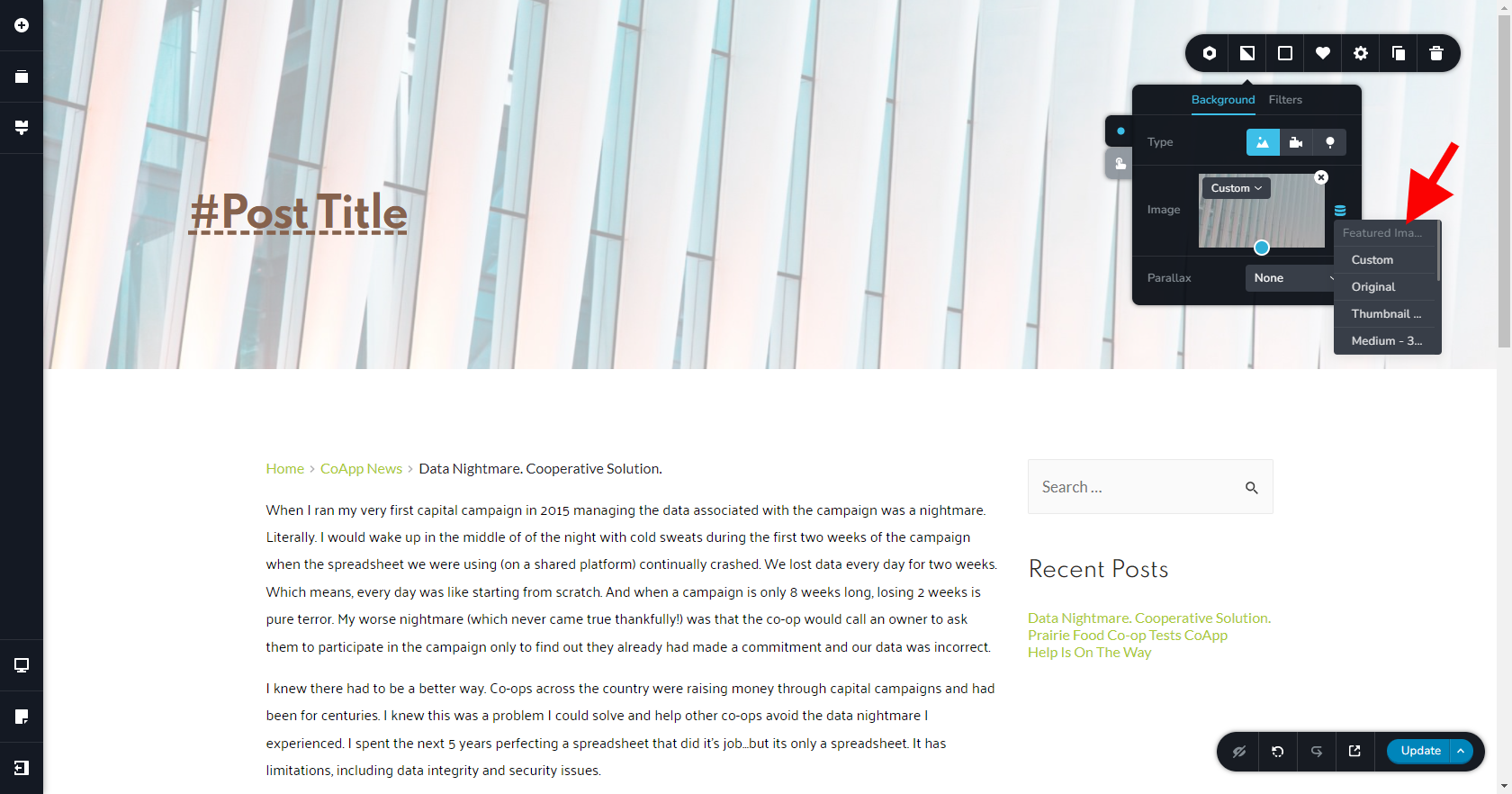
Hi, I have the Brizy Pro plugin for WordPress and it is up to date. I'm in the Template for a blog post and would like to select the featured image for the background image. However, the option for "Featured Image" is greyed out.
How can I select the featured image?
-

Hi Jessica
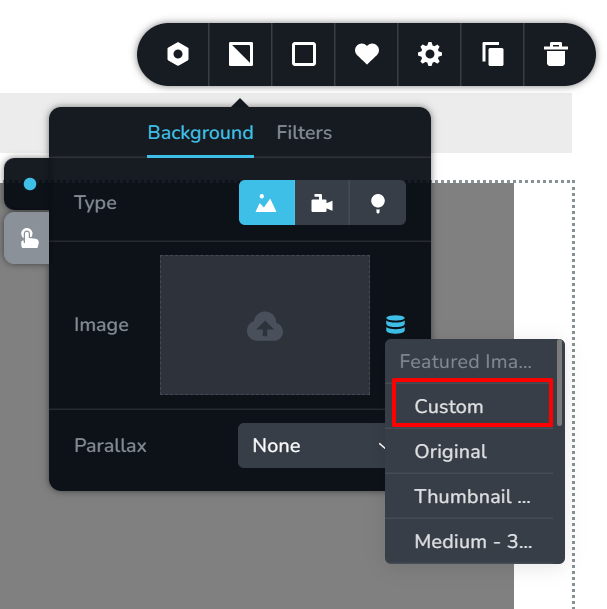
The Featured Image being greyed out is normal behavior with Brizy. Please choose the Custom option below the Featured Image.
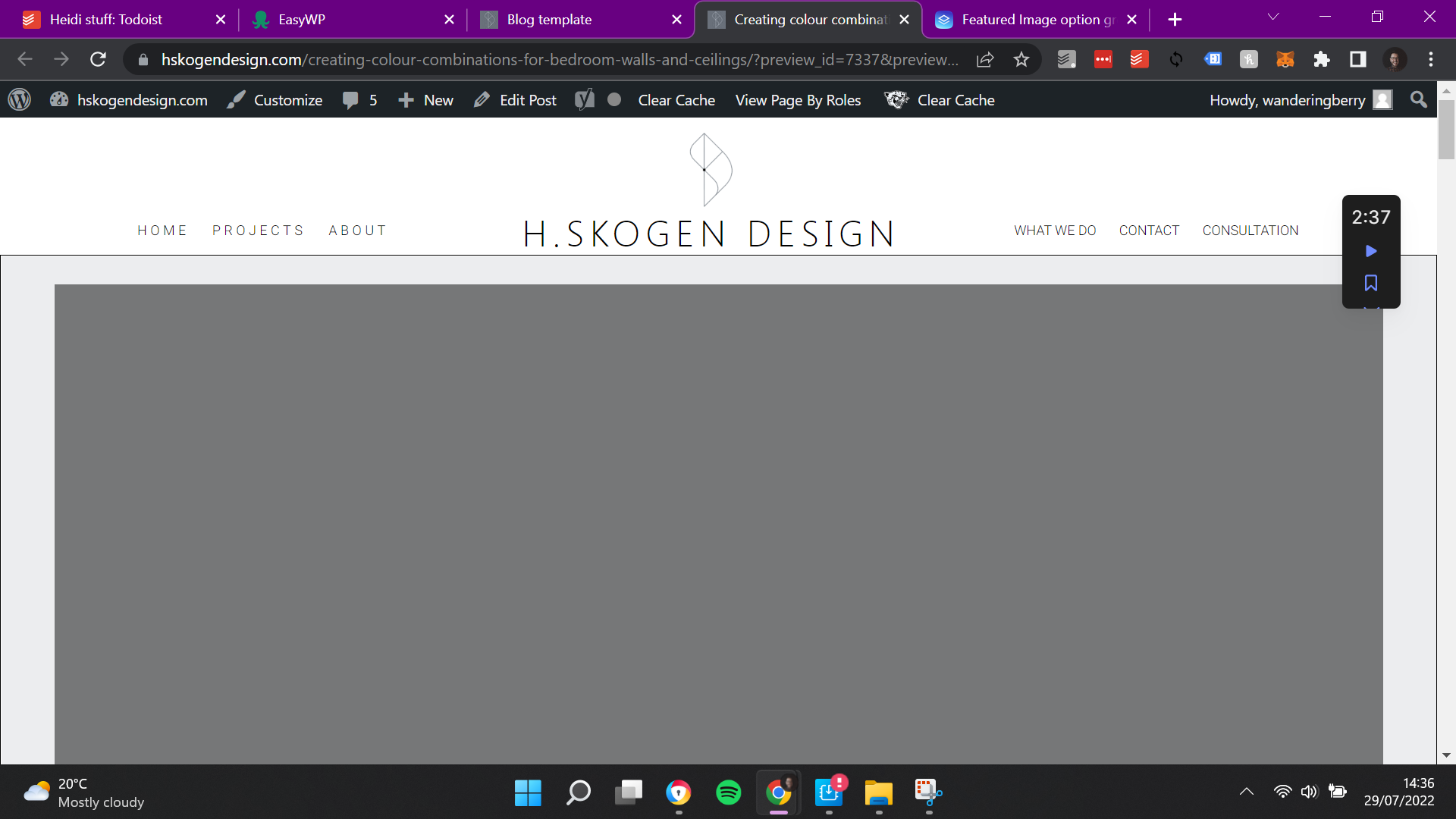
Please keep is mind that when you select Featured Image as a background for a block, in the editor, you will not see the image. (This is a bug ) However you will be able to see the background image in the front end. To see the background image, please save your work and and check the preview.
 0
0 -

Hey George,
I have the same issue. I don't see how by choosing 'Custom' fixes it?
The YouTube walk-thru specifically shows that you must select 'featured image'.
Please offer more info on how this is done?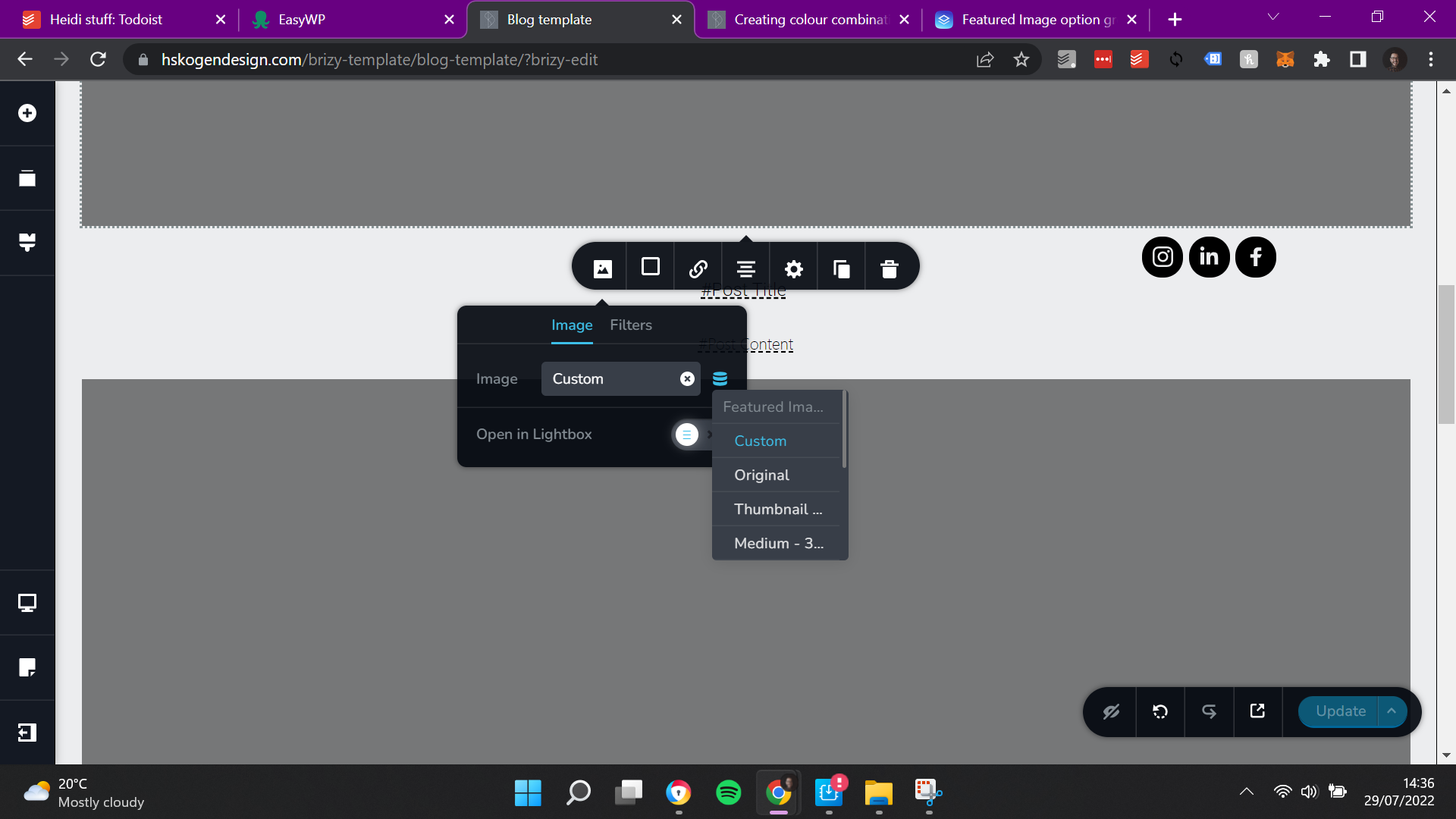
 0
0 -
Hi Jason,
Let me explain the meaning of few of the terms listed in this screen
- Custom: Featured Image with custom size: Featured Image will be resized for desktops, tablets and mobiles
- Original: Featured Image with Original size: Featured Image will retain its original size and will not be resized for performance
- Large: Featured Image with Large size: Featured Image will have the size 1024 x1024 on all devices and will not be resized for different devices
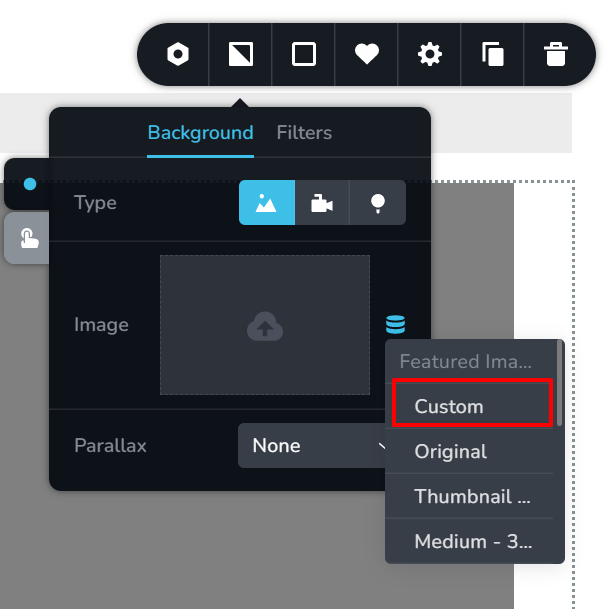
When you set a Featured Image as a background to a block, a row or a column, the image preview will not be available in the editor. To see the preview of the image, you will have to keep switching between the editor and the front end views.
0
Please sign in to leave a comment.
Comments
3 comments