Google Search Console- Error with the Video URL (Missing field "description"; "uploadDate")

Hi! Good day!
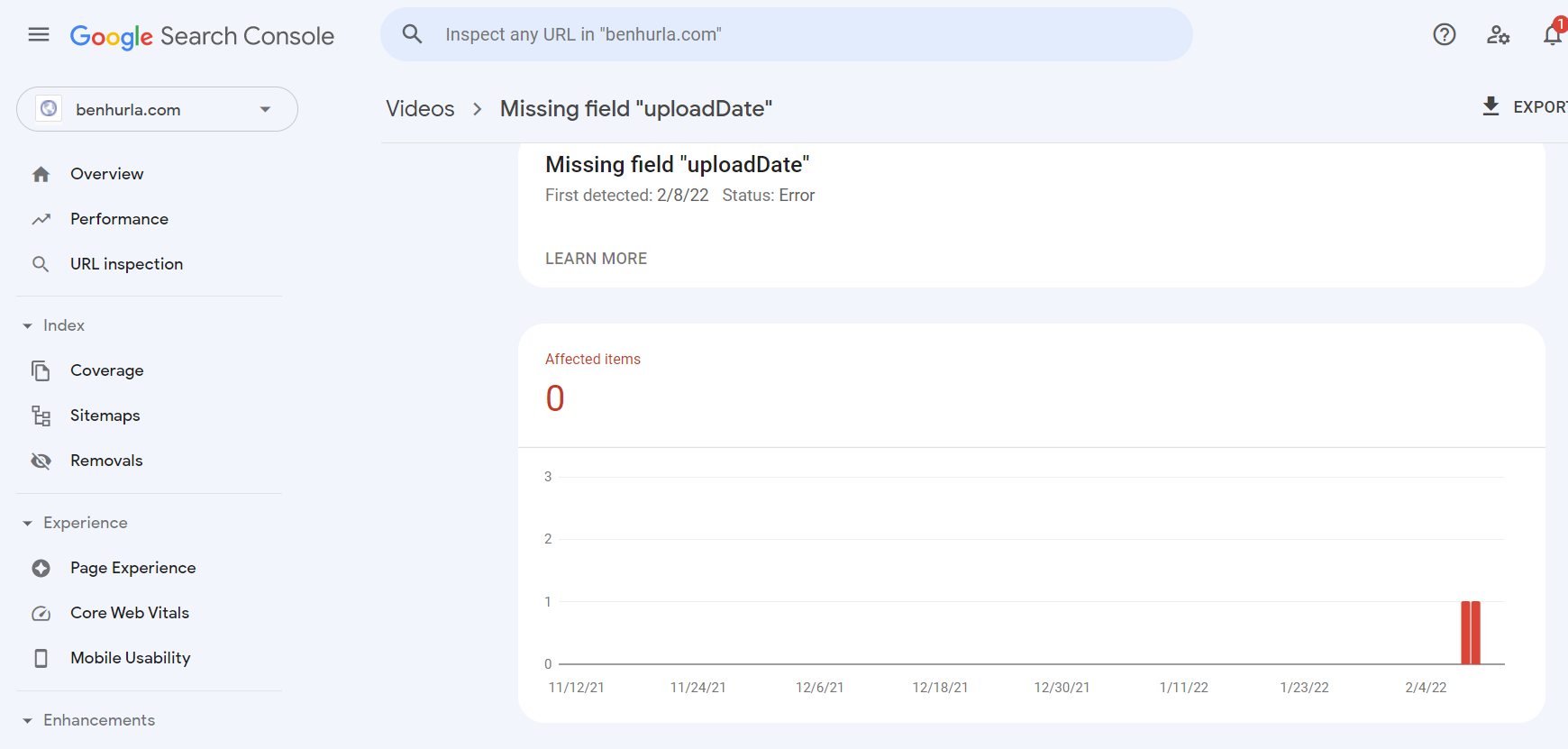
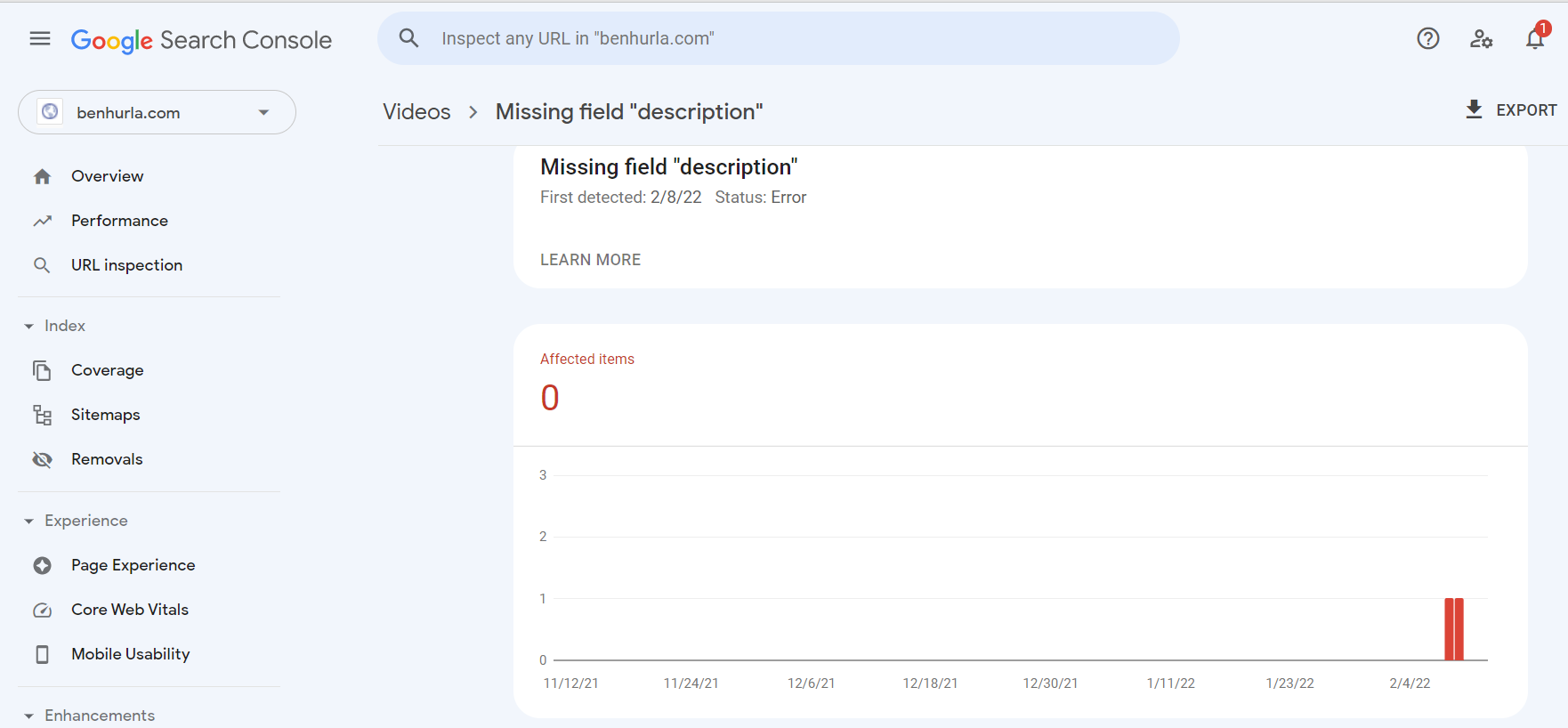
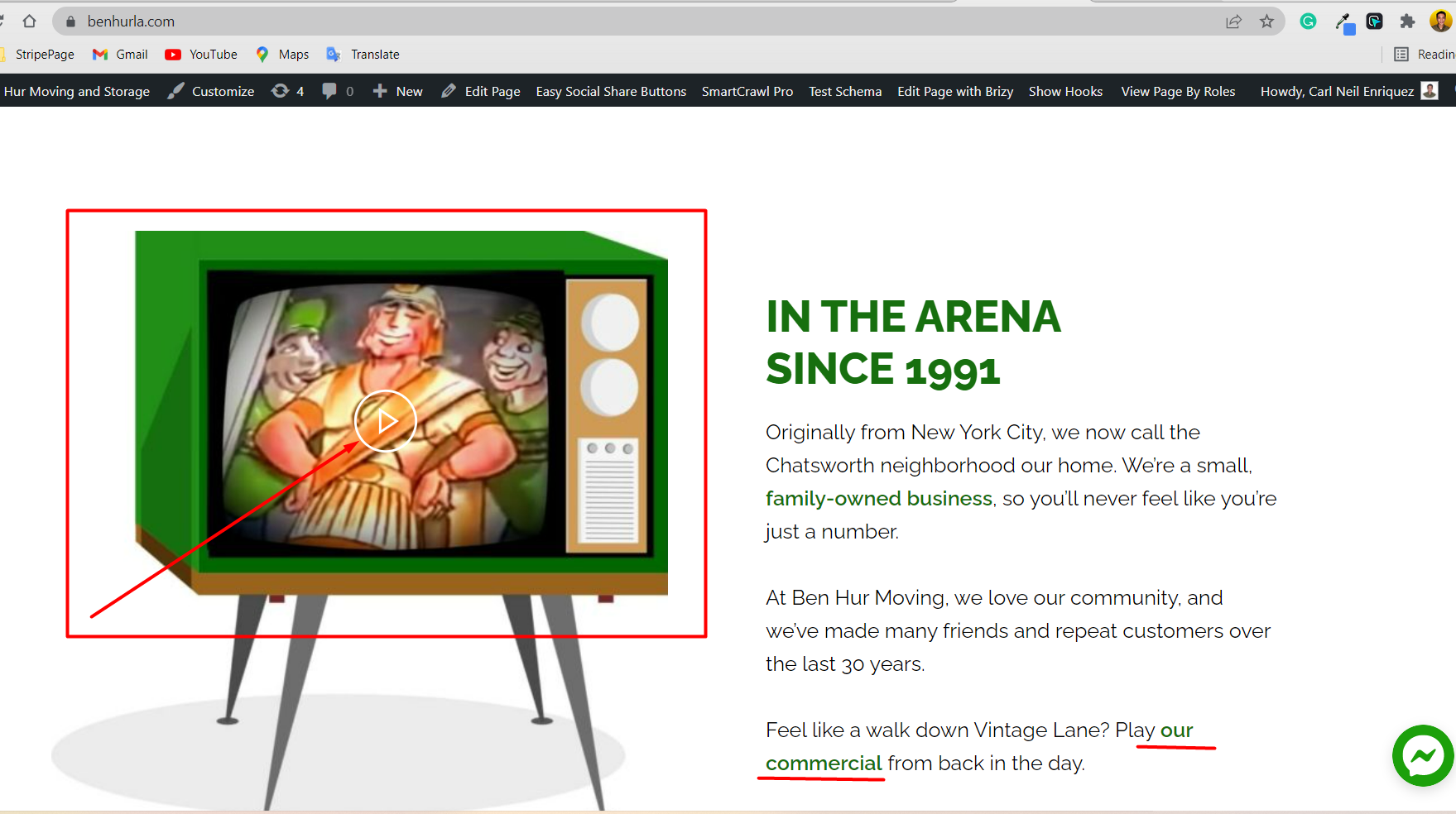
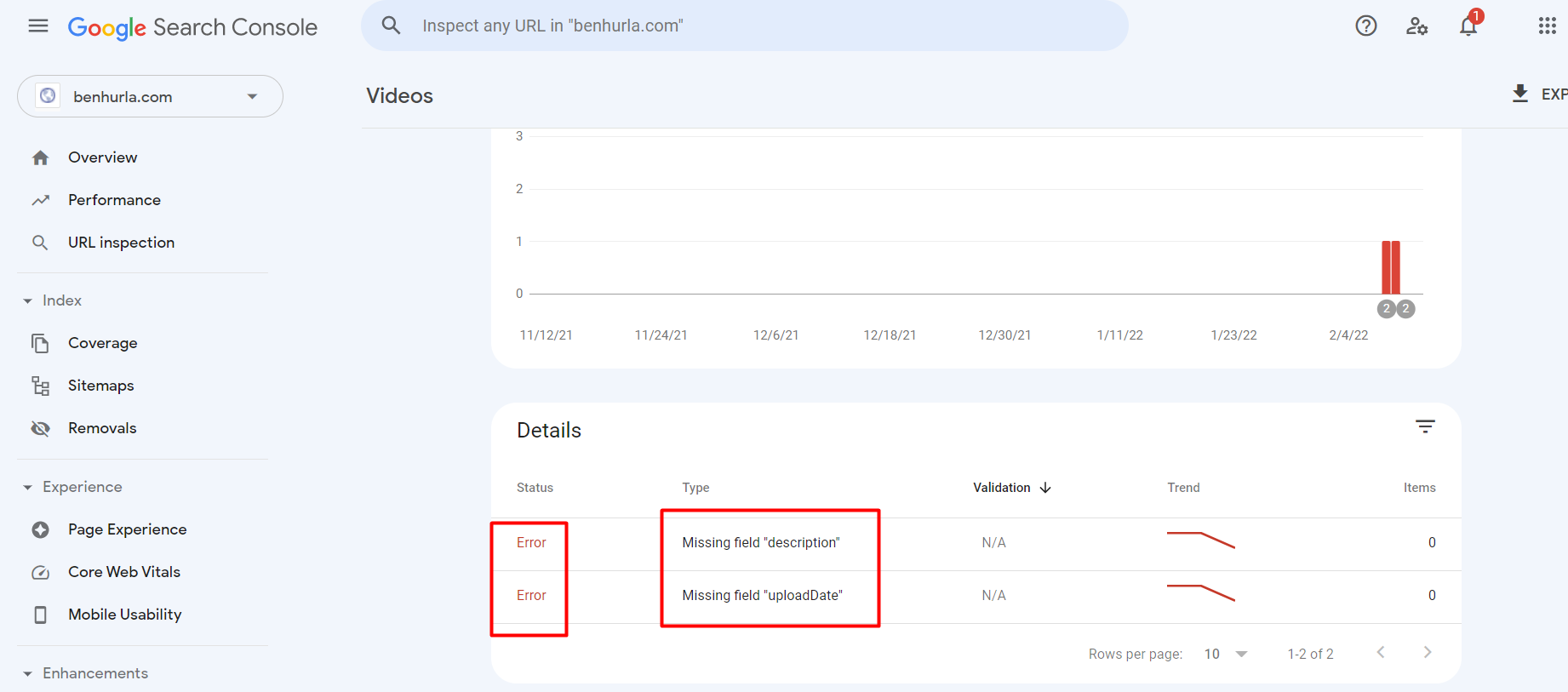
In Google Search Console, we met an error for our website. In one of our elements, we placed a video URL linking to Youtube on two pages (Home and About Us page-three similar links for each page). However, we met this error that says- Missing field "description"; "uploadDate". On Brizy, there are no ways to add those datas/details.
Can you help us with this?
Our site: benhurla.com
Attached herewith are some of the screenshots you need for reference.
Thank you so much!
-

Hello Steven,
Thank you for contacting us.
Instead of linking to the YouTube URL, can you embed the YouTube video using the Video element? Please watch this tutorial for more details https://youtu.be/4WHJg9jBRkw
Once you make this change to your page, please wait for Google to re-index your page and then check if the Search Console gives you the same error.
Best regards, Nelea.
0 -
Hi Nelea,
Thank you for the recommendation! However, we tried to use the video element and placed it in a pop-up link, but still, the problem exists. Also, as you`ve told us, we waited for Google to re-index the page. Any more suggestions?
Thank you so much!0 -

Hi Steven
You can also request Google to re-index your homepage and about page. To do this,
1. In Search Console, click on "URL Inspection" link on the left navigation bar
2. Type your homepage URL in the search bar on top and press 'Enter'. https://jmp.sh/ZdYfbfW
3. You will see your URL Inspection report: https://jmp.sh/Ezz6jp3. Click on "Request Indexing" on this page
Repeat these steps for About pages as well. Once Google re-indexes the pages, you can check if you still see the Missing filed error.
0
Please sign in to leave a comment.
Comments
3 comments