Astra Theme Header and Footer Note Showing on Templates

I am developing a WooCommerce website using Astra Pro and Brizy and I am trying to create a template for all my woocommerce products.
I am having trouble getting my head around how this works.
I have created a simple product template that I have applied to all products. My problem though is that it does not display the Astra header and footers (which is what I am using for my website navigation menu and footer menus (rather than using Brizy for these).
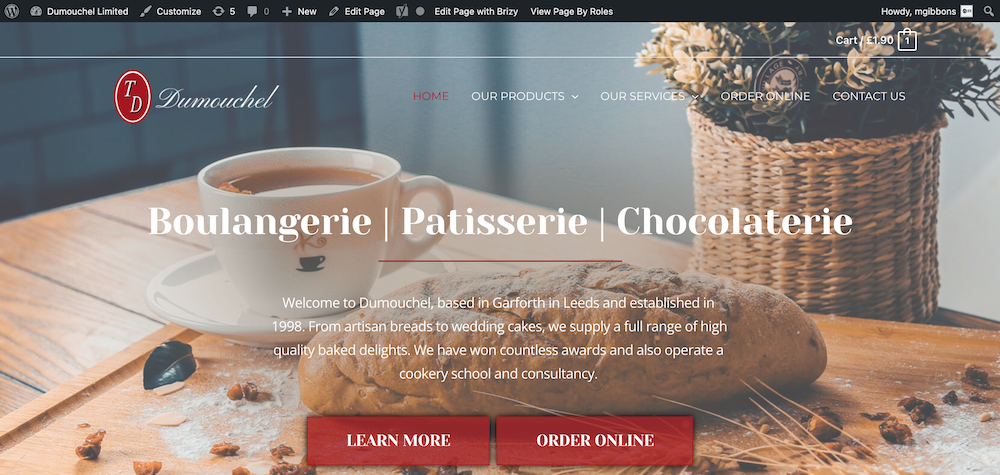
Normal pages showing the header:
Product which is using the brizy template I created and doesn't show the astra header:

I am clearly doing something wrong.
Please advise.
Matt
-

Hello,
Thank you for contacting us.
Could you please check if you have the latest updates for Brizy Free 2.3.28 and Brizy Pro 2.3? 21 version? Could you please deactivate all plugins (except Brizy free and pro) and check again this issue? If you want to display the theme header and footer on the Brizy pages you have to change the page template, from "Brizy template" to the "Default": https://jmp.sh/iTS1euA.
Best regards, Nelea.
0 -
Yes, those are the versions I am on. I have now deactivated all plugins except Brizy and Brizy Pro, Astra Pro and the WooCommerce plugins.
I deleted my template and tried again.
Here is what I am finding:
1. I have assigned the new template to All Products:
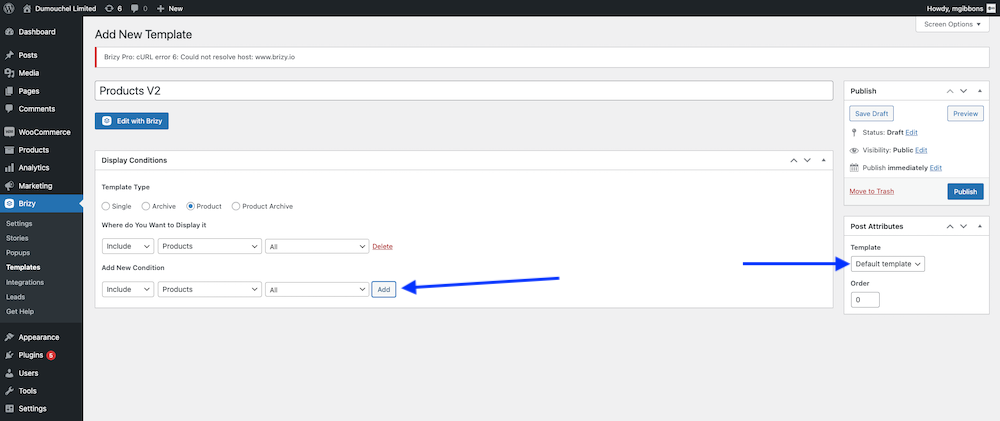
2. When I set the template to "Default Template" my header appears but the page is not showing full width:
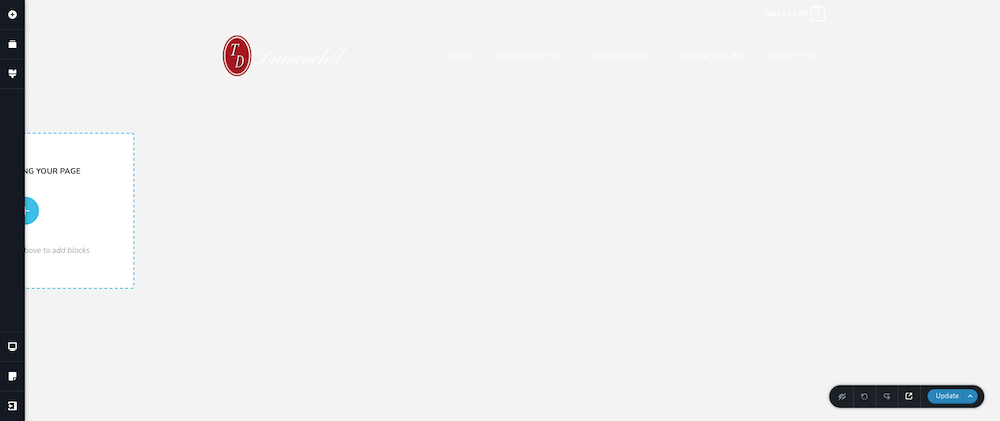
Preview of the Template:
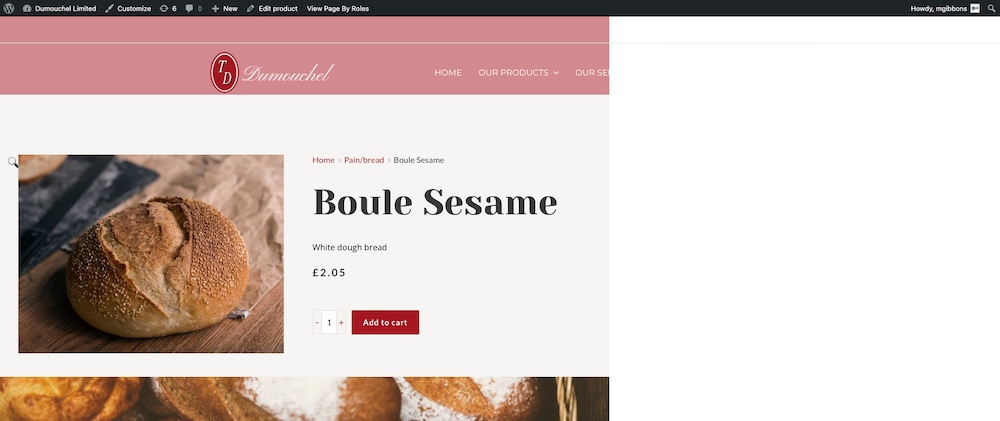
3. Then when I actually view a product, it's not even applying the template:

Seriously, this just doesn't seem to work.
Matt
0 -
Hello Matt,
Astra is our partner and everything should work well. I have created a ticket for you so please send your login details there and we will look into it.
Best regards, Nelea.
0
Please sign in to leave a comment.
Comments
3 comments