Website is broken

Brizy WP website is broken after WP Update 5.9
-
website is https://divinedesignds.com
0 -

Hi Willie,
From the code source, I see the page is loading from HTTP address - https://jmp.sh/uBwnEez however, your browser URL is httpS.
I would like to ask you, to go to WordPress dashboard>>Settings>>General; Check the WordPress URL address and Site Address URL tabs - https://jmp.sh/yicOdrB . If they are written as HTTP only, add an "S" at the end, save the changes. It will ask you to log in again to your wp dashboard. The preview should work fine right after.Regards, Natalia
0 -
That did not resolve the issue. I also have the twenty-twenty theme active.
0 -
I just purged the cache and so far the website is back
0 -

Hi Willie,
So, everything works correctly now?
Best regards,
Denis.0 -

Hello there, I'm having the same issue. However, I went to dashboard>>Settings>>General and I can't find the WordPress URL address and Site Address URL you mention as shown here.
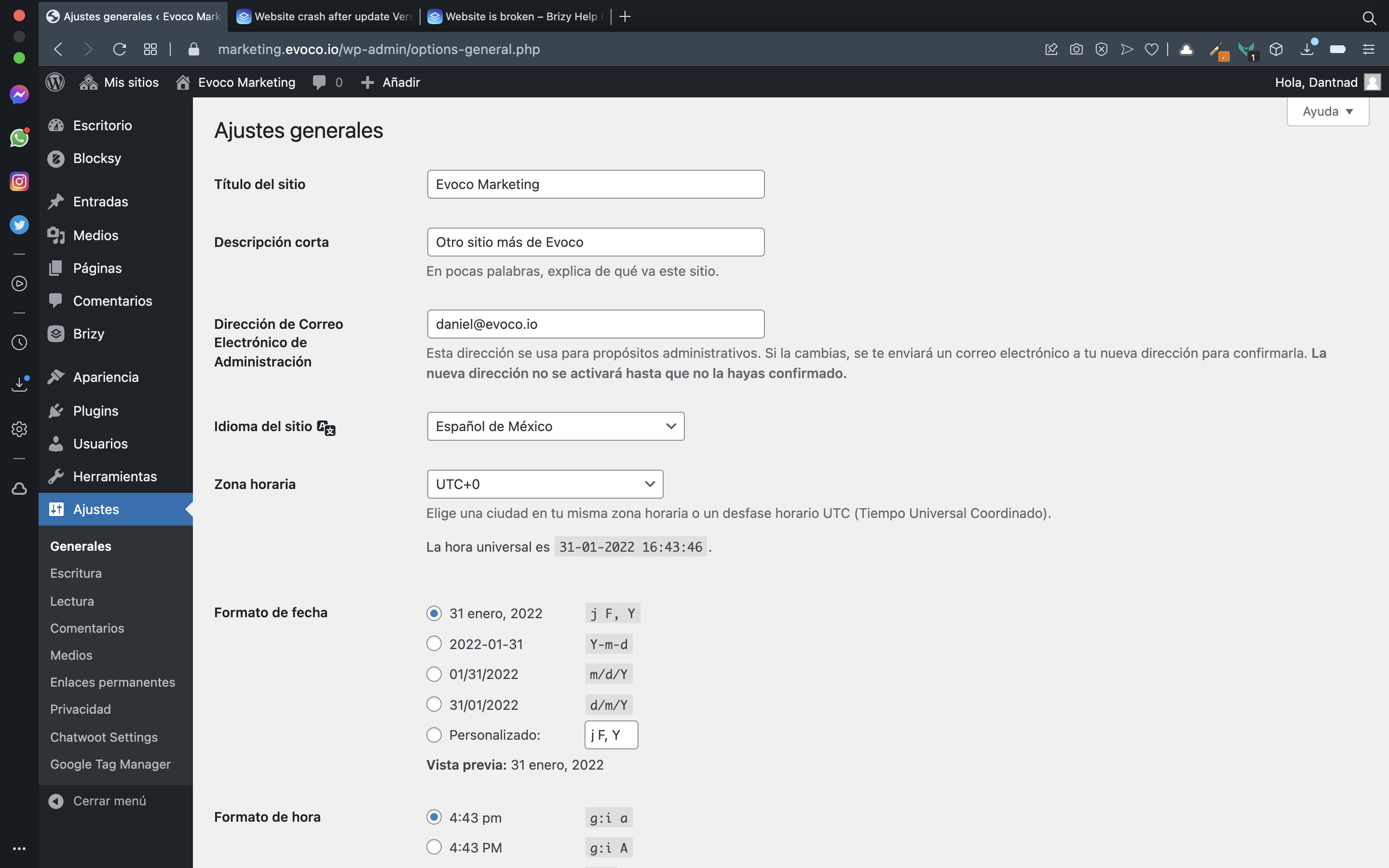
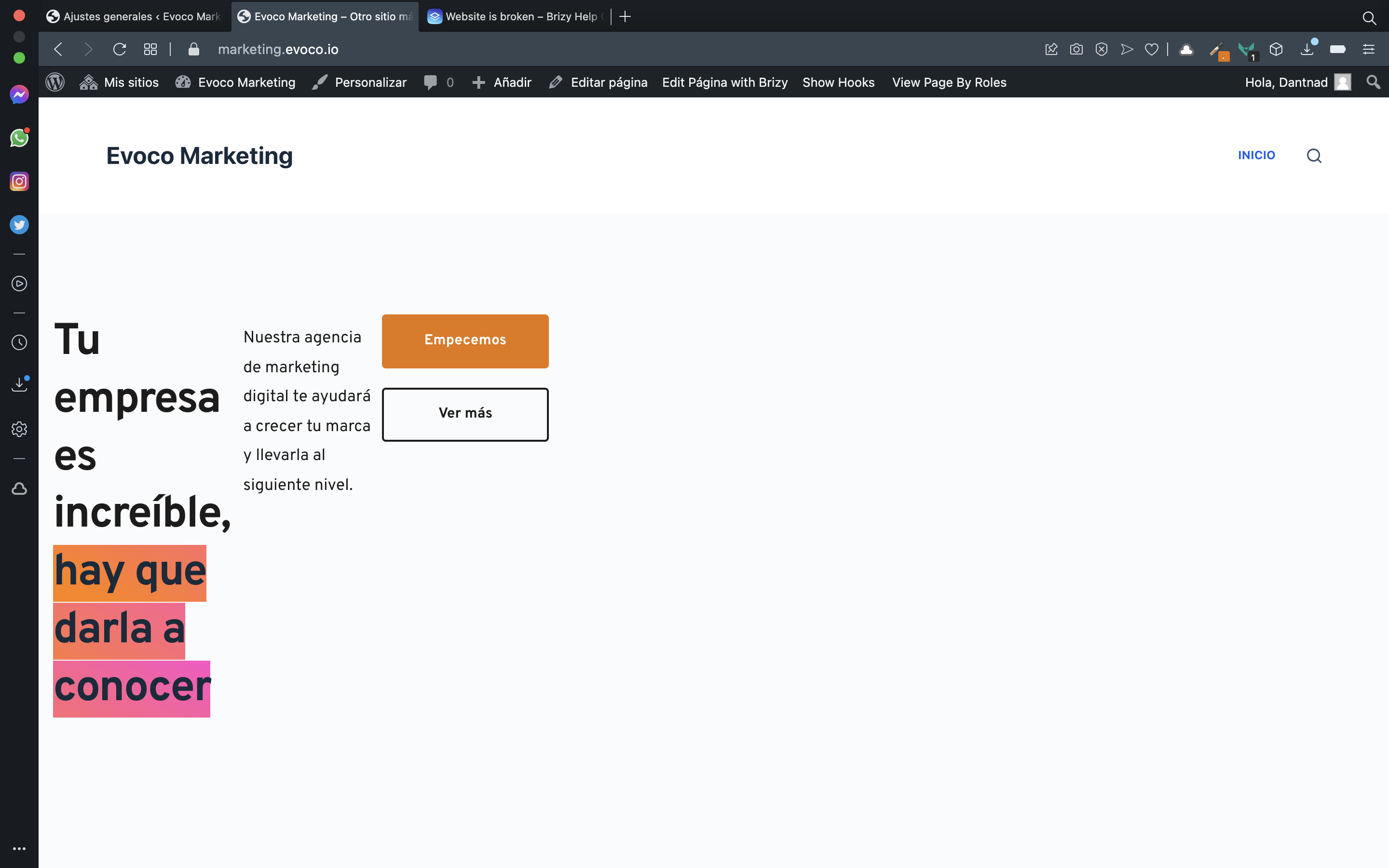
The issue I'm having is that my site is completely broken since the last update, as shown on this image:
 0
0 -
From your screenshot I see that you have multisite. In this case find list of all websites and check links for this specific website.
Best regards,
Denis.0
Please sign in to leave a comment.
Comments
7 comments