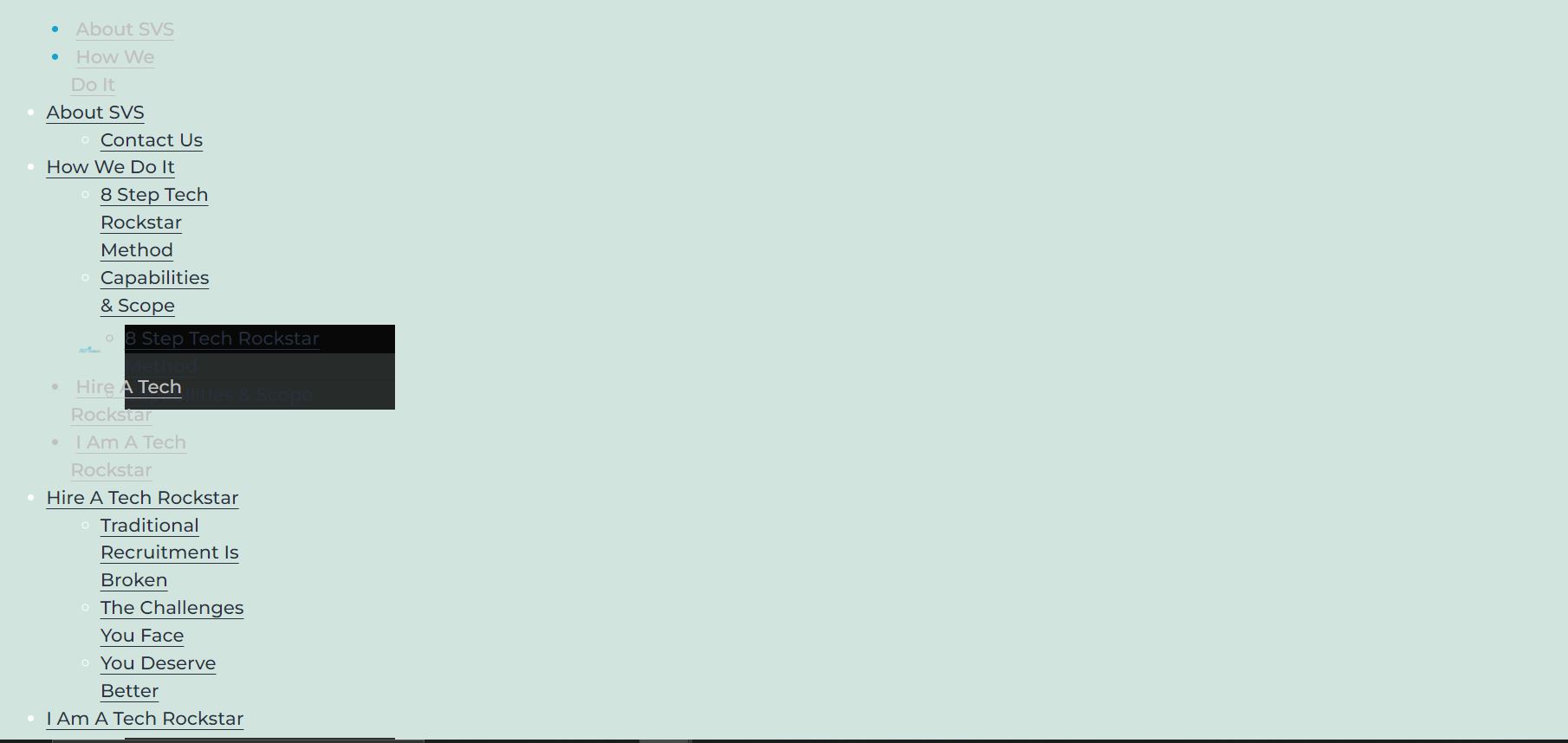
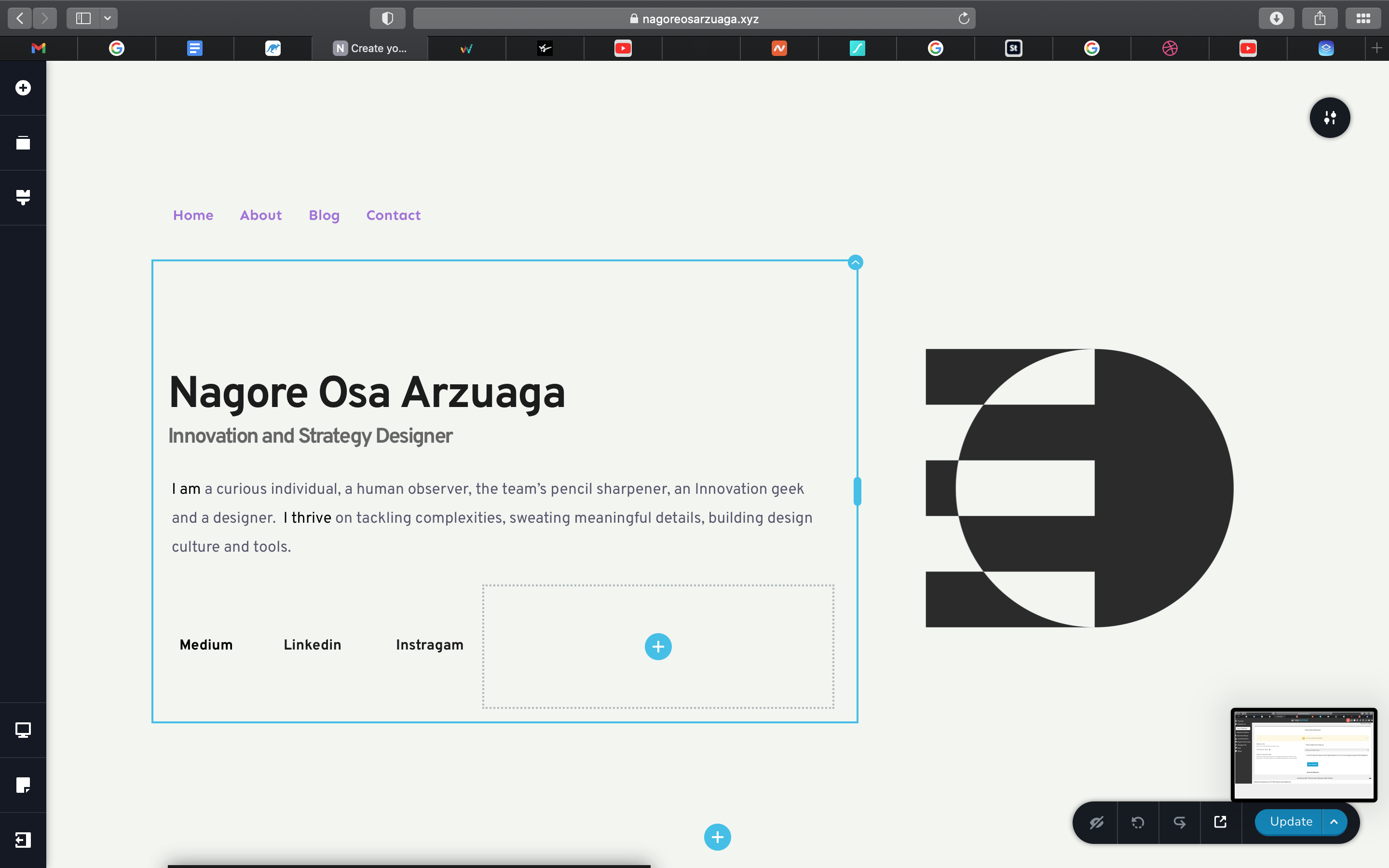
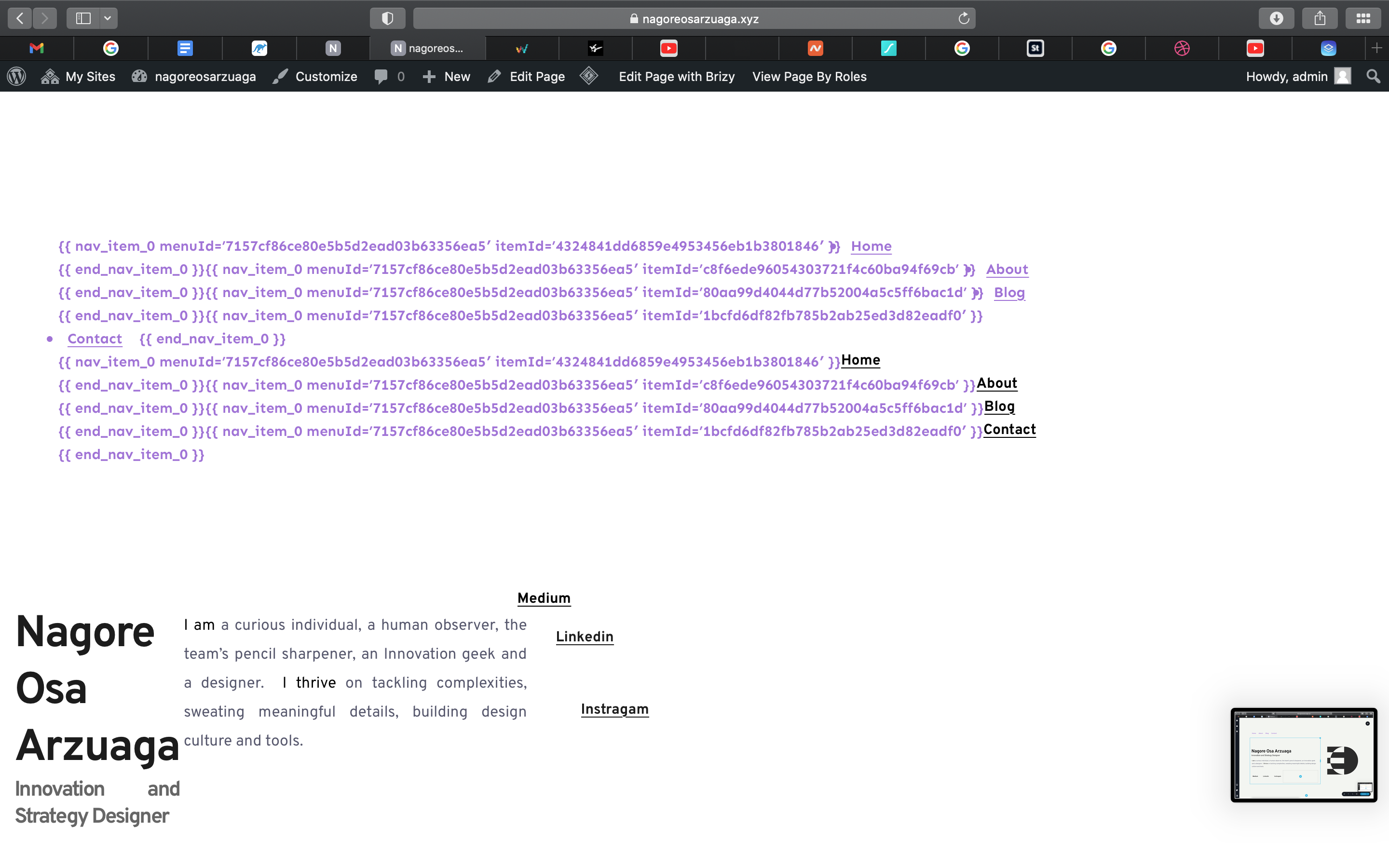
The edit with Brizy page is different from the preview and live page.

The live page and the edit with Brizy page are showing two different things and I ma not sure that the problems are. I turned off the other plugins and the problem remained, as well as clearing the cache. What might be the problem? Here are some pictures to show the difference.
Live Page
Edit Page
-

Hello David,
Thank you for your message!
Can you please make sure you have the latest version of Brizy: Free 2.3.28 and Pro 2.3.21? At the same time, send us the link to the website and check if in WP dashboard in the Settings both WordPress Address and Site Address start with https and not with http. Example: https://jumpshare.com/v/1bwFgqX8ms30TinxCLzw Thank you.
Kind regards,
Doina
0 -
here is a link to the site as well as both plugins are the correct versions. The site is also https certified. https://siliconvalleysearchpartners.com/
0 -
Thank you for the quick response and details!
I will create a ticket for you and one of my colleagues will contact you as soon as possible! Please make sure to give them all the details that they need. Hope this helps!
With kind regards,
Doina
0 -

Hello, I have the same issue. How could we solve this?
0 -

Hello @David.
From the code source, I see the page is loading from HTTP address - https://jmp.sh/f2QyWzp however, your browser URL is httpS.
I would like to ask you, to go to WordPress dashboard>>Settings>>General; Check the WordPress URL address and Site Address URL tabs - https://jmp.sh/yicOdrB . If they are written as HTTP only, add an "S" at the end, save the changes. It will ask you to log in again to your wp dashboard. The preview should work fine right after.Let me know how it works.
Thank you!
Natalia
0 -
Awesome it worked thank you for your help.
0 -
Good evening, I tried to go through the steps mentioned but it didn't work. Here's the pictures as proof.SPAM
0 -

Hi Osa arzuaha nagore,
You replied to the non-reply@zendesk.brizy.io email, your message was received as spam and we had to recover it, in this case, the picture is not attached. Please send the URL of your website. Can you confirm that you are using the latest versions of Brizy Free 2.3.28 and Brizy Pro 2.3.21? Also, please disable all plugins, except Brizy, and check again this issue. Let me know if it works.
best regards, Nelea
0 -
Hello,
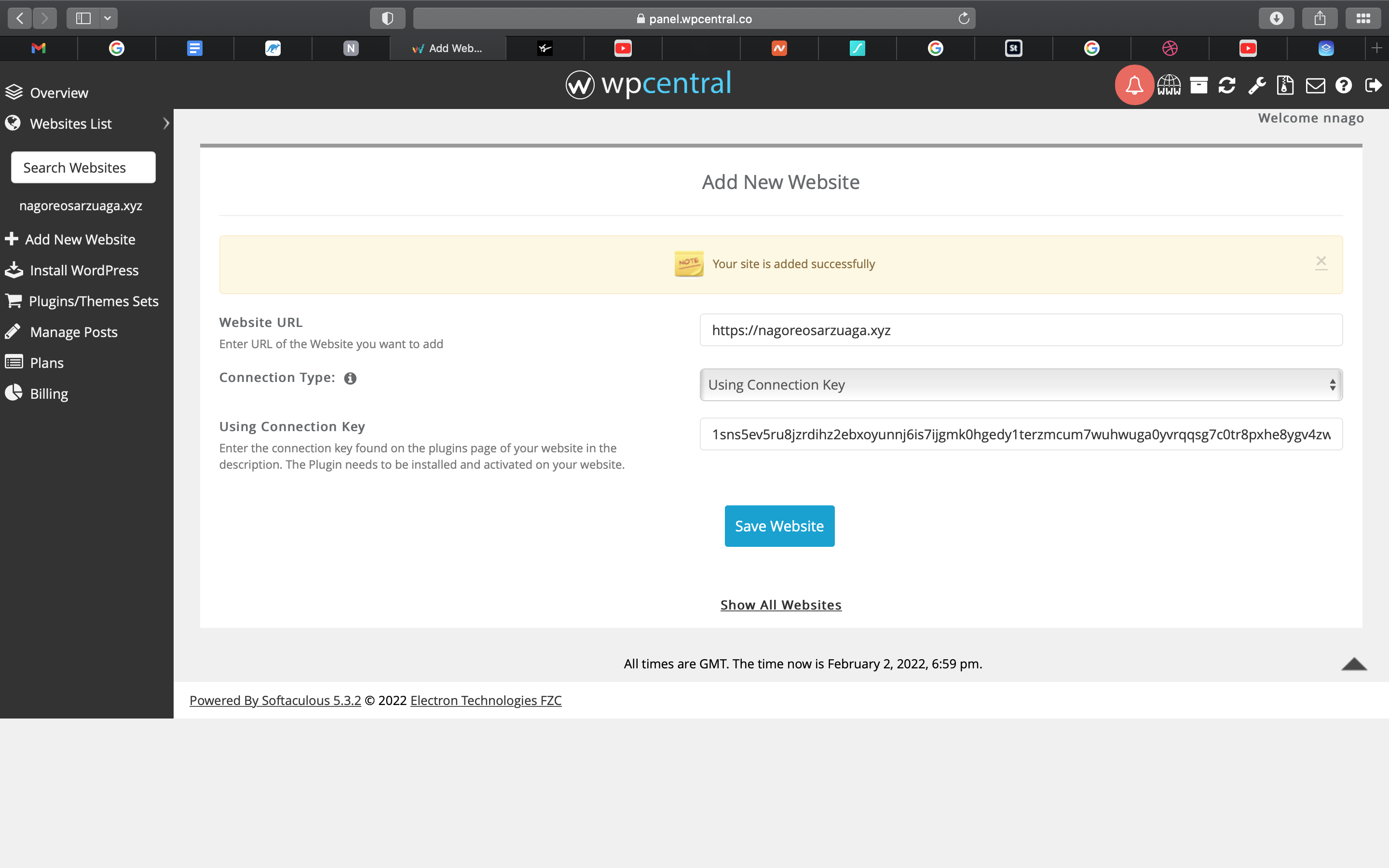
The problem is still not solved. I upgraded both plugins and deleted the rest, but nothing changed. Pictures attached.
https://nagoreosarzuaga.xyz this is the url of my website.
 0
0 -
Hi Osa arzuaha nagore,
Thank you for all these details! We would like to check this problem from your dashboard. Could you please send us the WP credentials to this site? We have created a private ticket for this request. You will receive an email regarding this. Could you send us in that private message the WP credentials to this site?
Best regards, Nelea.
0
Please sign in to leave a comment.
Comments
10 comments