robots.txt disallow Google from indexing my page

Hi, the robots.txt file does not allow Google to index my page, I also uploaded the sitemap.xml file to the Google search console, everything is ok with it, the problem is only with the robots.txt
https://justconcept.pl/robots.txt
this file should loooks like this:
# www.robotstxt.org/
# www.google.com/support/webmasters/bin/answer.py?hl=en&answer=156449

User-agent: *
Allow: /
not like it looks now:
# www.robotstxt.org/
# www.google.com/support/webmasters/bin/answer.py?hl=en&answer=156449

User-agent: *
Disallow:
all my page have been indexed by google but are excluded by the robots.txt file.
Please help me fix this issue, this is a huge disadvantage of Brizy.
-

Hi,
Based on google documentation this code does not block the site from indexing.: https://jumpshare.com/v/7is8NgX032y2KUBP8qWA It's a default one that is present in all Brizy cloud projects, including on our domain: https://www.brizy.io/robots.txt The problem with indexing is something else, Brizy doesn't influence this in any way. Are there any errors in the Google Search Console?
0 -
Hello Alex, thank you for the reply, please see screenshots of the errors:
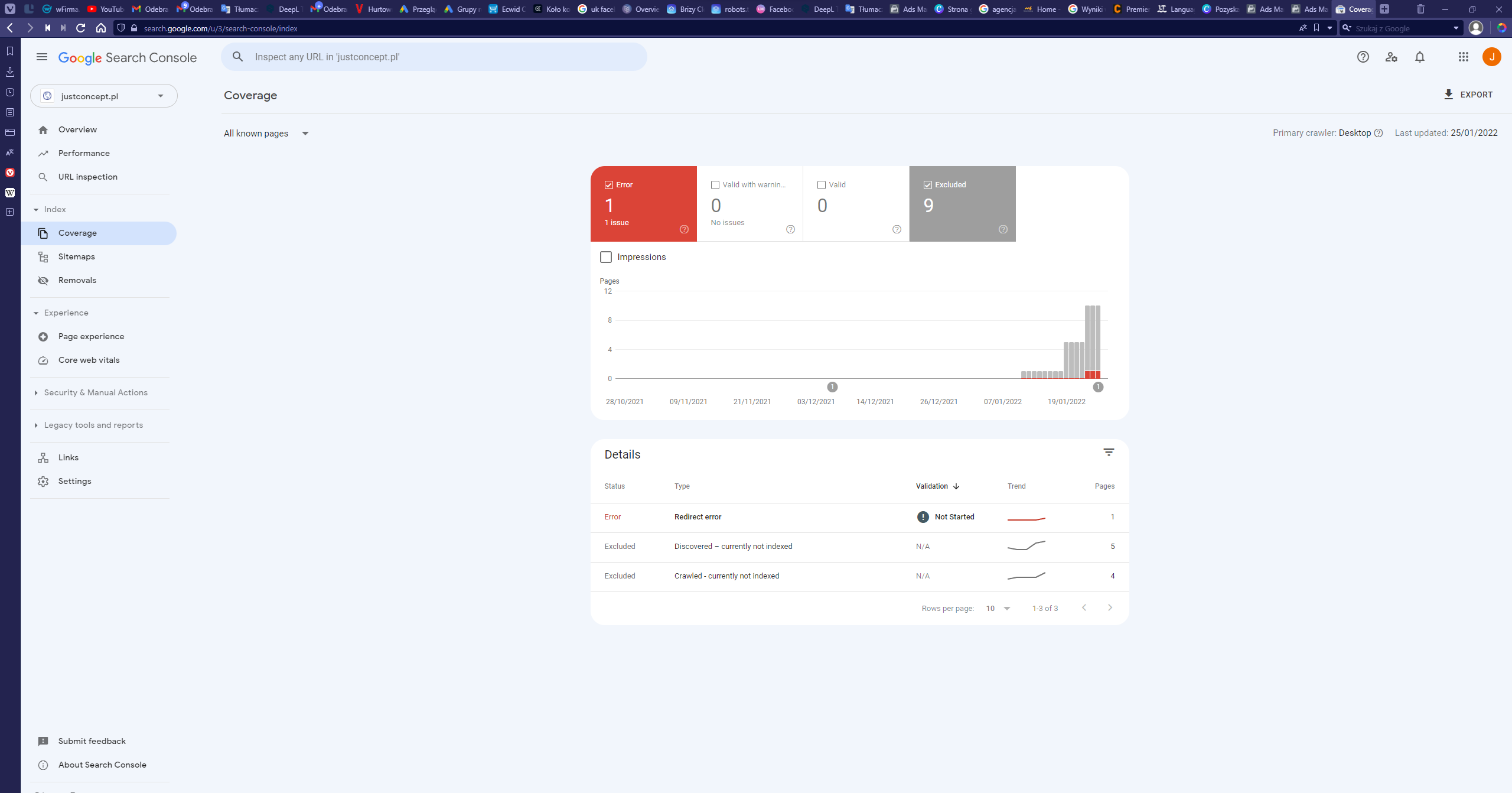
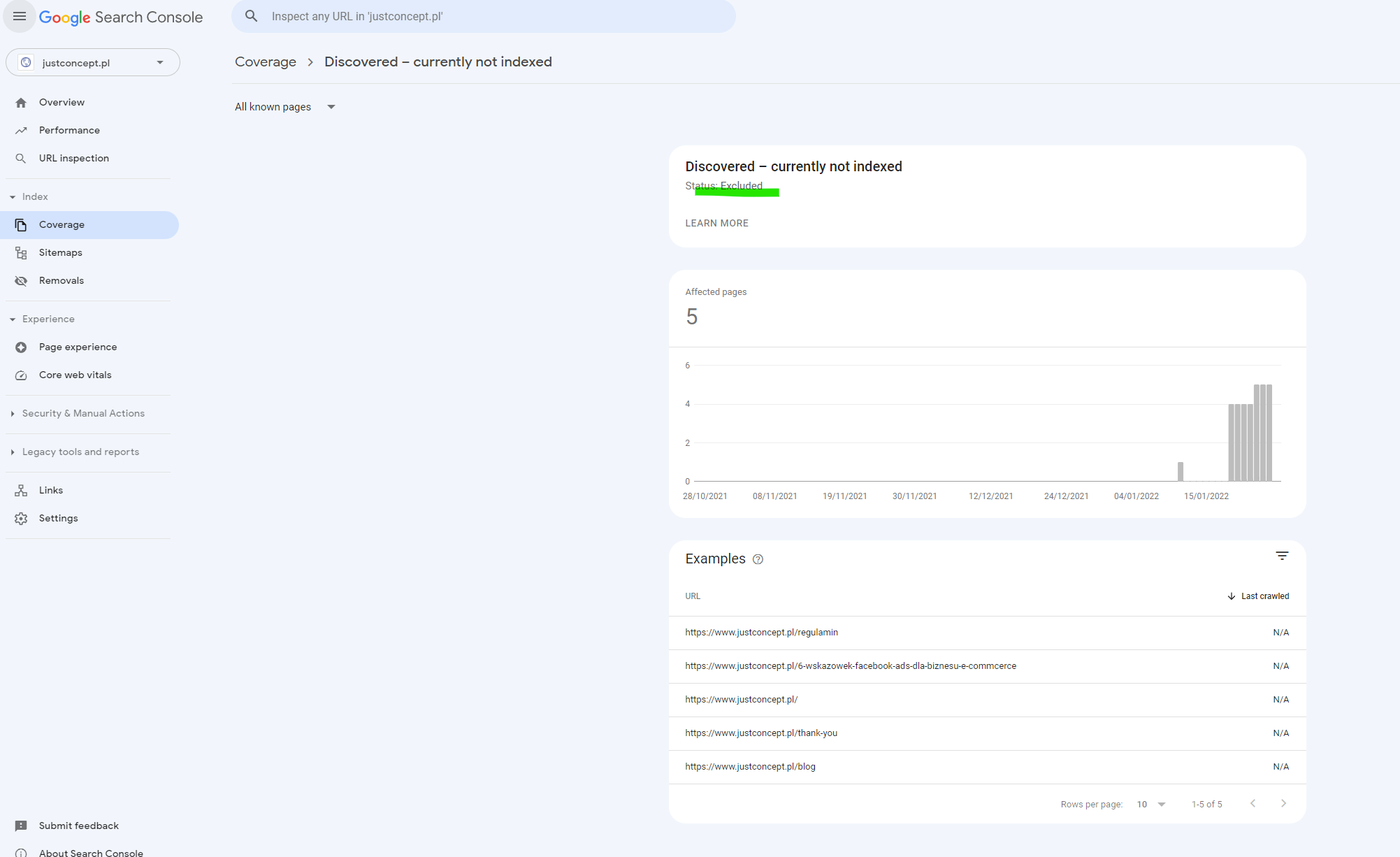
Google search console status says the website is discovered but excluded, like something blocking google from indexing my site.
0 -
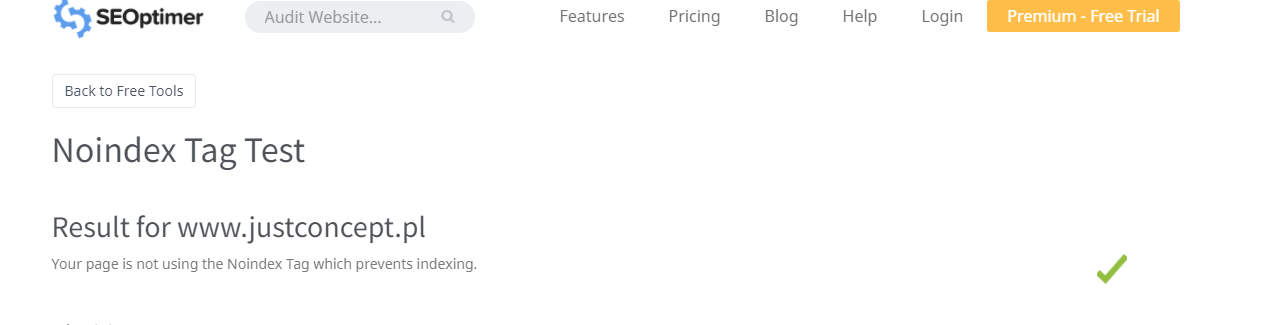
I checked if there is noindex tag, it is neither in brizy.cloud and in this seo checking application:
Also checked redirects and it's blank:
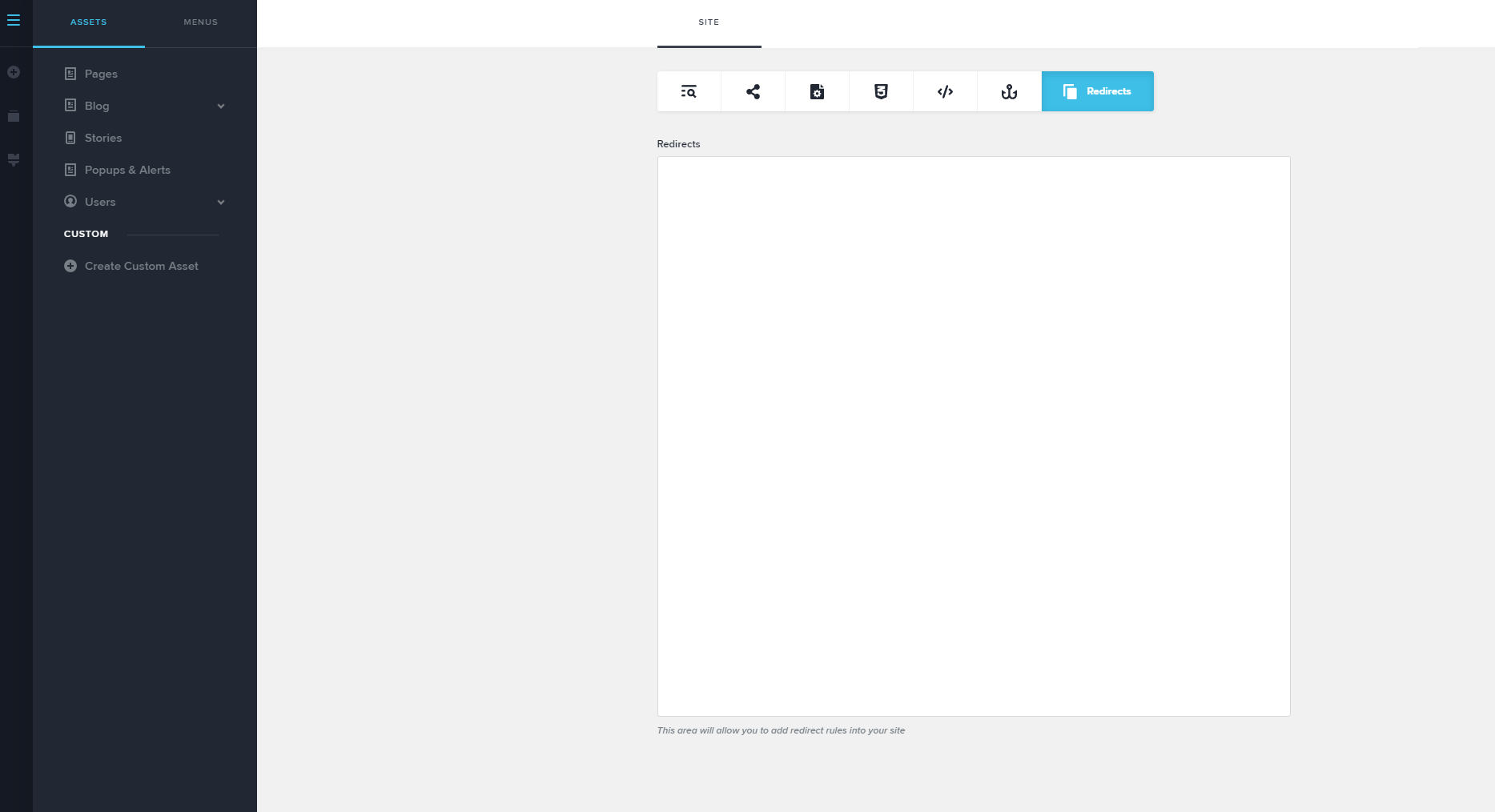
it's very strange I have never encountered such a situation :(Maybe problem lays in the cname settings? If I understand this usually is used to make redirect from the for example: justconcept.pl site to the www.justconcept.pl site
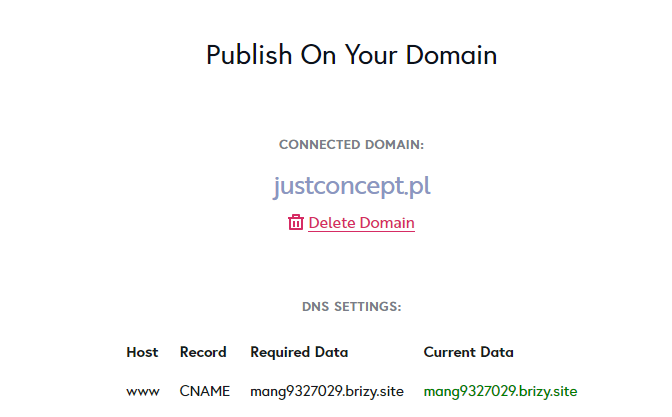 0
0 -
Hi,
It should not be related to CNAME. There are thousands of other projects on Brizy Cloud that work and are indexed. Have you made any changes recently? Today when I checked your site I saw it was indexed: https://jmp.sh/hQH8QxX
0
Please sign in to leave a comment.
Comments
5 comments