Parsing Failed error in wordpress brizy

Hello,
My site is no longer not showing correctly. It looks like all the brizy pages are not connecting.
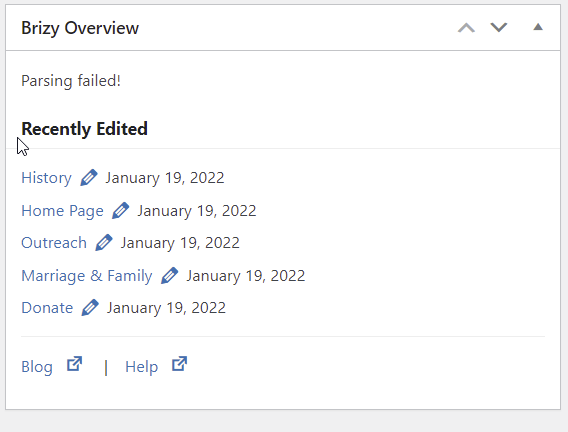
I see there is a "Parsing Failed" error.
Can you help resolve this?
Thanks
Rogelio
See screen grab.
-

Hello,
Thank you for your message!
Can you please confirm that you encounter this issue with the latest versions of Brizy: Free 2.3.28 and Pro 2.3.21? Hope to hear from you soon.
With kind regards,
Doina
-1 -
Yes, it is with the latest versions
0 -
Hi,
Thank you for the details!
Please delete both Brizy plugins from your cpanel dashboard, and then upload them manually. Hope this helps.
Kind regards,
Doina
0 -
If I do that, will I lose all the Brizy pages that are already created? Thanks, Rogelio SPAM"
0 -

Hello Rogelio,
Thank you for your message.
It will not affect your page if you delete and reinstall the Brizy plugin.
Parsing errors from the dashboard does not affect the way your site works. If the website does not work well there could be another issue.
Could you please temporarily deactivate all external plugins (except Brizy Free, Brizy Pro) and activate a WP default theme? Please sent us the URL of your website so we could check it.P.S please do not reply to the notification email - noreply@brizy.zendesk.com; the emails will be received as spam and they will not be posted here.
Best regards, Nelea.
0 -
here is the website
Theirtree.org
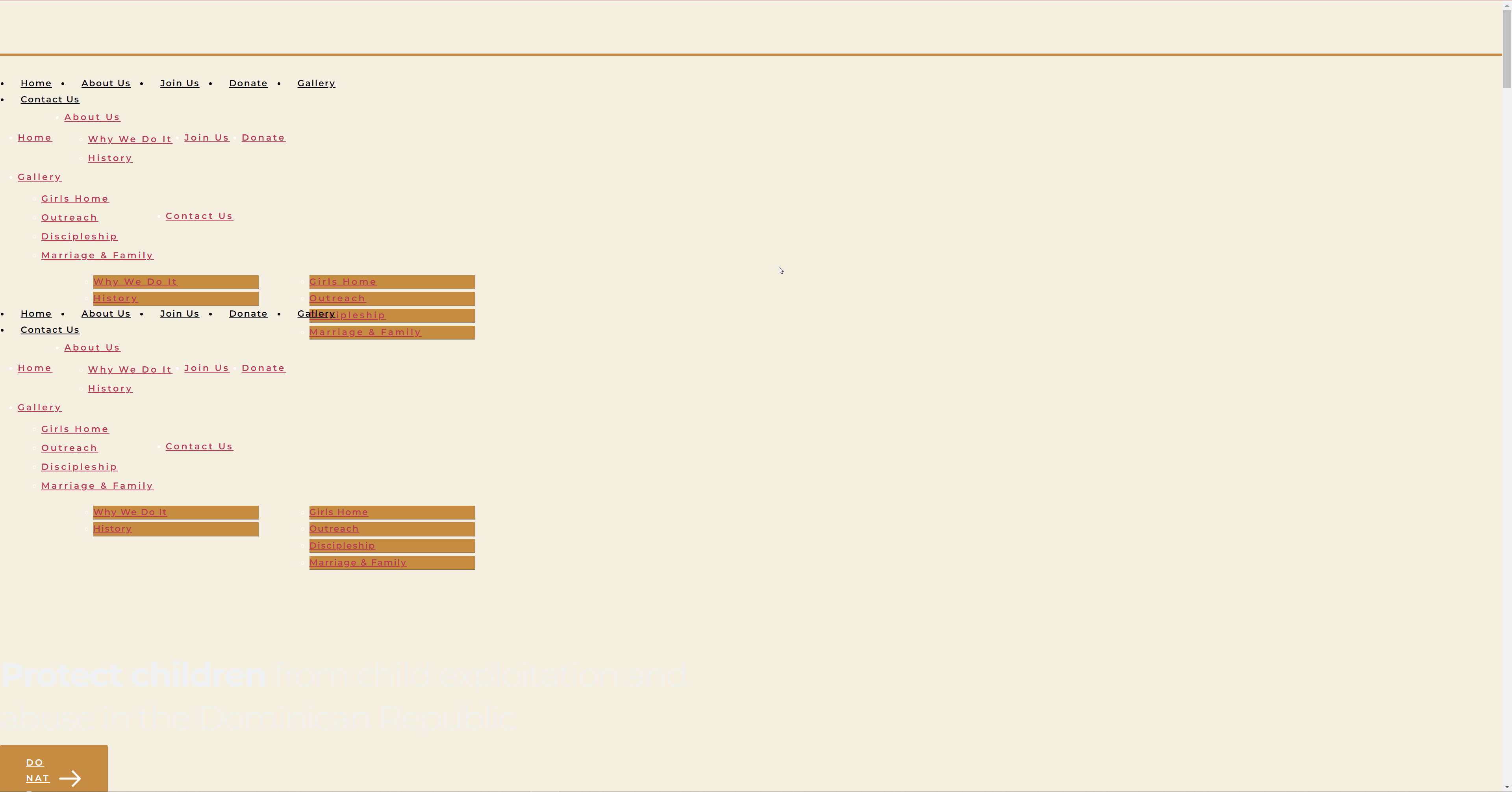
this is what the error causing the website to look like
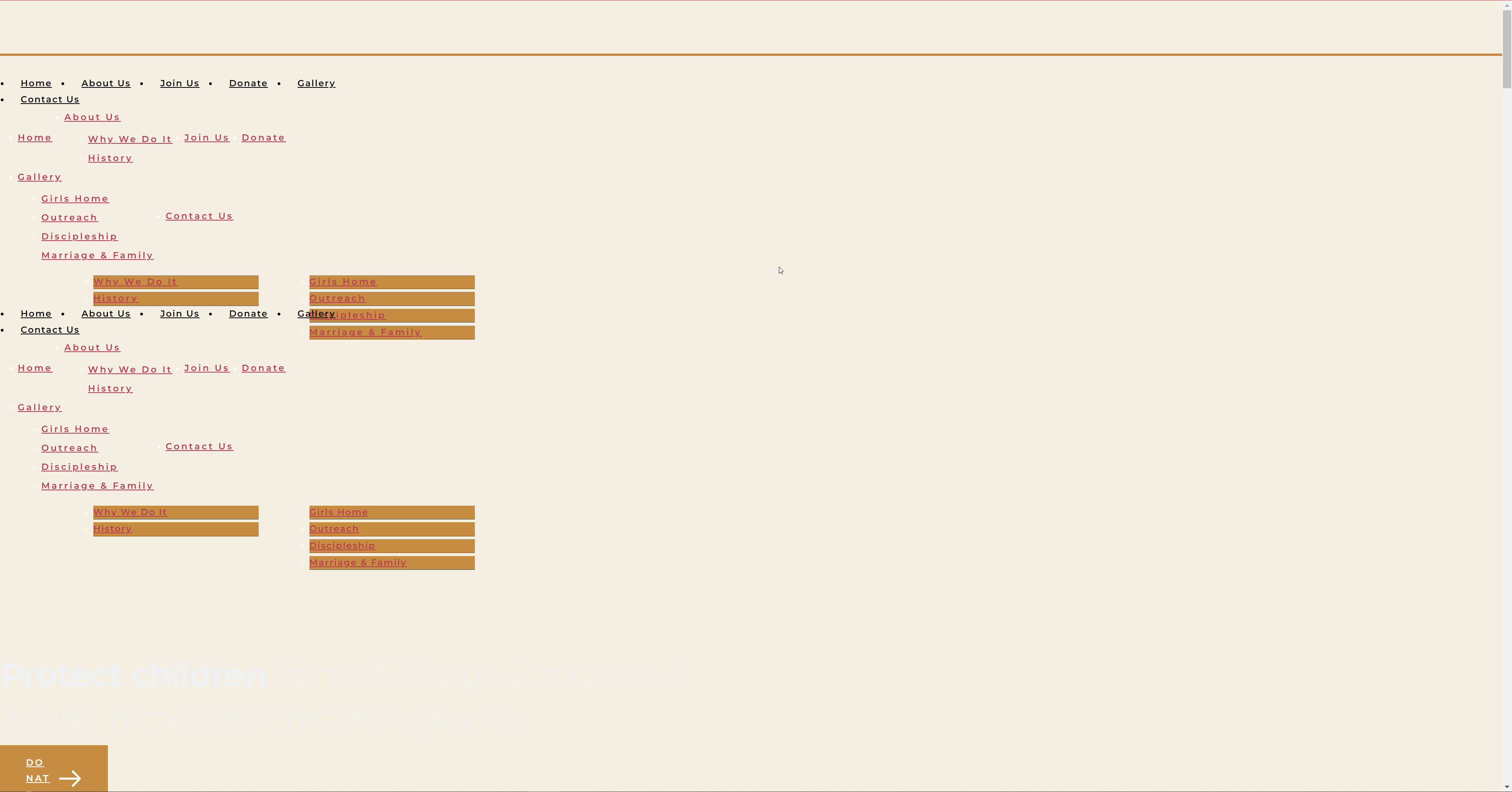
this is what happens with I deactivate the Brizy plugins
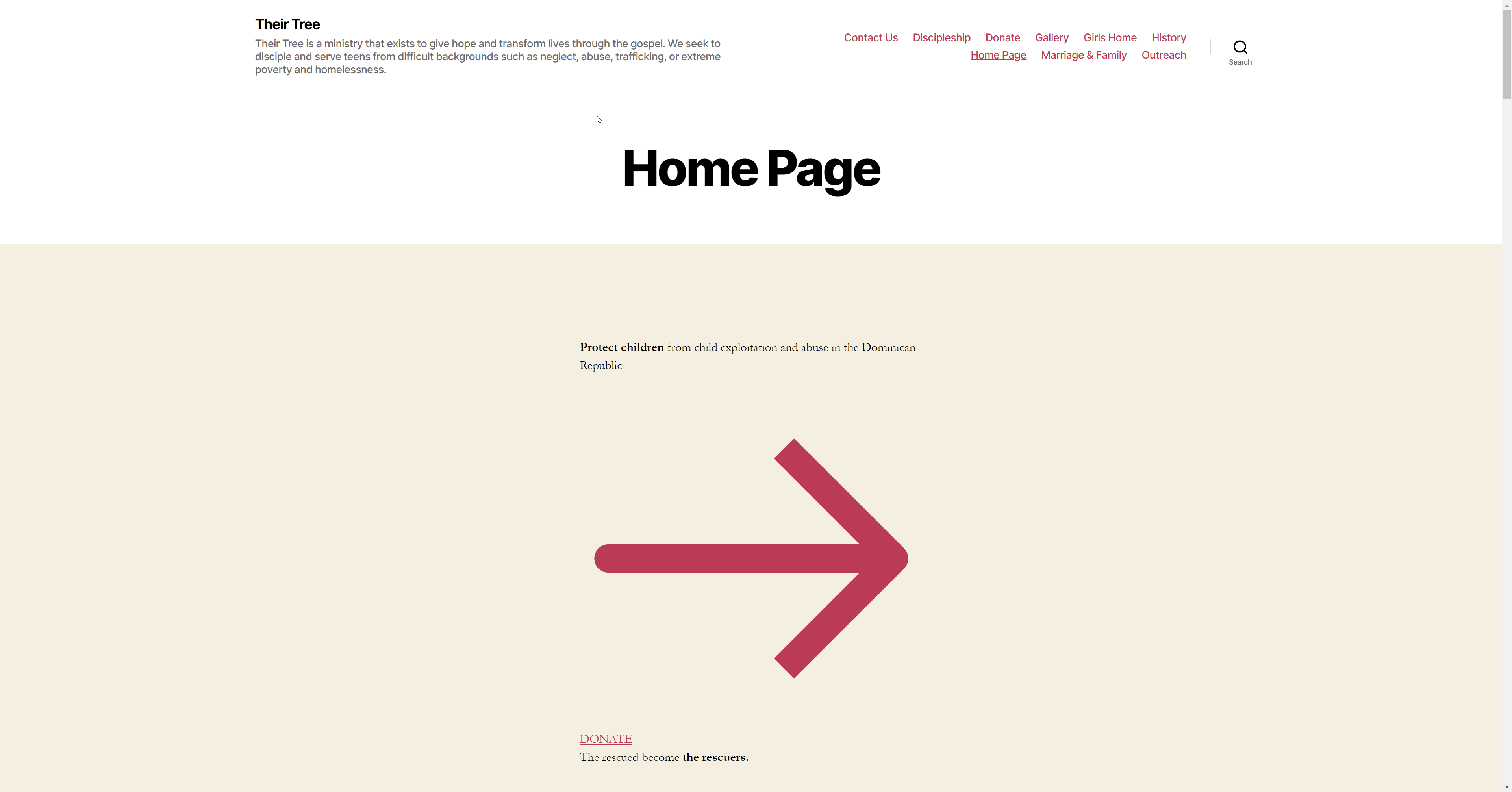
I deactivated all the plugins
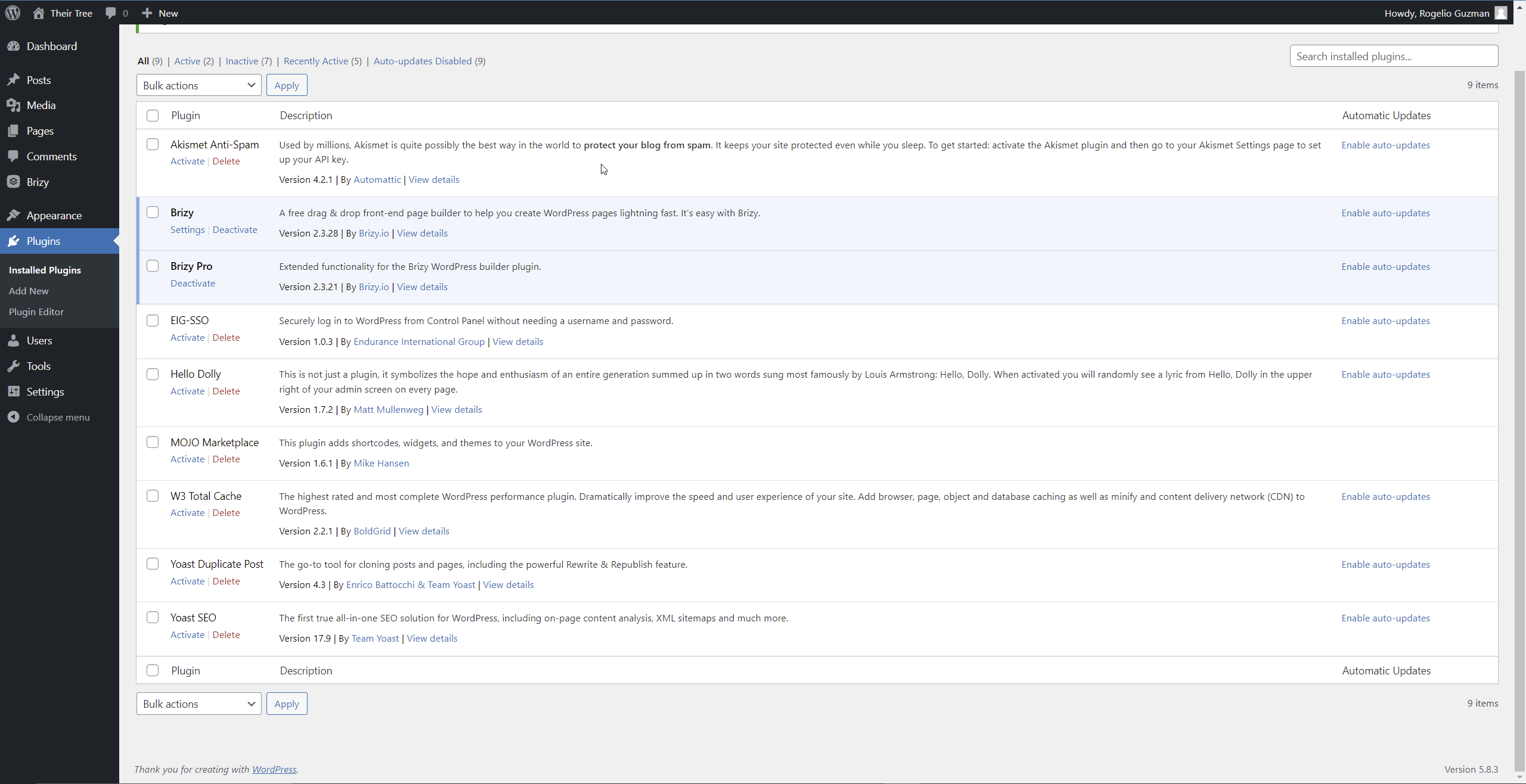
The site still has the same error after deactivating all the plugins
 0
0 -
Hi,
Thank you for your message and details!
I have checked the website and indeed there is a problem. I will create a ticket for you and one of my colleagues will contact you as soon as possible! Please make sure to give them all the details that they need!
With kind regards,
Doina
0 -

Hi, I am seeing the same problem. I launched a backup of the site and didn't touch anything. It held up for a day and then collapsed again.
So I launched another backup and then updated both plugins. Cleared the cache and so far the site looks fine, but there is still an error in the WP dashboard under "Brizy Overview" that says "Parsing failed!"
0 -

Hello!
My name is Mihail, Brizy customer team.
Thanks for reporting this issue
-- Please make sure that you are using the latest Brizy plugin versions, which are 2.3.28 for Brizy free and 2.3.21 for Brizy Pro.
Try to fully reinstall plugins (deactivate, remove, install again)
Clear the website cache and check your page again.
After it, go to Settings --> Permalinks and push the save button. In general WordPress settings, I mean.
-- Make sure the WordPress URL and the Site URL have the same, secured URL - httpS ;
In this example, these URLs are not correct - https://jumpshare.com/v/z1TlsFvSYJuFsAODaU6U both should be httpS. Just add an S at the end of the prefix.
Let us know if all is working fine.
Thank you!
Best regards,
Mihail.0
Please sign in to leave a comment.
Comments
9 comments