Global Menu Duplicates

Brizy version 2.3.21
Global menus are duplicating on pages. Even when the Global Menus are deleted they still show up duplicated on pages. The menus show as Global but when I go to review the Global items there is nothing there.
- you can deselect the menu as being Global and it still shows up
- you delete the menu from the page, update, and recheck and it is back
- The menus are listed in the Favorites section.
- Global conditions have been checked and they are set for all pages
I think this is a bug and will need to be cleared up by your team.
-

Hello Kevin,
Thank you for your message!
Please send me the website where you encounter this issue and clear all the browser and server cache. Hope to hear from you soon!
With kind regards,
Doina
0 -
Thanks Doina,
the situation seems to have been resolved by the following actions as subsequent tests are no longer showing duplicate menus. website is www.jonlieu.com
- removing all indications of menu as Global as indicated in support ticket
- removed menu item from the list of favorites
- removed all instances of menu from all pages
- recreated menu and added to favorites
0 -
Hello Kevin,
Thank you for your message!
I am glad that everything sorted out. I checked the website and it works fine on my end as well! If you have any other questions or problems, please feel free to ask! We will be happy to help!
With kind regards,
Doina
0 -

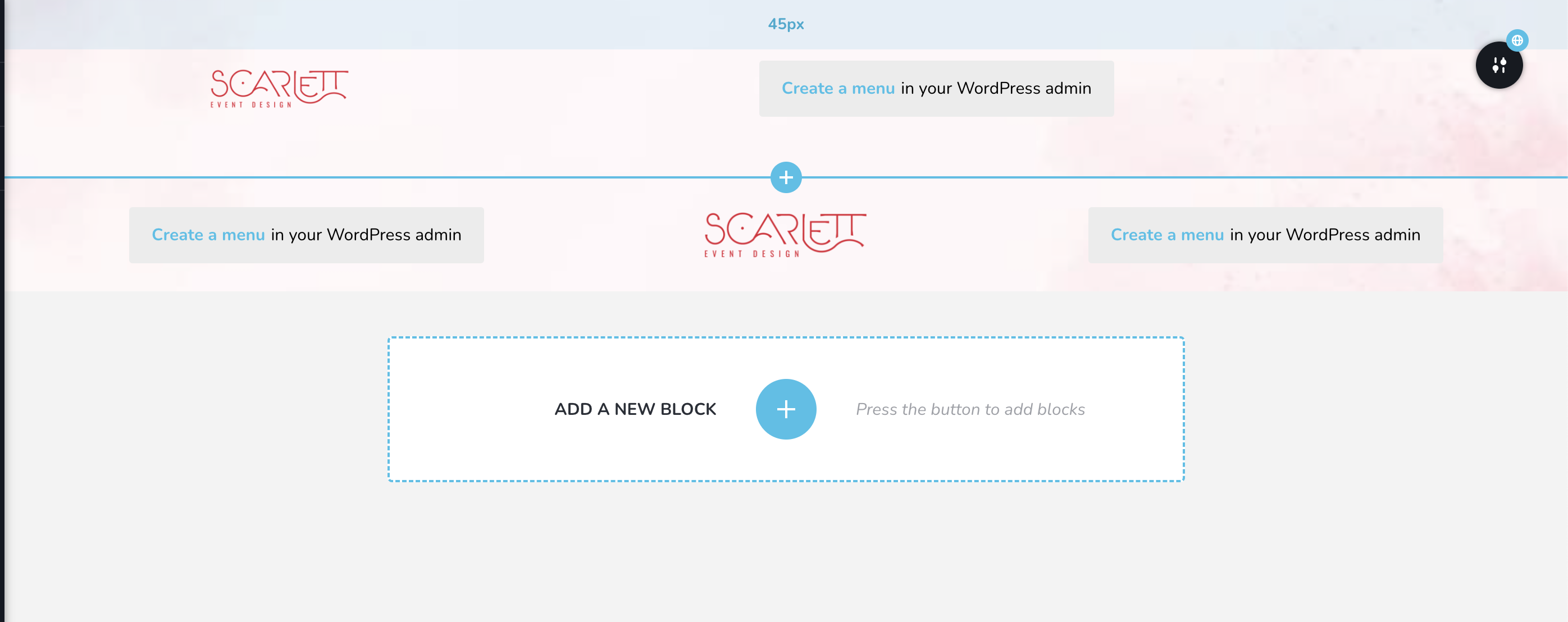
Hi, I have the same problem. Erased menu design in all instances. Even deleted the menu from the wp settings. When creating a new brizy template still showing two menus.
 0
0 -

Hi Victor,
Thank you for contacting us.
Please provide us temporary access to your WP Admin page so we can look into this issue. Kindly add us as an Admin user to your WordPress Dashboard and send the following details to: communitysupport@brizy.io.
Community Post link: https://support.brizy.io/hc/en-us/community/posts/4417086984337
WordPress Admin URL:
Username:
Password:Please make a full backup of your site as a precaution.
Best regards,
Ariel H.1 -
Thanks, just sent
0 -
Hi Victor,
Thank you for your cooperation.
This issue was fixed by creating a temporary test page where you will have access to the global block. From there, access the display conditions and delete all of them. Finally, save your changes. This is demonstrated on this screencast - https://youtu.be/ZMC1NZkAB8E
Best regards,
Ariel H.0
Please sign in to leave a comment.
Comments
7 comments