Button Sizes Not Equal


These buttons are set at 200px, yet they're unequal.
What's the best way to make buttons that are all sized the same?
I've tried CSS, but it's not affecting these buttons. Ideally I would set the buttons to full width and then they'd be as equal to their parent container, but that's not working.
Been stuck on this simple problem for too long. Please help!
-

Hi,
Thank you for contacting us.
You should add the first button, then you should duplicate it and change the margin of the button. In this case, all the buttons will have the same dimension. Please see this video. Hope this will help.
Best regards, Nelea.
0 -
Thank you.
Your solution works if all of the buttons have the same text.
The problem occurs when I change the button text. Text changes the button size to the point where it is difficult to match it correctly.
0 -
Hi,
You should duplicate first the button with the biggest text, then in the second button to add some space instead of text, please see here.
Best regards, Nelea.
0 -
Okay, but this seems like a strange workaround.
This solution still doesn't make the buttons aligned 100%.
See the pic. The top is wider than the bottom. If I add one space to the bottom, the bottom becomes longer.

It would be better if the button size chosen in pixels was not changed when adding text. Or if it were possible to set a width of 100% of the container size. I've seen this done in other website builders.
0 -
Hello,
I'm sending another video, in this way it will be easier to the column with the same size.
Best regards, Nelea.
0 -
The buttons are still not the same size in your video, but it seems like this is the best Brizy can do.
0 -
Hi Raymond,
The size is approximately the same. Sincerely, it is the best option and the most exactly as well.
Best regards, Nelea.
0 -
It's not perfect, but close enough.
0 -
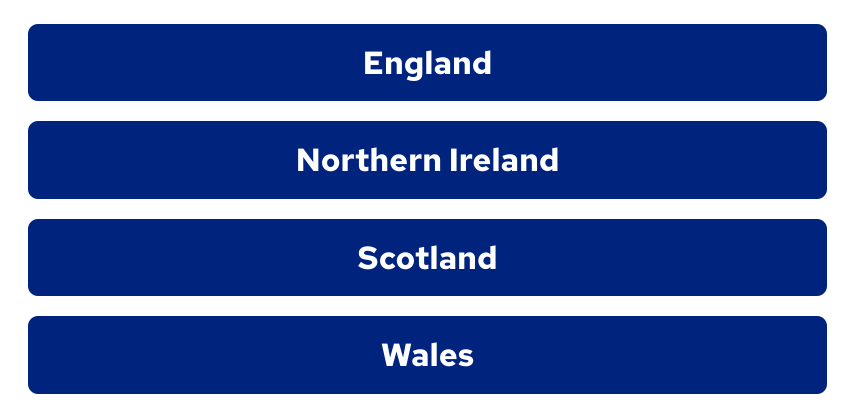
Actually found a better solution: use rows instead of buttons. Links can be attached to a row (or a column). Rows and columns have better alignment code than buttons.
0 -
Hi Raymond,
Thank you for sharing this information with us.
Best regards, Nelea.
0 -

I have the same problem here, and adding rows is a solution but not if you work with a textfield itselve. It creates other problems because you need to do the whole setting of the textfield. This is something Brizy should update because buttons or some othe most common used items on websites and the sizing element is really important.
0 -

Hi
I have replied to you here https://support.brizy.io/hc/en-us/community/posts/12458184248722
0
Please sign in to leave a comment.
Comments
12 comments