full height page element

Hi Brizy Team,
I am trying to setup a page element to be a slider featuring full size image slides.
I set the page element to be "full height" and size the content of the slide so it fills the screen and covers the "navigation dots" on the bottom of the screen.
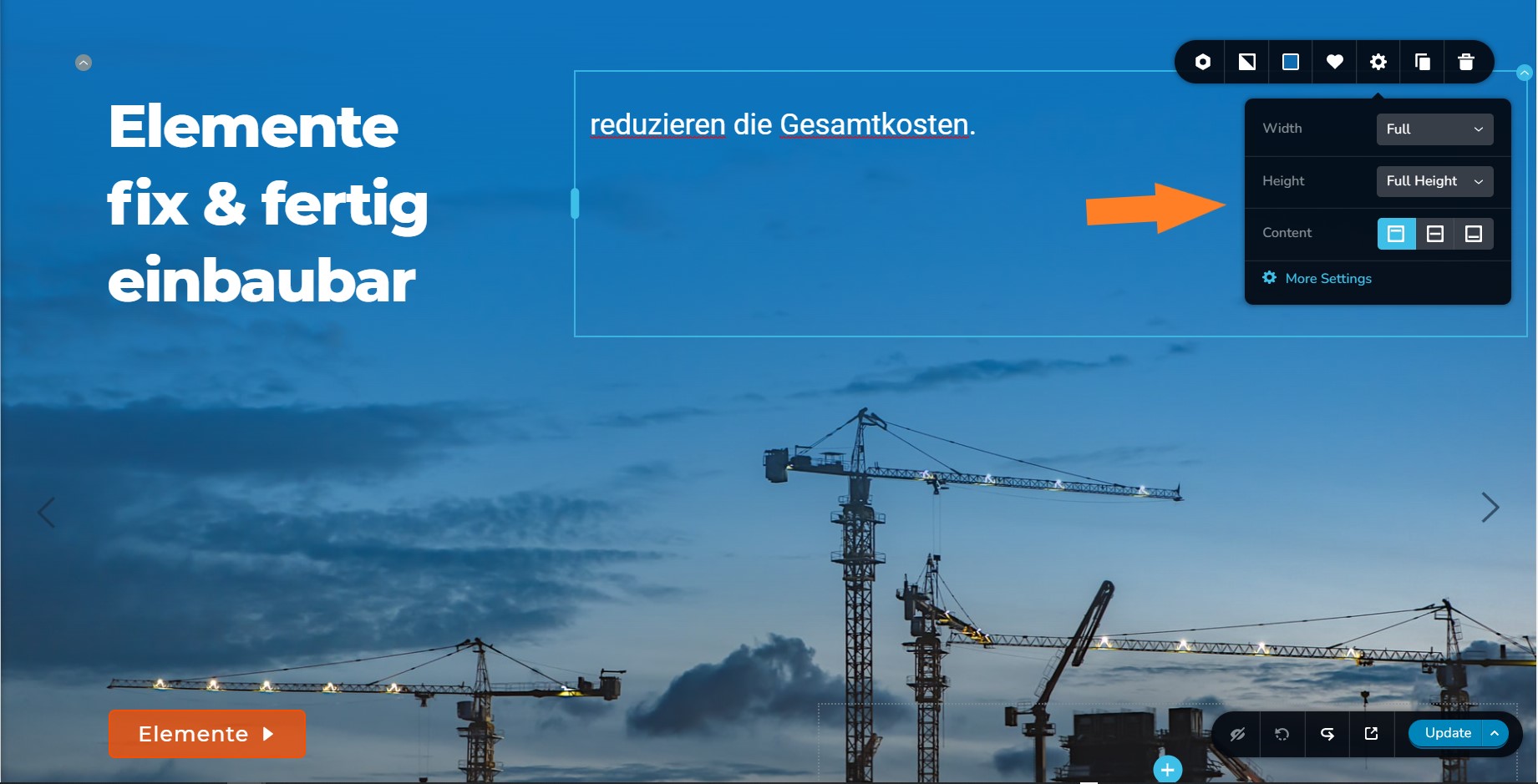
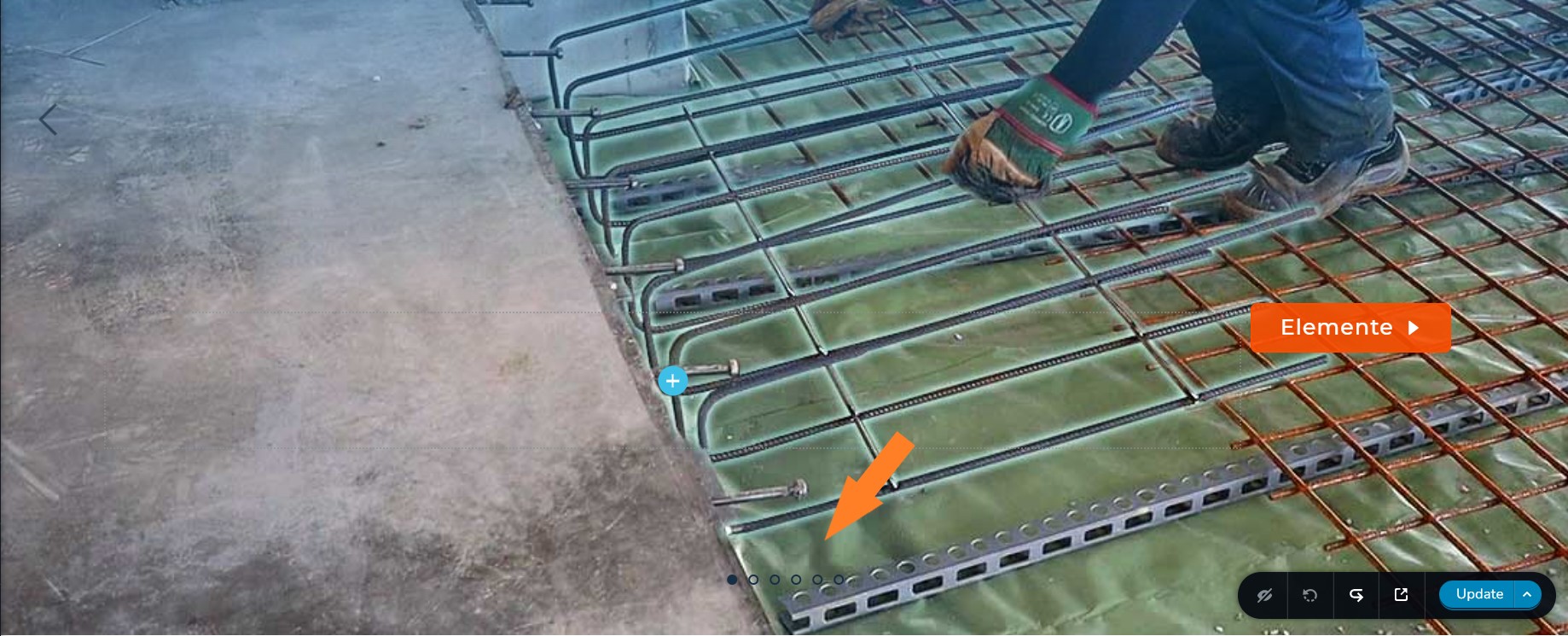
When publishing the page and looking at the live site on a 15" monitor the slides are higher than the full screen size, so they dont fit in withough scolling, never the less the "navigation dots" on the bottom are not covered by the slide content image.
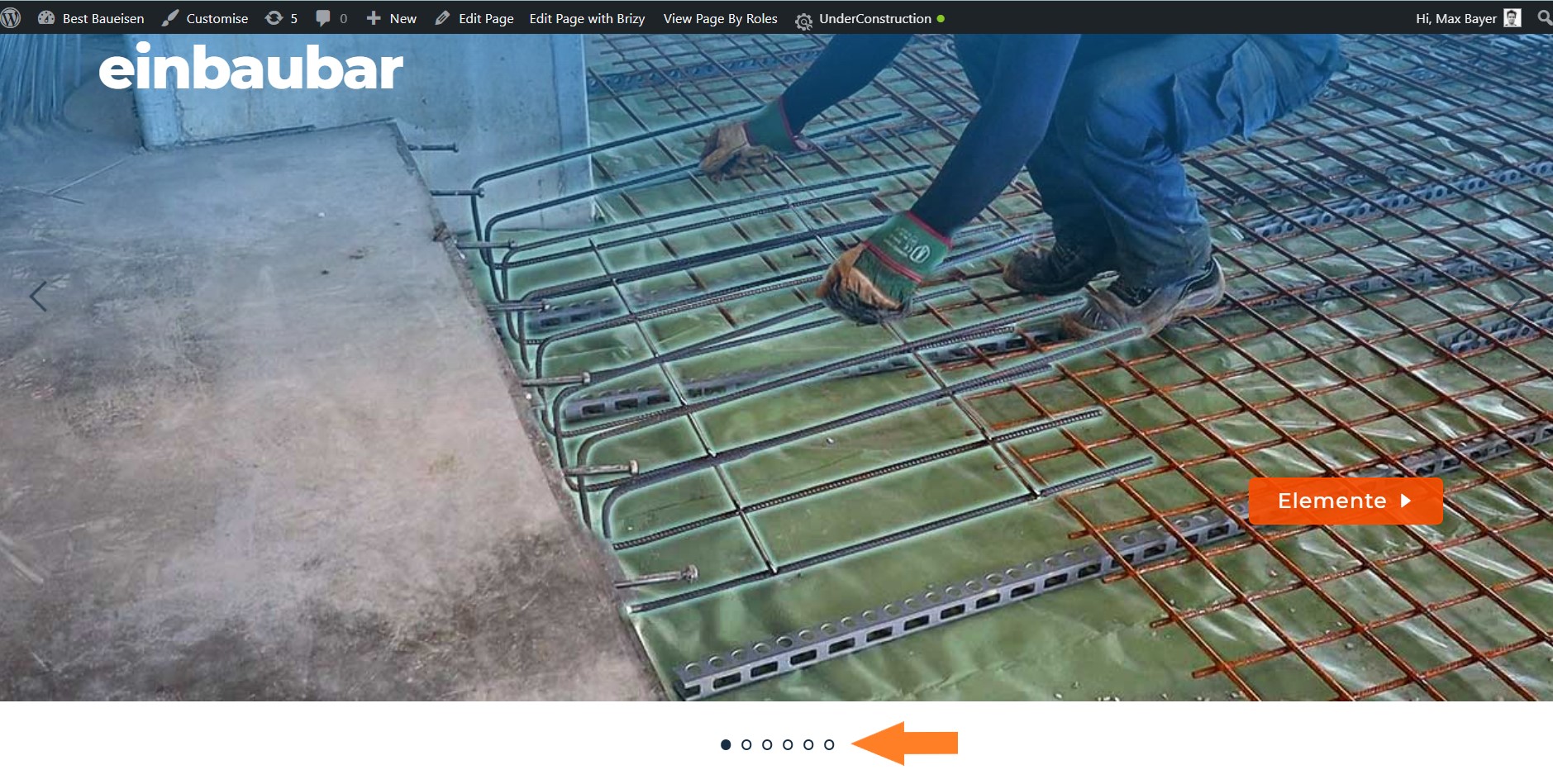
Same is happening when looking at it on a 21" monitor. Slide content is too tall to fit on screen without scrolling and the navigation icons are not covered.
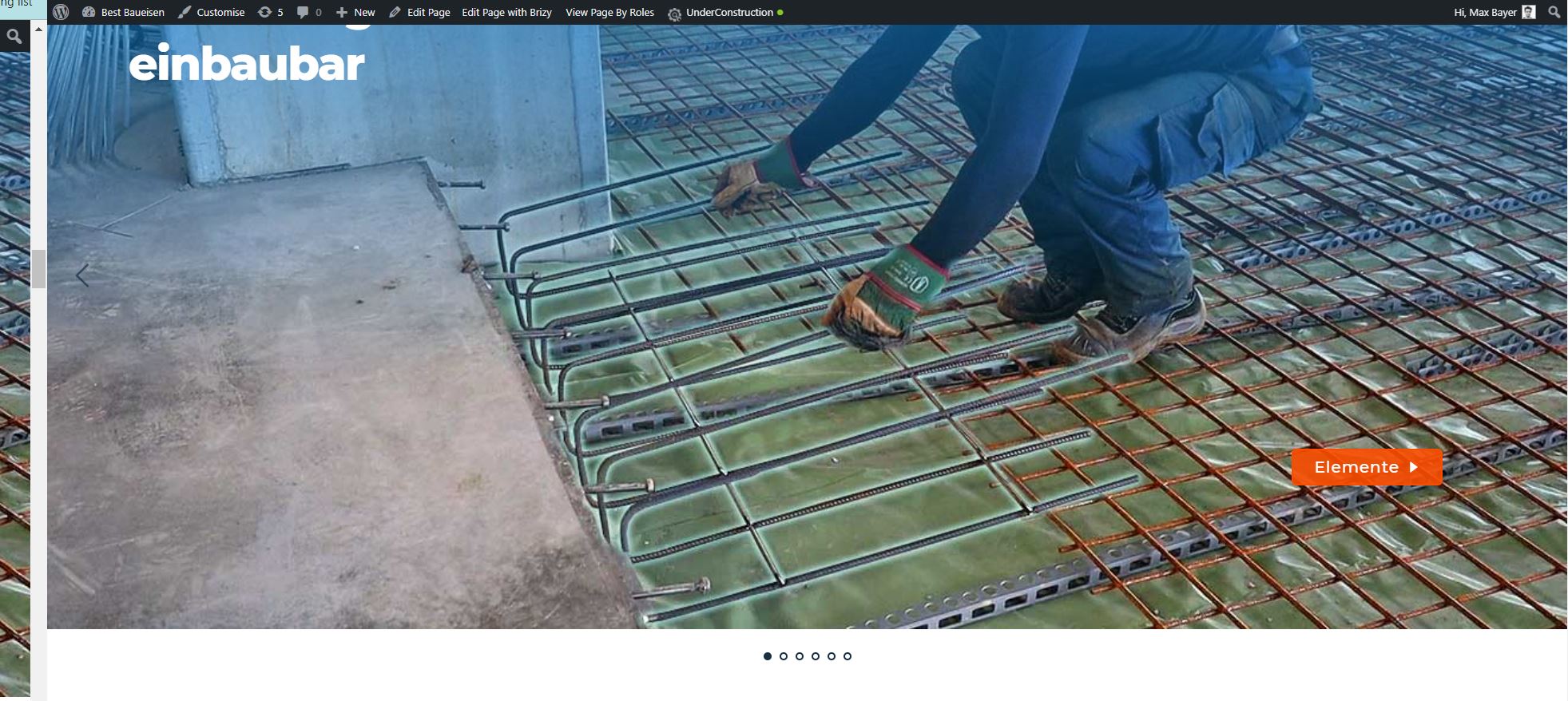
Please let me know if you have an idea what I am doing wrong and how I can fix it.
I am running the latest versions of brizy and brizy pro plugins.
You can have a look at the site using www.best-baueisen.com/wp-admin and login using your admin credentions I sent you regarding another ticket earlier. (if you dont log in the site is protected with an "under construction" plugin).
Best regards,
Max
-

Hi Max,
on which page can we find that section? I only see a slider on the homepage, but it works well on different screen sizes: https://jmp.sh/LlXF4iG -> https://jmp.sh/LlXF4iG
0 -
Hi Alex,
thanks so much for checking. The page is https://www.best-baueisen.com/leistungen, scrolling down.
I did figure it out myself now though. The issue was that within this slider one slide had too much spacer and padding and did exceed the full screen height. This demanded all the other slides to be too tall as well. I did originally check for this but overlooked this slide somehow. It was a slide with white background, that´t why I must have overlooked it.
Thank you for your great support.
best regards,
Max
0
Please sign in to leave a comment.
Comments
2 comments