global header & footer broken

Hi Brizy team,
I created a global header and footer that I implemented on all pages of my website. So far so good. Then later I tried to create an alternative version of the footer (simply featuring a different background color) and exchanged it on all sites, figuring out which version I preferred.
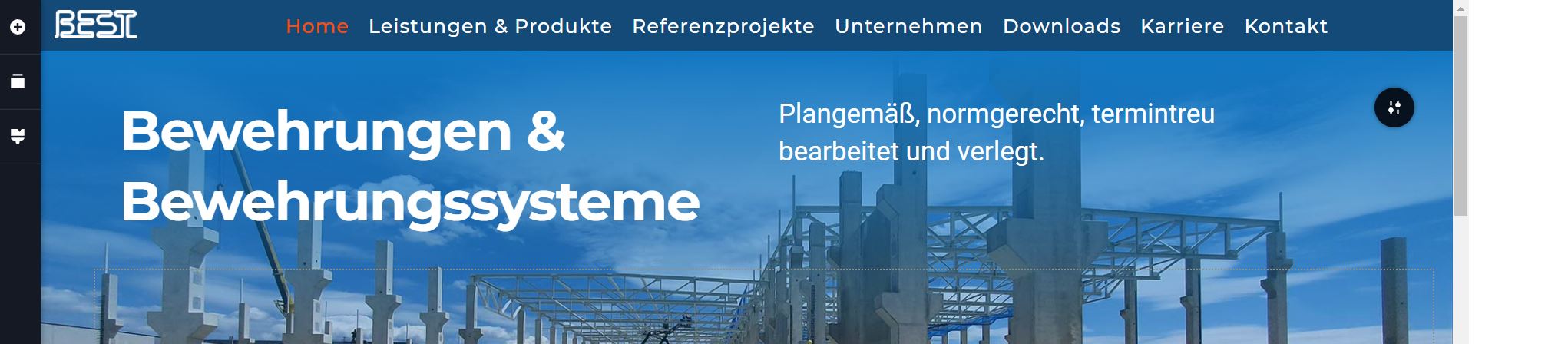
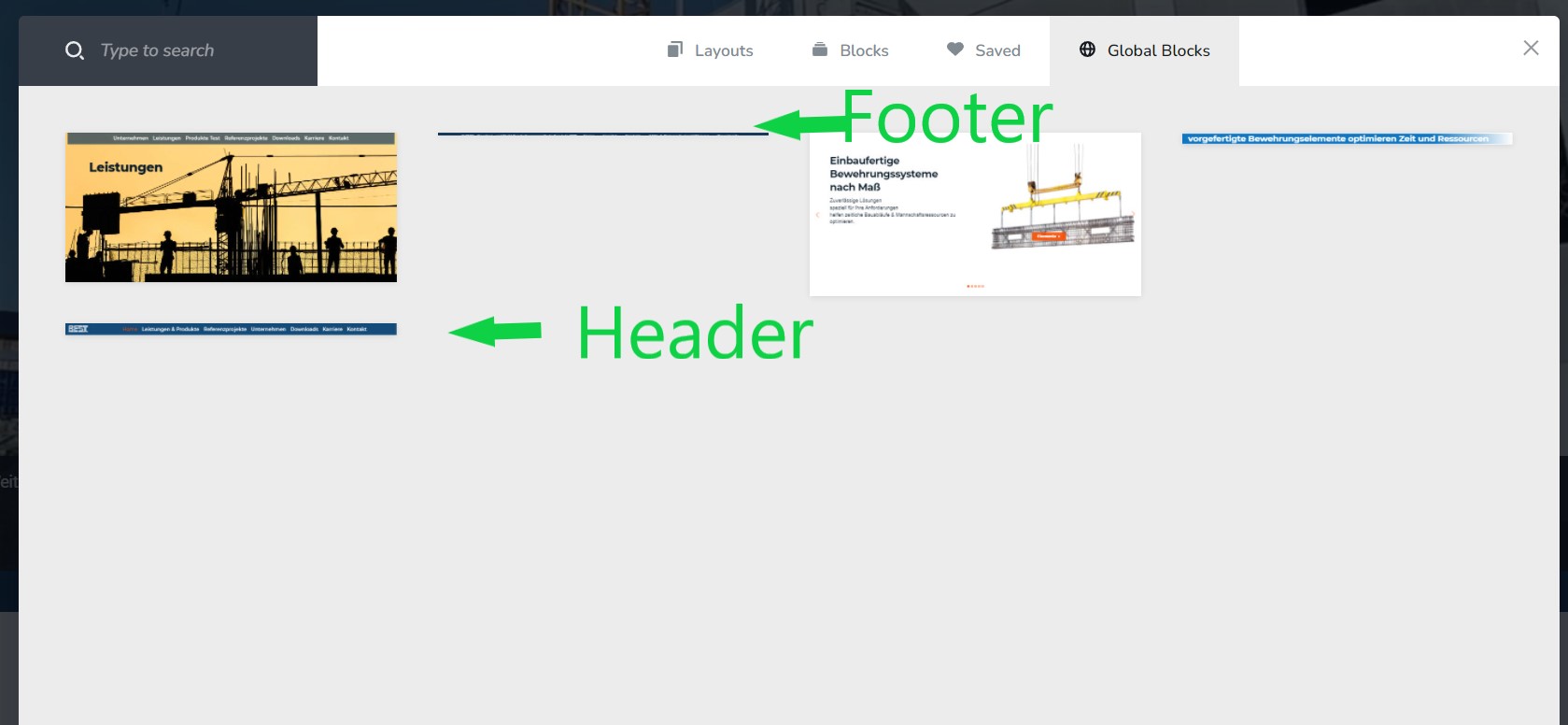
Then after selecting which version I preferred I deleted the other global header again and am now facing the following problem. All sites were now featuring not one but various global headers. Even after deleting all headers but one on all pages did not solve the issue. Deleting all but one global headers in the global blocks menu seemed to work. But now the only global header and global footer left in the global blocks menu displayes correct on all pages in the brizy page editor view but seems broken on the live site. (see screenshot.
Please let me know if you have an idea what is causing the issue.
I am running the latest versions of brizy and brizy pro plugin.
my site is www.best-baueisen.com
you have an admin login an PW that I sent you earlier for another related ticket. Since the site is still getting developed in "developer mode" you have to login via admin before you can access the site.
Best regards,
Max



-
Hi Max,
Could you confirm that you have the latest Brizy Pro version 2.3.17? Both plugins should be updated, not only the FREE version. If you have this version then the menu should work fine.
Best regards, Nelea.
0 -
Hi Nelea,
thank you yes you were right. There was a brizy pro update I did overlook.
Now it works fine again.
Thanks and best regards,
Max
0
Please sign in to leave a comment.
Comments
2 comments