Menu Broken

Hi, I have the latest update for both. Just a few hours ago, everything was fine.
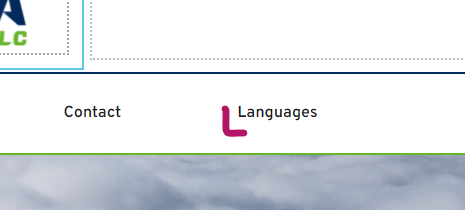
Now i go in and this is what i see.
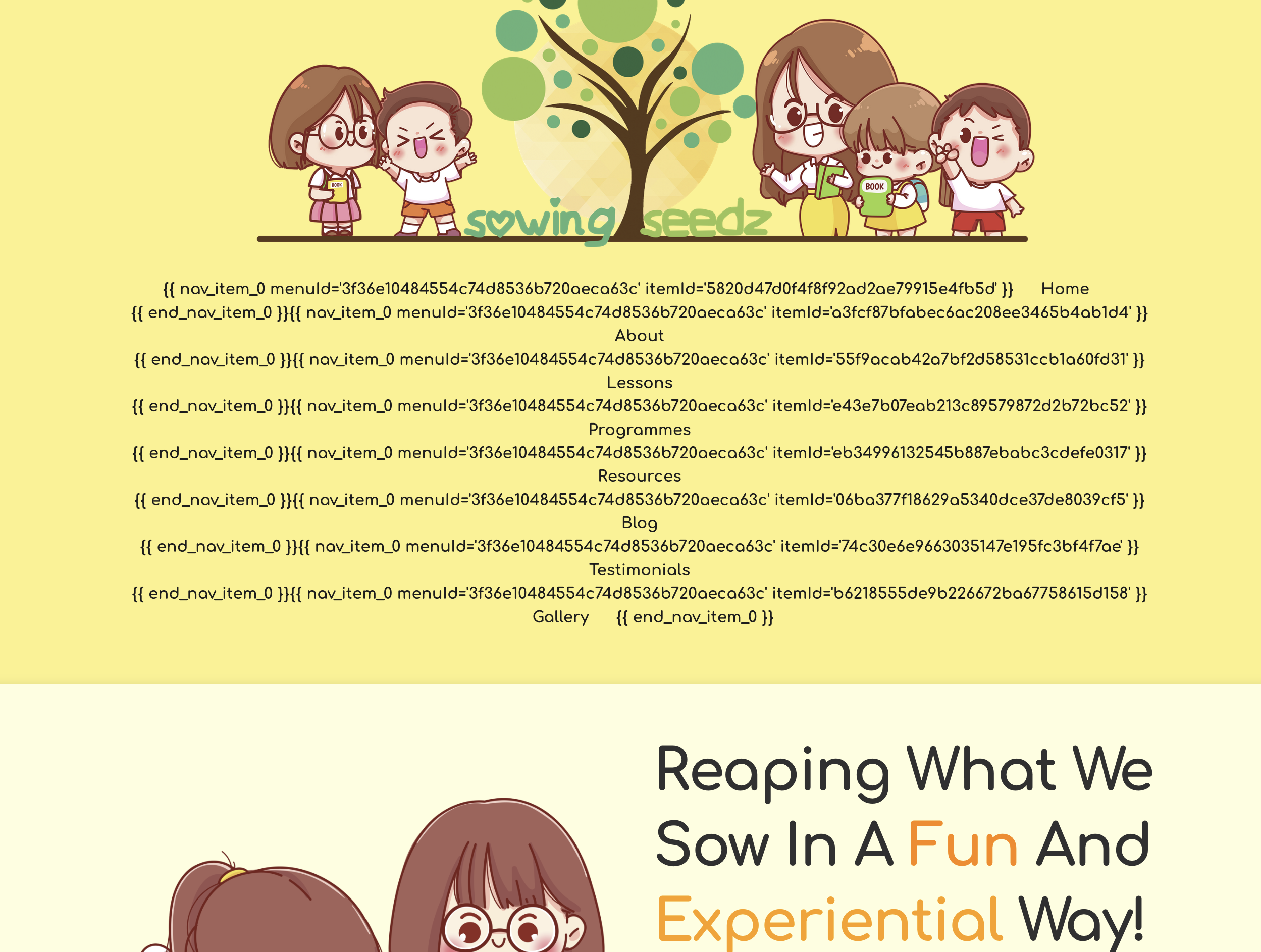
The menu is broken. Please help urgently.
-

Hello Id,
Thank you for your message!
Can you please:
1. Send us the link to your website.
2. Clear the cache and disable all the plugins that you do not use?
Thank you and hope to hear from you soon!
With kind regards,
Doina
0 -

This is happening to our site as well: www.haystackcreamery.com
0 -

Hi Austin,
Your site is working well, please see here.
Please let us know if you have any other questions.
Best regards, Nelea.
0 -

Hello.
I'm having an issue with menu too since last update... it doesn't show the "polylang change language" button in the menu, but i can see it in the editor. Nothing has been changed, it was working and now it doesn't. Cache has been removed, also disabled the caching pluging but still doesnt work.
0 -

Hi, the broken menu is happening to my website too I am currently working on. It's in maintenance mode too as I have a coming soon holding page up. Also, blocks reshuffle randomly when I come back to a page (I have noticed some other people having this problem too).
0 -

Hi,
My website has the same problem:
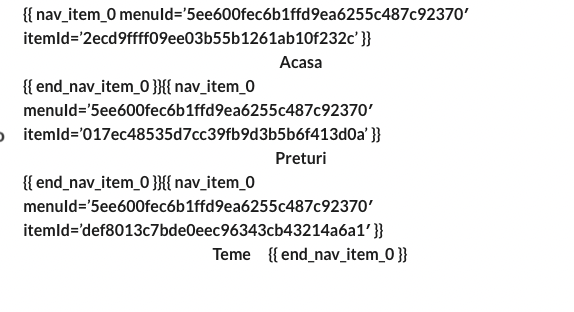
I run a multisite network. After i updated the network all the menus have this issue.
In the builder they display fine. I don't see any console errors.0 -

Same thing has happened to me after I updated Brizy - any solutions? https://aquasolutionsgib.com/
 0
0 -
I've found the problem! Brizy Free plugin auto updated, but update Brizy pro did not update automatically. Once I updated Brizy Pro also the menu problem has resolved.
1 -

Hi,
Thank you for your messages.
Please, do not forget to update the PRO plugin too. The mega menu fix is on the PRO version.
We've released the new version for Brizy FREE 2.3.24 and Brizy PRO 2.3.17. Both plugins should be updated, not only the FREE version.
Let us know if you will have any other questions.
Best regards,
Denis.1 -
I can confirm the Brizy PRO 2.3.17 update fixed this issue for me too.
0 -
Hello
All my plugins are up to date but still not working, the language switch not showing in the menus... if i disable the brizy pro plugin it shows up but not properly...
0 -
Hello Omar,
Thank you for your message!
As my colleagues said, please make sure you have the latest version of the PRO plugin, not just the free version. Brizy Free- 2.3.24 and Brizy PRO 2.3.17. If the problem still occurs, please send us some screenshots or a video with it. Thank you and hope this helps!
With kind regards,
Doina
0 -
Hello
Both Brizy free and Brizy PRO plugins are updated.
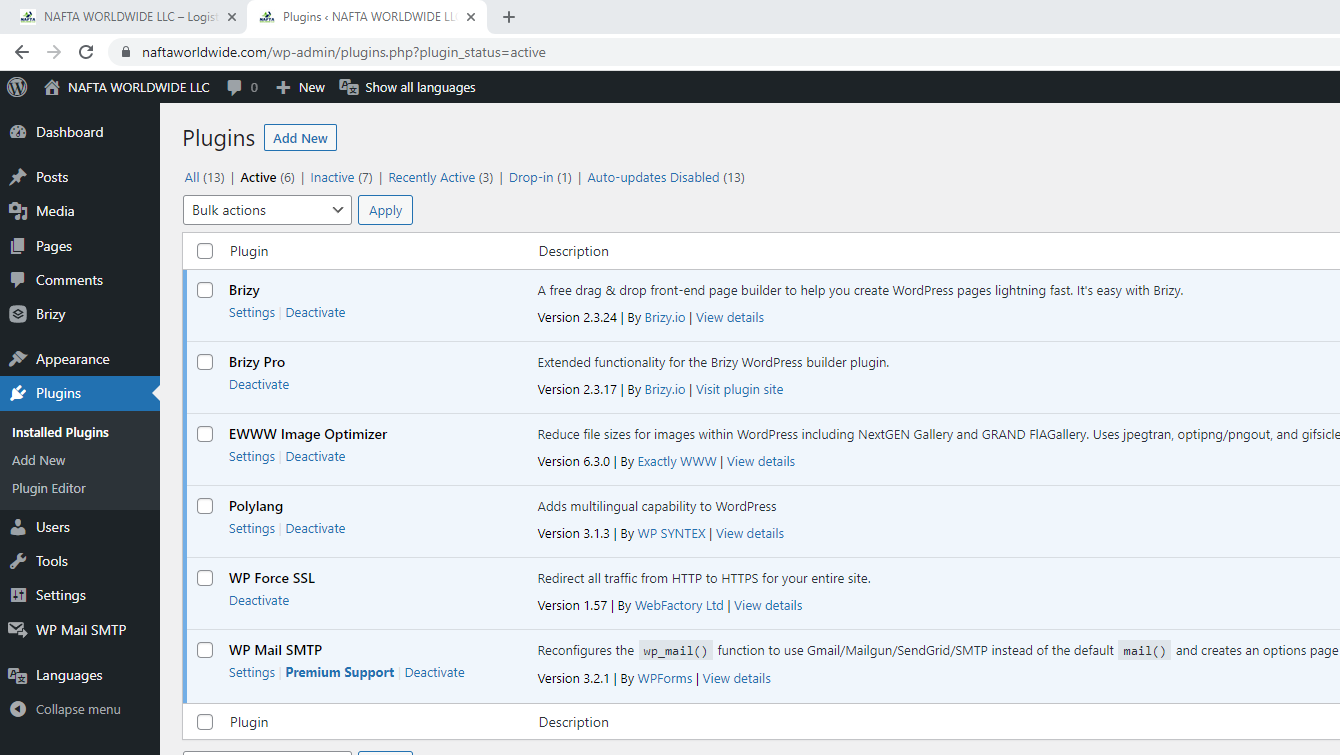 0
0 -
Hi Omar,
Thank you for your reply.
If you updated both plugins and still have issue with the menu, please, clear cache (or check in incognito mode).
Let us know if this worked.
Best regards,
Denis.0 -
Hello
No cache plugin is enabled, and I have cleared browser cache, used incognito mode and from different browsers from 3 different PCs and the issue is still there.
0 -
Hello Omar,
Thank you for your message!
Can you please send us the link to the website where you encounter this issue with the menu? Thank you!
With kind regards,
Doina
0 -
The website is https://naftaworldwide.com/
The "language select" button should be the last menu option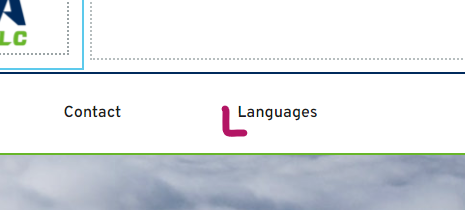

And it shoud be shown like this:
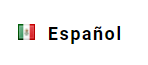
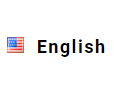
as it was last week, before updating the brizy plugins.
As I wrote before:
I can see the button in the editor page but it is not displayed in the frontpage... If i disable the brizy PRO plugin it shows the button but is not functional...
0 -
I gave you most of the information in the first post I made and you ask for the same things I already explained.
0 -
Hello Omar,
Thank you for your message!
I will create a ticket for you and one of my colleagues will assist you as soon as possible! Please make sure to give them all the details that they ask for! Hope this helps!
With kind regards,
Doina
0
Please sign in to leave a comment.
Comments
19 comments