Post Temlate using dynamic content

Hi Brizy Team,
I am learning about setting up a posts Template using Brizy and dynamic content. I am following a tutorial video explaining all steps.
https://www.youtube.com/watch?v=uISdCuZHN48
I am running the latest versions of brizy and brizy pro plugins.
Never the less I would have some questions left:
1) at min 2:40 it is explained how a global header is added, then a predefined page element. Then the page elements margin settings are decreased to -100 in order to make the predefined element slide underneath the global header. The menu of the global header is still visible but the header is transparrent sitting above the predefined page element which is now the canvas. My Problem: When I follow these steps then the predefined element does not slide underneath my global header but above it, covering it and making the menu navigation invisible. What Am I doing wrong?
2)
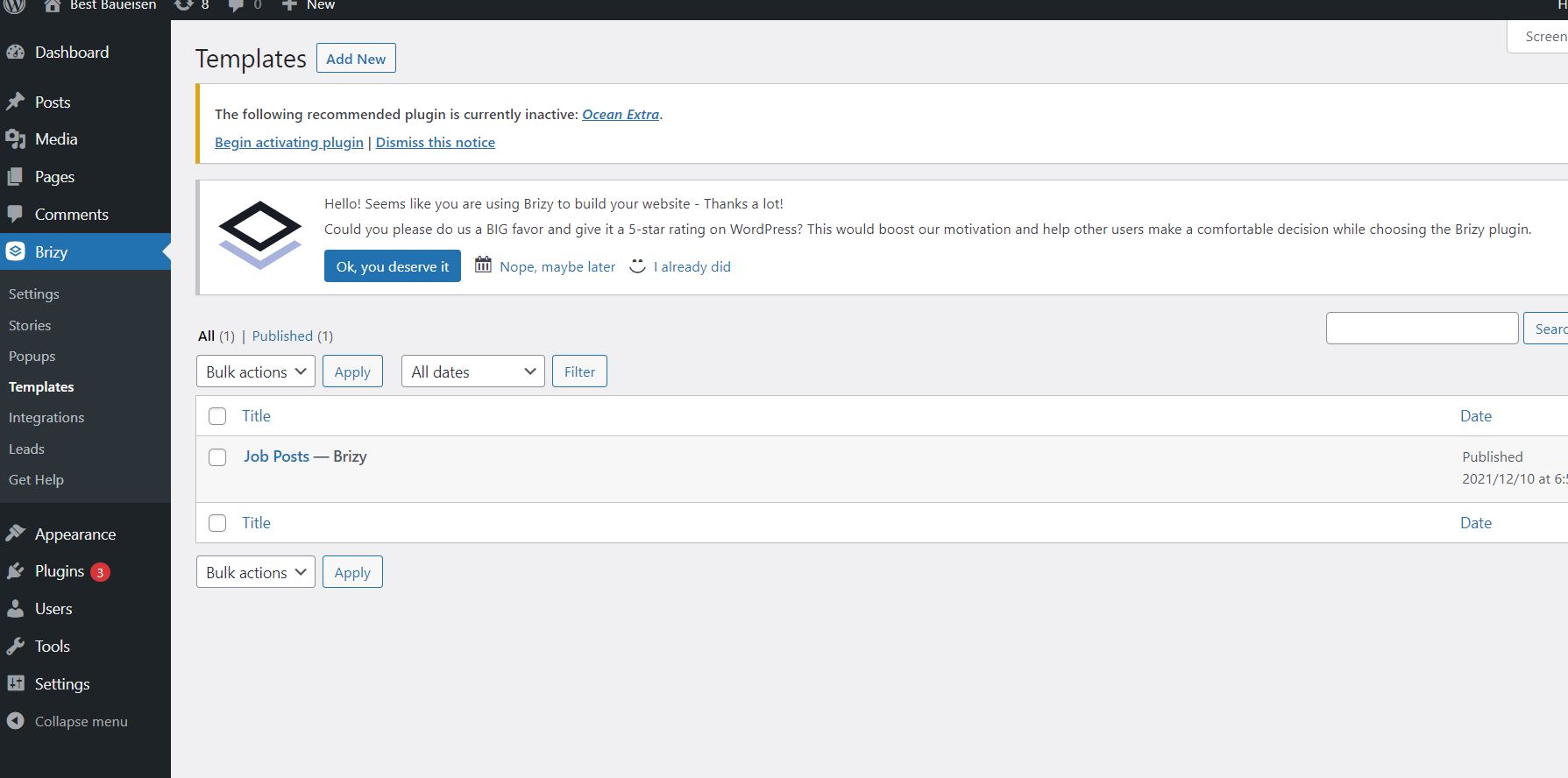
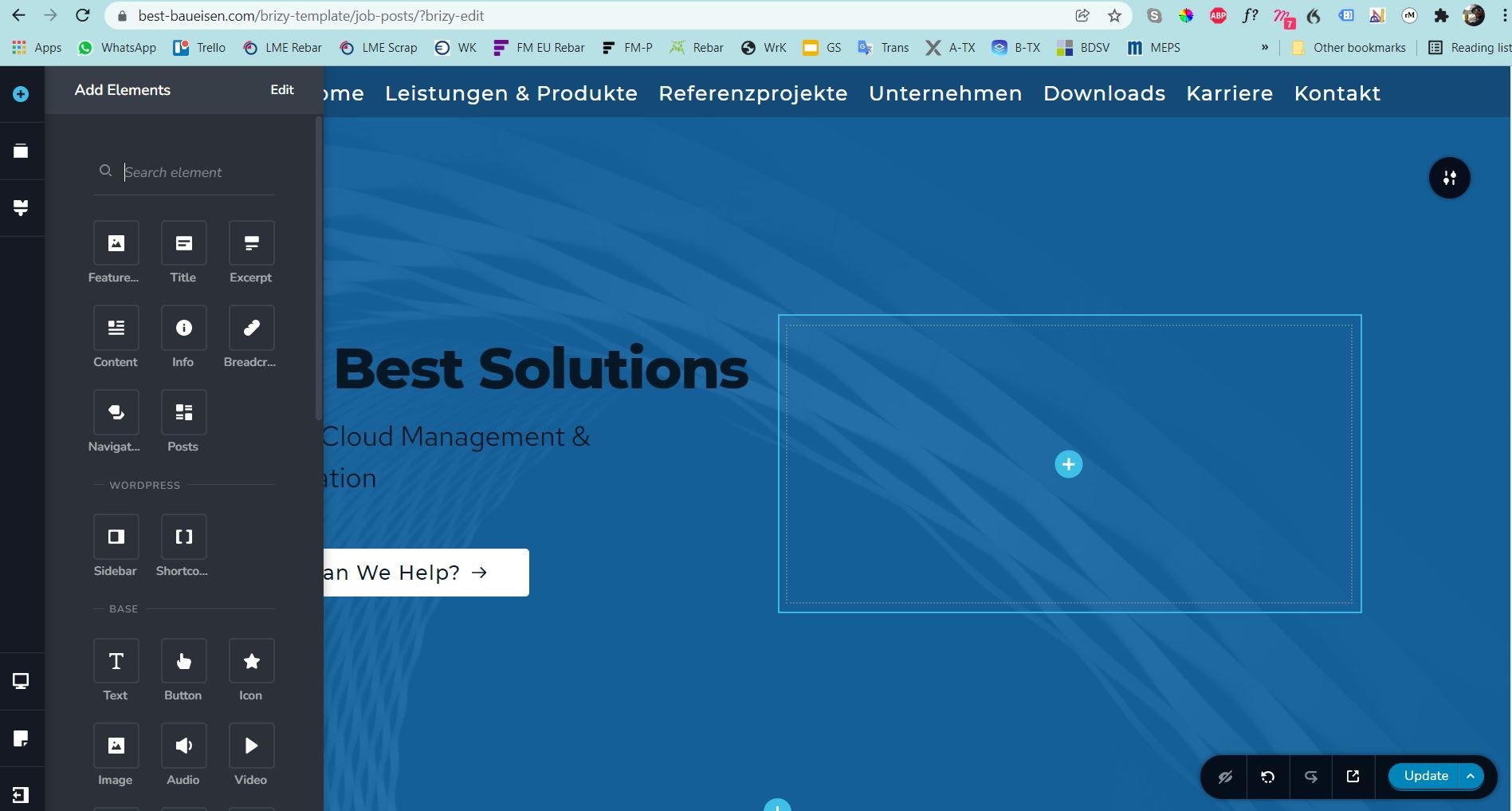
Later the min 3:50 it is explained how to add dynamic elements to my brizy posts template. I am struggling here because all those elements are simply not available in my "add elements" menu in Brizy, even though I am editing my posts element and even though I got brizy pro and brizy activated. Do you know what I am doing wrong?
-
Hi Max,
The video lesson has two missing points.
1. To make the header block transparent, ensure that the overlay color is set to zero %, see here.When one block is placed on top of another block, Z-index determines which block will be in the front and which will be at the back. Assign the header block a Z-index value more than zero to make it display in the front. Go to the header block settings - Advanced - Z-index and set a value, see here.
2. In fact in the screenshot you have attached, you can see the dynamic elements. Elements I have highlighted with the red rectangle are the dynamic elements, see here.
Best regards, Nelea.
0 -
Hi Nelea,
thanks for this information. This makes things clearer. One additional question on this toppic though, since I am trying to setup a posts template for job positions featuring a Header, a title image, descriptive text, then three bullet point lists explaining job tasks, required skills, benefits, salary and a contact form for direct application.
Do you think a dynamic posts template could be used to make a layout for a job offer similar to the one below and then simply publishing job offers via plog posts?
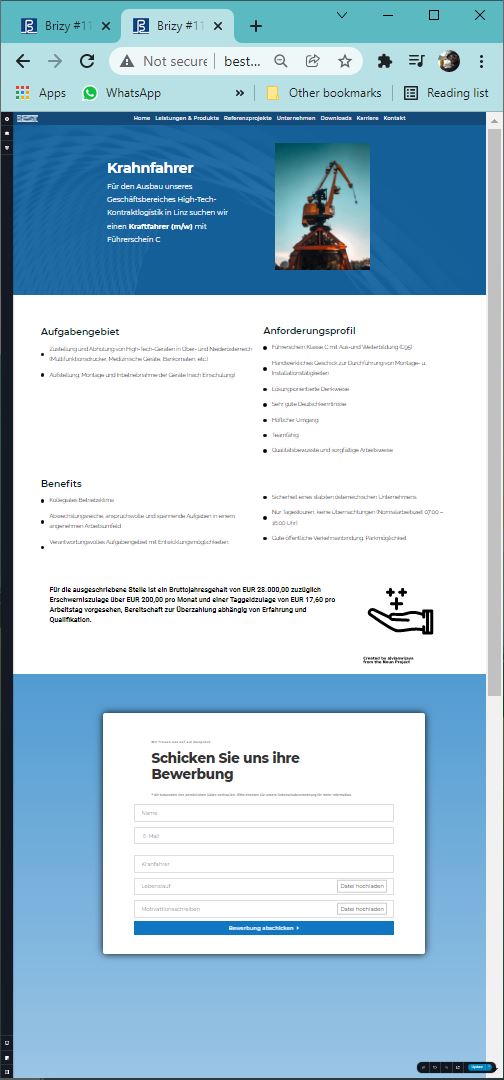
I am struggling to understand how the text elements from the blog post get assigned to different dynamic textboxes in the posts template. Normally there is just a post title and some text, text usually just one big block. In that case the dynamic title would be the title of my post and the text gets edited how i set it up in the posts template. My question is how could this posts text be devided up and assigned to different dynamic textboxes of my job posts template. For example for the job tasks, required skills, benefits, and salary section of my job posting?
If you could point me in the right direction I would really appreciate it.
Thank you for your support,
best regards,
Max
0 -
Hi Max,
You can create a blog posts template for Job Positions. Please take a look at this video my colleague made for you : https://www.loom.com/share/ea590ed5e11d47f2bc6efb78dd81ff5c
Let me know if you have any further questions.
Best regards, Nelea.
0 -
Hi Nela,
thank you so much to make a video to explain in detail. I understand and have a good idea now. So basically the title, excerpt and feature image will be pulled from the general Wordpress posting. Additionally all Brizy elements that will stay the same graphically will be saved as global block.
Elements that have always the same look but with different content each time like the icon boxes.
After saving these global blocks, the next time I will create a job blog posting, I will have all the global blocks available and then will load the saved blocks and change the text for it.
Thats good and feasable.
But additional text apart from the excerpt can not be entered in the blog post upfront and then be assigned to dynamic brizy elemtents correct?
Just trying to clear this questionmark in my head.
Thank you for the effort and excellent support,
best regards,
Max
0 -
Hi Nela,
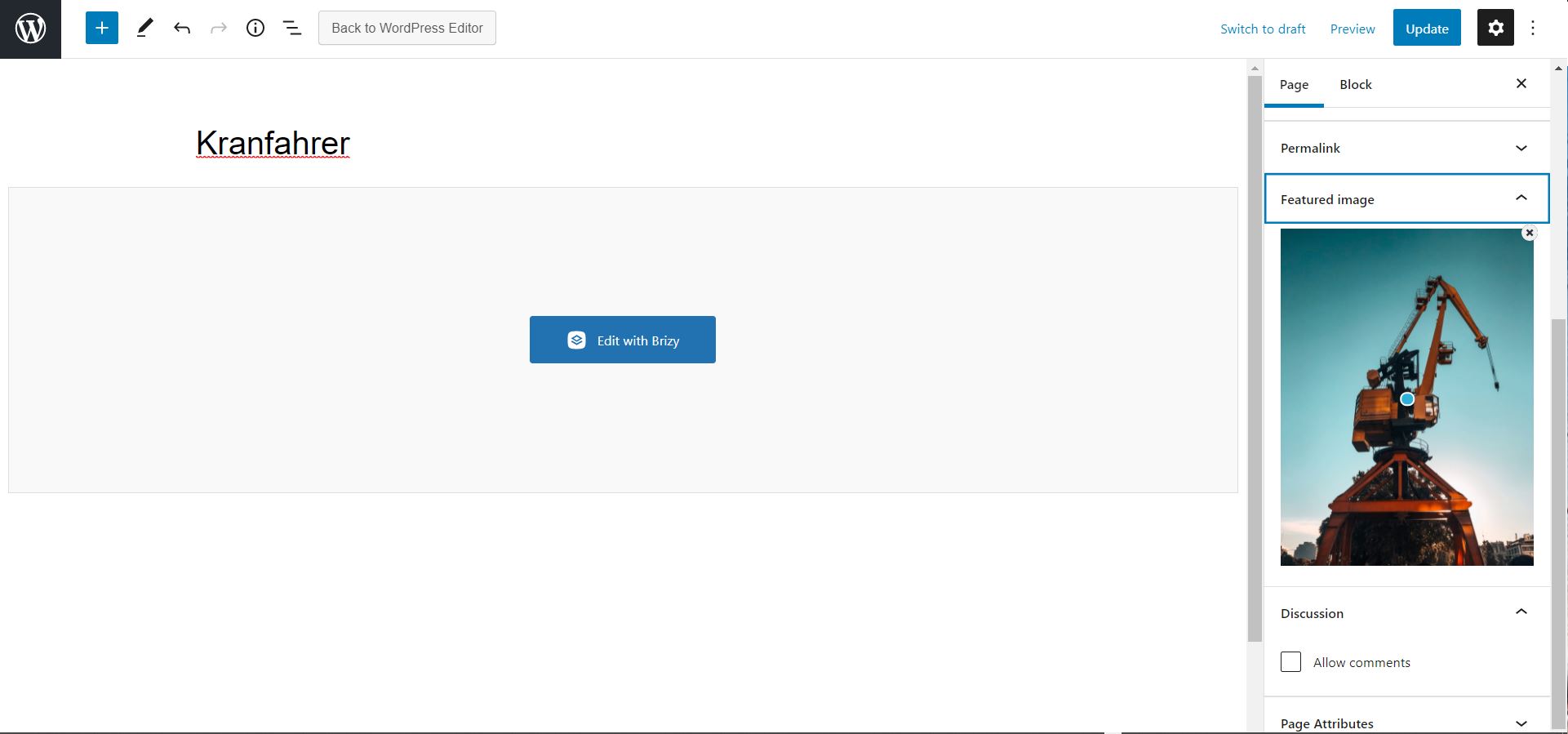
trying to reproduce your steps I found that in my blog post menu I do not have the option to enter an excerpt text. Do you know why this field might not be available at my site?
Best regards,
Max
0 -
Hi Max,
The "Post excerpt" element and hashtag is a text associated with Post and not for Pages. For this reason, you can find only to the Posts. See here. We suggest using the Posts element for Posts. Also, you can add the post excerpt here, and please see this video.
Apart from the title, featured image and the excerpt, you can add dynamic fields to your blog post using a plugin. For example, you can install a plugin by the name Advanced Custom Fields. (https://wordpress.org/plugins/advanced-custom-fields/). Using this plugin, you can add specific data fields. For example, using Advanced Custom Fields (ACF) you can define a filed called "Salary". Then the Salary field will show up along with Featured Image and Excerpt. You can use that field to enter the salary for the Job Position. In Brizy, you can display Salary dynamically by dragging and dropping the Text element and typing #Salary
Best regards, Nelea.
0 -

Hi Nela,
I am coming back to this toppic. Thx for all your tips so far. You made me a video back then. https://www.loom.com/share/ea590ed5e11d47f2bc6efb78dd81ff5c
Seems like I cannot access it any longer. Is there a way you can update my persmission or something so i can access the video one more time? I do not want you to make a new video, just have a look at the one you already made again.
Best regards,
Max
0 -
Hi Support,
so I picked up the idea suggested by Nela some time ago using ACF to create custom fields that will then show up in my job posting template. The content added there is then supposed to be autopopulated into my dynamic brizy elements. I am struggling though to pull it off.
So I installed ACF and created a Textfield "wir bieten".
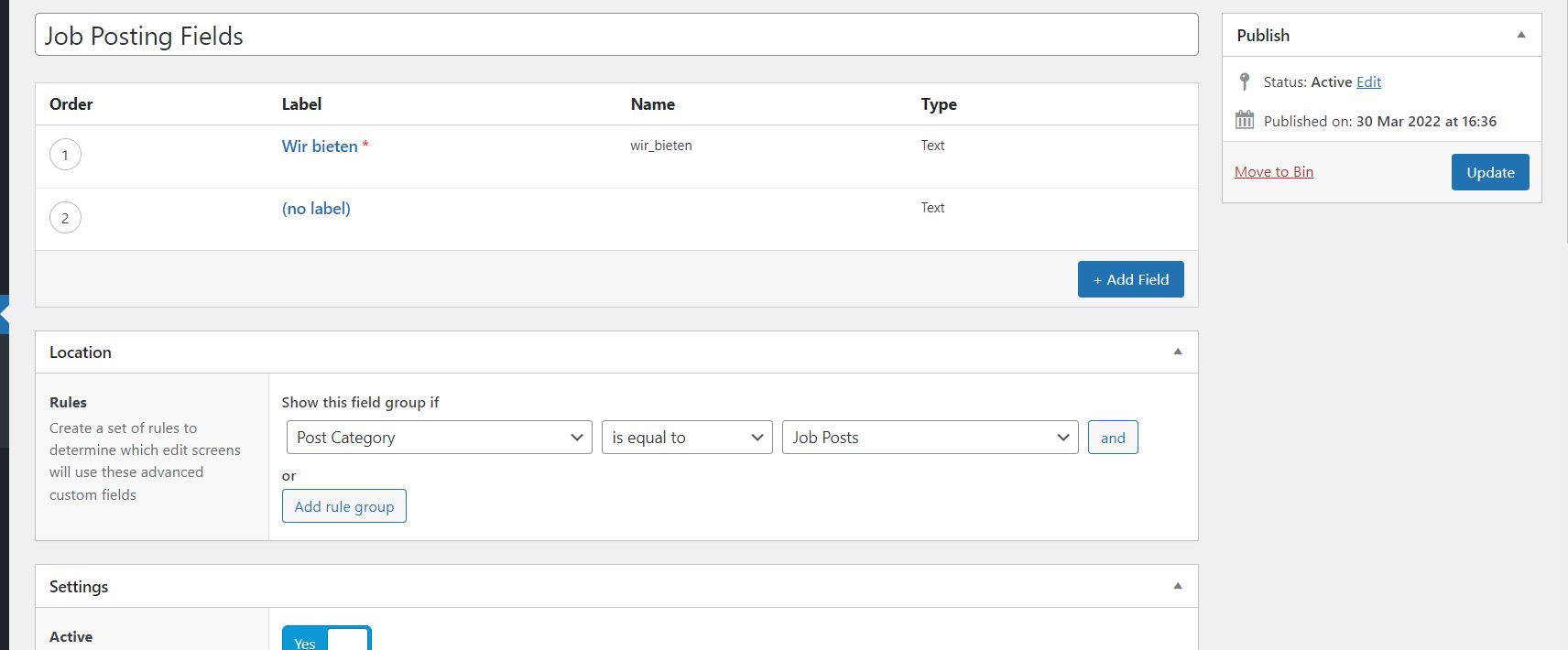
It does not show up on the editor page of my job posting. As far as I understood this should add an new field, in the post creation page where contant will be entered. This content shall than be fed into the Brizy dynamic elements where some preset style editing shall take place.
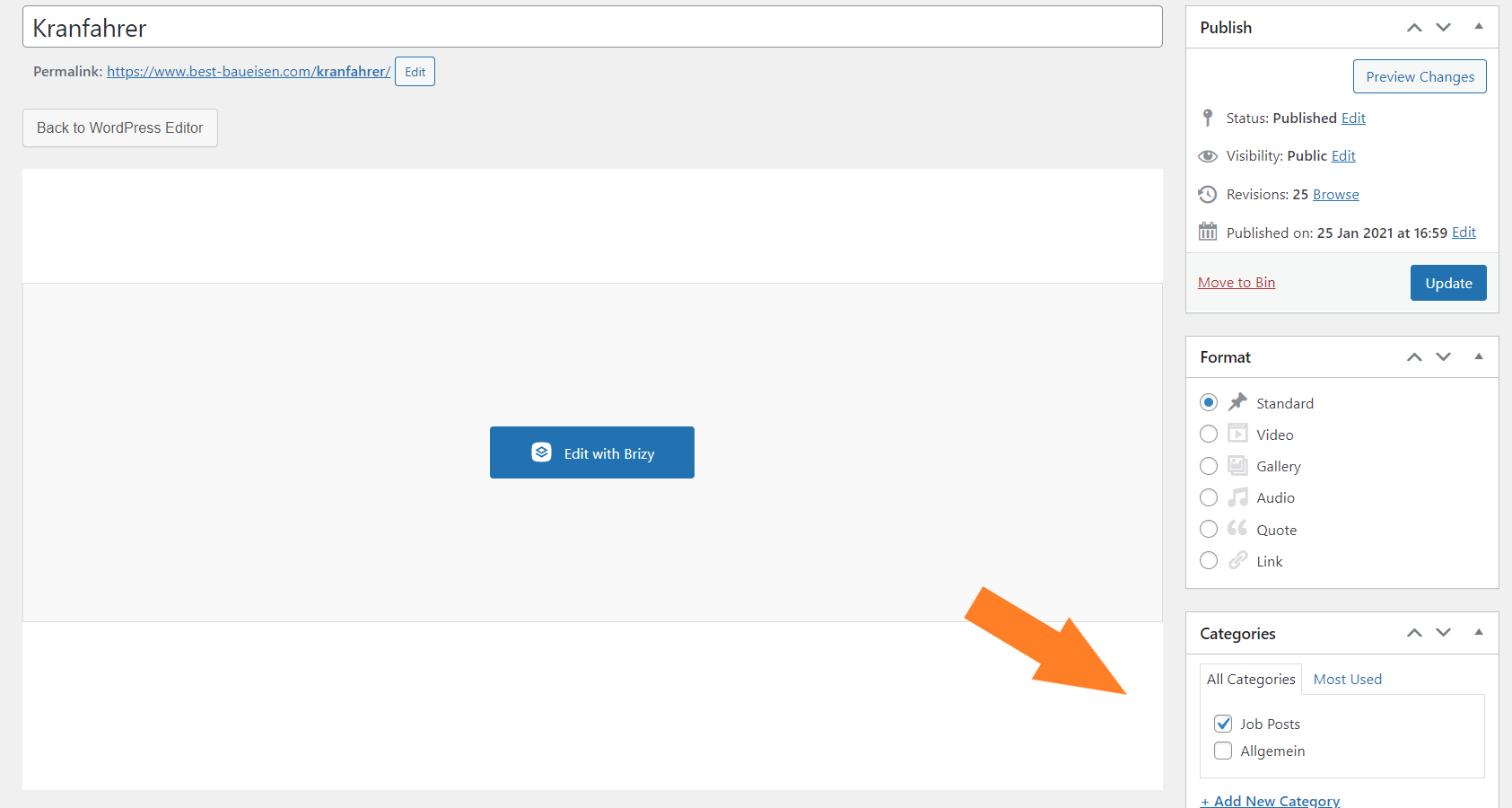
I am struggling to find the right .php function or table to include the ACF code get_field_object()
Supposedly into the brizy template, but where to find that in my root folder?
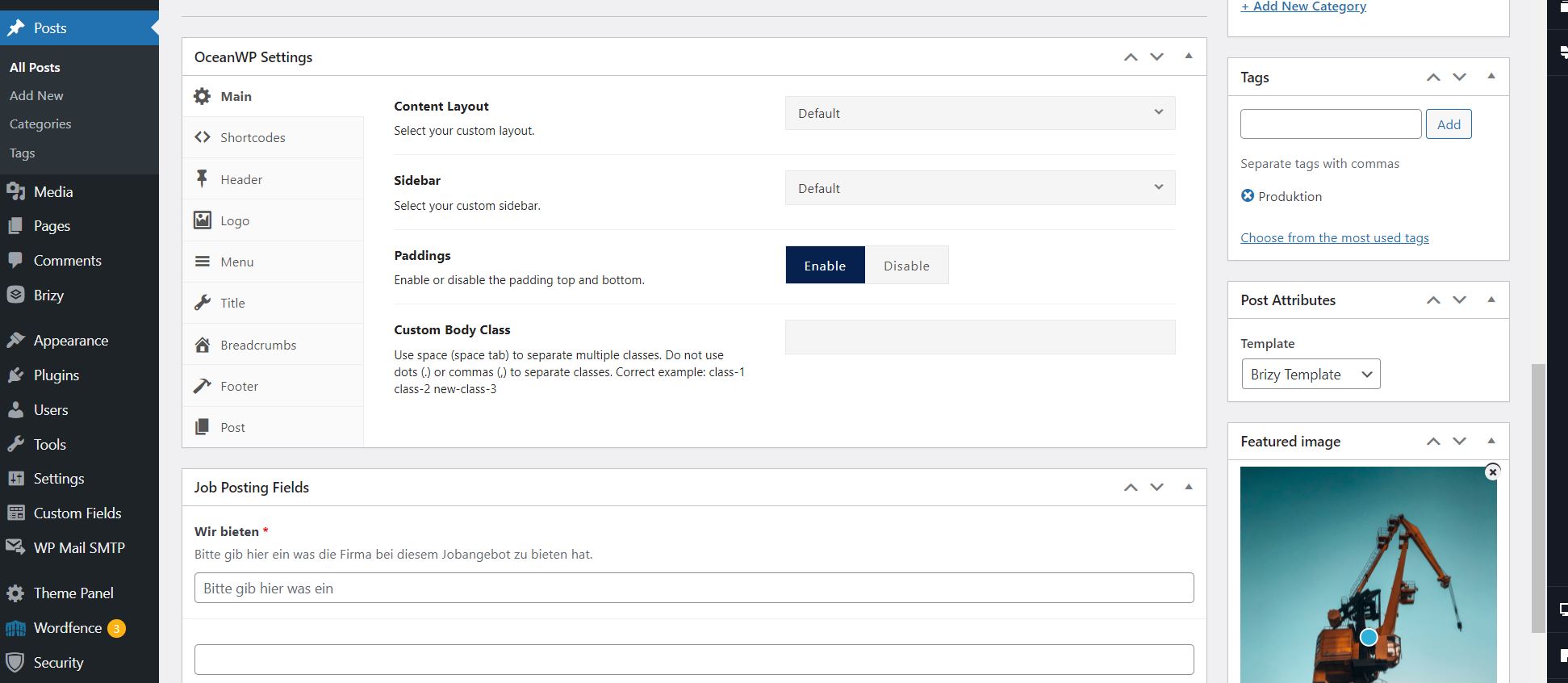
Also once all that is setup correclty. How could I manage to make the text entered into my new custom field on job post creation appear in a certain style in my brizy job posting, similar to the "benefits-section" in my job posting below?
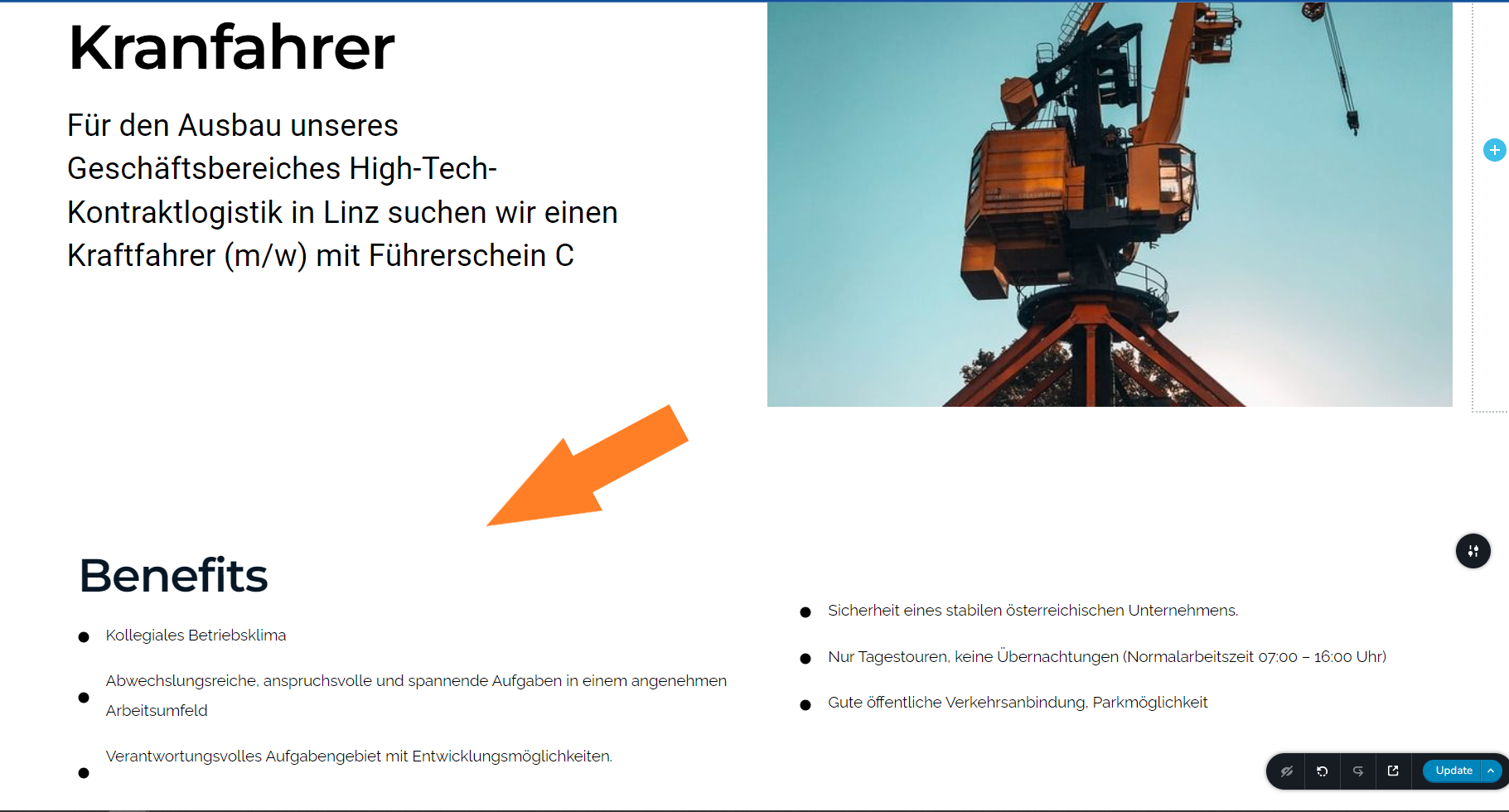
If possible please show me the ropes. Would be highly appreciated since this seems to be exactly what I was looking for once I got it working.
Thank you for your support, best regards,
Max
0 -

Hi Max
I have re-recorded the video for you. Please take a look at it here. https://jmp.sh/bOAVmhV
I think you have followed a slightly different procedure above. Try the procedure I am suggesting here and see if it works
0
Please sign in to leave a comment.
Comments
9 comments