Head menu keeps separating into black text bar

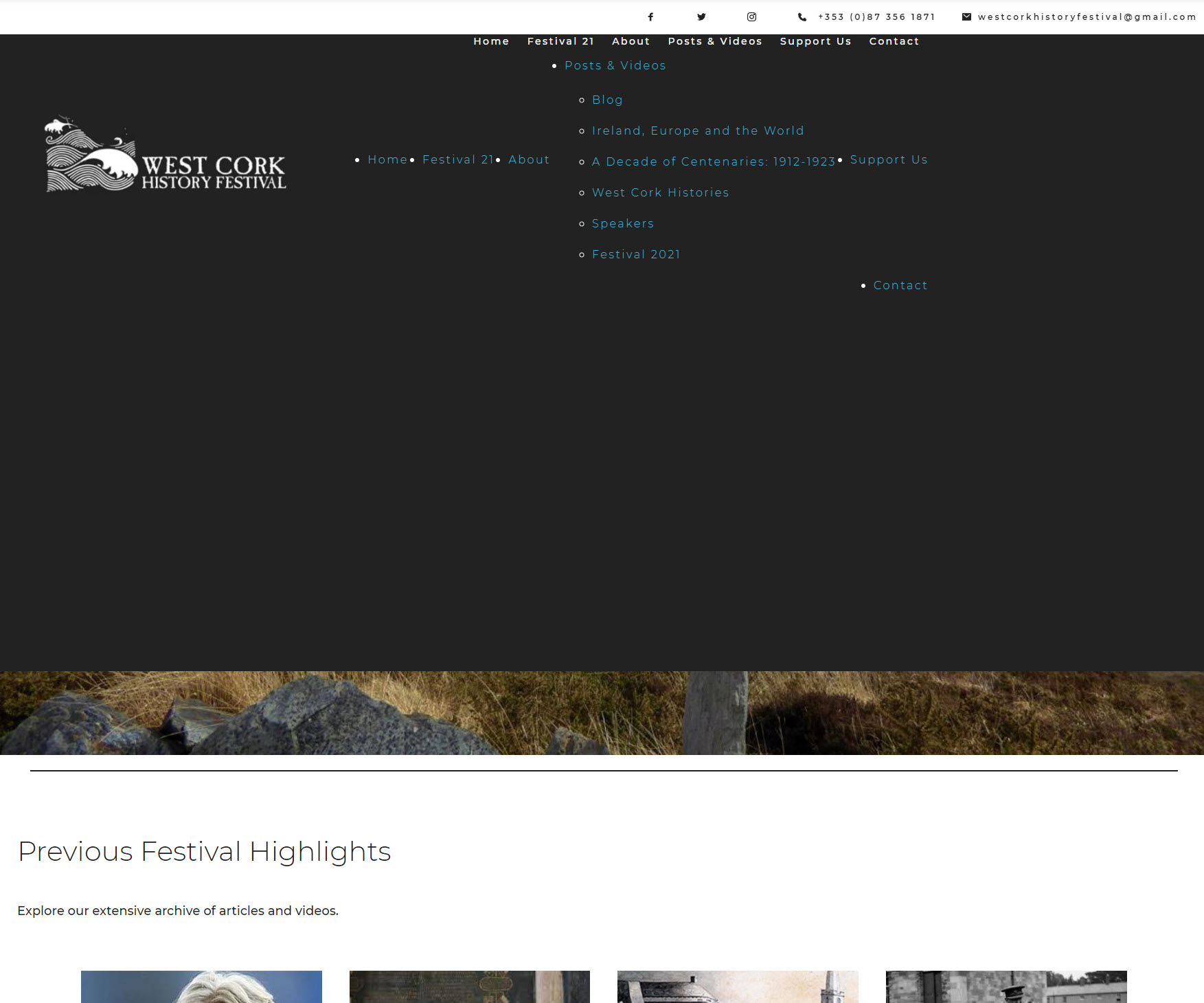
Hi. The appearance of this site header on Chrome browser keeps reverting to this (below)instead of this.It fixes on refresh.Can you help?
-

Hi Bevis,
Thank you for contacting us.
Please, provide us link to your website so we can check this.
Best regards,
Denis.0 -
Hi Denis
Here is the website
https://westcorkhistoryfestival.org/
Regards
Bev
0 -
Hi Bevis,
Thank you for providing website URL. I checked this and I see that sticky header is displayed correctly, not same way as on your screenshot. Please, check this: Video.
Try to clear browser cache and check again. Also you can double-check in incognito mode.
Best regards,
Denis.0 -
Hi Denis
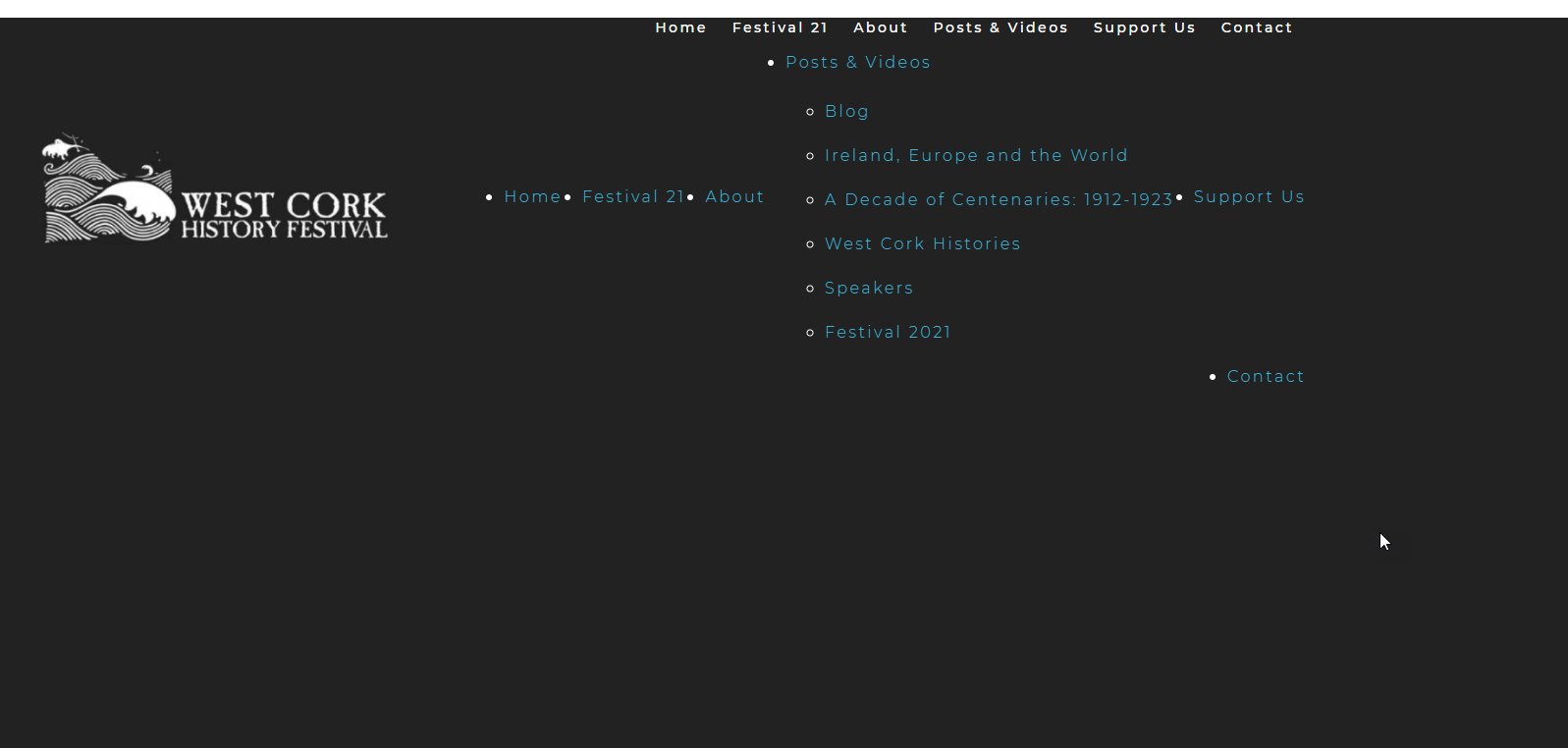
The problem is that this is intermiitent. Refreshing the browser can work but next time we look at the site it reverts. At the moment it looks like this again
 0
0 -
It also seems to be browser specific. I dont have an issue in Opera or Firefox, but do in Chrome and Microsoft.
0 -
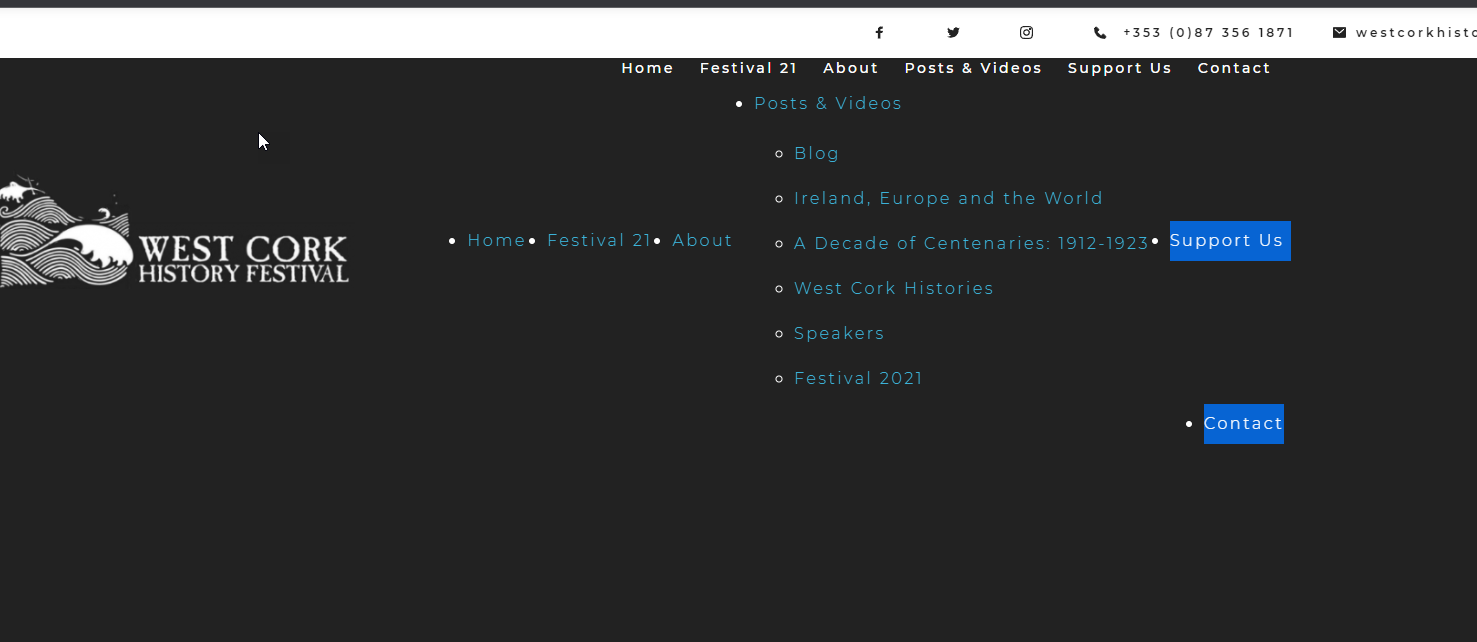
and here it is in an incognito window in Chrome
 0
0 -
Hi Bevis,
Sorry for late reply, support is limited on weekends.
We checked your website from different browsers and different OS and everything works correctly: Microsoft on MacOS, Chrome on MacOS, Chrome on Windows.
This is definitely cache issue. Please, clear browser cache and check website again. Also, have you tried to check your website in incognito mode?
Best regards,
Denis.0 -
Hi Denis
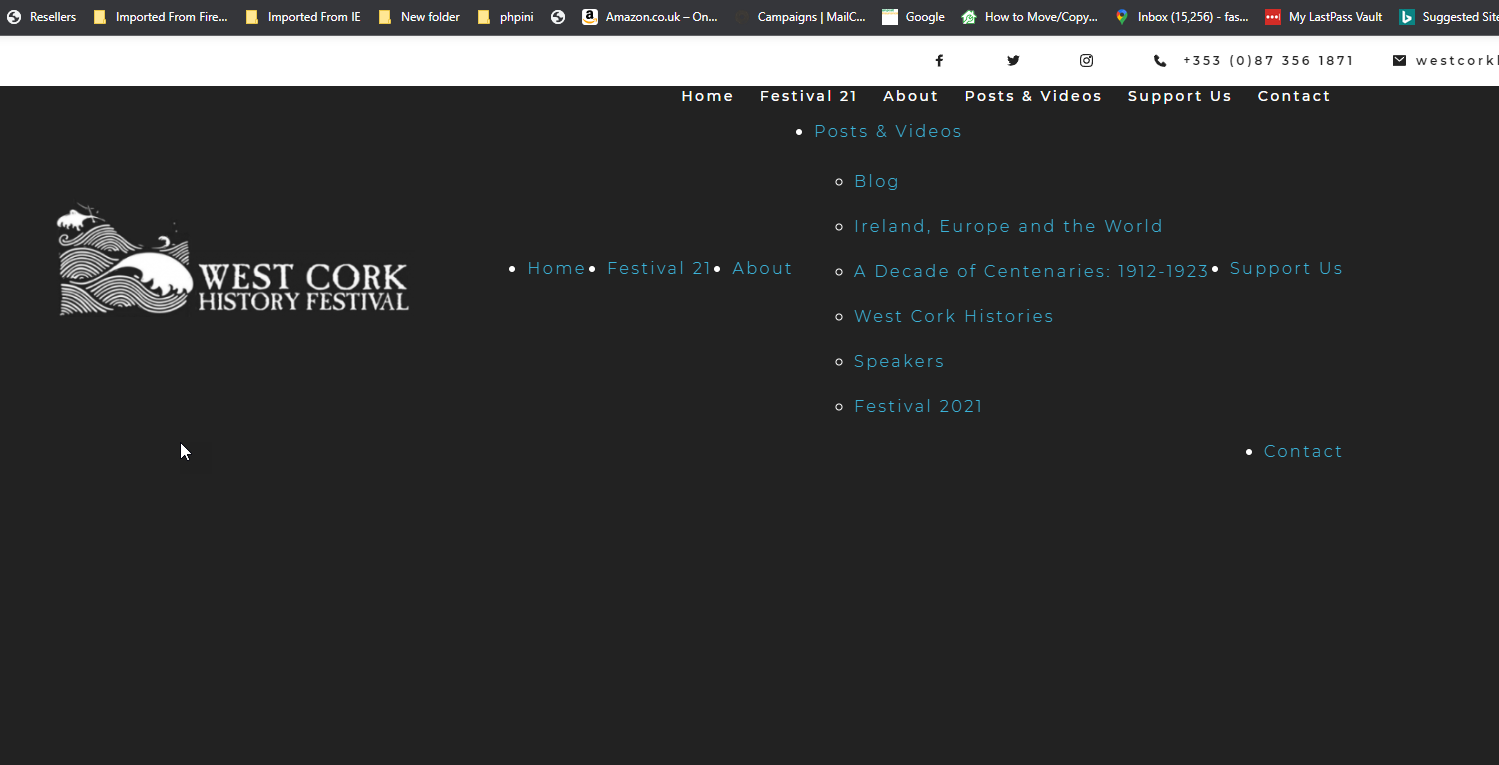
I thought it was a cache issue, but it persists. As above it is also showing icognito- here it is again in an incognito window now
 0
0 -
and here it is in Chrome after browser cache cleared
 0
0 -

Hi,
Unfortunately, we cannot reproduce this on any of our computers. Maybe you have an extension that causes this problem? Do you have the latest version of Google Chrome? Did you check this on another device in Chrome?
0 -
Hi
It is not just me but the site owner also sees this problem internittently and has refreshed browser etc. They use Explorer. Chrome is the latert version.
Can you think of any other reason why this is happening (other that you cant see it)
I have over 30 sites using Brizy and they are all fine on any browser,. This is the only one with this problem
Regards
Bev
0 -
Hi Bev,
it's a bit difficult to guess a cause, especially since we're on WordPress - it can be anything).
Could you please check the browser console when the problem arises for you? There may be an error that will give us a suggestion. Here's an article on how you can use browser console for debugging: https://wordpress.org/support/article/using-your-browser-to-diagnose-javascript-errors/
btw: make sure you also use the latest Brizy versions: Free - 2.3.23 and PRO 2.3.17
0 -
Hi Alex
Thanks for the which I have looked at.
I also tried to trouble shoot the problem again and found that it recurred when I made changes to a Brizy template and then ran WP Rocket to clear the cache. I disabled WP Rocket and used WP cache instead and that seemed to resolve it in all browsers.
Is that likely, or something that you have come across as an issue?
Bev
0 -
Hi Bev,
It's probably from WPRocket's code minification. I think you could disable some options, rather than the whole plugin. But if WP-Cache does its job, all you have to do is leave it as it is )).
0
Please sign in to leave a comment.
Comments
14 comments