Menu nearly invisible

Hi!
1. The menu block in my cloud page shows nearly perfect in the builder but only shows on top as a few millimetres i al the browser i have used. Even if i youse the link in the builder.
2. I have used thee buttons as menu. They are not present when the site is in top position but appears when scrolling. I actual wanted them to be permanent pressent
regards OleS
-

Hello,
Thank you for getting in touch with us.
1. Could you please send a screenshot of this issue. Also, if you check in another browser do you have the same problem?
2. Please send the URL of your project so we could inspect it too.Best regards, Nelea.
0 -
Hi!
Than you for your quick ansver
URL: http://kurtstours.dk/cykle/
Yes, the problem occurs i al four browsers (crome joust says:"Invalid base url")
I have tried several, different adjustments to find the right 'mix'. Nothing seems to work.
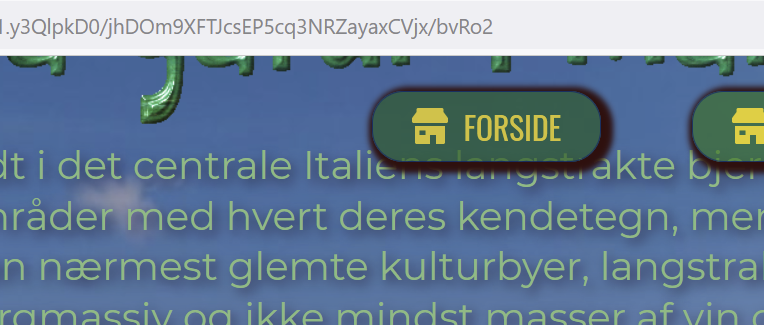
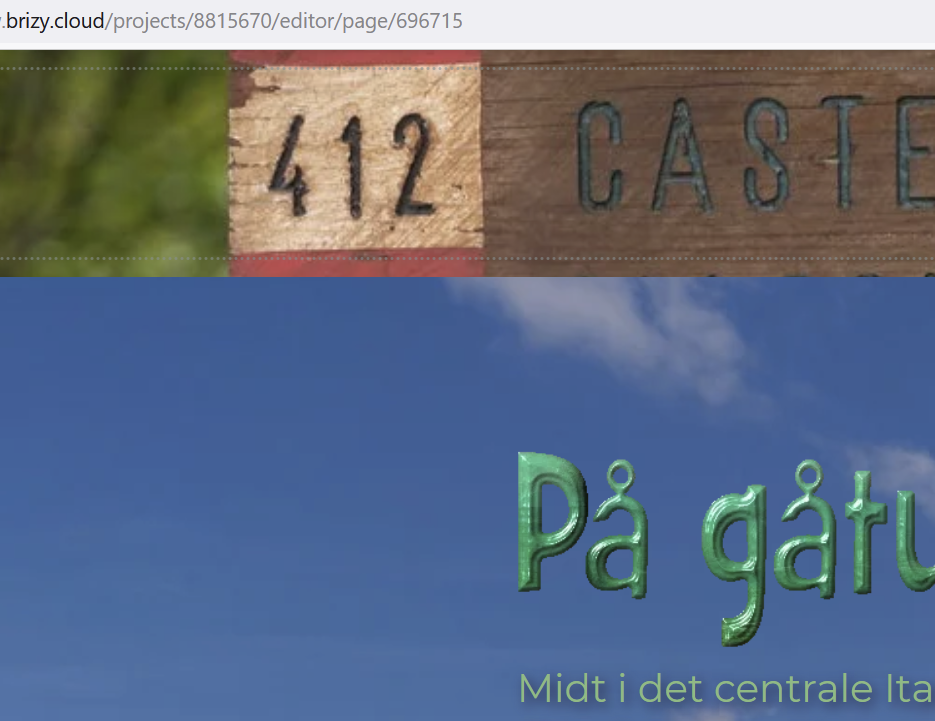
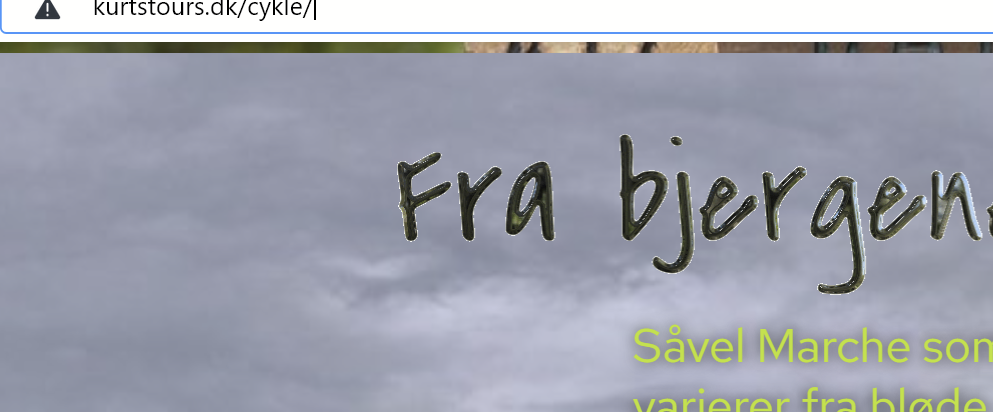
Sorry for the for awkward mix of the screenshots. First picture shows the buttons showing up when i Scroll down. Next how it looks in the cloud builder and third how it looks in three different browsers.
regards OleS
 0
0 -
Hi Ole,
1. It’s necessary to add an element or a spacer element in the block. If it’s empty, it will not look as in the editor mode, it should be fulfilled with content. For example, I added a spacer element - https://jmp.sh/M6i5sbN it is enough, I updated the page, but since it is a SYNC page, need to wait a little bit for a full synchronization
2. Please click on the block condition and select the fixed header, in this way the button position it will be fixed. Please see here.
Please let us know if you have any other questions.
Best regards, Nelea.
0 -
Hi Nelea!
Tanks a lot!
Actualy i tried with a spacer but somhaw it just disapeared.
Regards oLeS
0 -
Hi,
Perhaps the change was not saved, please try again.
Best regards, Nelea.
0 -
Hi Nelea!
Sorry ... but now the header stays but the menu does not show up. Tried a million different things. Nothing seems to work.
Regards OlEs
0 -
Hi Nelea!
Sorry .... once again. Seems I was to eager. A little patience and it works.
Best Regards
0 -

Hello Ole,
Thank you for your message!
We are glad that everything works now. If you have any other questions, please feel free to ask us! We will be happy to help you.
With kind regards,
Doina
0
Please sign in to leave a comment.
Comments
8 comments