Brizy Cloud Form - Turn off Email Notification

I set up a landing page for one of my projects. I have a form to receive a name and phonenr.
To test the form I turned on Email Notification.
Then I integrated the form with Zapier.
Today the form is receiving over 100 submissions in a short period of time and I want to turn off the Email Notification and just have Zapier since I see that it's working.
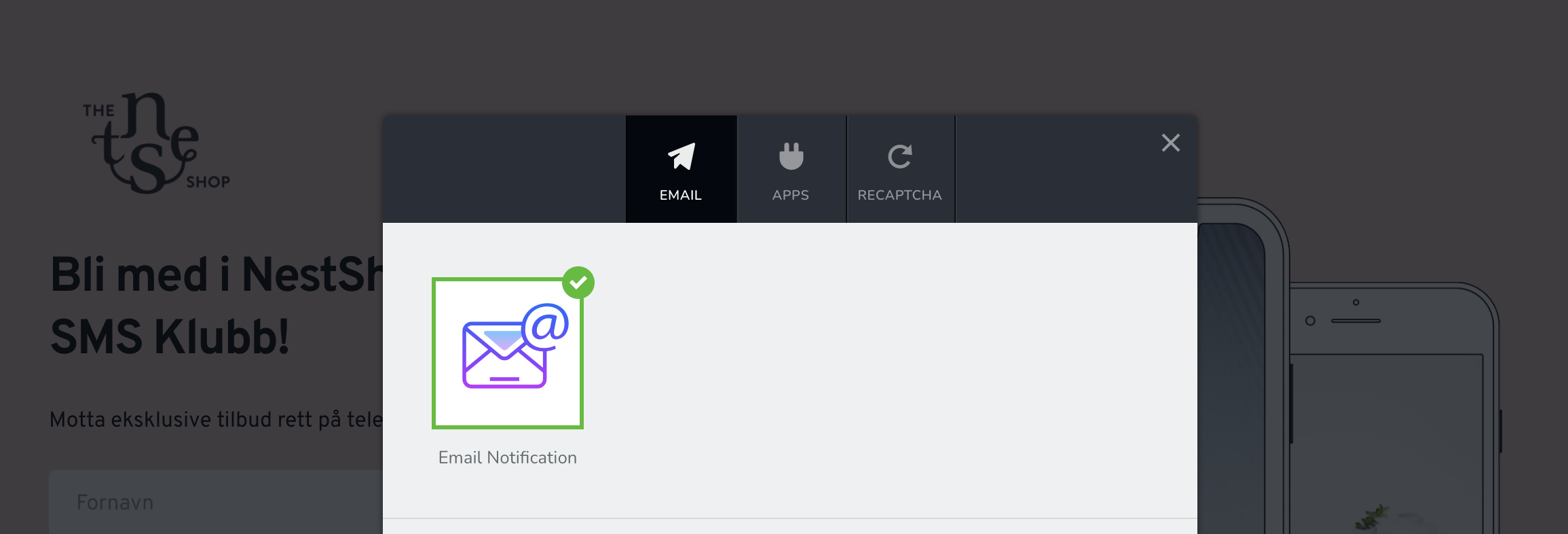
But there is no option to turn off the Email Notification once it is selected.
I keep clicking on it and it just sends me to the setup process.
Is there any way of doing this or do I need to set up a new form to be integrated with Zapier without touching the Email Notifications?
-

Hi,
Thank you for contacting us.
Please see this video it will help to turn off the notification.
Best regards, Nelea.
0 -
Hi Nelea, thanks for your answer.. it didn't solve my issue.
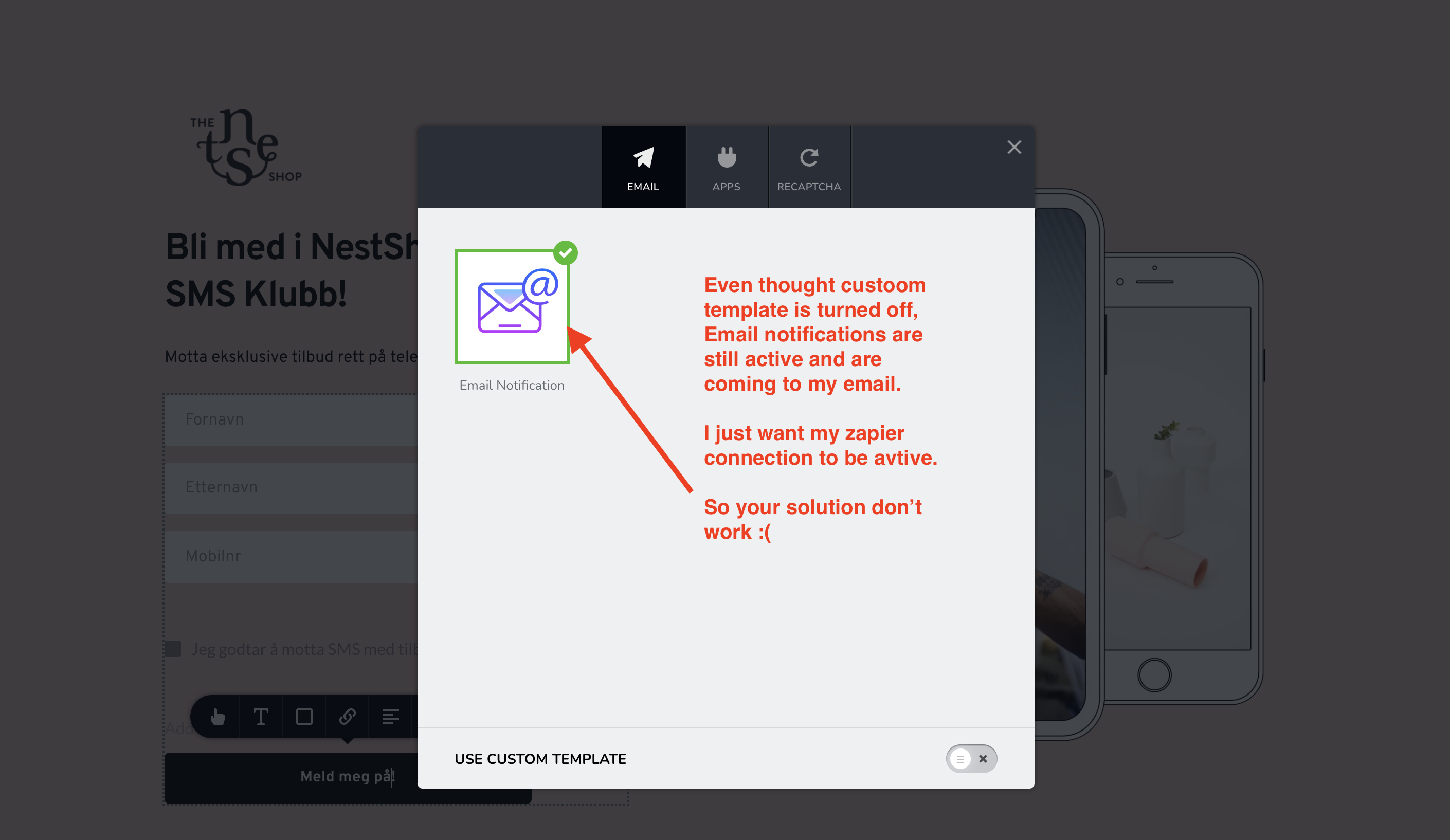
Turning off "Use Custom Template" don't turn off email notifications.
I'm still getting them in for each lead that I just want to go to Zapier that is active under apps.
Any other suggestions? OR do I need to create the form again and not activate Email Notifications?
 0
0 -
Hi Thomas,
In this case, you should duplicate your form, delete the old one and connect the new form to the Zapier.
Best regards, Nelea.
0 -

Uh, yeah - that's not a fix. There should be a very specific way to remove notifications or apps from the form... without having to ever do any duplications
0
Please sign in to leave a comment.
Comments
4 comments