Blog Template Issues

Hi,
I am using Brizy with Astra Pro and I have created a brizy template for the blog posts on my clients site but if I set the post attribute for the template to Default Template, it looks like below.
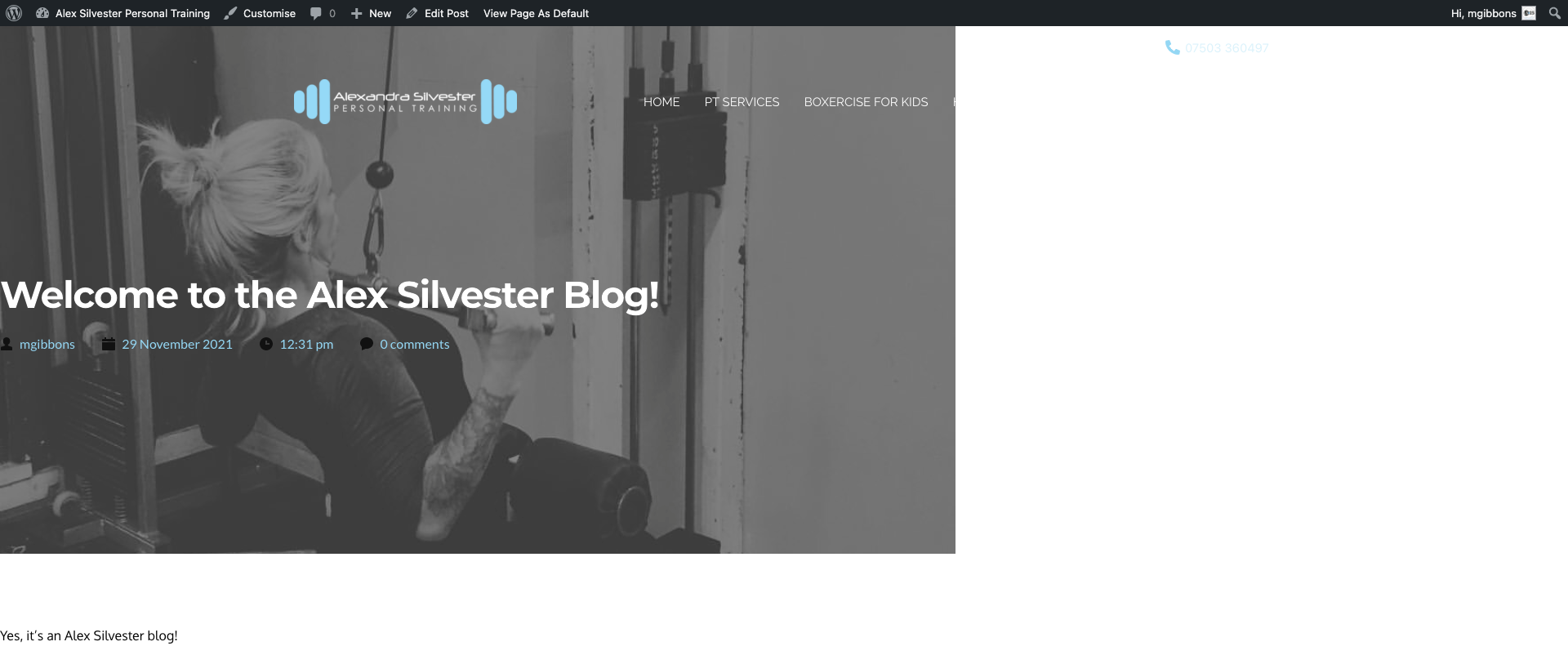
The problem is that if I set it as a Brizy Template, then it doesn't show the Astra header on the blog posts.
Please advise.
Matt
-

Hello Matt,
Thank you for your message.
Yes, it's correct. Brizy template will not show the Astra header or footer on blog posts.
Only the default template will show these blocks - https://jmp.sh/NgCoP56
Let me know if you have any other questions,
Regards, Natalia
0 -
Ok, so how can I get the default template to show the full width (see below with the default template)?
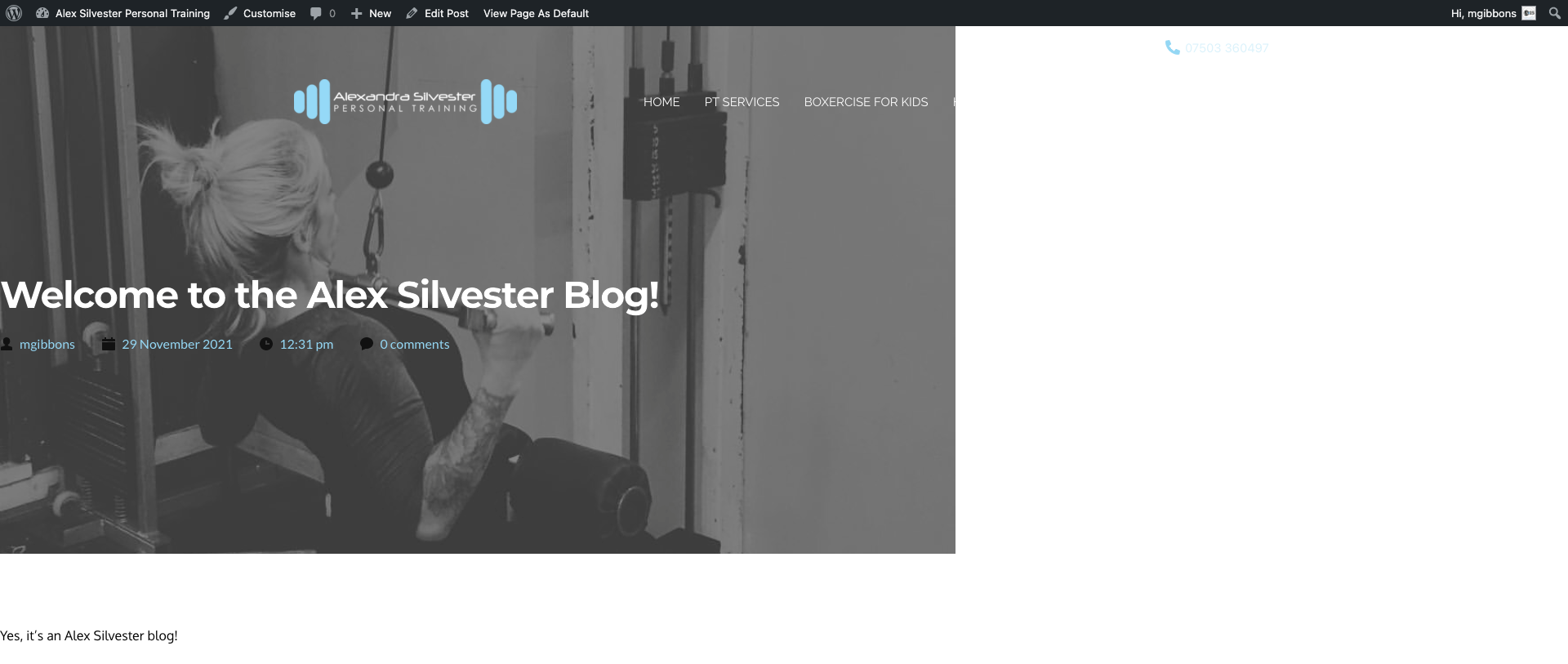
The link in your message didn't work by the way.Matt
0 -
Hi Matt,
I think I misunderstood you. Apologizes, a long today.
I see the template is not on the full width - https://jmp.sh/CE3oV4c;
In my tests - the post template is displayed as full width with Default template - https://jumpshare.com/v/UWmIw70Rs5EiffjQe7ow; I worked with the layout settings https://jumpshare.com/v/jZBRJgY9aAozKlDcoVbp in the Theme Customize tab - https://jumpshare.com/v/uycWqPOpsXNPI84bGXLN
How it is configured at your end?
Regards, Natalia
0 -
Hi Natalia,
See below:
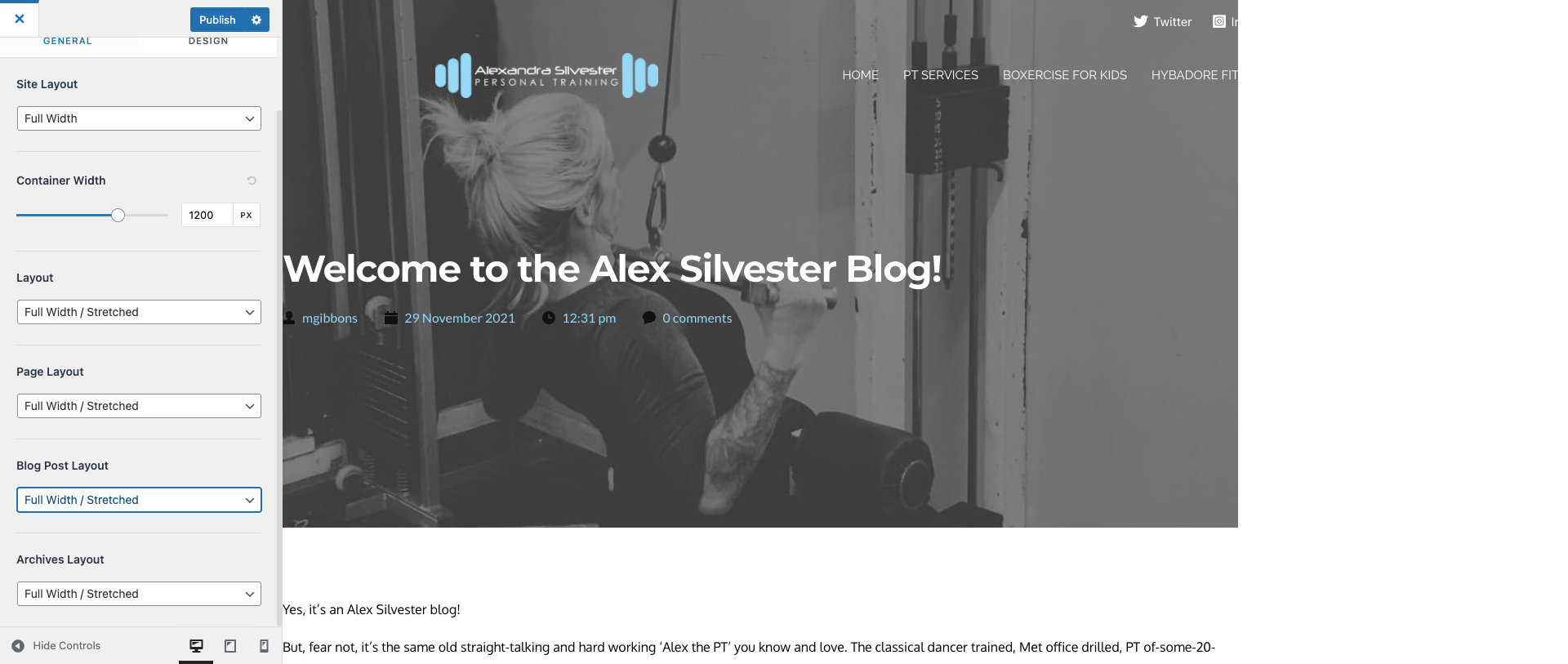 0
0 -
Matt,
Can you give me access to your dashboard? I would like to create a ticket on this post.
Thank you!
Natalia
0 -
Sure, is the contents of this thread public facing? I don't want to put login details in if it is.
0 -

Hi Matthew,
We have created a private ticket for this request. You had to receive a notification regarding this by email. Could you send us in that private message the WP credentials to this site?
Best regards, Nelea.
0
Please sign in to leave a comment.
Comments
7 comments