WordPress does not update itself.

Hi,
I opened some tickets with the same issue.
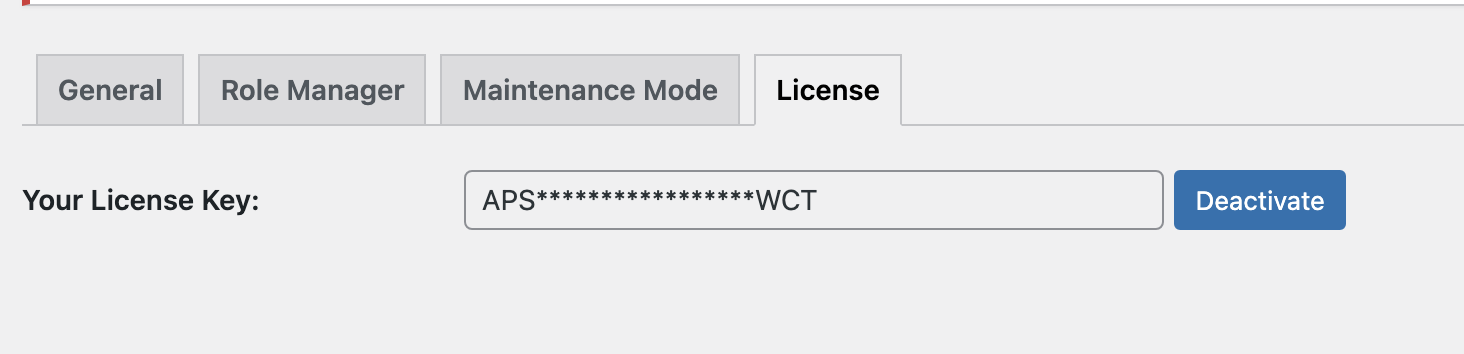
The pro plugin does not update even I added the license key correctly. I tried to switch to another license, it does the same thing.
I had to delete the old version and reinstall the newer version, so now I have the newest plugin installed, but it's really annoying to do it manually.
Please help me to fix this issue.
Oh, and Brizy pro plugin is the only issue right now. Other updates working perfect.
Thanks
-

Hi Erin,
This problem may occur when you have an older version of Brizy Pro for example 2.3.10 then you want to update to 2.3.15. In this case, you can not upgrade, you can only reinstall manually the new version. Do you have now the latest version of Brizy Free 2.3.20 and Pro 2.3.15? Could you please write to us when you will have this problem next time? Then we will log in to our account and will check why this problem appears in your account.
Best regards, Nelea.
0 -
Thanks for your reply.
I had a 2.3.14 version and tried to update the plugin. So, it's not that old. It's been always had an issue to update the plugin.
Can you please ask your developer why it's happening? Only the Brizy pro plugin is the problem...
Thanks
0 -
Hi Erin,
I asked a developer and he told me that he needs to look in our dashboard because we couldn't reproduce this issue. Since your plugin is updated, please write to us, the next time when you will try to update it, of course in case if it doesn't work again.
Best regards, Nelea.
0 -
Hello,
Now I can provide you my login credential.
Now, I have this version,

I tried to update the plugin, but failed again.
Here is a login credential,
ID: deleted by the Brizy team
PS: deleted by the Brizy teamI was able to successfully update the free Brizy version, but only this Pro doesn't do the job :(
Thanks!
0 -
Please make sure this post is a private. I don't want others checking my login credentials.
0 -

Hi Erin,
Thank you for your reply and providing credentials. Do not worry, comment with credentials wasn't published, only team members and you can see this.
Please, try to deactivate all plugins except Brizy Free and Pro. After that go Dashboard > Update, click "check again" and see if there will appear notification with new version of Brizy Pro.
Let me know if this worked.
Best regards,
Denis.0
Please sign in to leave a comment.
Comments
6 comments