Images are broken on Brizy Cloud

Hi,
I have multiple live sites running from Brizy Cloud where the images are broken.
I have attached photos for reference. I have cleared my cache with no luck.
Please let me know what else you require. Thank you
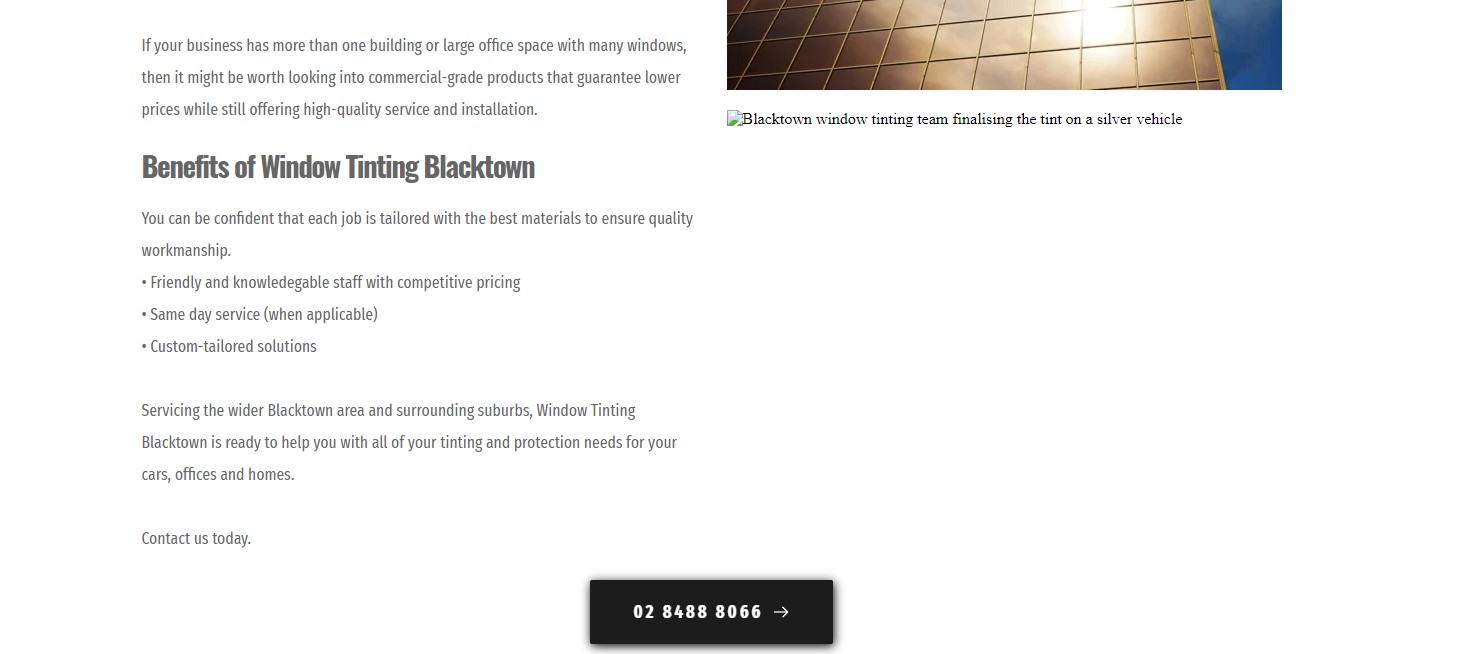

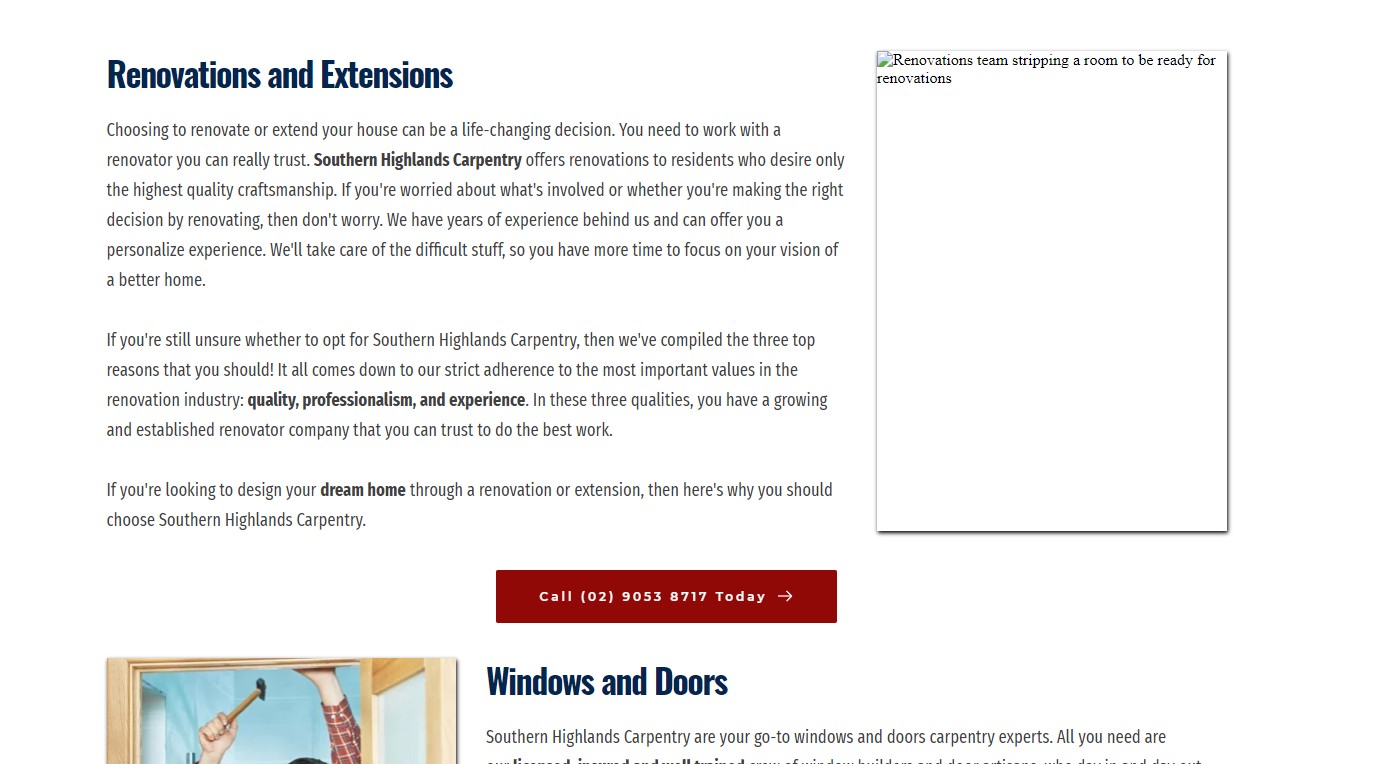
-

Hi Roger,
Thank you for your message.
Could you please send the URL of the site you receive this problem? Could you please, delete the image and try to upload it again? Do you have the same problem?
Also, one more detail I want to concretize, when did you encounter this problem? What were your previous actions? Did you publish the site? What method did you use?Do you receive this problem in the editor mode or only in the preview mode? Or in both?
Looking forward to hearing from you soon.
Best regards, Nelea.
0 -
Hi Nelea,
URLs are as follows:www.insideoutlandscapers.com.au
www.southernhighlandscarpentry.com.au
www.windowtintingblacktown.com.au
Deleting the image and reuploading seems to work, however, I'd like to ensure that it doesn't keep occuring.
Some of the sites haven't been touched in a long time and had the issue. All hosted on Brizy Cloud servers with my own Domain.
Issue is only showing on live site.
0 -

Same problem here. Opened random 10 sites built in the past and 3 have some missing images.
when you look at the source, they pull images from: https://a-cloud.b-cdn.net/ and this returns:
502
Unable to connect to origin serverImages are there because if you copy image url from path and modify width in query string it will pull new size of the image without any problem
0 -
Hi Tom,
Could you please send the URL of the site you receive this problem so will could inspect it too?
Best regards, Nelea.
0 -
Hi Roger,
I checked all 3 sites, but everything is working well now. You don't have another site where the picture is also broken, so we could inspect this behavior?
Best regards, Nelea.
0 -
Example image not loading
checked multiple browsers, etc. so it is not local cache
example site https://www.tandemle.com/
This started yesterday ex. https://www.safepointicct.com/ had this problem and few hours later started to work. Now i see more people reporting this and more website i check more has this problem
0 -
Hi Tom,
I sent your project to our dev team to check it. I will come back with a message when I have news about it.
Best regards, Nelea.
0 -

Hello!
Thank you for reporting this issue. I want to inform you that our devs are in discussions with the Bunny.net team to fix this image bug.
We will come back to you as soon as the fix will be available in the builder.
Thank you for your patience.
Regards, Natalia
0 -

I have also had this issue. The only way I resolved it but changing the sizes of images and republishing.
0

Please sign in to leave a comment.
Comments
9 comments