Text background color & text over image

Hi,
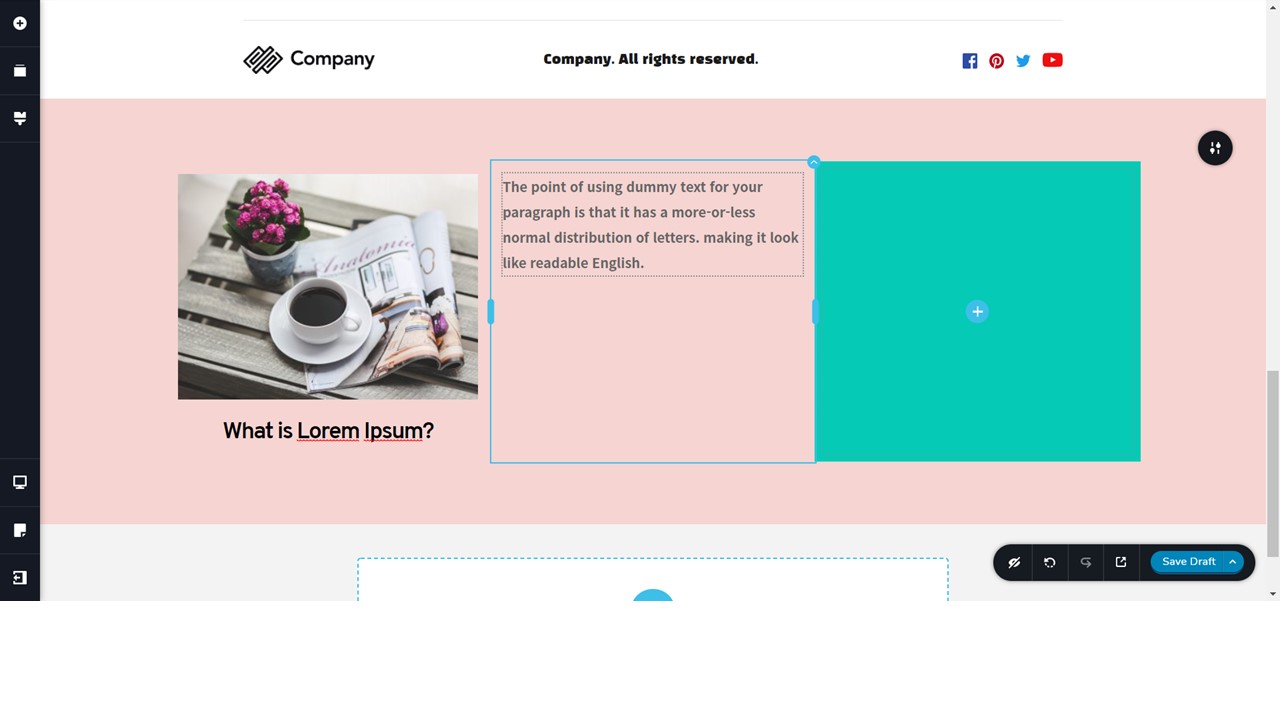
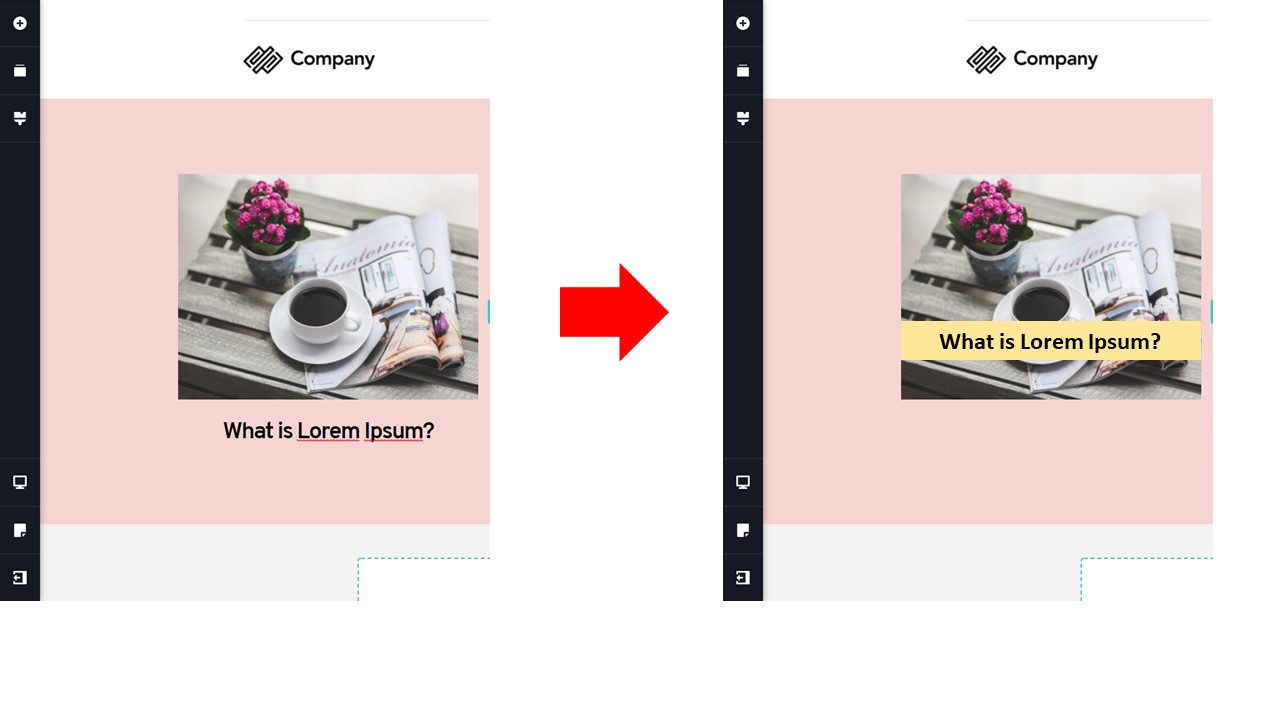
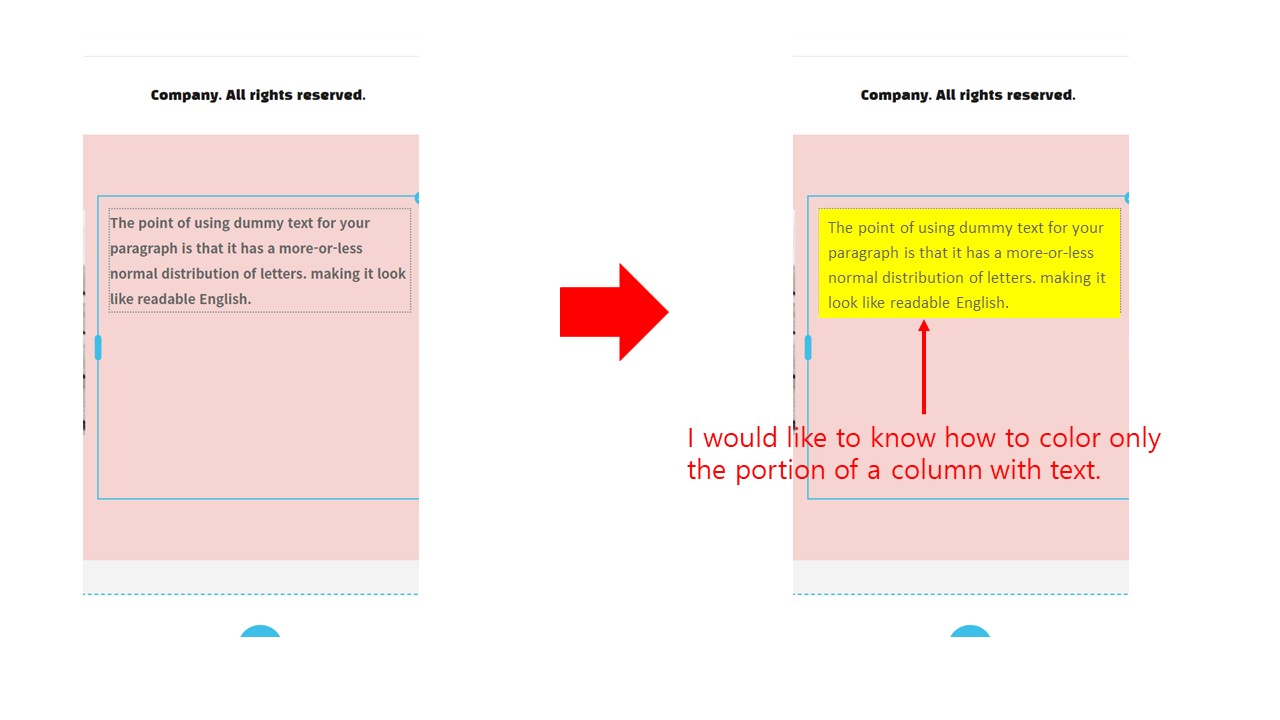
I would like to know how to color only part of a column with text and how to put text over an image.
Kind Regards,
-

Hi,
Thank you for your message.
If you need to put the text over an image, you should change the padding of the text. For this click on the text-> settings->more setting->padding. After that change the index. Please see this video.
If you need to add the color only in one part of the column, you should add two rows in one column, then color the row. Please see this video.
Best regards, Nelea.
0 -
Hello,
Thank you for your kind reply.
I enjoyed the video you sent.
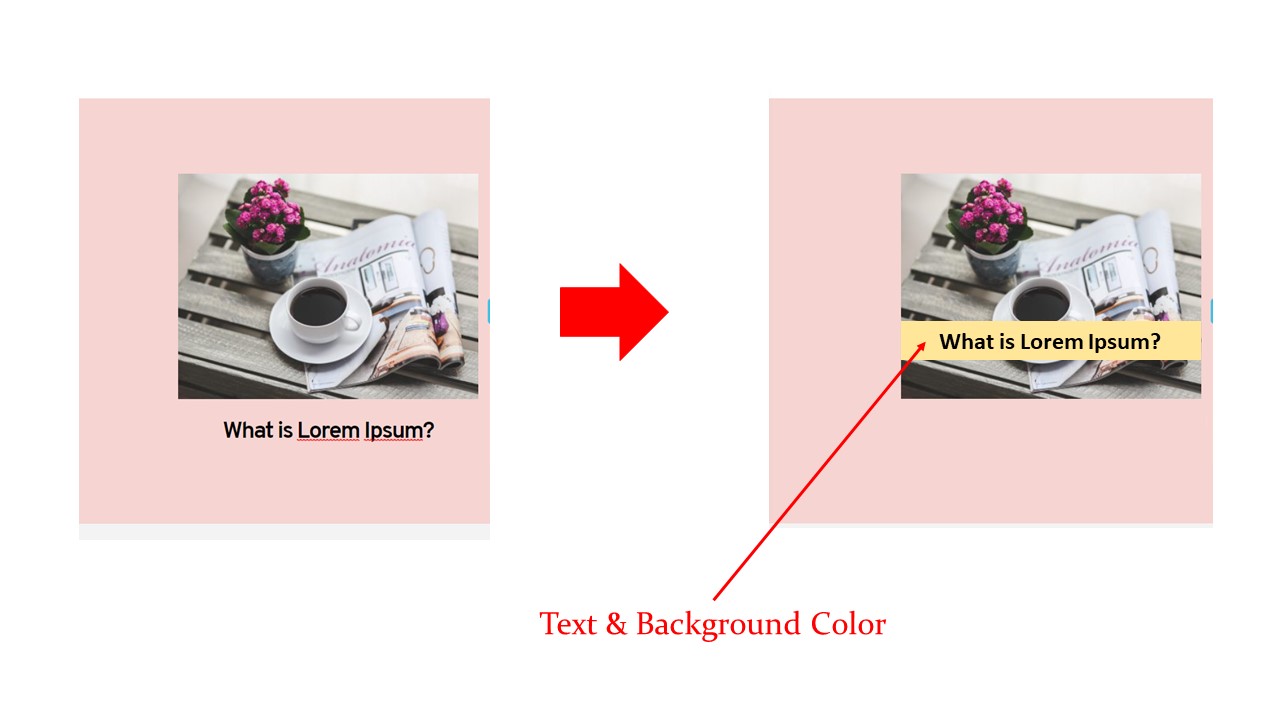
One of the two questions was how to add text and background color of text to image like attached image.
Do you have a video for reference?Kind Regards,
 0
0 -
Hi,
The first video is related to your question, so you can add text on the image using the padding but you can not change the color on the background in that case. Here is another video, this block was added from our pre-made blocks, there is a column on the image and you can change the background color. This effect was made with the padding. So, you add this block and customize it in the way you need.
Best regards, Nelea.
0 -
Hi,
Thank you for your kind reply.
When you click on the link you sent, it appears as an attachment.
Can you send me the link again?Kind Regards,
 0
0 -
Hello,
Sorry, here is the correct link.
Best regards, Nelea.
0 -
Hi,
Thank you for your kind reply.
Kind Regards,
0 -

Hi Jong Chan,
To have a text overlay with a colour background over an image, I suggest you can simply add the image to the column background and add a row inside the column. With that, you can apply colour to the row.
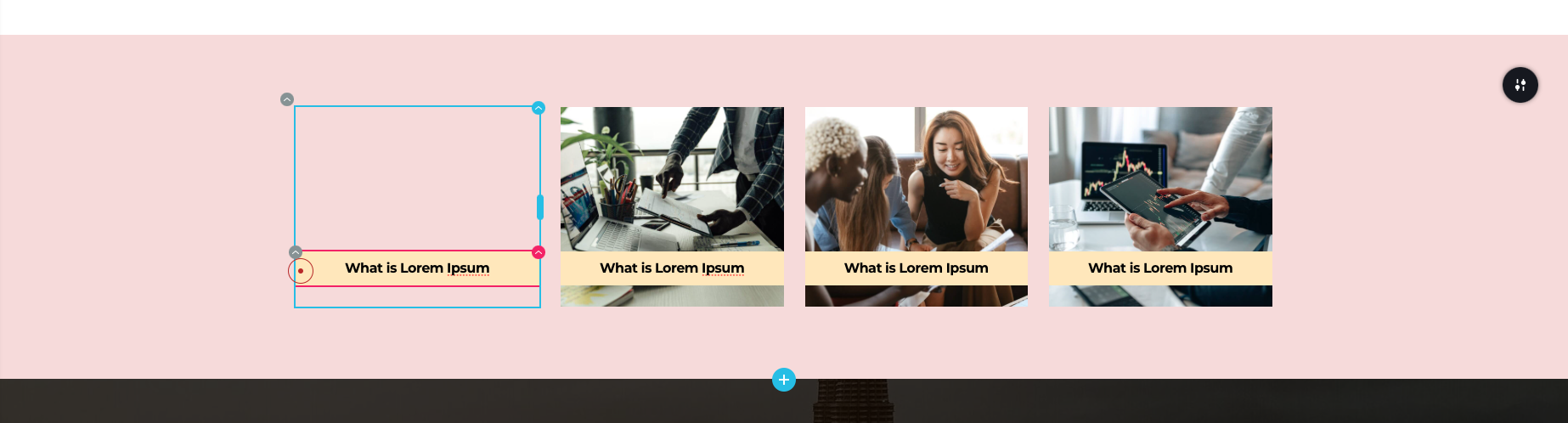
You will need to make adjustments to the padding of the column to achieve the look you want.
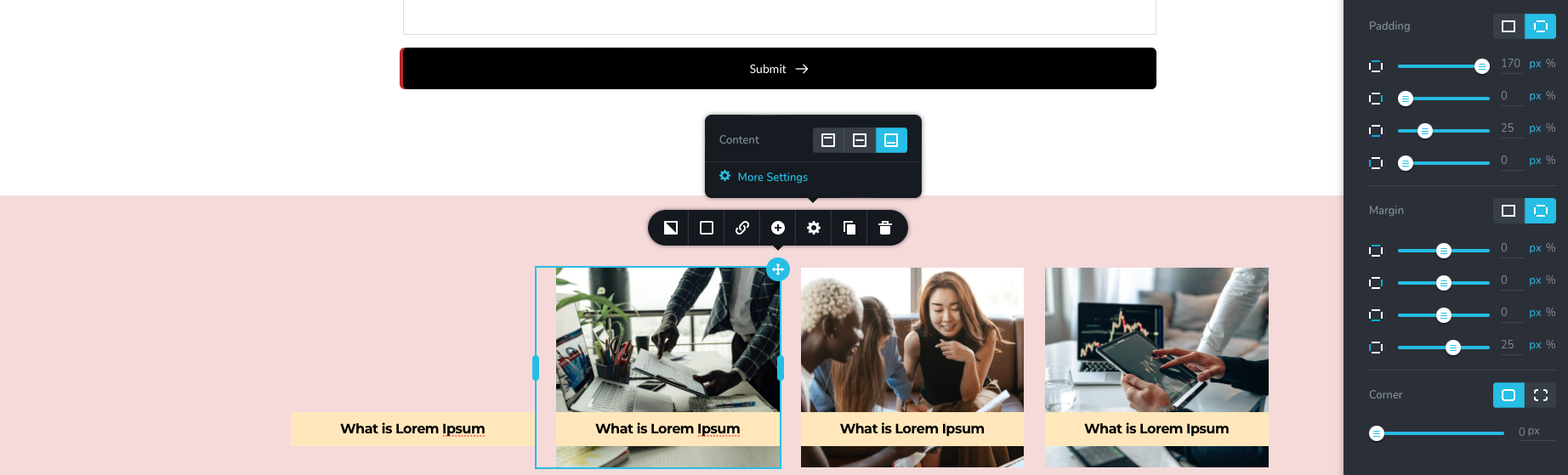
Best Regards,
Jae
0 -
Hi,
Thank you for your kind reply.
It's still clumsy and difficult, but it looks like what I wanted.
Kind Regards,
 0
0
Please sign in to leave a comment.
Comments
8 comments