WP Brizy Pro - Bug: WooCommerce Images in Productpage are blurry - flexbox is missing in parent element

Hi Brizy Team,
please pass this to the devs.
On the Product page the class .woocommerce-product-gallery__wrapper is missing the display:flex and flex-wrap: wrap argument.
Therefore the output images are blurry.

adding an ID to the Gallery elements images (in my case #produktseite-produktbild --> which means #productpage-productimage) and "link" the ID to the css class did the trick.
#Produktseite-Produktbild .woocommerce-product-gallery__wrapper {
display: -webkit-box !important;
display: -moz-box !important;
display: -ms-flexbox !important;
display: -webkit-flex !important;
display: flex !important;
-webkit-flex-wrap: wrap !important;
-moz-flex-wrap: wrap !important;
-ms-flex-wrap: wrap !important;
flex-wrap: wrap !important;
-webkit-justify-content: center !important;
justify-content: center !important;
cursor: zoom-in !important;
}
Now it looks very fine:

and I added the Brizy Class for lightbox to the element:
brz-image__lightbox
The result is daaaang good:
Will you fix it? :)
-

Hi Pascal,
Thank you for your message. I have sent it to our developer team and they will inspect it.
Have a nice day, Nelea.
0 -

I've got the same problem. How can I fix this? Thanks
 0
0 -

Hi Michiel
In the Product Archive element/ Shop element, try using the "Original" image size.
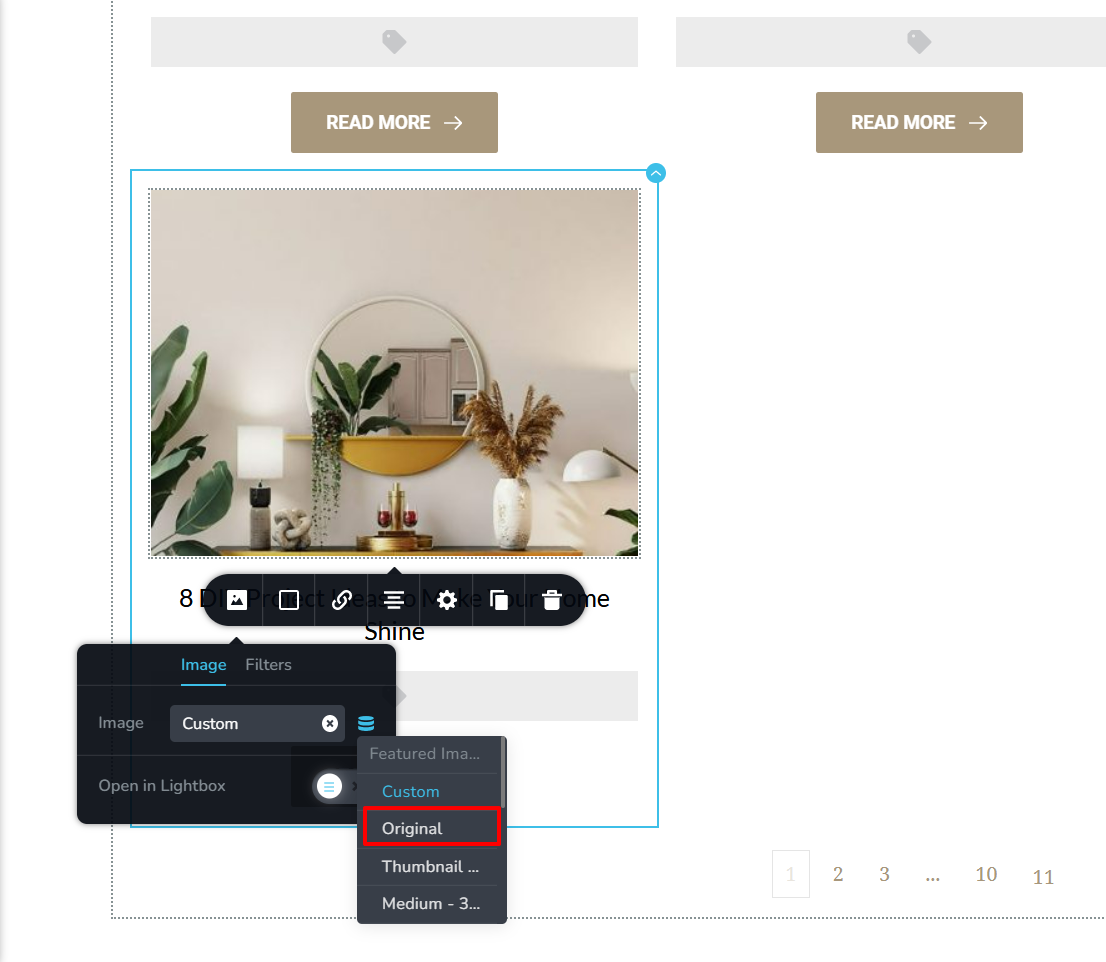 0
0 -
Thank you. it is now not blurry anymore.
But how can I make thumbnails under this?
I'll tried several optieons only the image option is not possi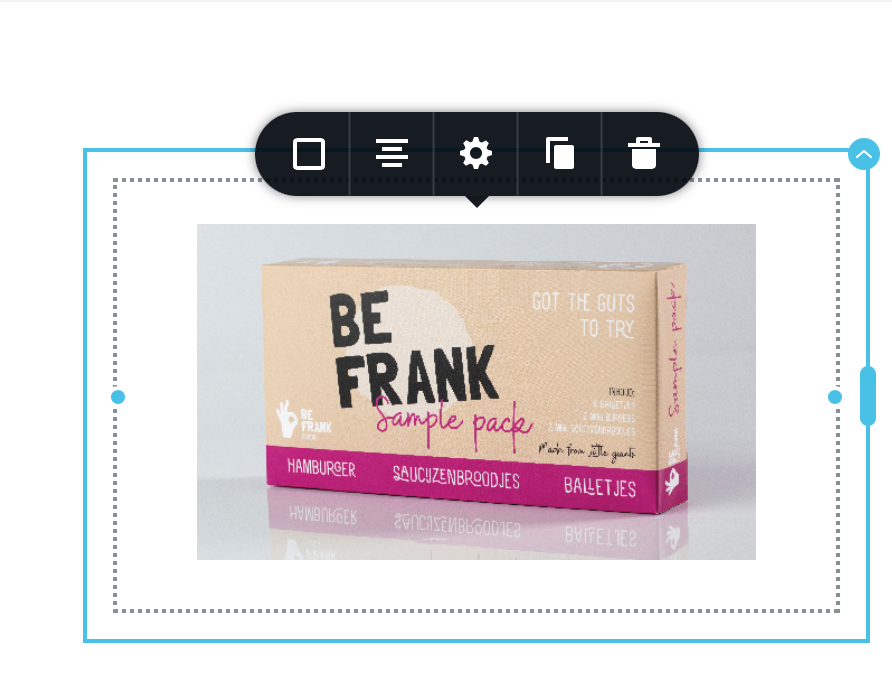
 ble in the product template.0
 -
Hi Michiel
You can add product image thumbnails by dragging and dropping the Gallery element into the Brizy Single Product template. See this screenshot https://jmp.sh/ThYbY8X
At the WordPress Dashboard under Products, you can edit a Product and add Product Gallery images under the "Product Gallery" heading. https://jmp.sh/oWiUvMz
0 -

Hi Michael,
I documented how to resolve the issue in the first post.
Add a ID to the Gallery Element, add the CSS code in your WordPress Code editor OR use use the Custom CSS function of WordPress:
https://www.wpbeginner.com/plugins/how-to-easily-add-custom-css-to-your-wordpress-site/
0 -
Thank you, I''' tried that before. It'st my main issue. This does not works within the product template . The products are not shown as thumbnails.
0 -

Hello Pascal,
Thank you for your message!
We appreciate that you shared with us this! Hope it will help Michiel. Wait to hear an update from him!
Kind regards,
Doina
0 -
I have tried but it does not work. I made a screenshot.
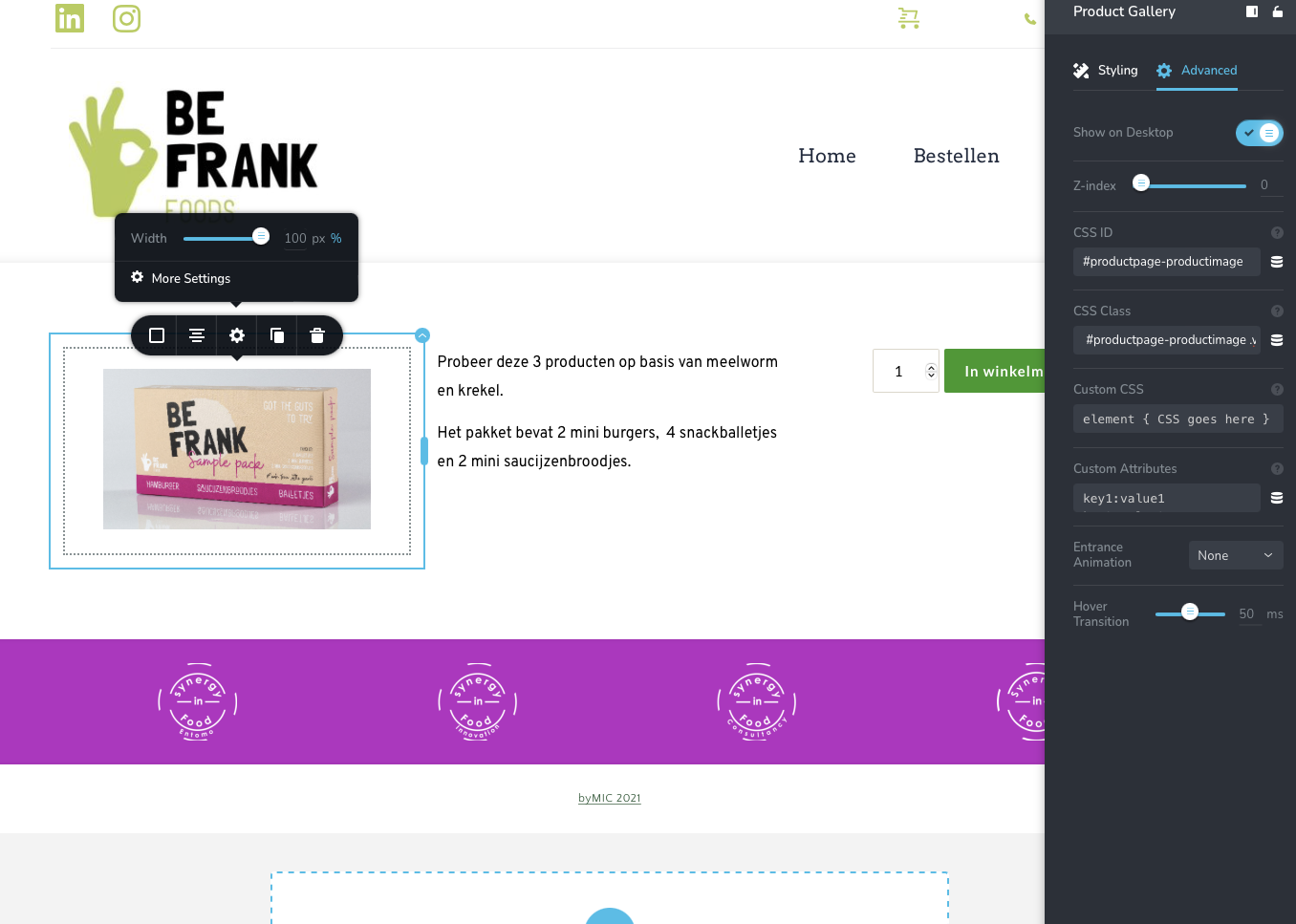 0
0 -
Hi Michiel,
Can you please confirm if you have seen my reply to you? If you have, do you have any comments?
0 -
you mean, this reply? I did this, but the gallery doesn't work.
Hi Michiel
You can add product image thumbnails by dragging and dropping the Gallery element into the Brizy Single Product template. See this screenshot https://jmp.sh/ThYbY8X
At the WordPress Dashboard under Products, you can edit a Product and add Product Gallery images under the "Product Gallery" heading. https://jmp.sh/oWiUvMz
0 -
Hi Michiel
We can take a look at your WordPress backend to help you troubleshoot why your Gallery element is not working. If you need troubleshooting help, please add me as a new user in your WordPress Dashboard. My email: kc.george@gmail.com. Please enable the option "Send the new user an email about their account" as in this screenshot https://jmp.sh/tSRznJX
0 -
I'll did, thank you!
0 -
Hi Michiel
Looks like there was a compatibility issue with Brizy starter theme. I have changed the theme to Blocksy and now your Gallery element seems to work fine. I have also added few test gallery images to the product "Sample Pack Be Frank Foods". Please delete the gallery images after you have looked at it.
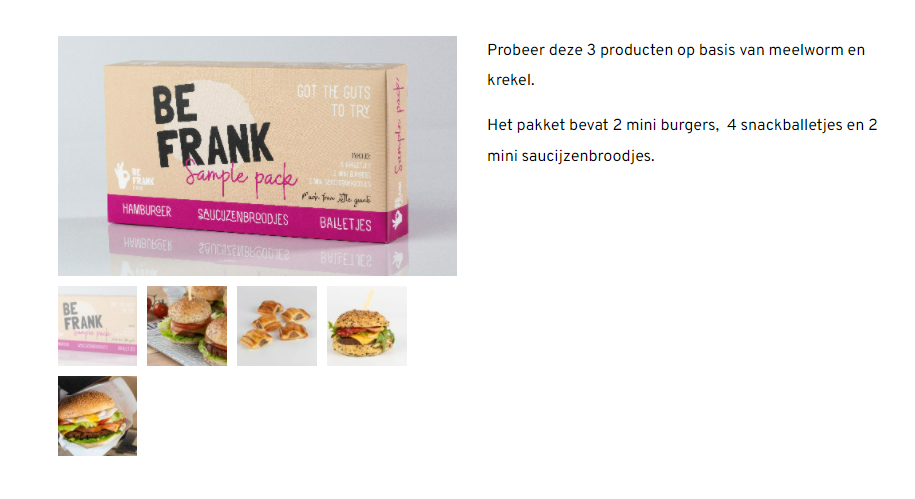 0
0 -
Ah thank you so much! A theme issue, I didn't thought about that.
So happy that you could helped! thanks
0
Please sign in to leave a comment.
Comments
15 comments