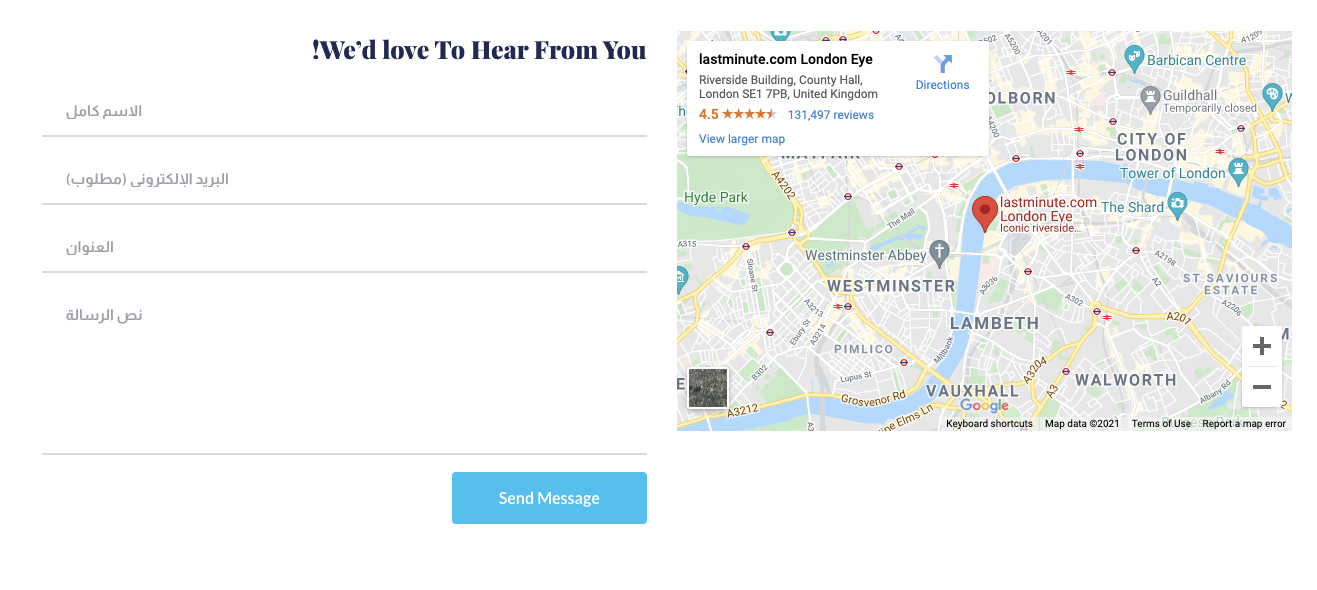
how I keep placeholder text in contact form Align to right for Arabic page?

how I keep placeholder text in contact form Align to right for Arabic page
-

Hello!
Please make sure that you are using the latest Brizy plugin versions, which are 2.3.18 for Brizy free and 2.3.14 for Brizy Pro.Clear the website cache and check your page again.
Let me know the results. and provide us a link to a page with that form.
Kind regards,
Mihail
0 -
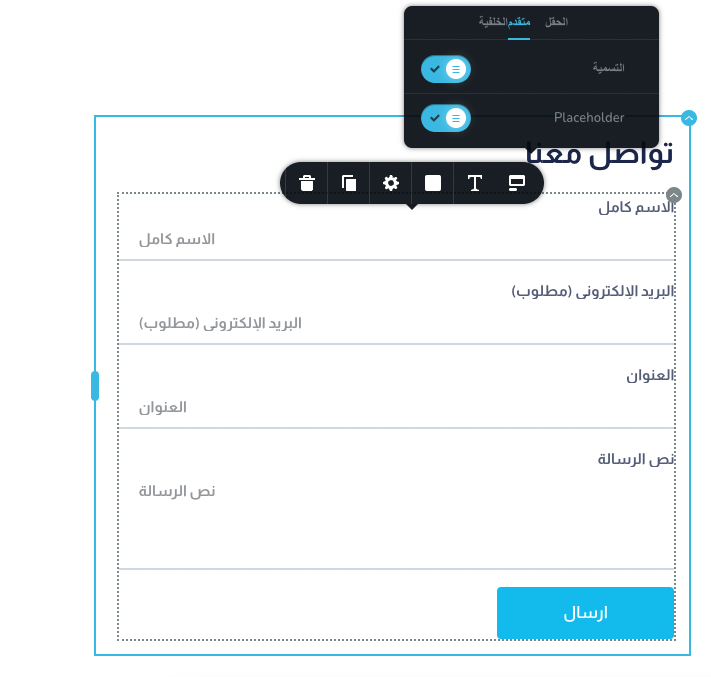
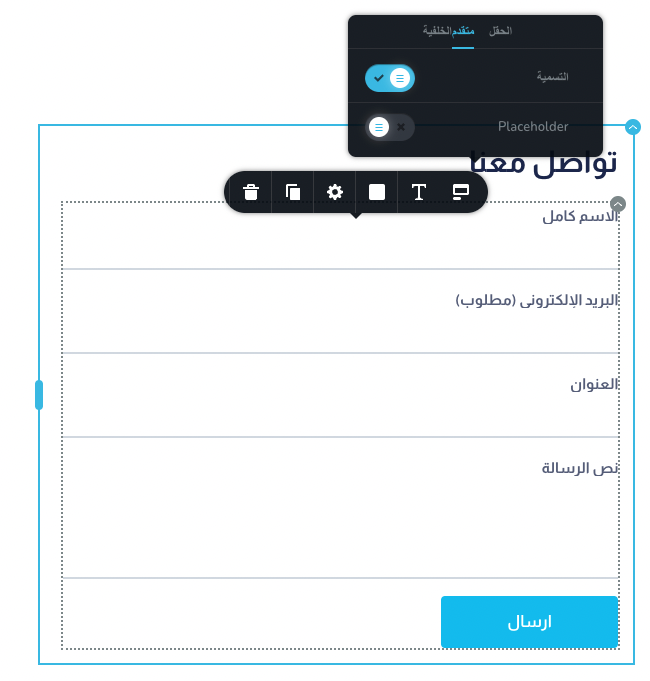
you can check it
0 -
Hello!
Thank you for the explanation.
We need some time to investigate that issue.I will contact you with the new info ASAP.
Kind regards,
Mihail0 -
Hi there
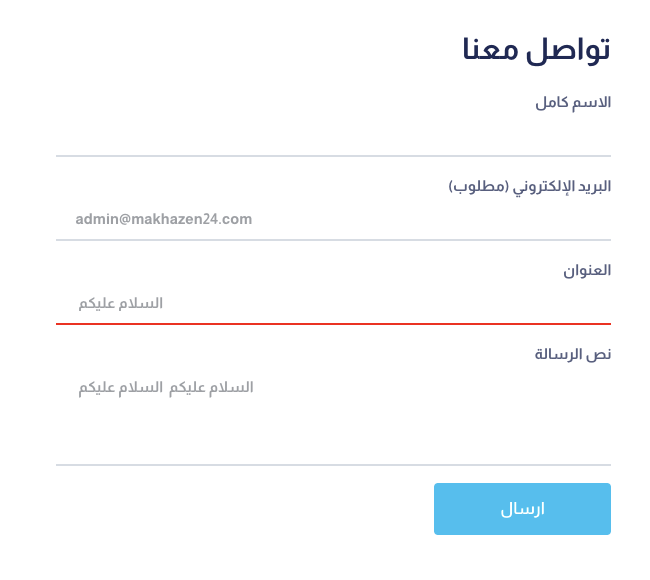
still the same issues when I write some text it is aligned to the left instead of the right
 0
0 -

Hi,
sorry for not getting back to you sooner.
Brizy is not yet RTL compatible and we are still working on it but in the meantime, such things can be solved with CSS. You can use this selector to apply to all forms:
.brz-form input {
text-align: right!important;
}0 -
Hi there
But if i have a site with multi language let say Arabic and English I think this CSS will not work
0 -
this picture after adding the css code the text field still align to the left
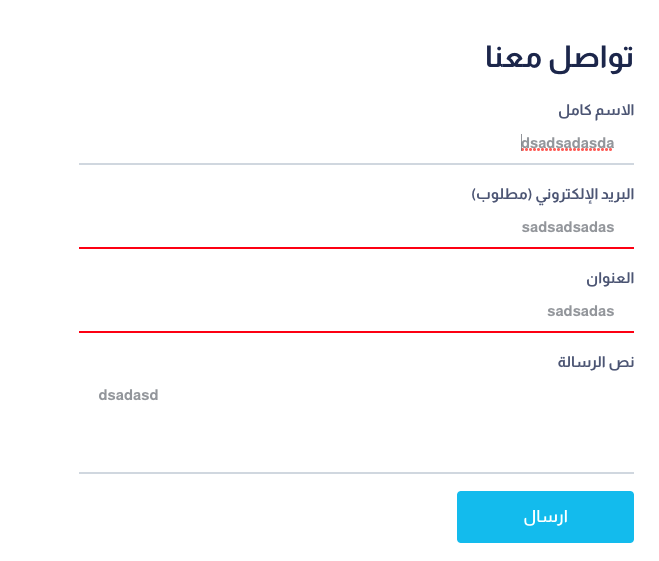 0
0 -
Hi,
if you have a multilanguage site, then the rtl class is usually added to the body so that you can address to it: https://jmp.sh/hlqOyT0
The text field is "textarea" not input type="text" so if you'll add it to the custom CSS it will be aligned to the right :) :
.brz-form input, .brz-form textarea{
text-align: right!important;
}0
Please sign in to leave a comment.
Comments
8 comments